
About Star Rating
Add a star rating field to your native Framer form.
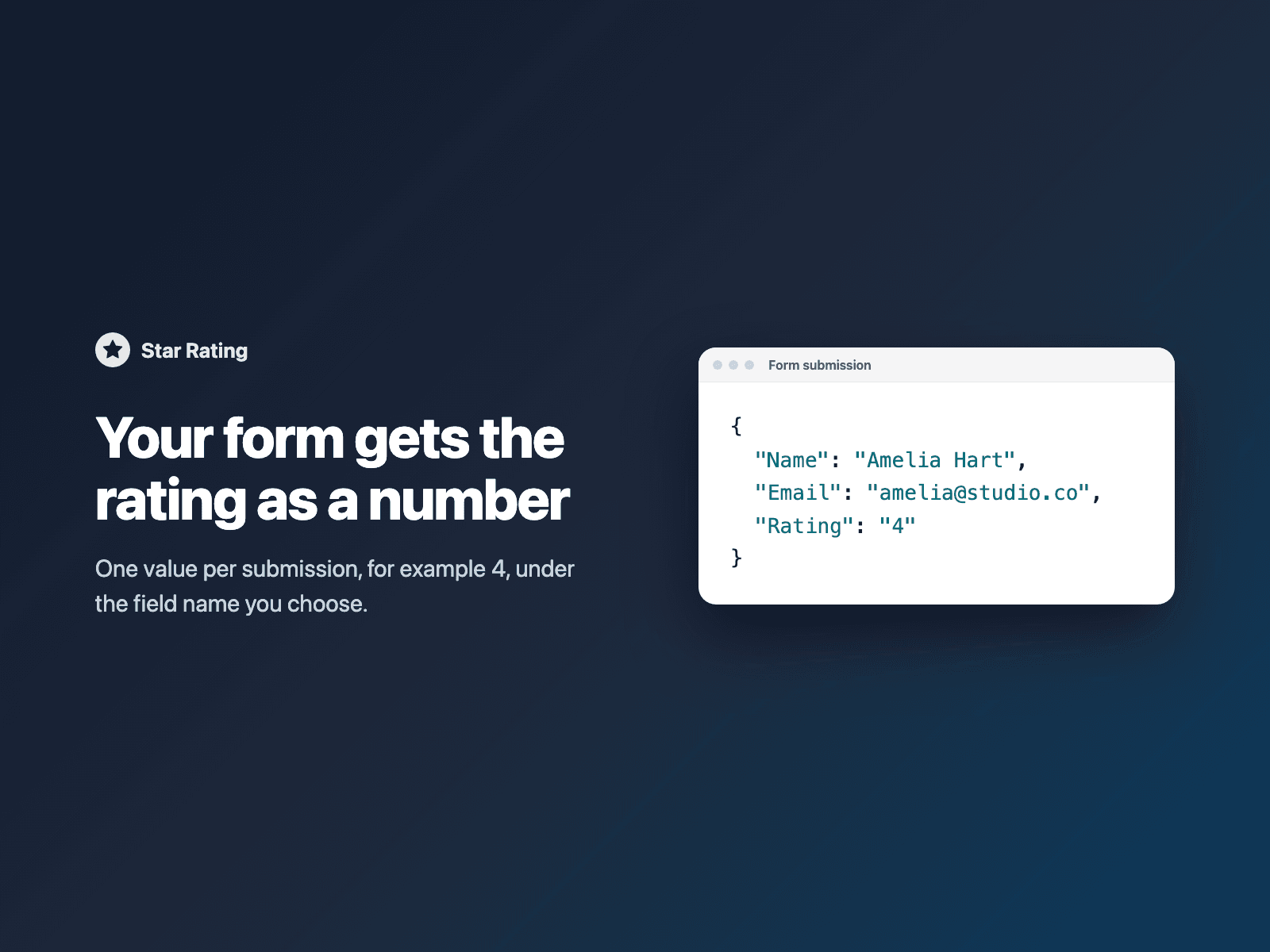
Visitors click a star to rate, with a hover preview before they click. The field also works from the keyboard: Tab to the stars, then use the arrow keys. Your form receives the rating as a number, for example 4, under the field name you choose. It works with every form destination: email, Google Sheets, webhooks, or FramerSend.
How it works:
Select your Form on the canvas.
Open Star Rating and click Insert star rating. It is added above the submit button.
In the right panel, set the field name and the number of stars.
Options: 1 to 10 stars, half stars, required with your own error text, click again to clear, labels under the stars (for example Poor, Fair, Good, Very good, Excellent), star size, gap, alignment, filled, empty and focus colors, label font and color.
The field is a code component written into your project. It loads no external scripts and makes no network requests on your site.
Pricing: included in every FramerSend plan. Free for 14 days with no card, then from $5/month. Details at framersend.com/pricing.