About Buymecoffee Checkout
Accept tips, memberships, and donations directly on your Framer website with customizable buttons, official floating widgets, and QR codes.
Whether you are a creator, designer, indie hacker, or agency, the Buy Me a Coffee Checkout plugin allows you to seamlessly integrate your Buy Me a Coffee page into any Framer project with zero coding required.
Key Features
3 Display Formats in One Plugin:
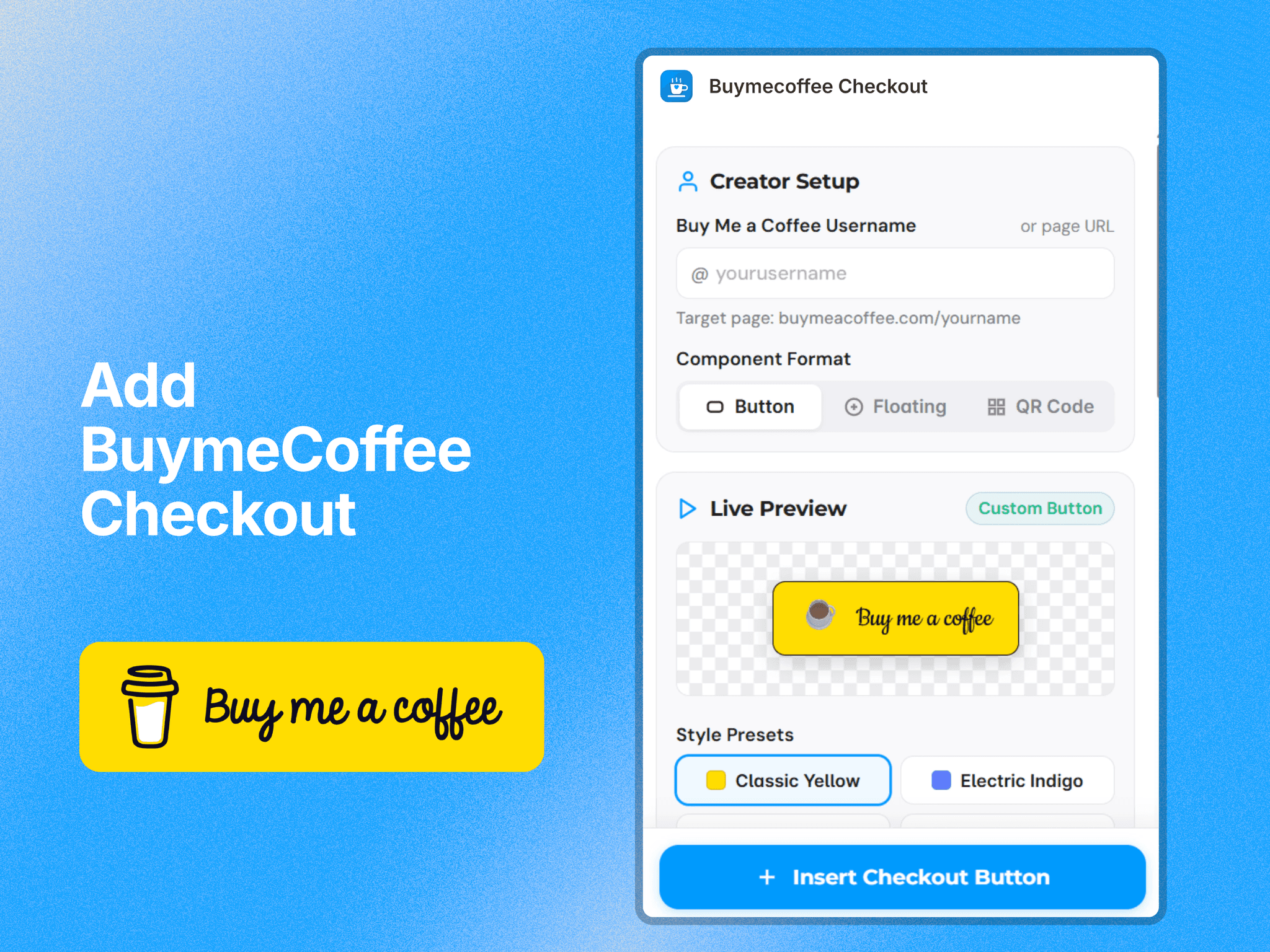
Custom Checkout Button: An interactive button that opens an in-page checkout modal or external profile page.
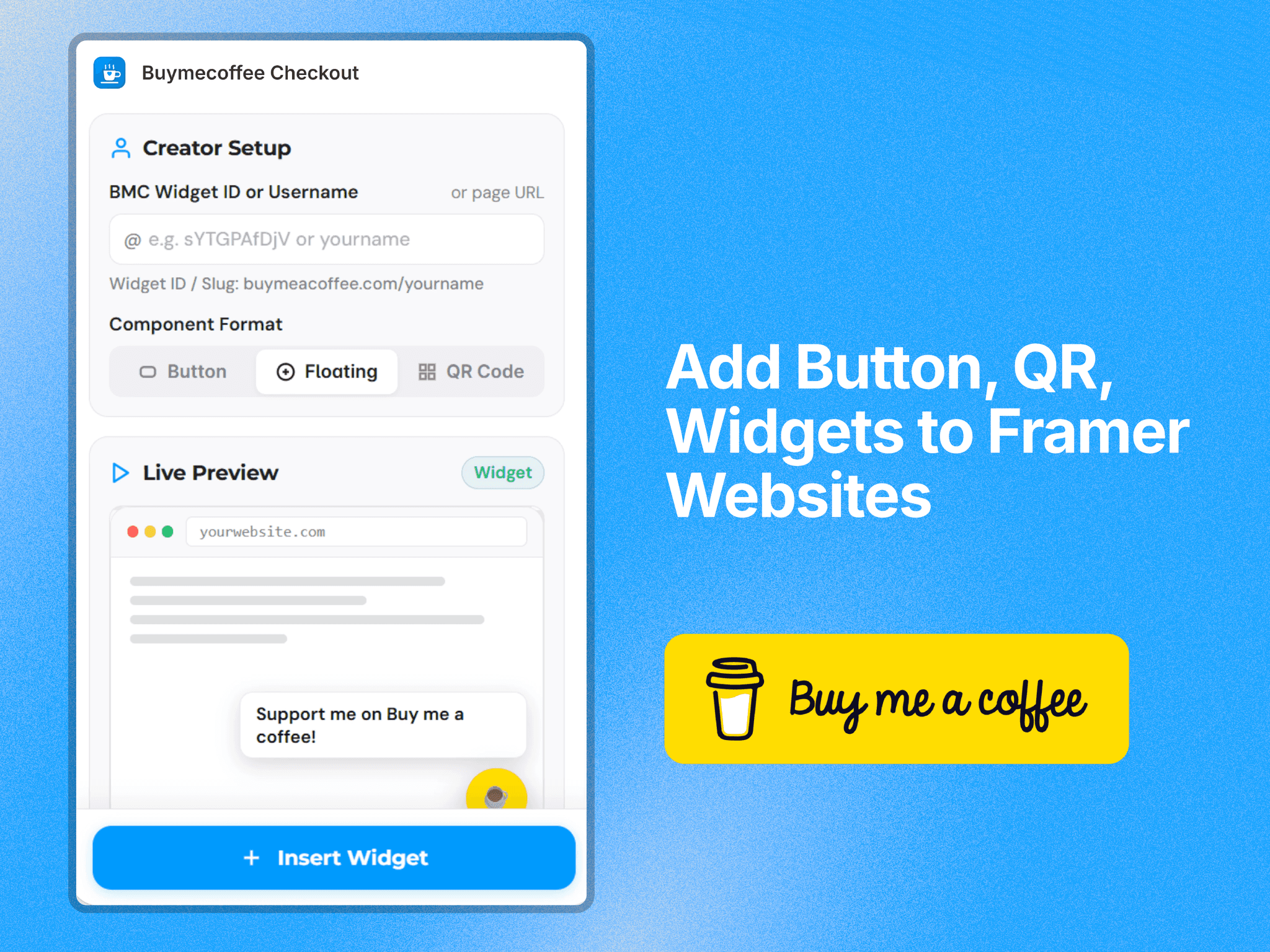
Official Floating Widget: Injects the official Buy Me a Coffee floating corner button with customizable message speech bubbles and position controls.
Scan-to-Pay QR Code: A vector-sharp QR code with an optional branded coffee badge for effortless mobile tipping.
Framer Property Controls:
Customize colors, fonts, corner radius, borders, margins, and icons directly from Framer’s native properties panel.
Choose from popular creator presets (Classic Yellow, Electric Indigo, Warm Orange, Dark Minimal) or use your own custom brand colors.
Pick from multiple icons (☕ Coffee, ❤ Heart, 🍕 Pizza, 🍺 Beer, 🥤 Drink, 📖 Book).
In-Page Checkout Modal:
Keep visitors on your Framer site while they support you with an embedded, secure checkout overlay.
Fully Responsive & Mobile-Optimized:
Works seamlessly across desktop, tablet, and mobile screen sizes.
Try for Free:
Insert and test the fully functional Example Component right on your canvas before activating your own custom username.
How It Works
Open the Buy Me a Coffee Checkout plugin in your Framer project.
Enter your Buy Me a Coffee Username or Widget ID (or click Insert Free Example to test).
Pick your preferred format (Button, Floating Widget, or QR Code).
Customize the colors, typography, and styling to match your website design.
Click Insert — your ready-to-use component is added to your canvas!
Support & Links
Live Demo Website: https://buymeacoffeecheckout.framer.website/
Built by: Soubhagya Sahu / BuildinFrame