About ChatLink
# ChatLink — Click-to-Chat Button for Framer
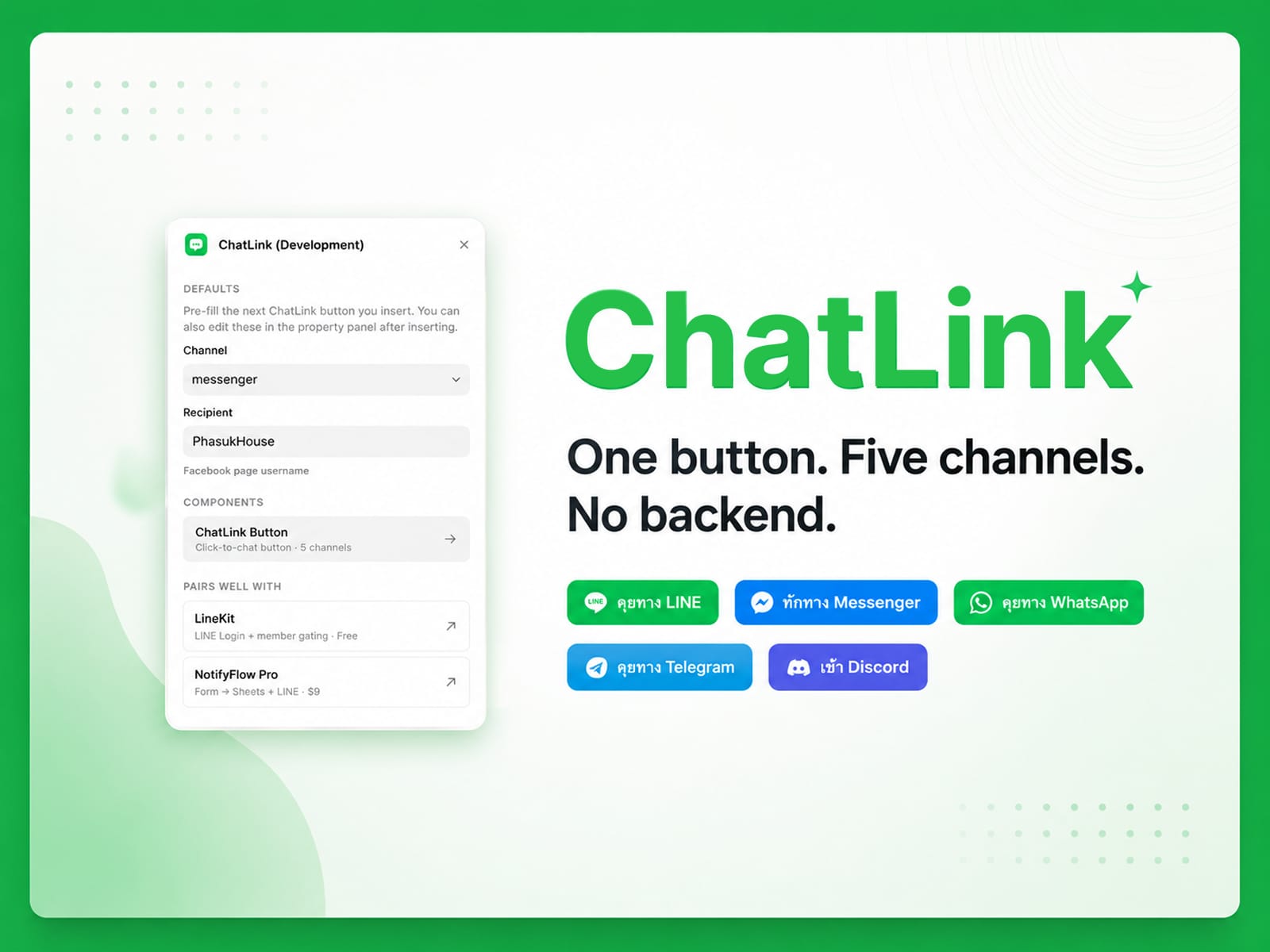
Add a "Chat with us" button to any Framer site in 2 minutes. Pick a channel
(LINE OA, WhatsApp, Messenger, Telegram, or Discord), paste your recipient ID,
ship. No SDK, no API key, no backend — ChatLink just generates the right deep
link URL and opens it in a new tab.
## 💬 ChatLinkButton code component — supports 5 channels out of the box
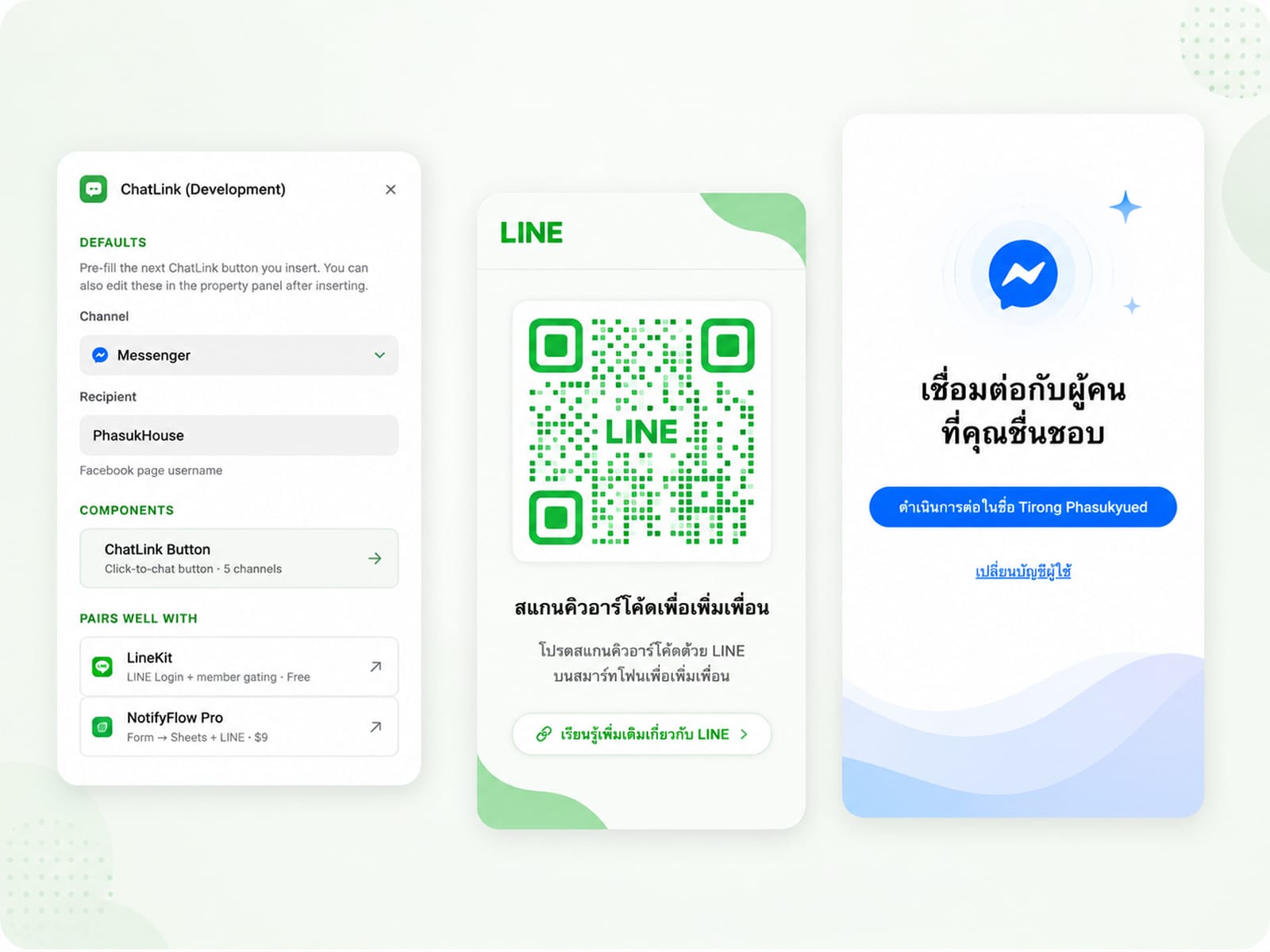
LINE OA (add-friend or direct message)
WhatsApp (phone with country code)
Facebook Messenger (page username)
Telegram (username)
Discord (server invite or user profile)
## Why ChatLink?
Zero configuration — drop the component, type your LINE OA ID or phone, publish. That's it.
One component, five channels — no separate WhatsApp / LINE / Messenger buttons cluttering your Assets panel
Thai market first — designed for Thai/JP/TW businesses using LINE OA alongside global messengers
sites, lifetime updates for this version
## Use cases
"Chat with us" button on contact pages
Floating WhatsApp/LINE button next to product CTA
LINE OA add-friend button on Thai-market landing pages
Multi-channel contact section in footer
Hero CTA on service businesses (clinics, salons, restaurants)
## Pairs well with
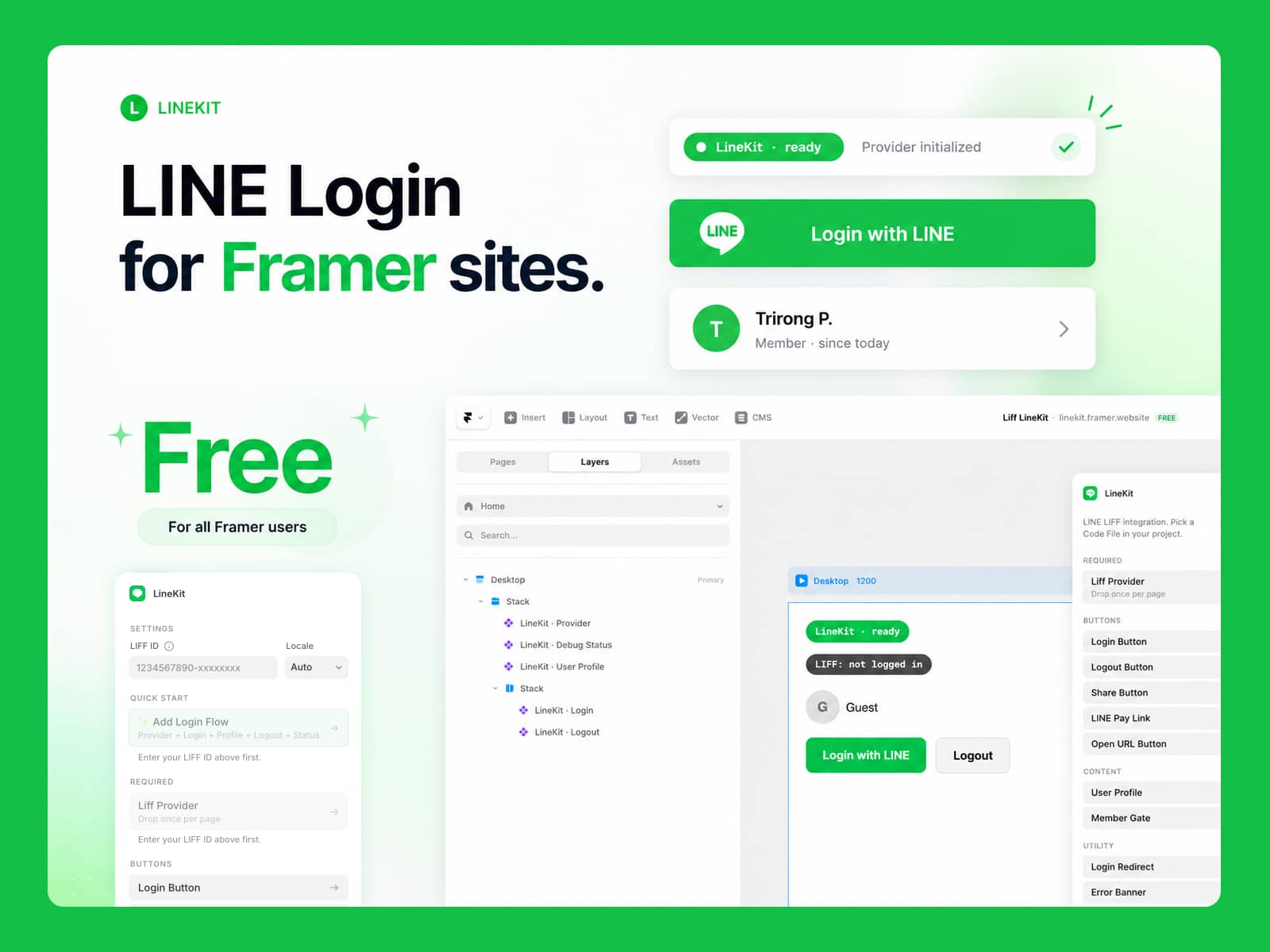
LineKit (free) — LINE LIFF login + member-only content gating
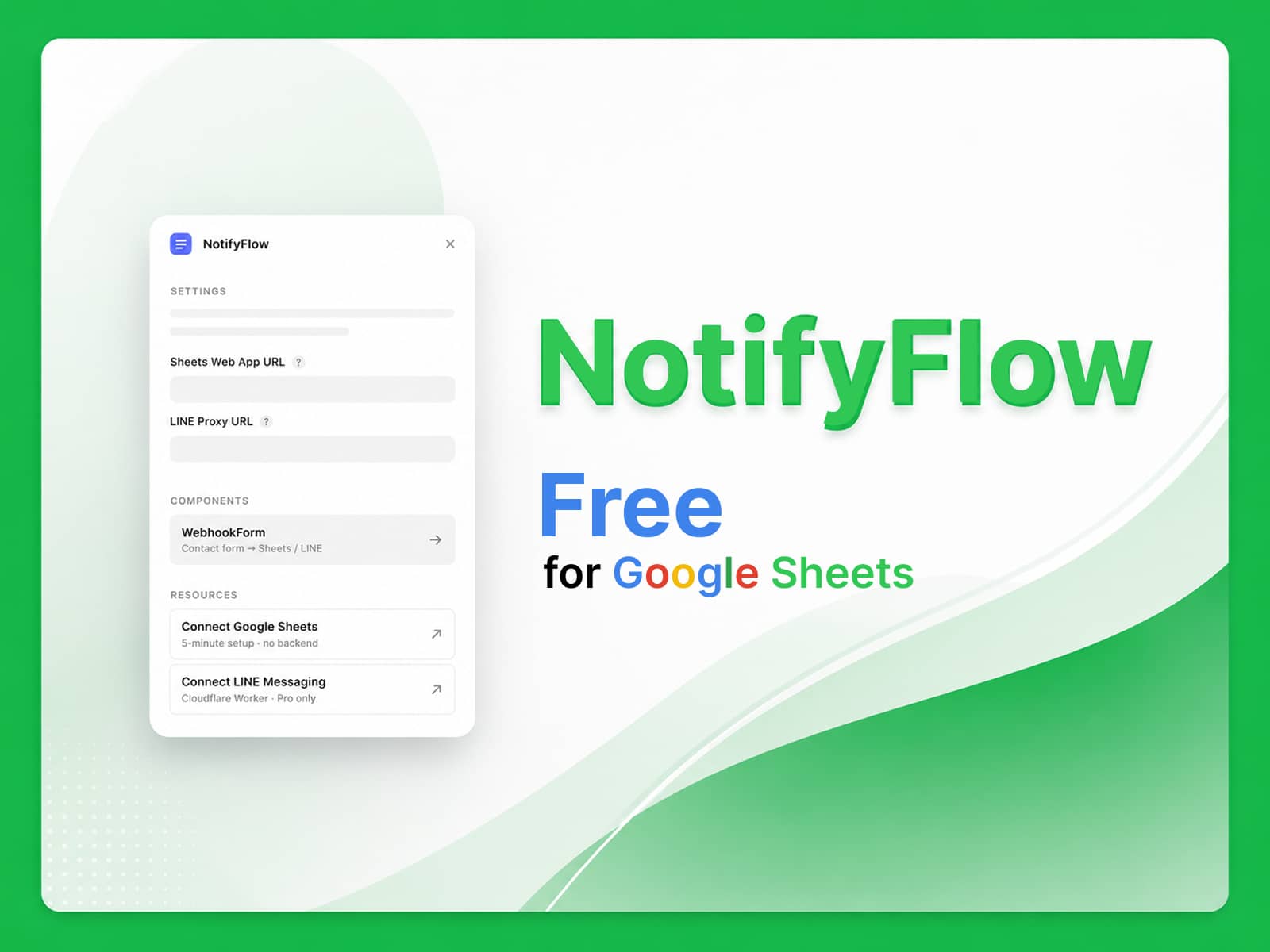
NotifyFlow Pro ($9 on Gumroad) — form router → Google Sheets + LINE
## Support
If ChatLink saved you time, please consider leaving a tip:
- PromptPay (Thailand) — QR on https://framer-chatlink.vercel.app
- Ko-fi (international) — https://ko-fi.com/linekit
Support: trirong.phasukyued@gmail.com