About Conditional Redirect
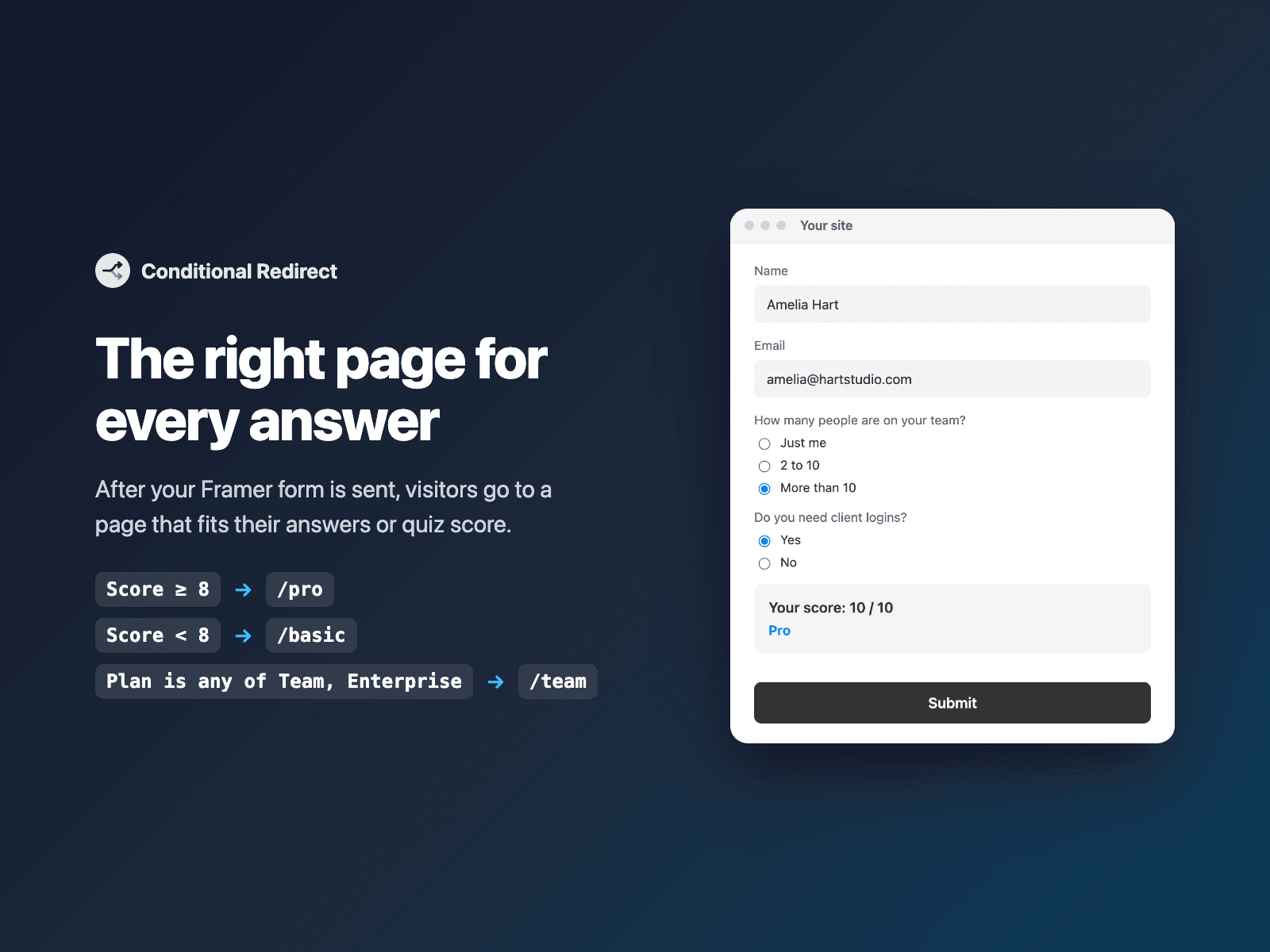
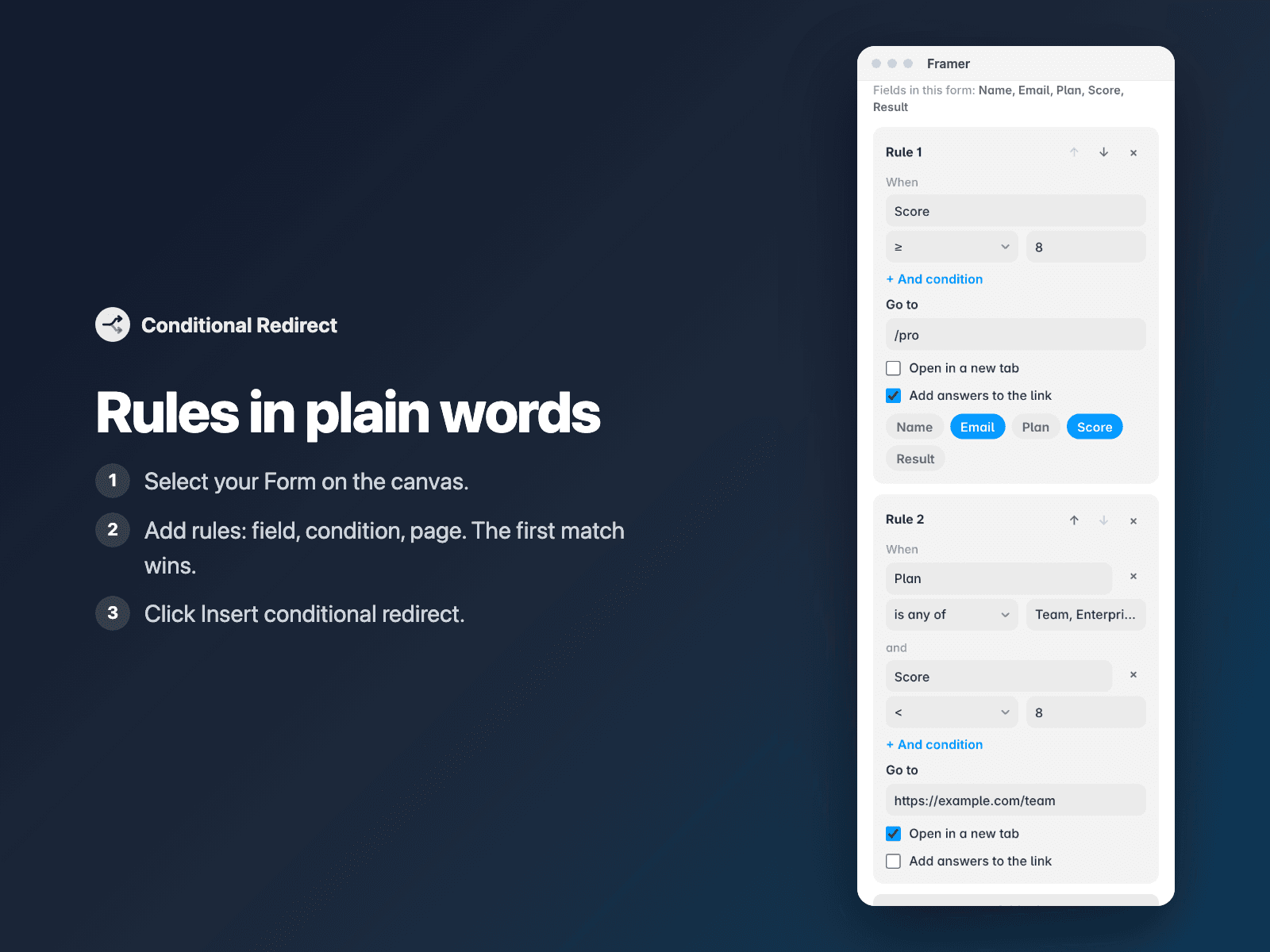
Send each visitor to the page that fits their answers once your native Framer form is sent. Quiz score 8 or more goes to /pro, the Team plan goes to /team, everyone else sees your thank-you message.
Rules are checked from top to bottom and the first match wins. A rule can check several fields at once with is, is not, contains, is any of, greater or less than, is empty and is not empty. Numbers such as 1,234.50 or $99 are compared as numbers. Use any named field of your form, including the Score and Result of the FramerSend Quiz Score and the Total of the Calculator.
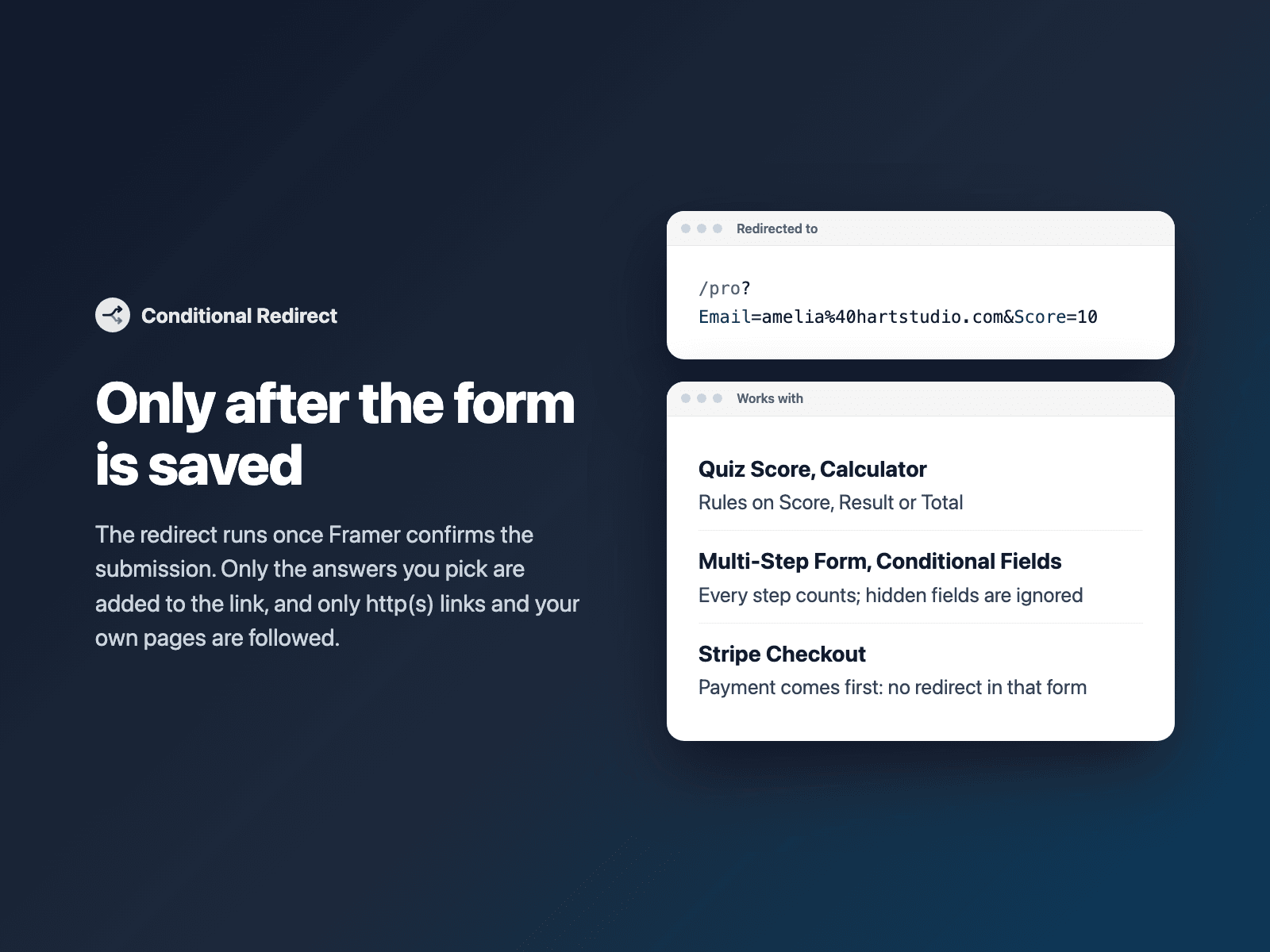
Go to a page of your site (/pro) or a full https link, in the same tab or a new one. If no rule matches, the visitor stays on Framer's success message, or goes to a default page you choose. You can add chosen answers to the link (for example ?Score=9 for a personal result page).
The redirect only happens after Framer confirms the submission was saved, so you never lose a response. Works with the FramerSend Multi-Step Form and Conditional Fields (hidden fields count as empty).
How it works:
Select your Form on the canvas and open Conditional Redirect.
Add rules: pick a field, a condition and the page to go to.
Click Insert conditional redirect and publish your site.
Options: rules with several conditions, rule order, page path or https link, new tab, answers added to the link, default page, match case and a delay before the redirect.
Safe by design: only links starting with https://, http:// or / are followed. The component is invisible on your site and loads no external scripts.
Pricing: free forever with a free FramerSend account, no card needed. Plans (from $5/month) add the connectors. Details at framersend.com/pricing.