About Framer CMS Filter
More details: https://framercmsfilter.com/
Demo: Live Demos - Framer CMS Filter
Recent Reviews
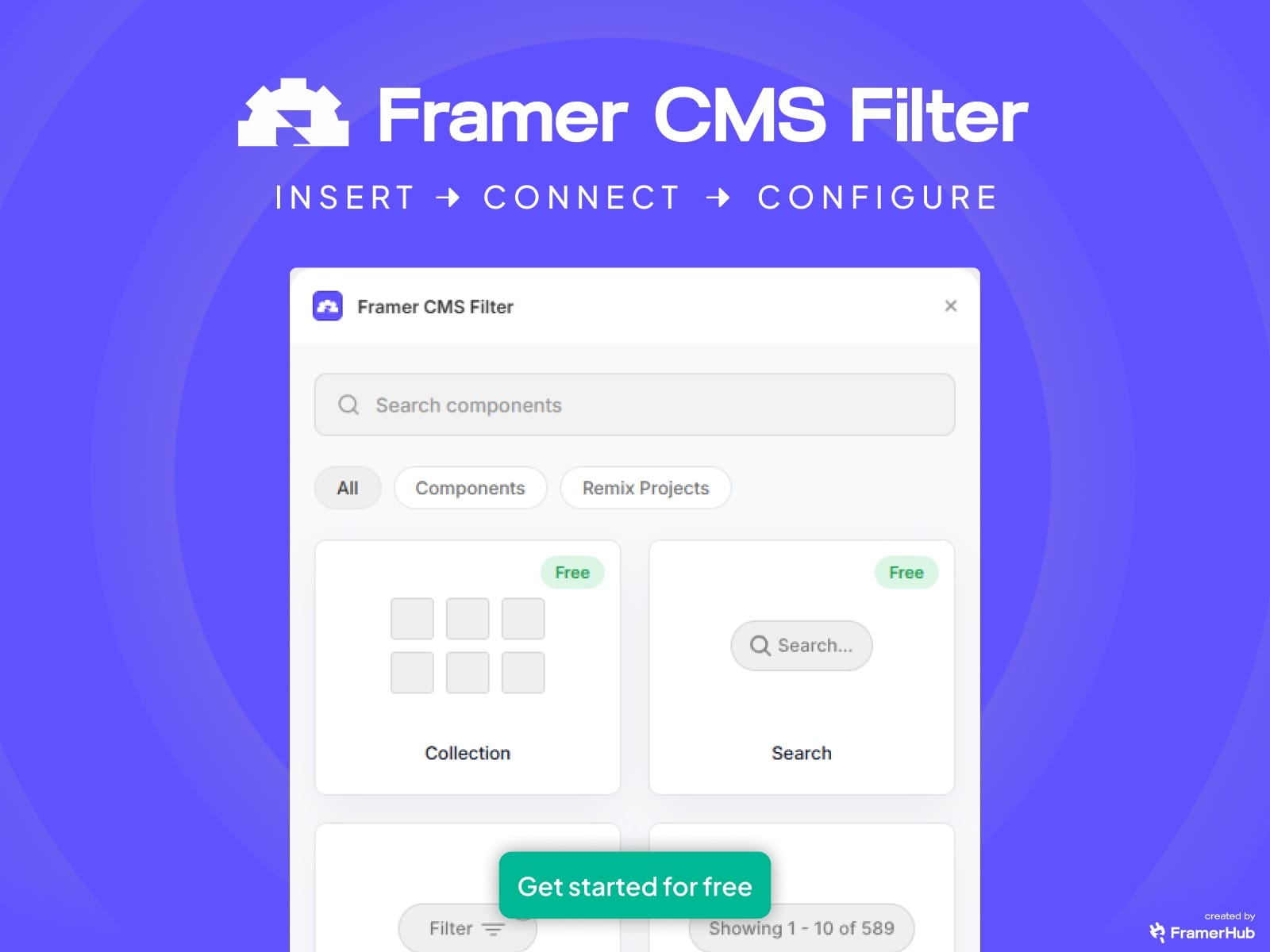
Framer CMS Filter
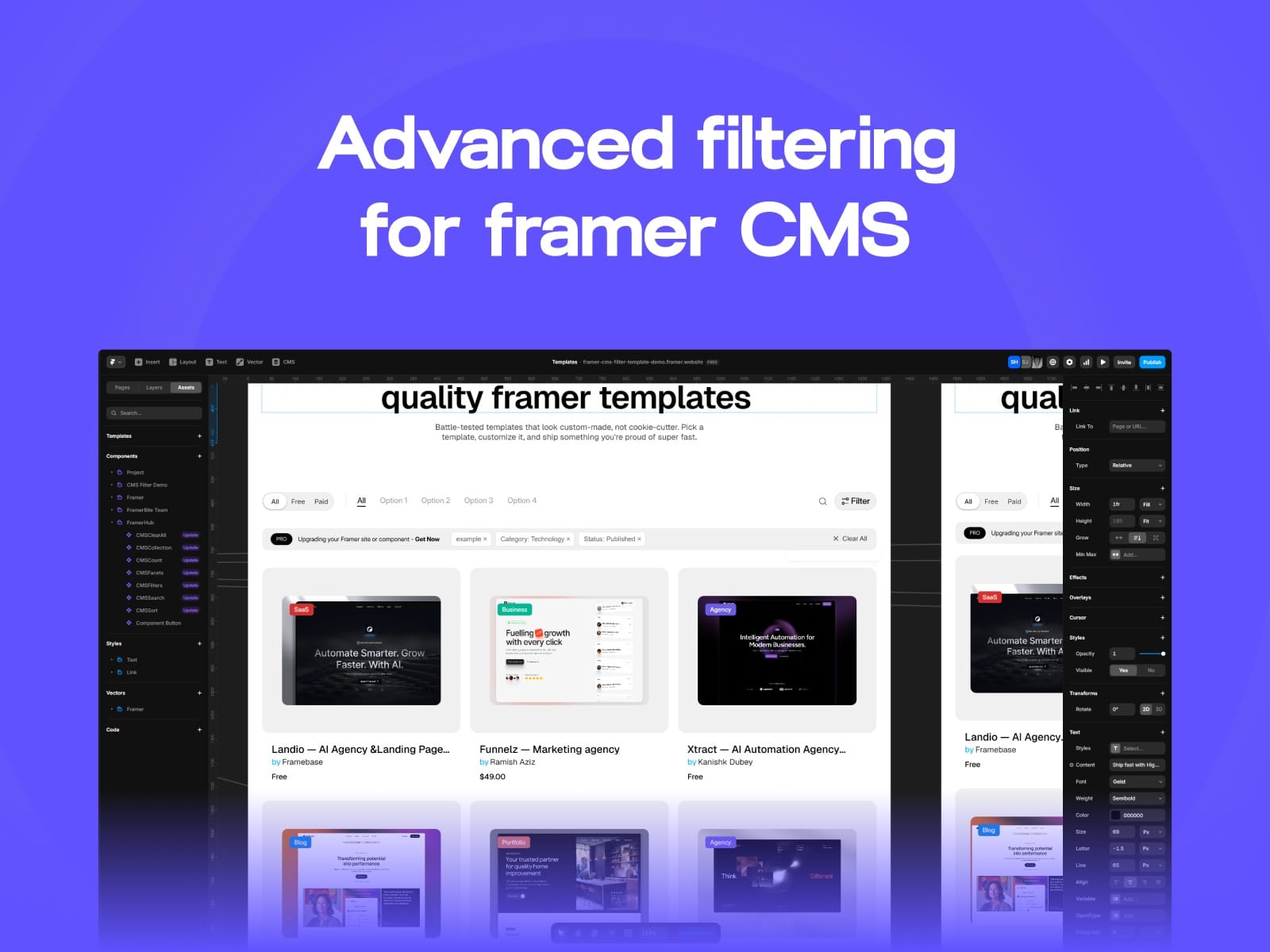
Advanced Multi-Filter & Search System for Framer CMS — Without Code.
Framer CMS Filter gives you real-time, multi-condition filtering and search for your CMS collections. No more duplicate variants, messy overrides, or limited single filters. Just clean, scalable filtering that works out of the box — and looks great on every site.
Whether you’re building a portfolio, directory, or real estate site — this plugin makes it easy for your visitors to find what they want fast.
💡 Why You Need This
Framer’s built-in CMS filtering is limited — it only allows one condition per filter (e.g., category or tag). That means:
You can’t combine multiple filters (e.g., “UI Design” + “Case Study” + “2024”).
You can’t filter by price range, location, or multiple tags.
You can’t create advanced search + filter pages like real-world sites use.
Framer CMS Filter fixes all that.Now you can create multi-filter, multi-category, live search experiences like modern e-commerce and directory sites — all within Framer.
⚙️ Key Features
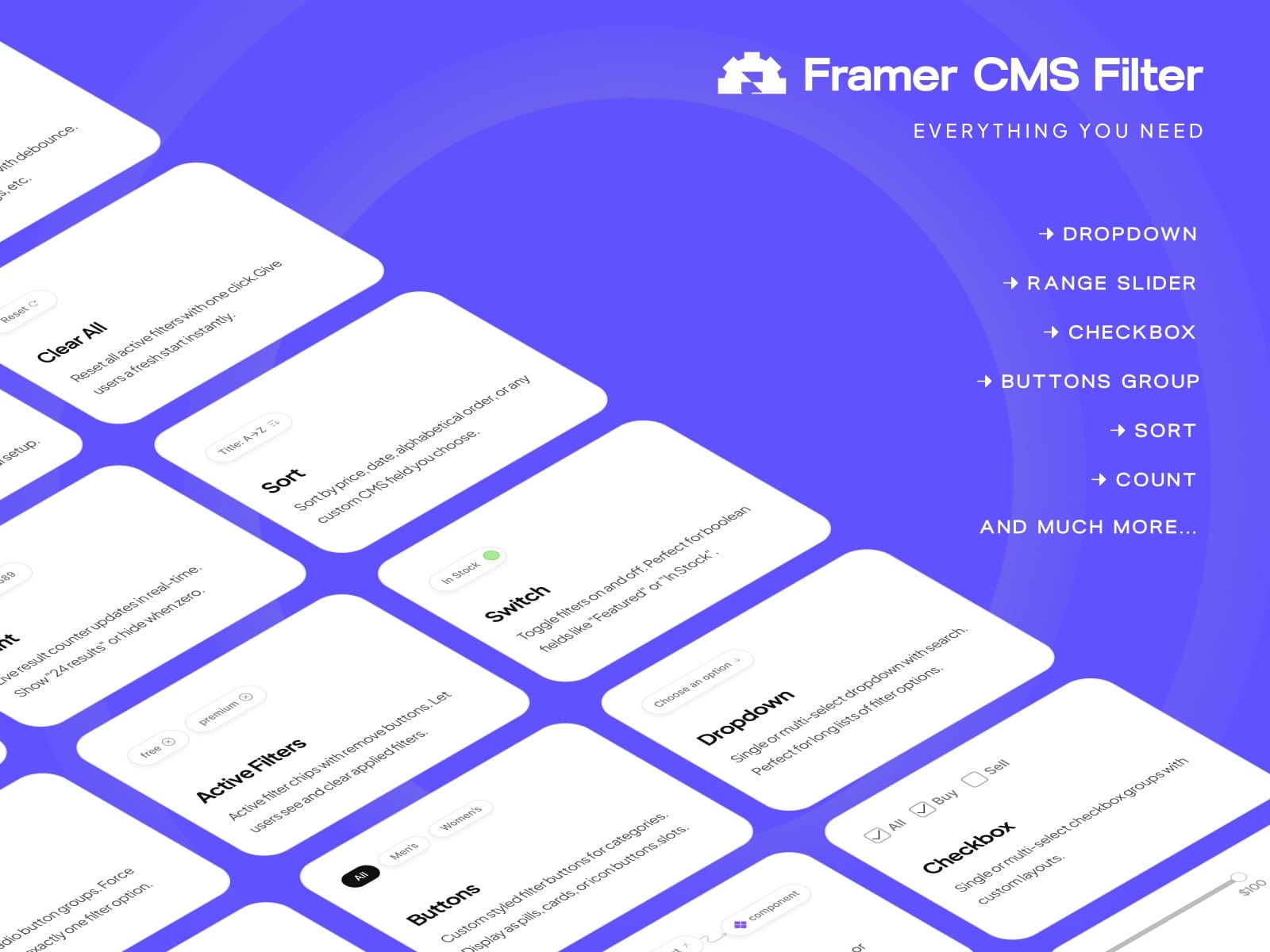
✅ Real-Time Multi-FilteringInstantly filters CMS items based on multiple categories, tags, or custom fields — without page reloads.
✅ Search + Filter ComboCombine live search input with category, tag, or custom dropdowns to create flexible filtering systems.
✅ Query-String Sync (Deep Linking)Filters stay in the URL (coming soon) — perfect for shareable searches and SEO-friendly pages.
✅ Instant Setup (Copy & Paste Ready) Copy the components from your Framer CMS Filter dashboard or use the plugin to insert them directly into your canvas.
✅ Fully Customizable Controls: Change layout, design, typography, spacing, and animations directly from Framer’s property controls — no extra styling needed.
✅ Responsive by DefaultWorks across all breakpoints.
✅ Performance OptimizedUses real-time JS store updates with minimal re-rendering for smooth UX even with large CMS lists.
✅ Plug-and-Play PluginYou can add filters directly inside Framer.
🧠 Perfect For
Agencies & freelancers building client sites with CMS collections.
Portfolio sites with category/tag filters.
Blogs with topic search and category filters.
Directories or marketplaces with location or type filters.
Ecommerce - (filter by price, brand, stock etc)
Real estate or product listings (filter by bed, price, or features).
⚡ How It Works
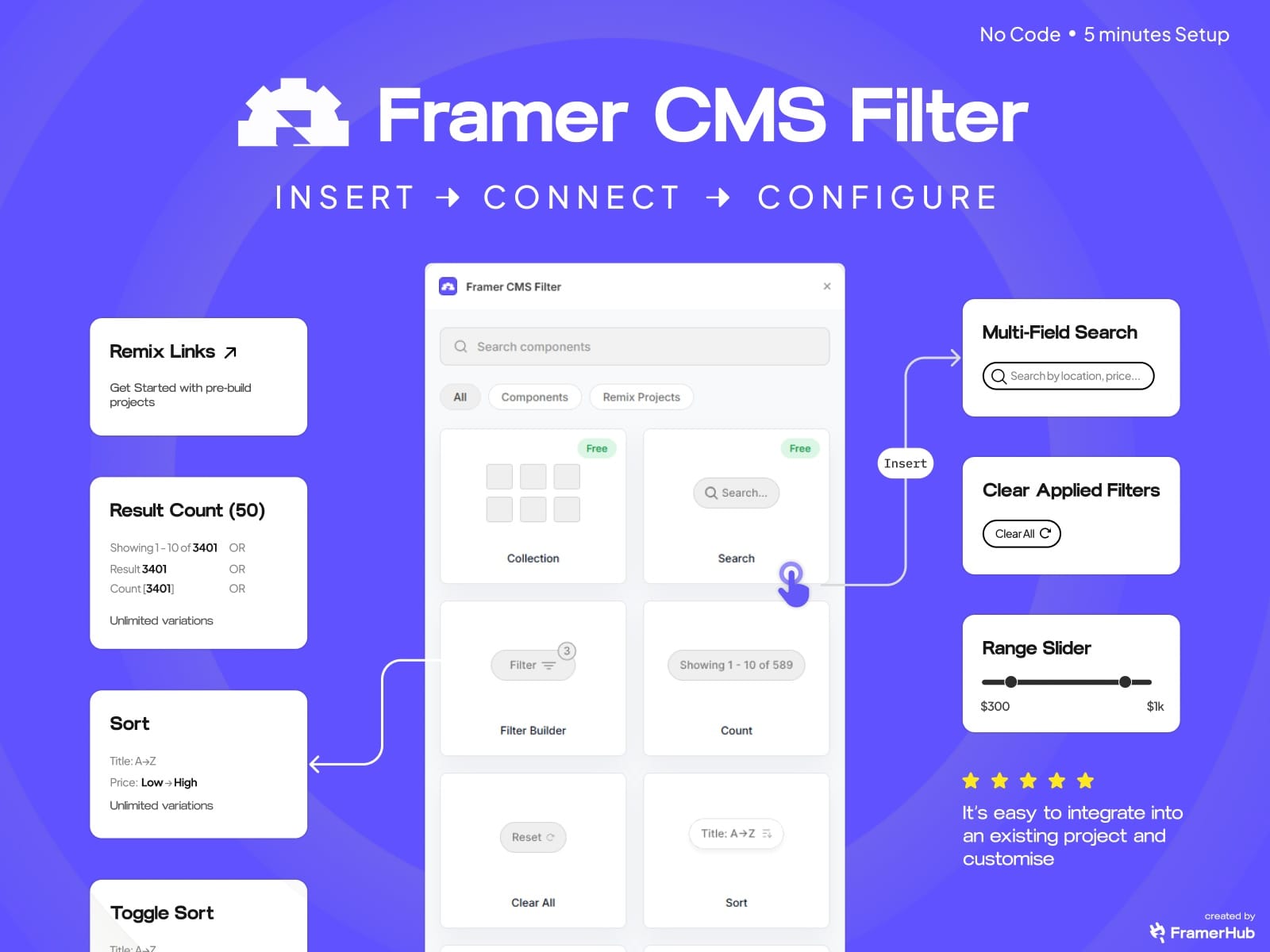
1️⃣ Insert component: Use the plugin to insert “CMS Filter” directly into your project.
2️⃣ Connect your CMS collectionSelect your CMS data source (blog, portfolio, listings).
3️⃣ Map your filters: Assign fields like category, tags, or price.
4️⃣ Customize design: Use Framer’s built-in controls for layout, colors, and spacing.
5️⃣ Preview live filtering: Hit preview, see instant filtering and search in action.
💬 What Users Are Saying
“It’s easy to integrate into an existing project and customise”— Rick, Framer Designer
“I built a car rental site with 6 filters using this. Works perfectly and super fast.”— Julien, Agency Owner
300+ designers and agencies are already using our products to ship sites faster and close more client deals.Have questions or need support, contact us via https://framercmsfilter.com/contact