About Google Sheets Import
Google Sheets Import lets you prepare content in Google Sheets and import it directly into existing Framer CMS Collections with zero copy-paste errors.
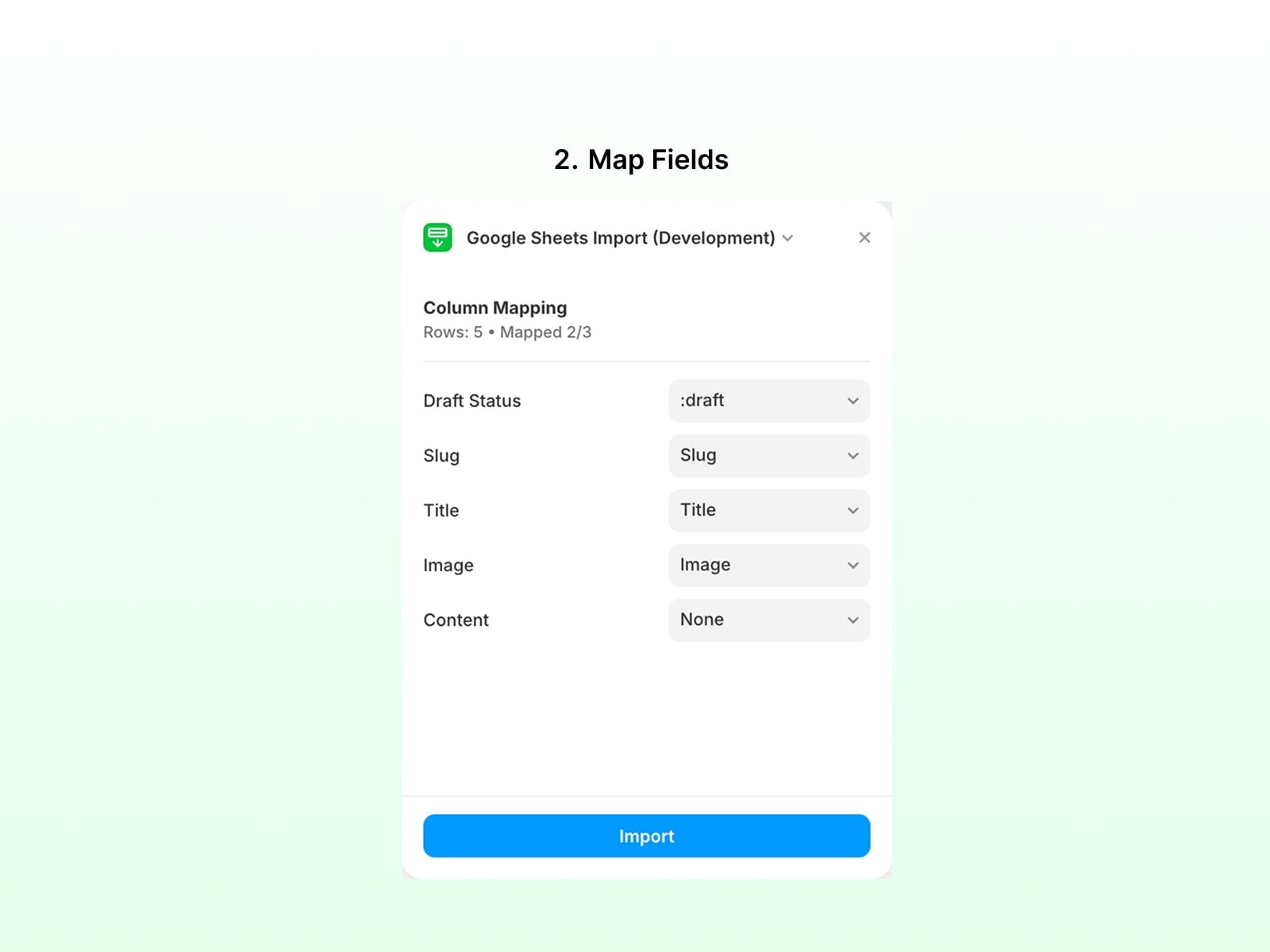
The plugin intelligently maps your spreadsheet columns to Collection fields using exact name matching, case-insensitive matching, and snake_case normalization. It supports all Framer field types including:
Basic types: string, formattedText, number, boolean, date
Special types: enum, color, link, file, image (with alt text support)
References: collectionReference, multiCollectionReference
Key Features
Smart Column Mapping: Automatically detects and maps columns to fields
Safe Importing: Creates new items as drafts, skips existing slugs (no overwrites)
Comprehensive Validation: Converts and validates values per field type
Draft Control: Optional :draft column to control publish status
Detailed Reporting: Summary of added items, conflicts, and validation warnings
How to Use
Prepare Your Sheet: Create a Google Sheet with columns matching your Collection field names. Include a "slug" column or set a field to generate slugs.
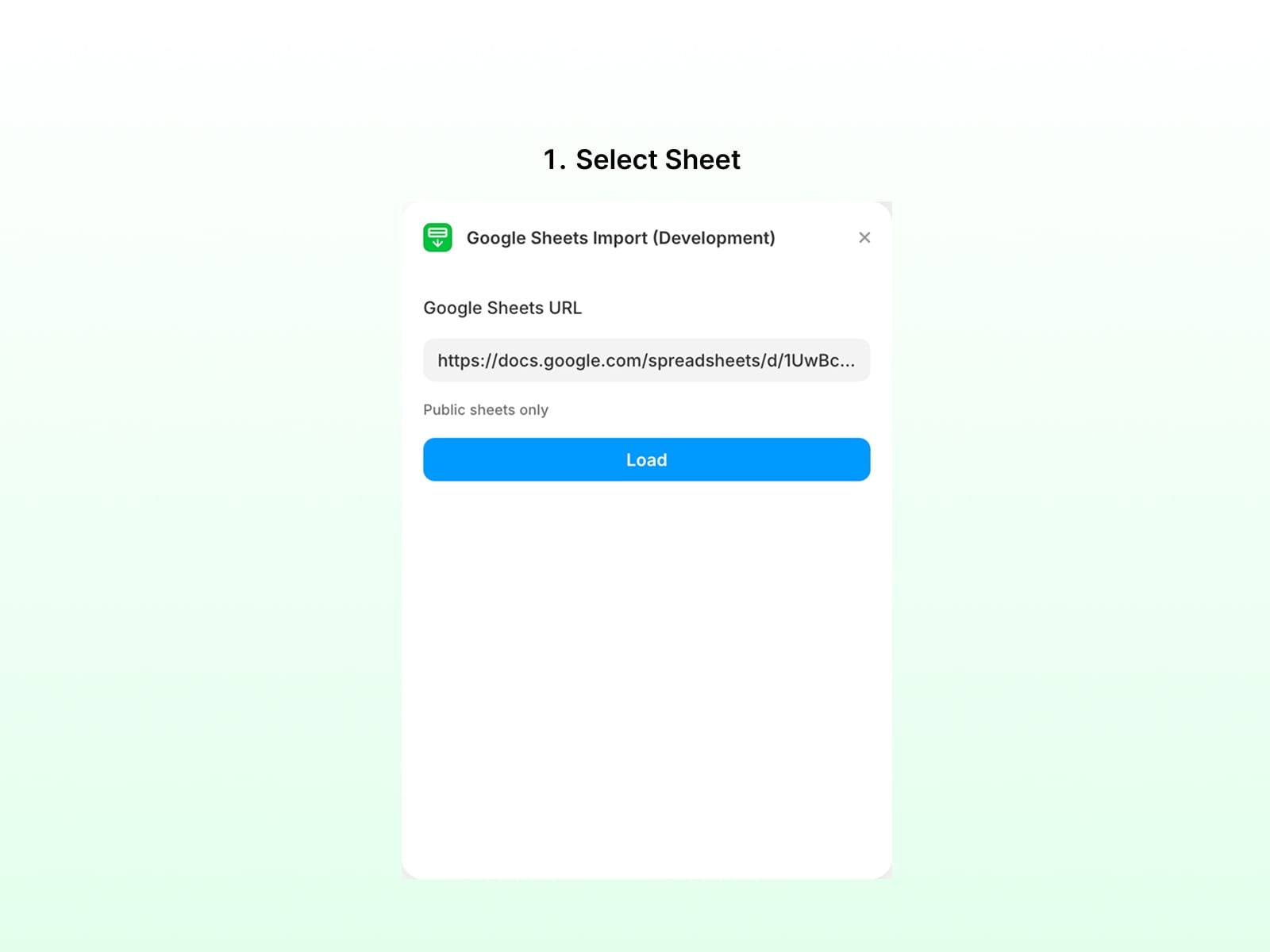
Share Your Sheet: Make it public ("Anyone with the link can view") and paste the link.
Import Process:
Open your target Collection in Framer
Launch the plugin
Paste your sheet URL and click Load
Review/adjust the automatic column mappings
Click Import
Review Results: New items appear as drafts. Check the summary for any warnings, then publish approved items.
The plugin will remember the sheet url and mapping per collection, making recurring imports an ease. Existing items will not be updated. You can delete items and re-import if needed.
Supported Data Types
Dates: ISO strings, common formats, and Google serial numbers
Images: URL in main column, optional fieldName:alt column for alt text
References: Existing Collection item slugs
Multi-references: Comma-separated slugs
Enums: Must match existing option labels or IDs
Privacy & Security
No data sent anywhere except Google APIs
Auth tokens only stored for session
Optional mapping persistence (with permission)
No analytics or tracking