About LINE Button by getseo.pro
LINE Button by getseo.pro
Connect with your audience on LINE — the dominant messaging app across Japan, Thailand, Taiwan, and Southeast Asia. One tap opens a chat with your LINE account directly from your Framer site.
How it works
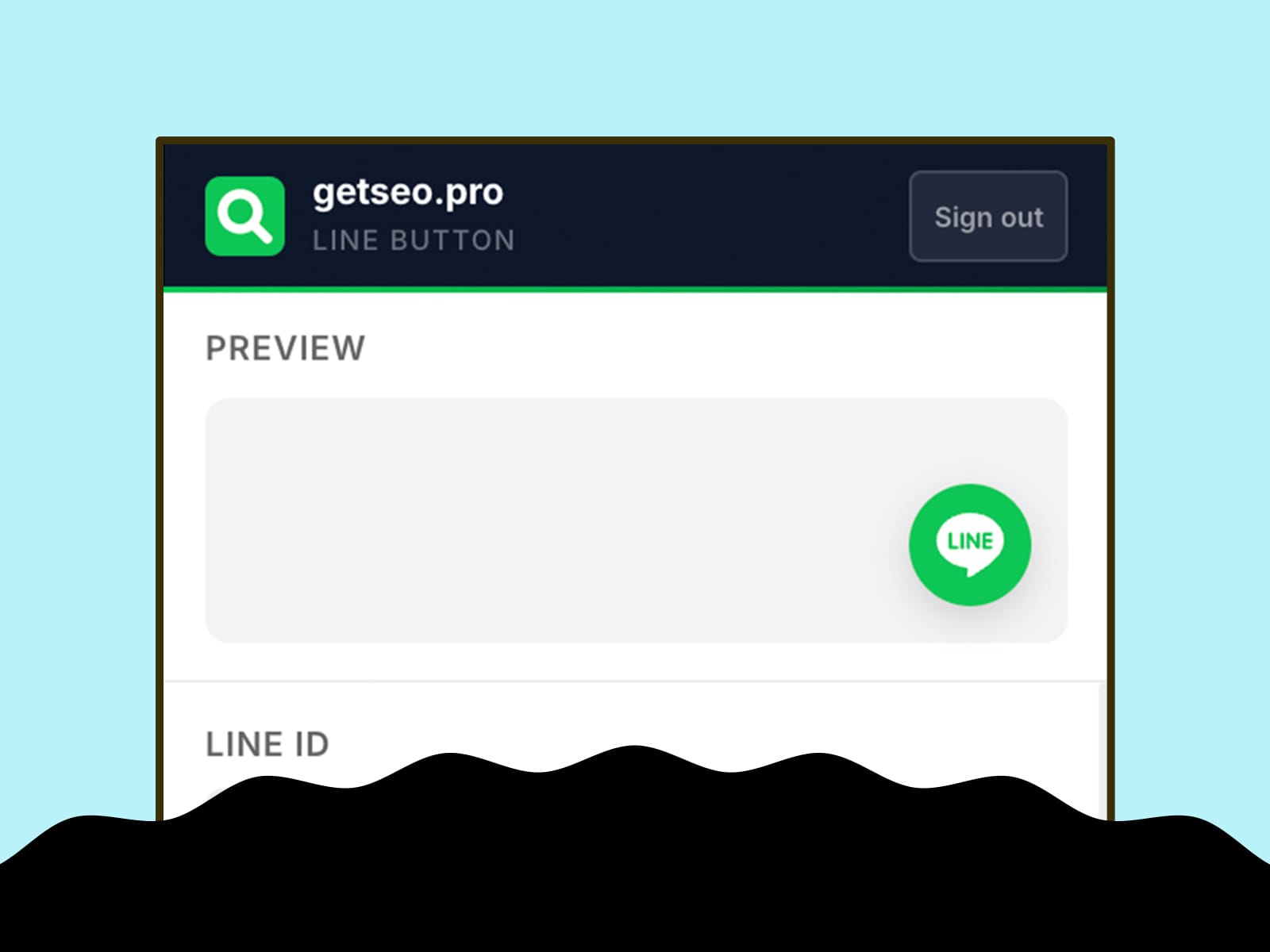
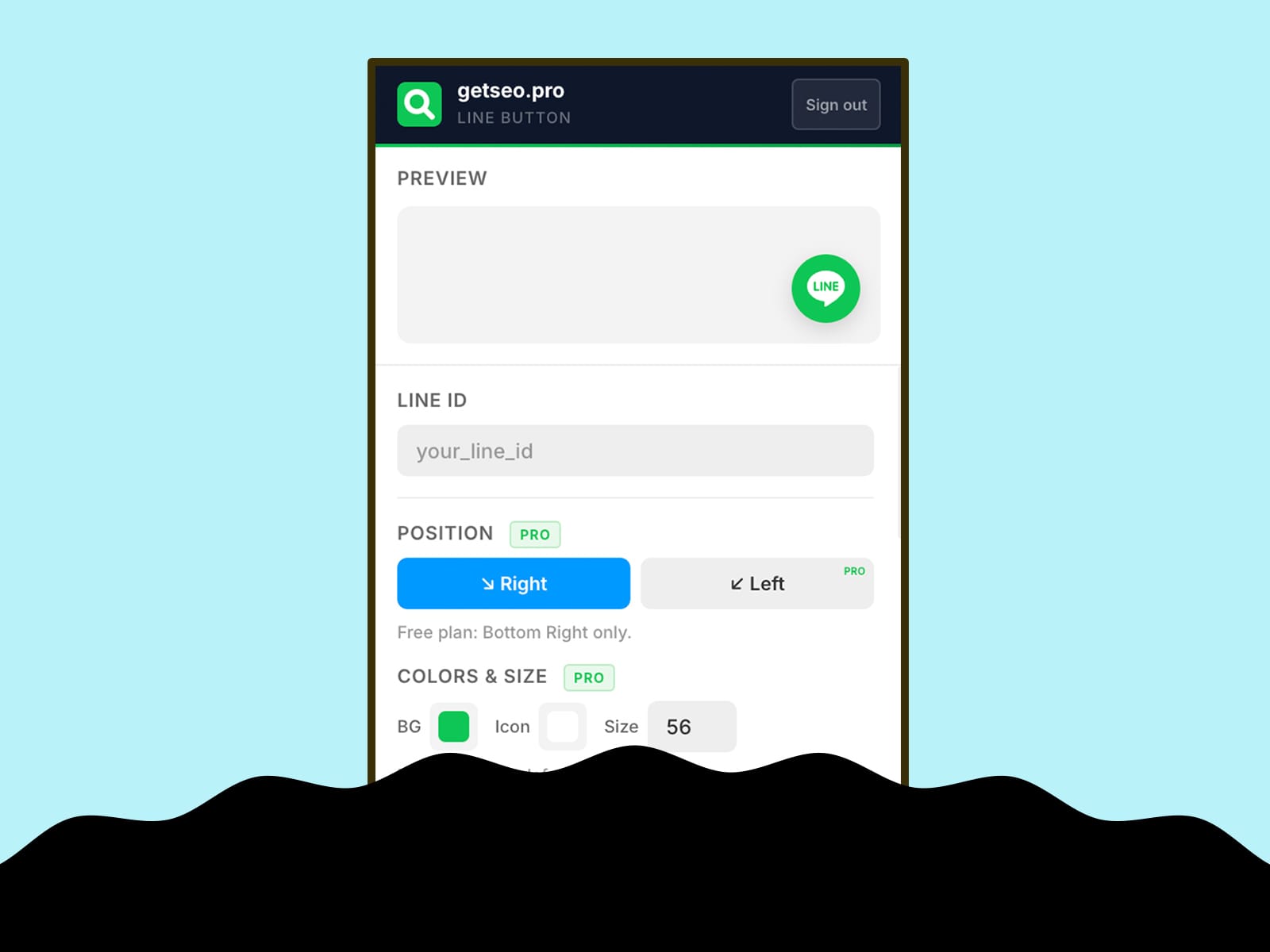
Enter your LINE ID, click "Add to Site." The button appears on your live site and links to line.me/ti/p/~yourlineid. On mobile with LINE installed, it opens the app immediately. On desktop, it opens LINE web.
Features
Floating button linked to your LINE ID
Live in-editor preview
Bottom-right position
Custom background and icon colors
Custom button size (40–80px)
Pulse or bounce animation
Shadow: subtle, strong, glow
Notification badge (1–99)
Tooltip on hover with custom label
Delay appearance (0–30s)
Pre-chat bubble above button
Hide on mobile
Business hours: hide button or show offline message outside set hours
GTM dataLayer event on click: fires `{ event, page, line_id }`
Best for
Businesses targeting Japanese, Thai, Taiwanese, or Southeast Asian audiences — retail, hospitality, travel, e-commerce, and local services where LINE is the primary communication channel.
Part of the getseo.pro suite for Framer.