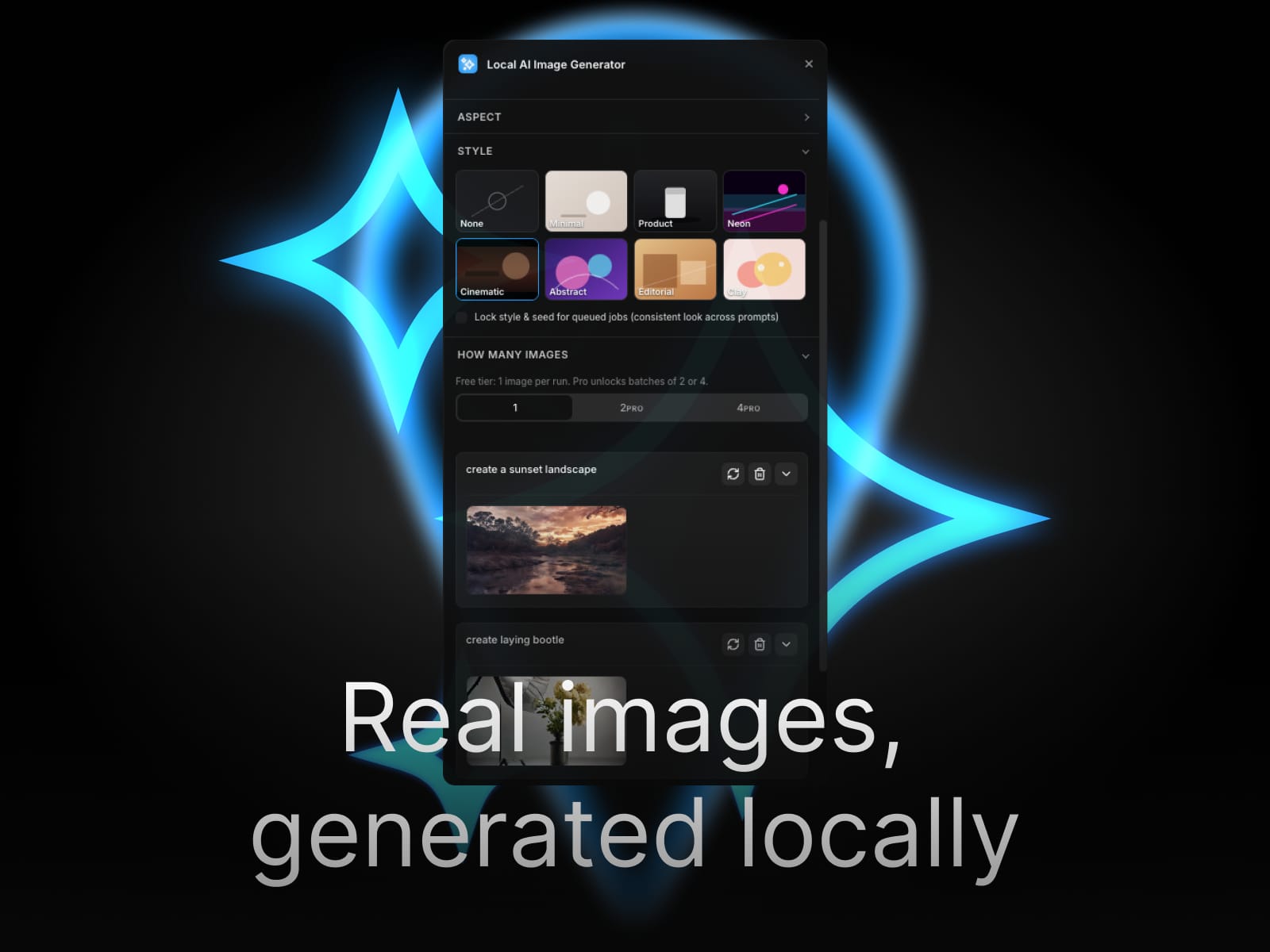
About Local AI Image Generator
Local AI Image Generator — Generate hero images directly in Framer, no cloud required
Generate professional hero images, marketing visuals, and product shots without leaving Framer. Local AI Image Generator runs Stable Diffusion–style models entirely in your browser using WebGPU. No API keys to manage, no monthly subscriptions, no data sent to external servers.
Why local AI image generation matters
Most AI image tools require cloud APIs that cost $10-30/month, send your prompts and generated images to third-party servers, and rate-limit you when you actually need to iterate fast. This plugin runs the entire generation pipeline on your machine using WebGPU acceleration — your prompts stay private, generation is unlimited at the hardware level, and there are zero recurring costs.
Built for the Framer canvas workflow
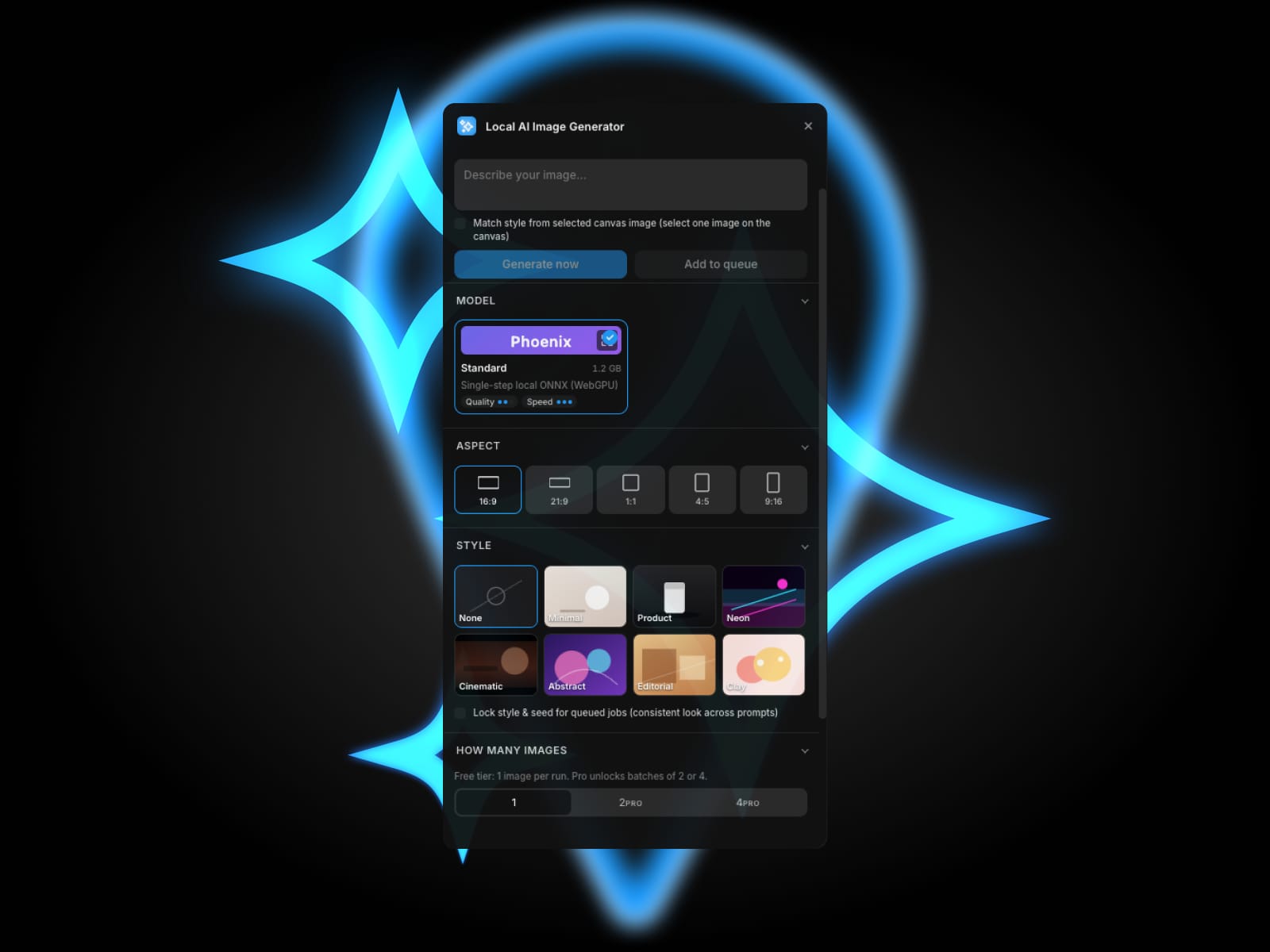
Style presets for hero images, product shots, abstract backgrounds, cinematic scenes, and minimal compositions
Queue system to generate multiple variations in the background while you keep designing
Generate now shortcut (⌘/Ctrl+Enter) to interrupt the queue and prioritize what you need
Lock style and seed for consistent visuals across a series of images
Canvas style reference — select an existing image on your canvas and the plugin extracts style hints to match new generations
Drag and drop generated images directly into your design or use them as image fills
Use cases
Hero sections that need unique visuals beyond stock photos
Marketing landing pages with custom imagery for each campaign
Product launches where you iterate fast on visual direction
Client work where stock photo licensing and budgets are constraints
Any project where you want generated content without uploading client work to cloud services
How it works
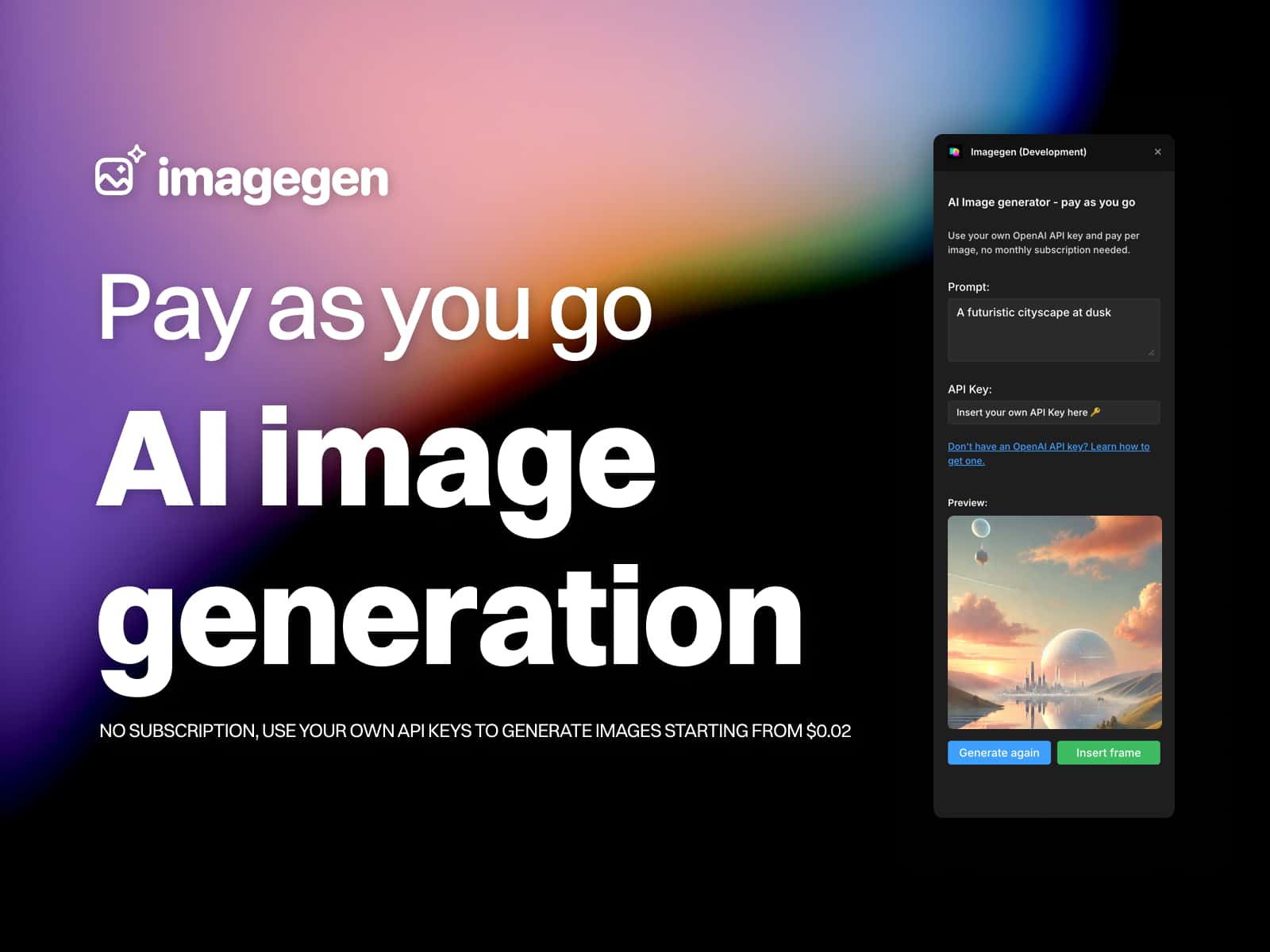
Open the plugin, type a prompt, choose a style preset, and click Generate. The first generation downloads the model weights (cached locally, around 1-2 GB depending on the model). After that, every generation runs entirely on your GPU. Generated images appear in the plugin and can be dragged onto the canvas, set as image fills, or added directly using Framer's native image handling.
Free tier
Try the plugin on real projects with a generous monthly generation quota. Test the quality, see how it fits your workflow, and decide if you want unlimited generations.
Pro tier — one-time payment
Unlock unlimited image generation across all your Framer projects. No subscription. No recurring charges. Pay once, use forever. License works across every project tied to your Framer account.
Privacy and data handling
All image generation happens locally in your browser. Your prompts, generated images, and any canvas references never leave your machine. Settings and license keys are stored locally. The only external network call is one-time license validation when you upgrade to Pro.
Hardware requirements
A WebGPU-capable browser with shader-f16 support. Best performance on:
Mac with Apple Silicon (M1, M2, M3, M4) running Chrome, Edge, Arc, or Safari Technology Preview
Windows with a discrete GPU running Chrome or Edge with WebGPU enabled
Linux with a compatible GPU and Chrome with WebGPU flags enabled
The plugin checks your hardware on first launch and provides clear feedback if your setup isn't supported. If you're not sure whether your machine works, the free tier lets you test before committing.
Stop paying monthly subscriptions for AI images. Generate them locally. Own the workflow.