About Mapsemble Maps
Turn your Framer CMS data into an interactive map
Mapsemble is the FREE map builder for store locators, real estate, holiday listings, or anything you might want to see on a map. The free version allows you to create a map with up to 150 locations and any version includes unlimited views per month.
Build a map quickly storing your locations on Mapsemble or turn a CMS collection into a live map in a few clicks.
Login to Mapsemble to fully design and customize the map.
Key Features
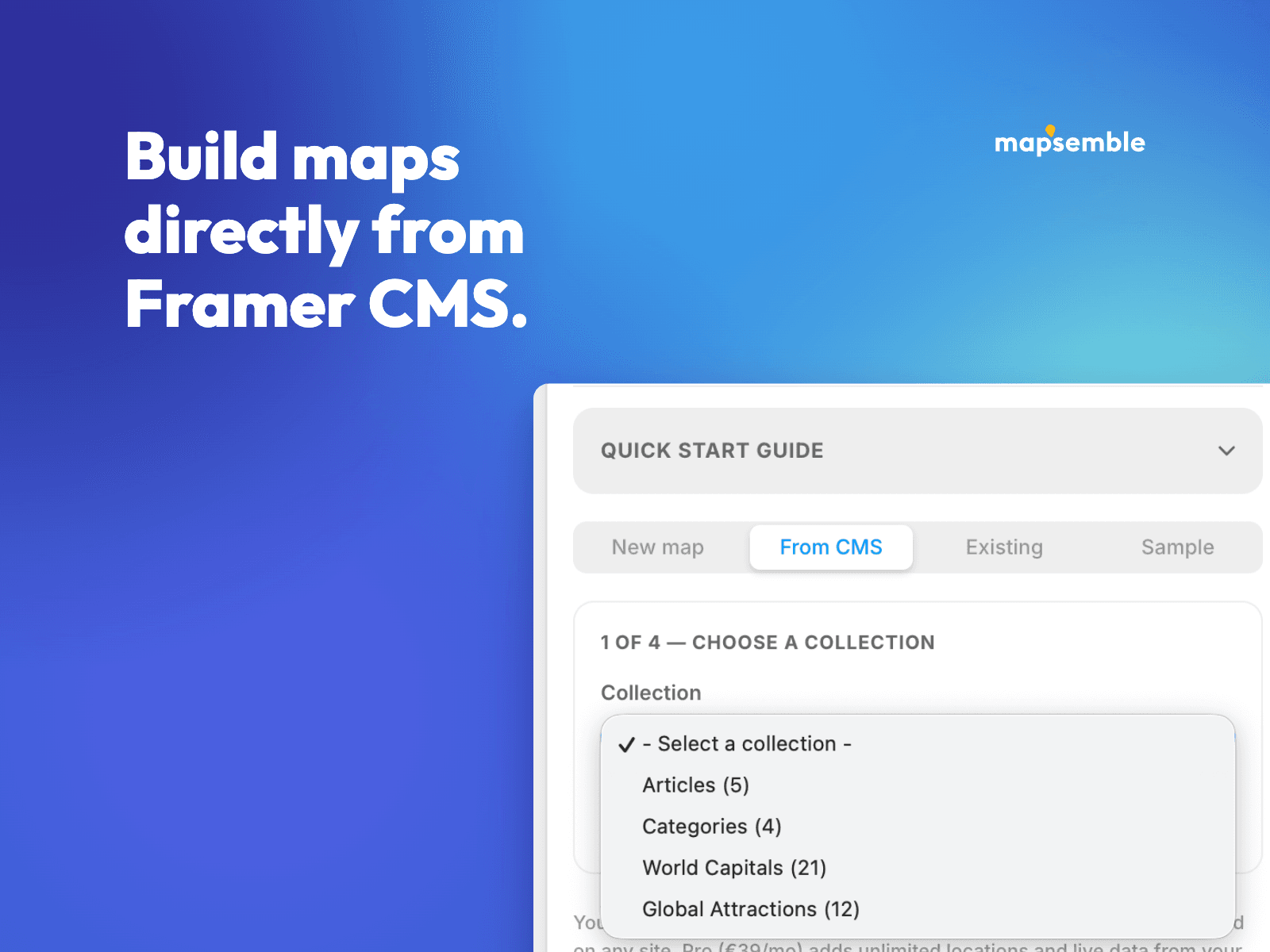
✅ Build Maps from Framer CMS or create locations in the plugin. Pick a collection, map its fields to markers, titles and locations, and the plugin creates the map and pushes every item. Addresses without coordinates are geocoded automatically.
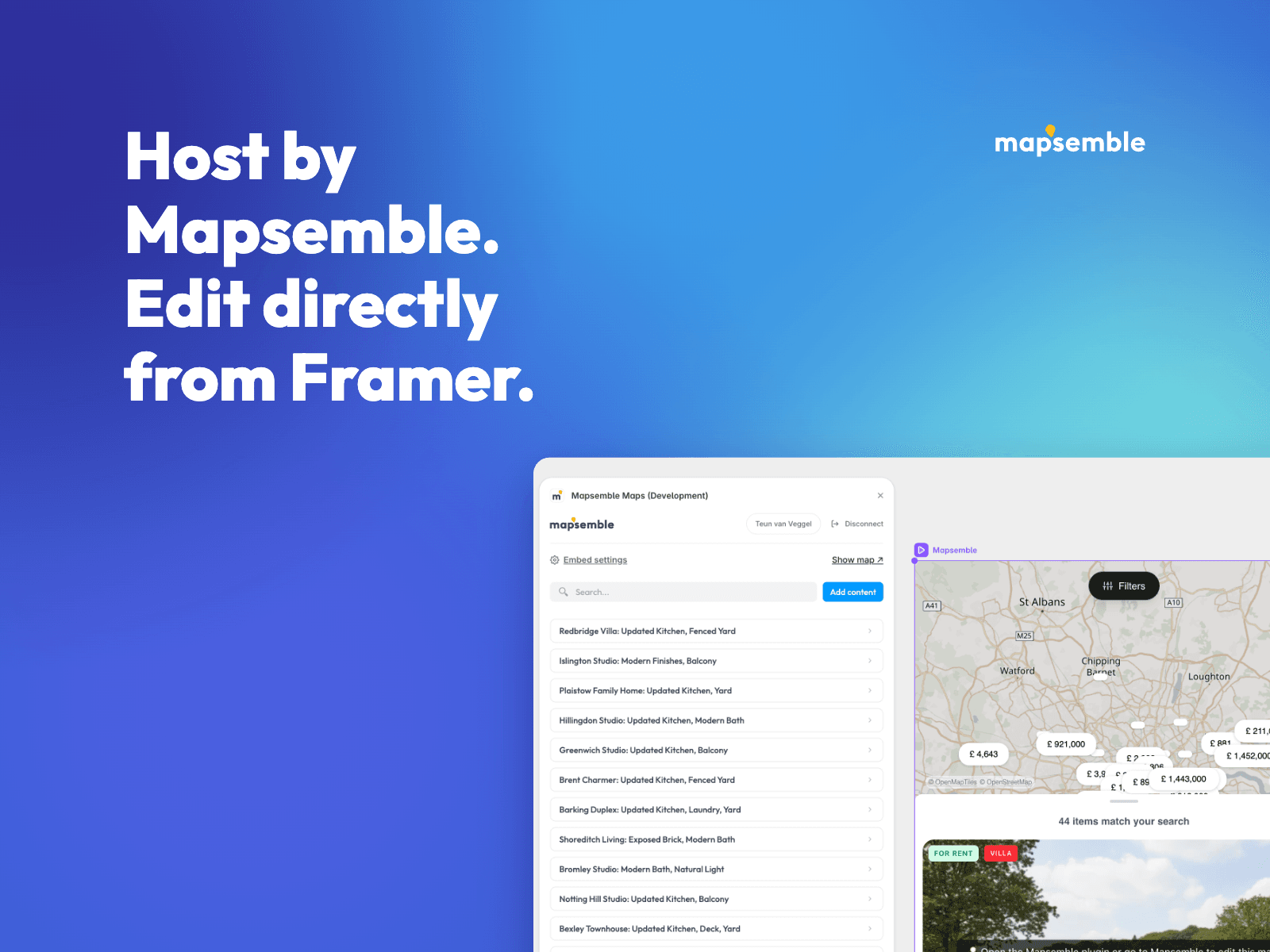
✅ In-Canvas Content Editor - Manage markers, descriptions, images, and data fields inside Framer.
✅ Easy Data Import - Bring in your locations from Framer CMS, CSV, Excel, or Google Sheets.
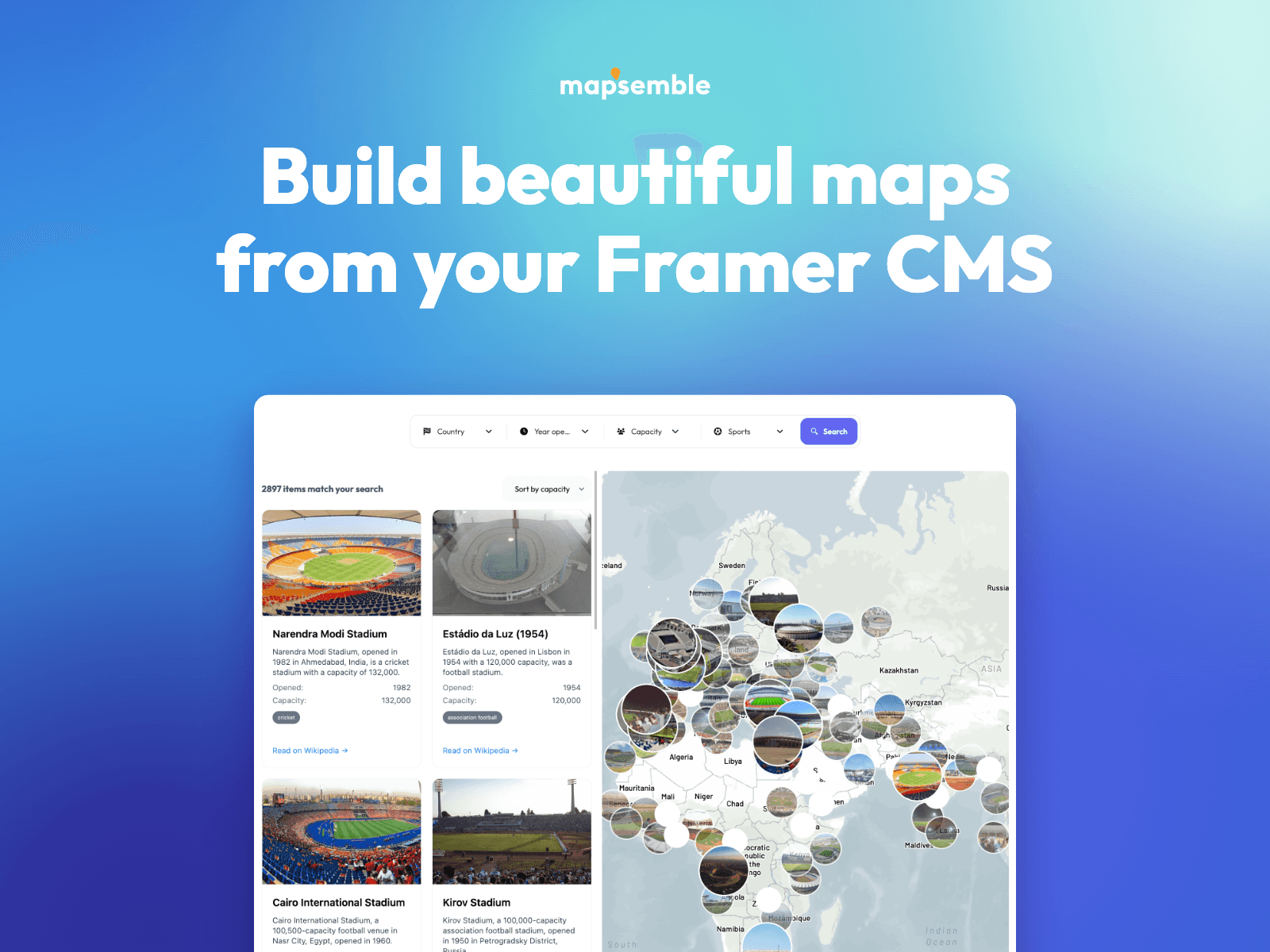
✅ High-Performance Listings - Smooth with large datasets thanks to clustering, viewport-based loading, and backend-optimized filtering.
✅ Unlimited Views, Free up to 150 locations. Flat Fee beyond - No pay-per-load pricing, no surprise bills.
✅ Airbnb-Style Navigation — Card-to-map synchronization: cards update as visitors pan and zoom.
✅ Use AI or Code to Design cards and popups. Use your own data to show as markers.
✅ Powerful search and customizable filters (categories, tags, dates)
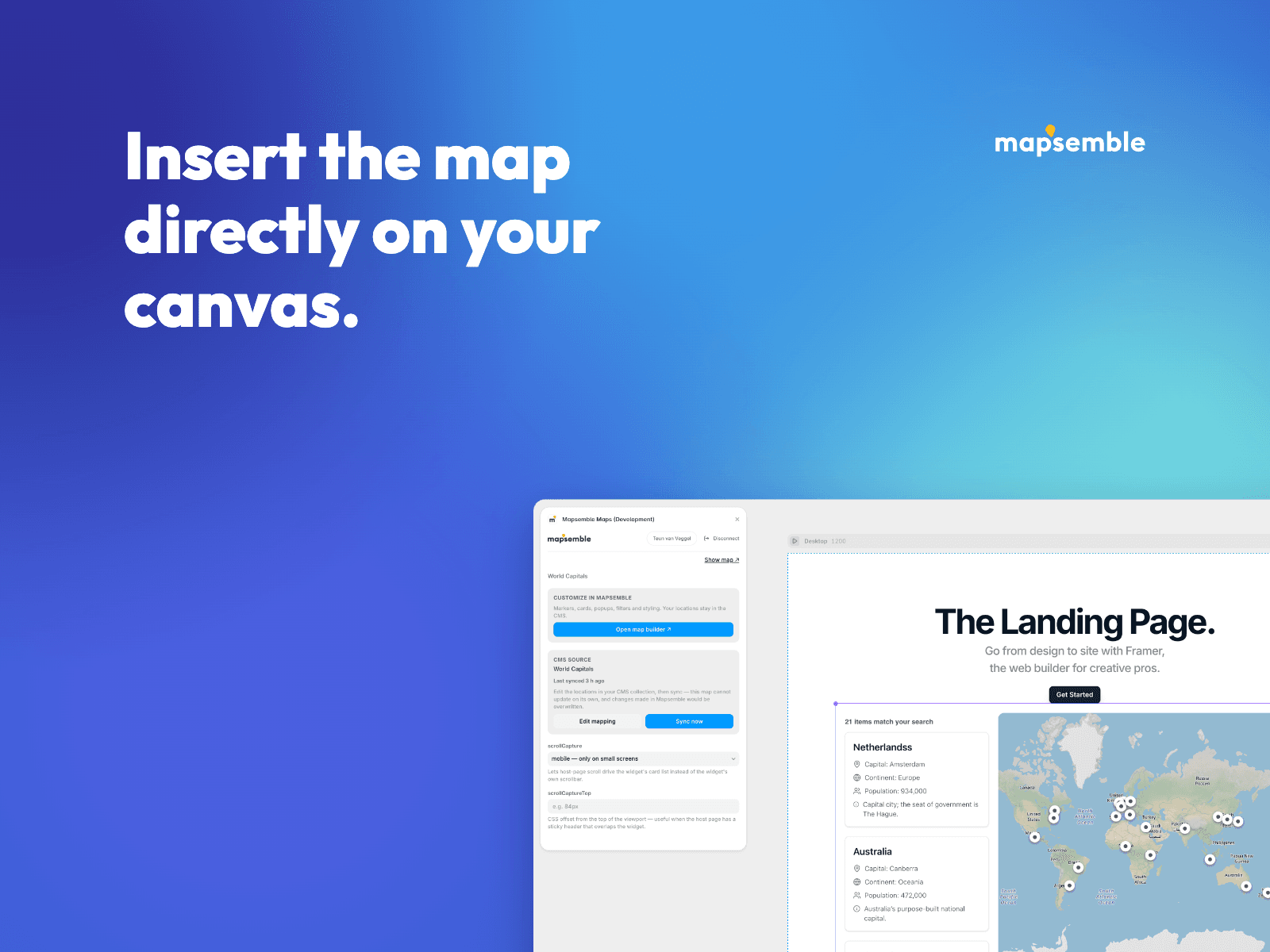
✅ Live Preview & Sync - Plugin edits appear in your canvas right away.
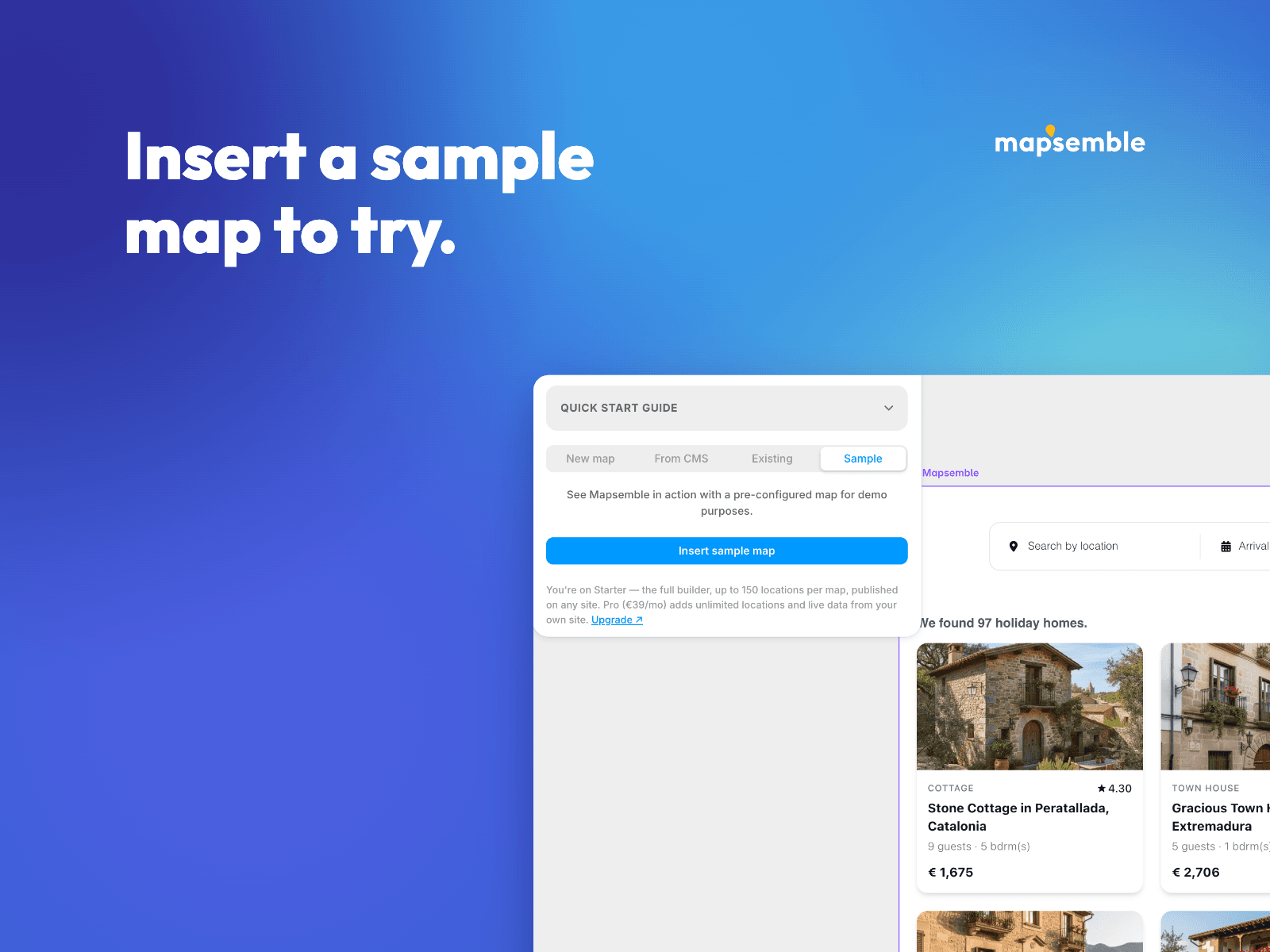
✅ Instant Sample Map - Insert a fully populated sample map with one click and explore before creating your own.
How it Works
Install: Add the plugin from the Framer Marketplace.
Connect: Sign in with your Mapsemble account.
Choose or Create: Build a map from a CMS collection, embed an existing map, create a new one, or try the sample.
Manage & Insert: Populate your data and insert the Mapsemble component with one click.