About Marble
Overview
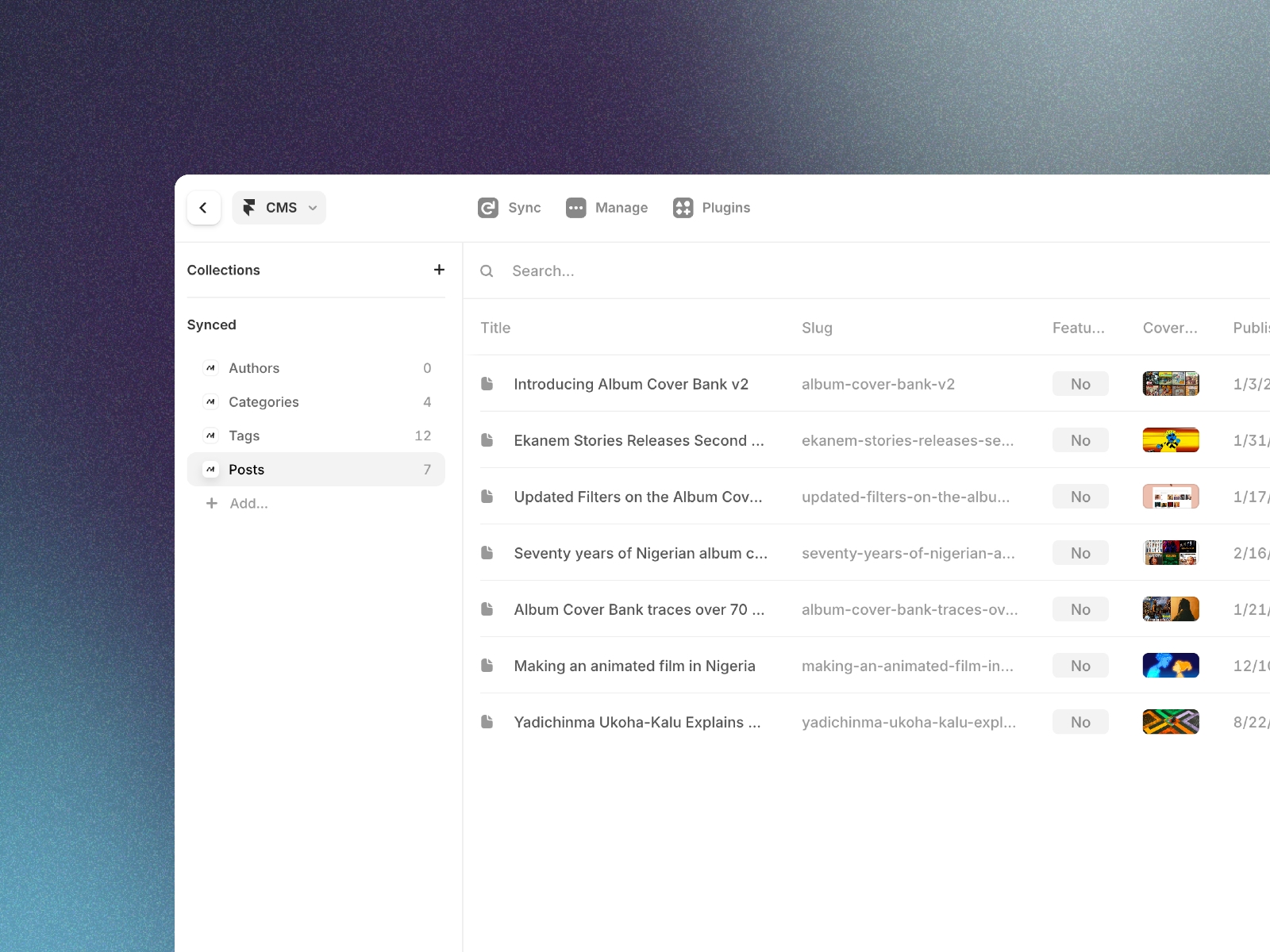
Bring Marble into your Framer workflow with direct sync. The Marble plugin connects your Marble workspace to Framer CMS so you can manage articles, and product updates in Marble and have them appear in Framer. Connect your workspace, map posts, categories, tags, and authors to CMS fields, and sync with one click.
Getting started
Sign in at marblecms.com go to Settings → API keys, and create an API key.
Add a CMS collection in Framer and attach the Marble plugin.
Enter your API key and choose a source (Posts, Categories, Tags, or Authors).
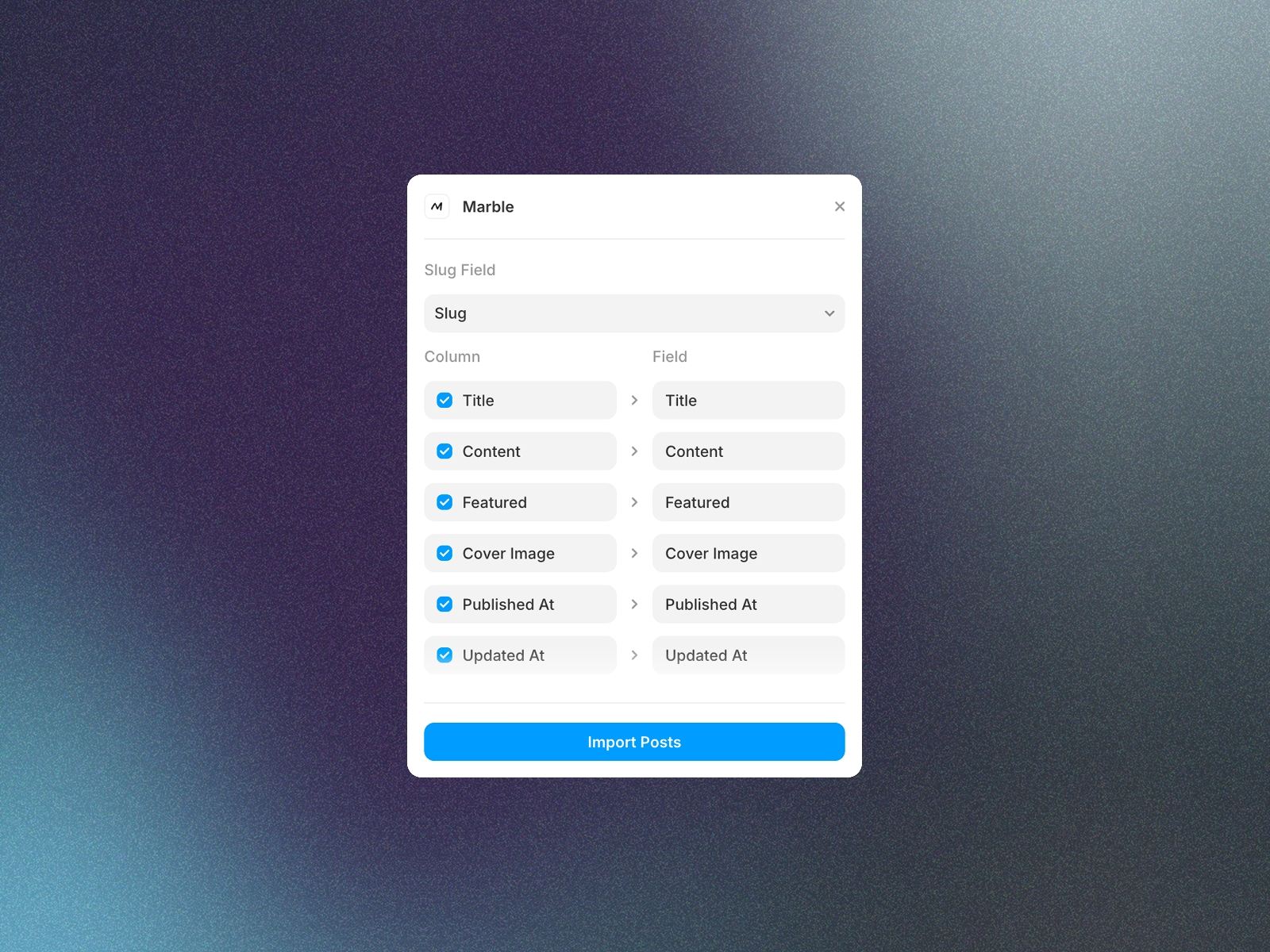
Map Marble fields to your CMS fields and click Import.
New content in Marble syncs when you run the plugin again.
Features
One-click sync via the CMS toolbar
Map posts, categories, tags, and authors to CMS fields
Support for rich text, images, dates, and more
Simple workspace connection and field mapping
About Marble
Marble is a simple headless CMS for blogs, changelogs, and articles. Write and manage content in a clean interface, then pull it into Framer or any framework.
Start writing today at marblecms.com