About Mega Menu Builder - Visual Navigation
Make every destination easy to find.
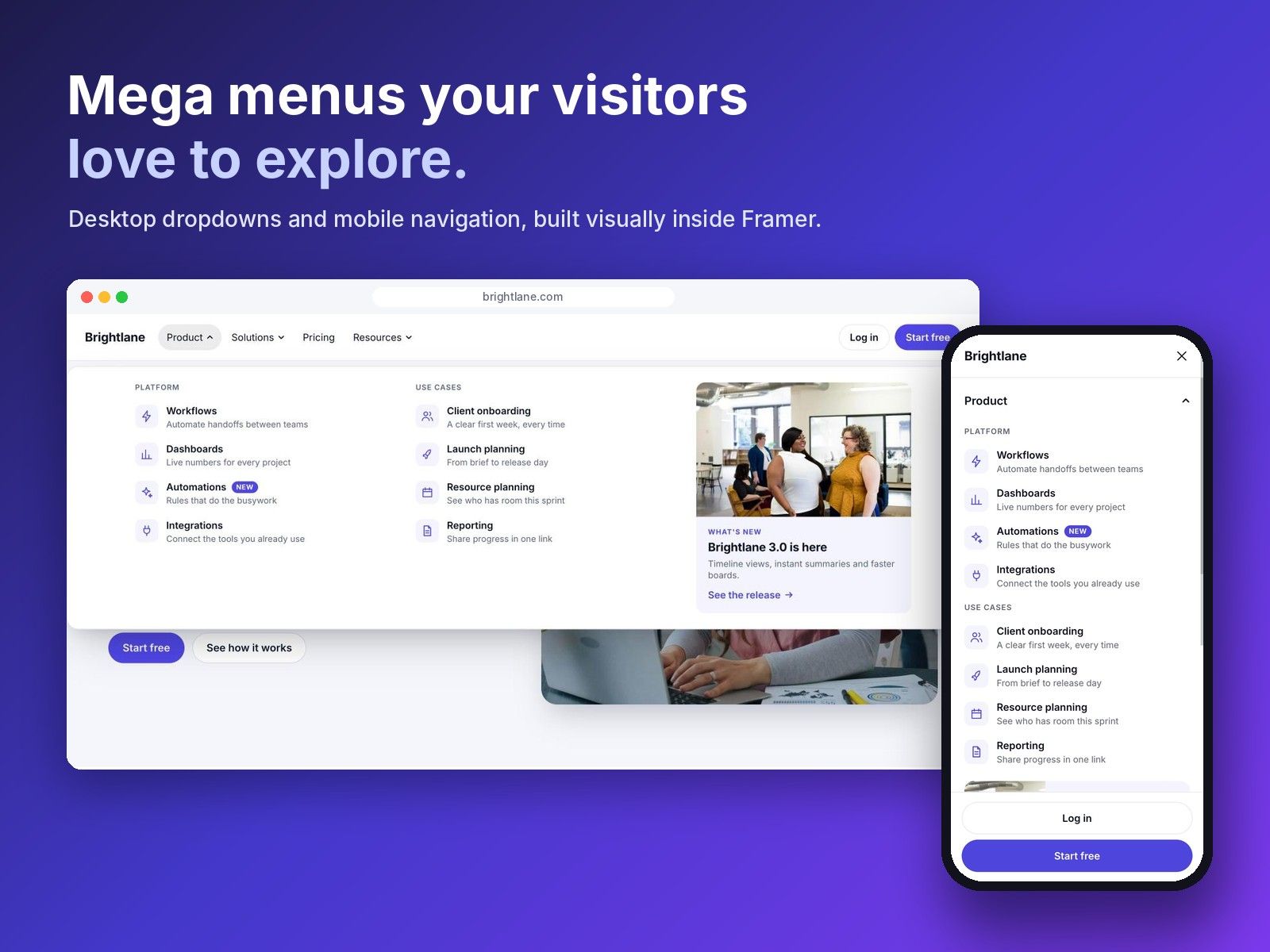
Turn your website's page links into navigation worth exploring. Mega Menu Builder - Visual Navigation helps you create polished desktop mega menus and coordinated mobile navigation in one visual workspace inside Framer.
$59 once. Lifetime access. Unlimited own and client projects.
Organise your navigation visually.
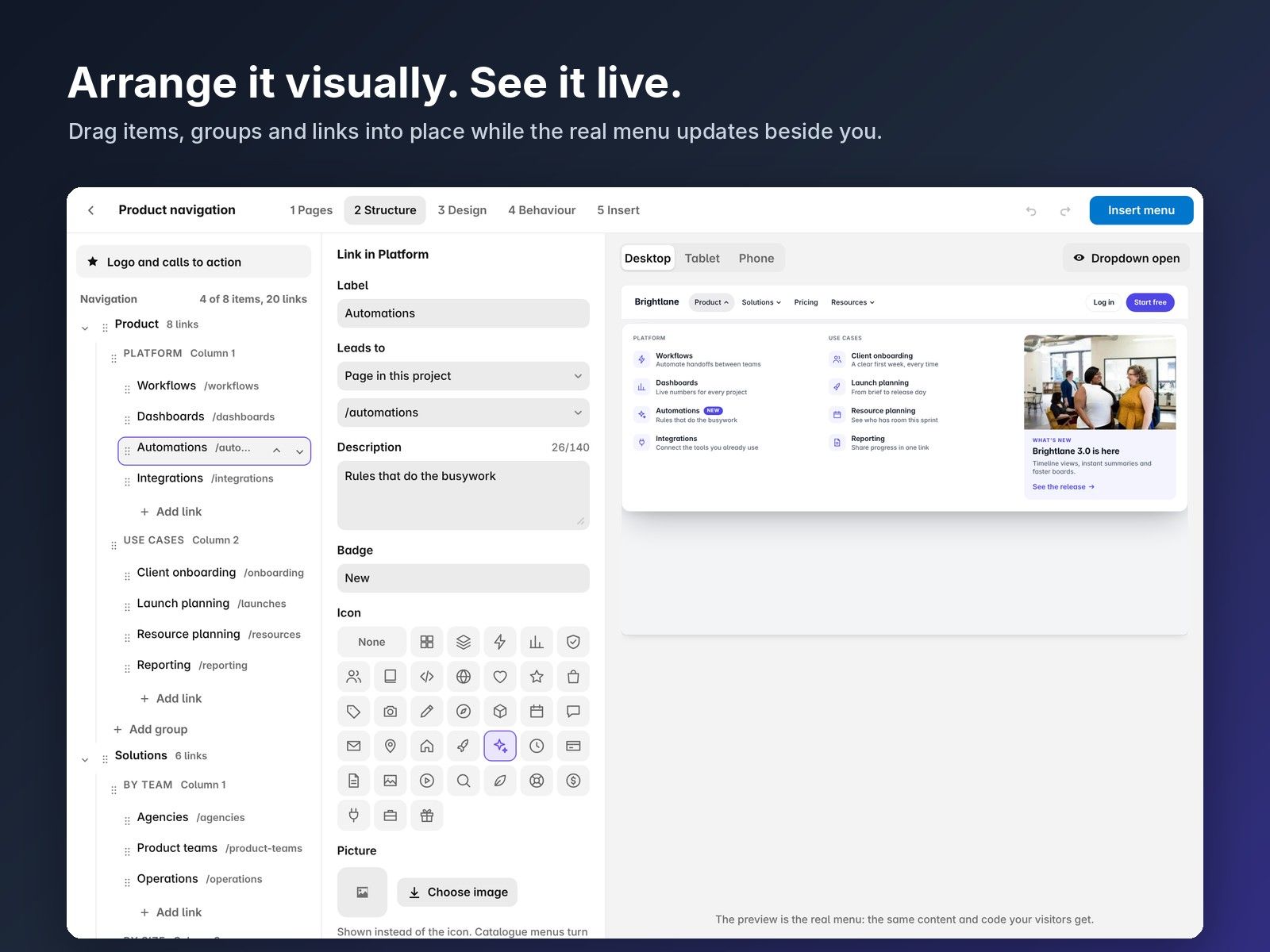
Import page links from your Framer project or add your own destinations. Rename labels, arrange groups and columns, add descriptions and move links into place with a clear visual editor.
Give your menu a distinctive design.
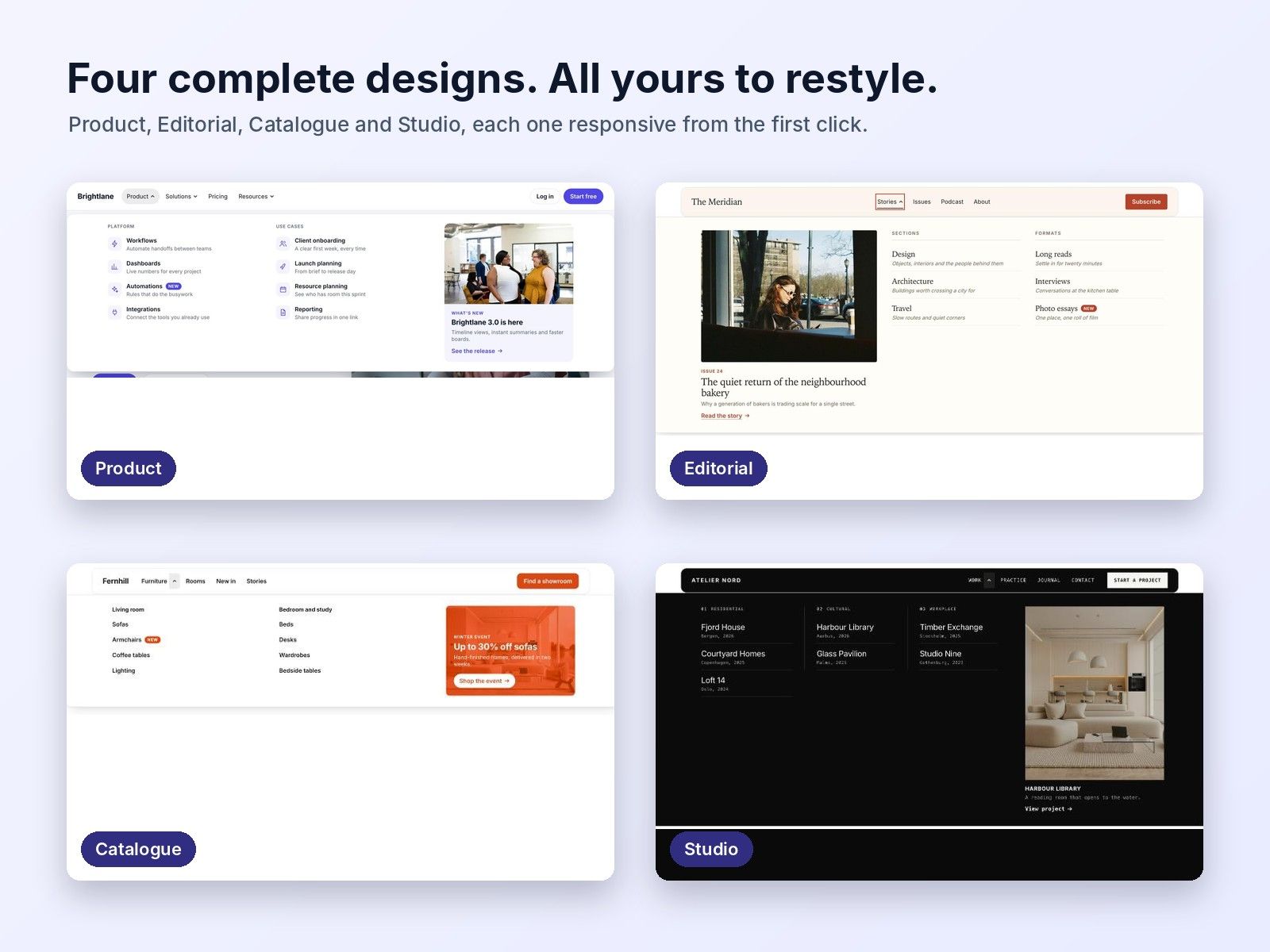
Start with Product, Editorial, Catalogue or Studio. Shape the result with your typography, colours, icons, badges and featured imagery, then add clear calls to action that guide visitors to the next step.
Design desktop and mobile together.
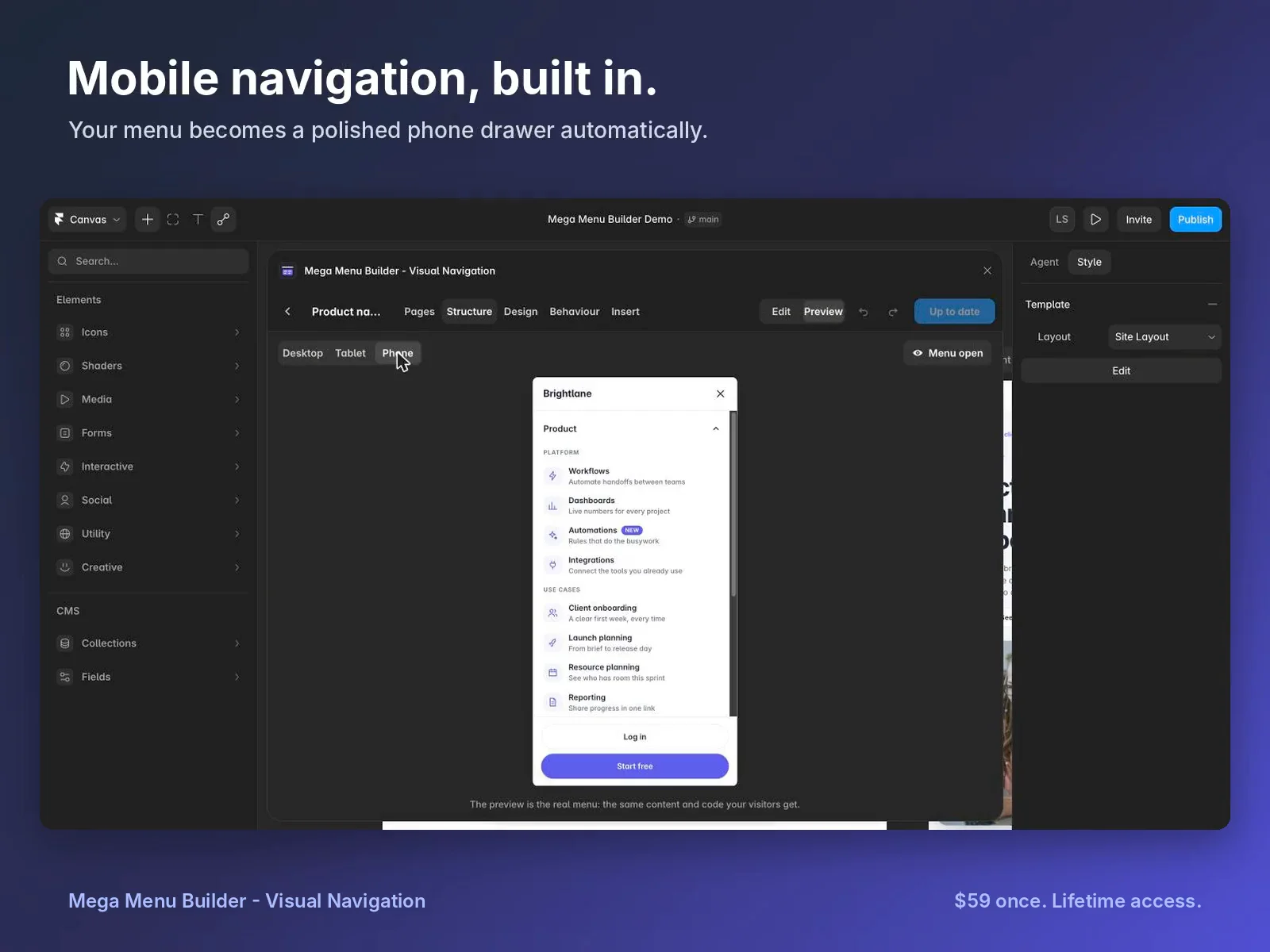
Build multi-column dropdowns and coordinated mobile navigation from the same content. Preview desktop panels, mobile drawers and expandable groups as you work.
Keep editing after insertion.
Insert your navigation into Framer, then reopen it whenever your pages, content or design change. Update the existing menu and keep your navigation organised as your website grows.
Made for websites with more to explore.
Create clear navigation for SaaS products, service businesses, product catalogues, editorial websites and studios. Help visitors discover the pages, stories and offers that matter.
One purchase. Every next client project.
Get the visual editor, responsive navigation component, four complete starting designs, styling controls and setup guide in one lifetime purchase. Your published menus run within your Framer website without a separate menu-hosting subscription or visitor usage fees.
Build your next great navigation. Get Mega Menu Builder - Visual Navigation for $59.