About Orla Data
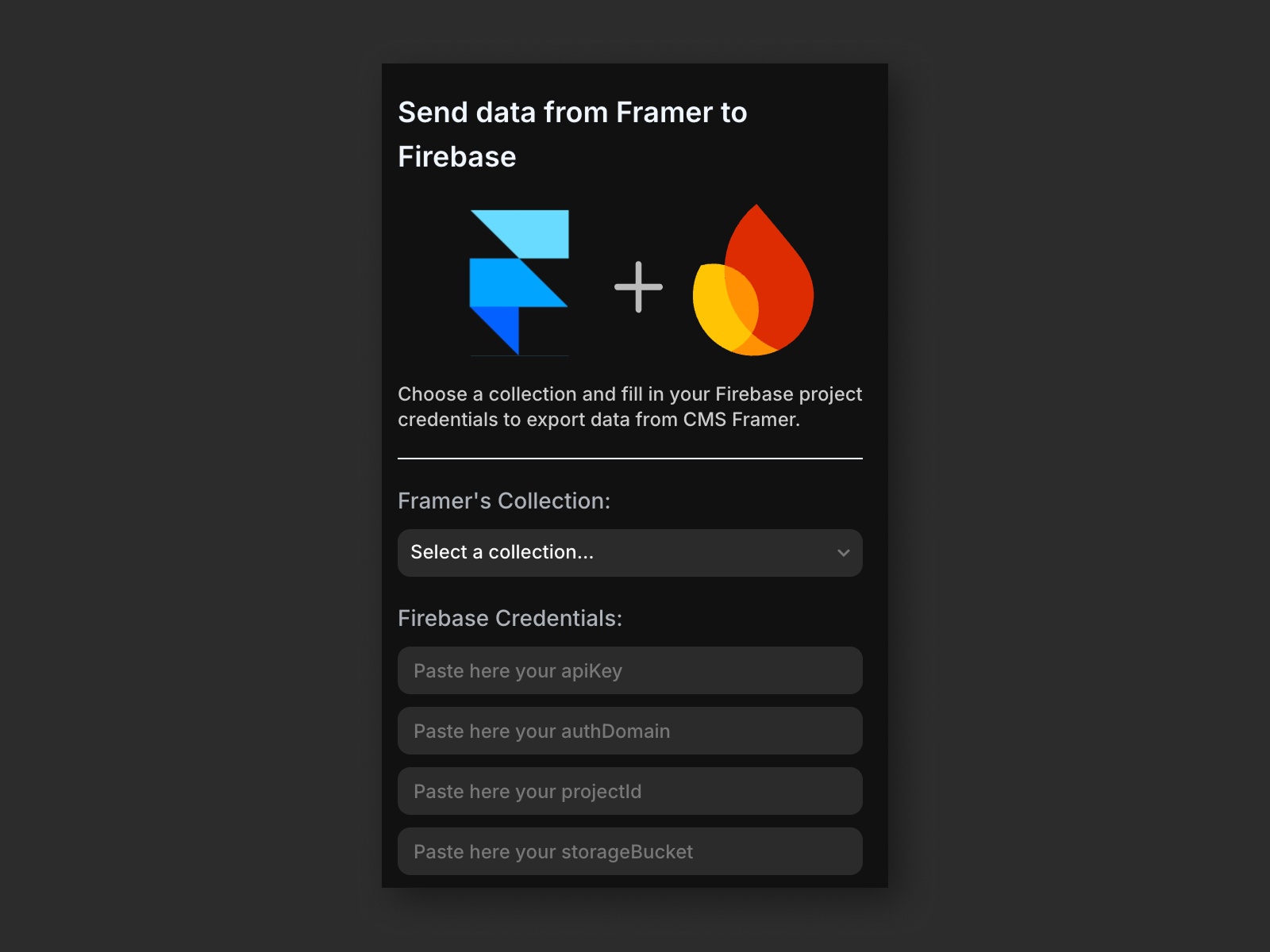
This plugin allows you to send data from your Framer CMS collections directly to a Firebase Firestore database. It's ideal for syncing content with external systems, creating dynamic experiences, or powering other Firebase-connected applications.
Features:
Select any CMS collection in your Framer project
Send its data to your Firebase Firestore database
Fully client-side operation — no data or credentials are stored
Requirements:
A Framer project with at least one CMS collection
A Firebase project with Firestore enabled
How to Use:
In the plugin, select the CMS collection you want to sync.
Paste your Firebase config object, which can be found in:
Firebase Console → ⚙️ Settings → Project Settings → General tab → Scroll to "Your Apps"
Click to send the data to Firestore.
Security Notice:
Your Firebase credentials are never stored or saved—you must re-enter them each time you send data. The plugin uses only the Firebase client config keys, which are safe to expose in public-facing environments.
This plugin is open-source! You can access it in the GitHub's repository here: https://github.com/orladigital/framer-cms-data-plugin