About OXVO
This plugin adds three services from OXVO to your Framer site.
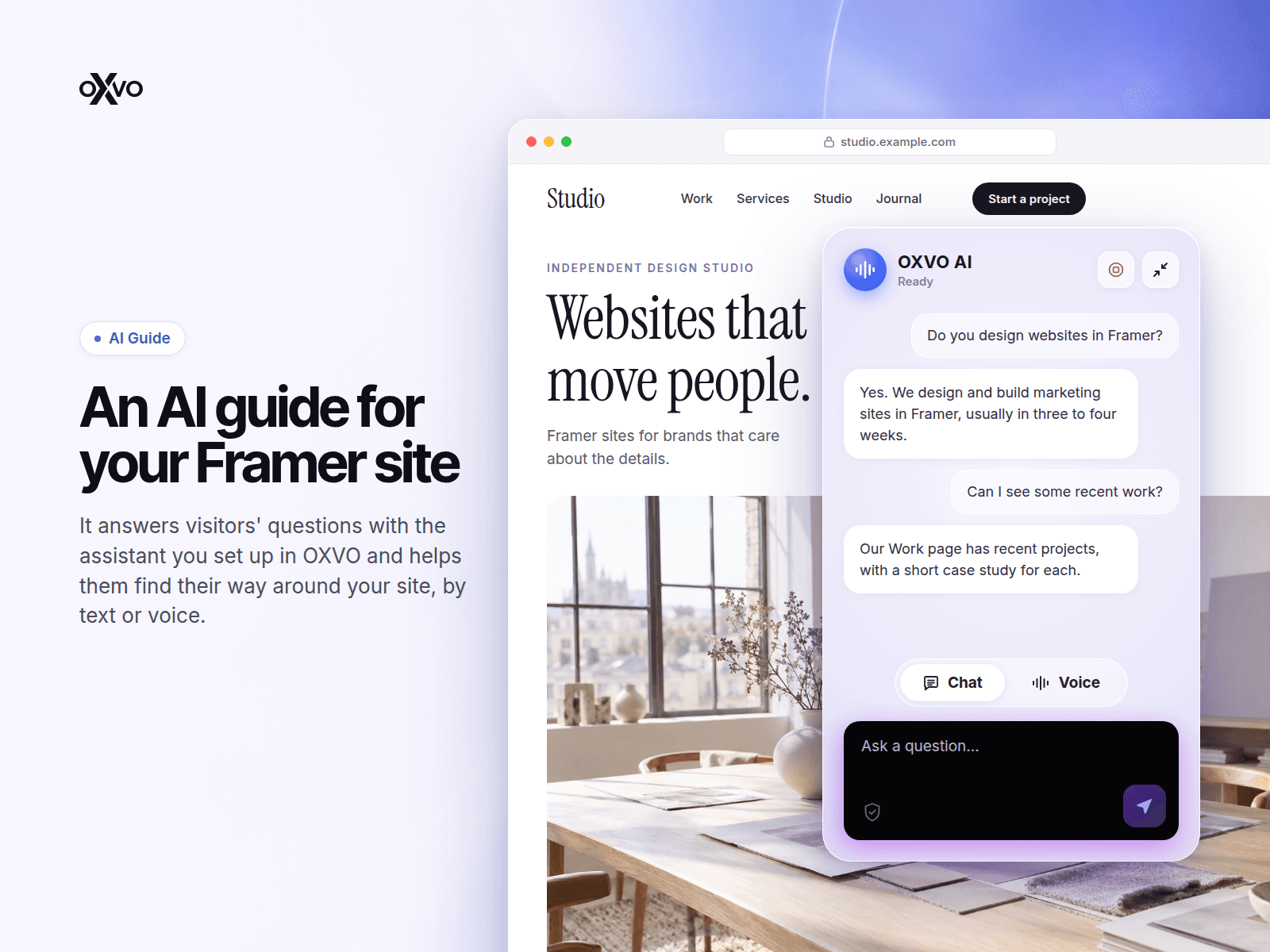
OXVO AI Guide is an AI assistant for your visitors. It answers their questions with the assistant you set up in OXVO and helps them find their way around your site.
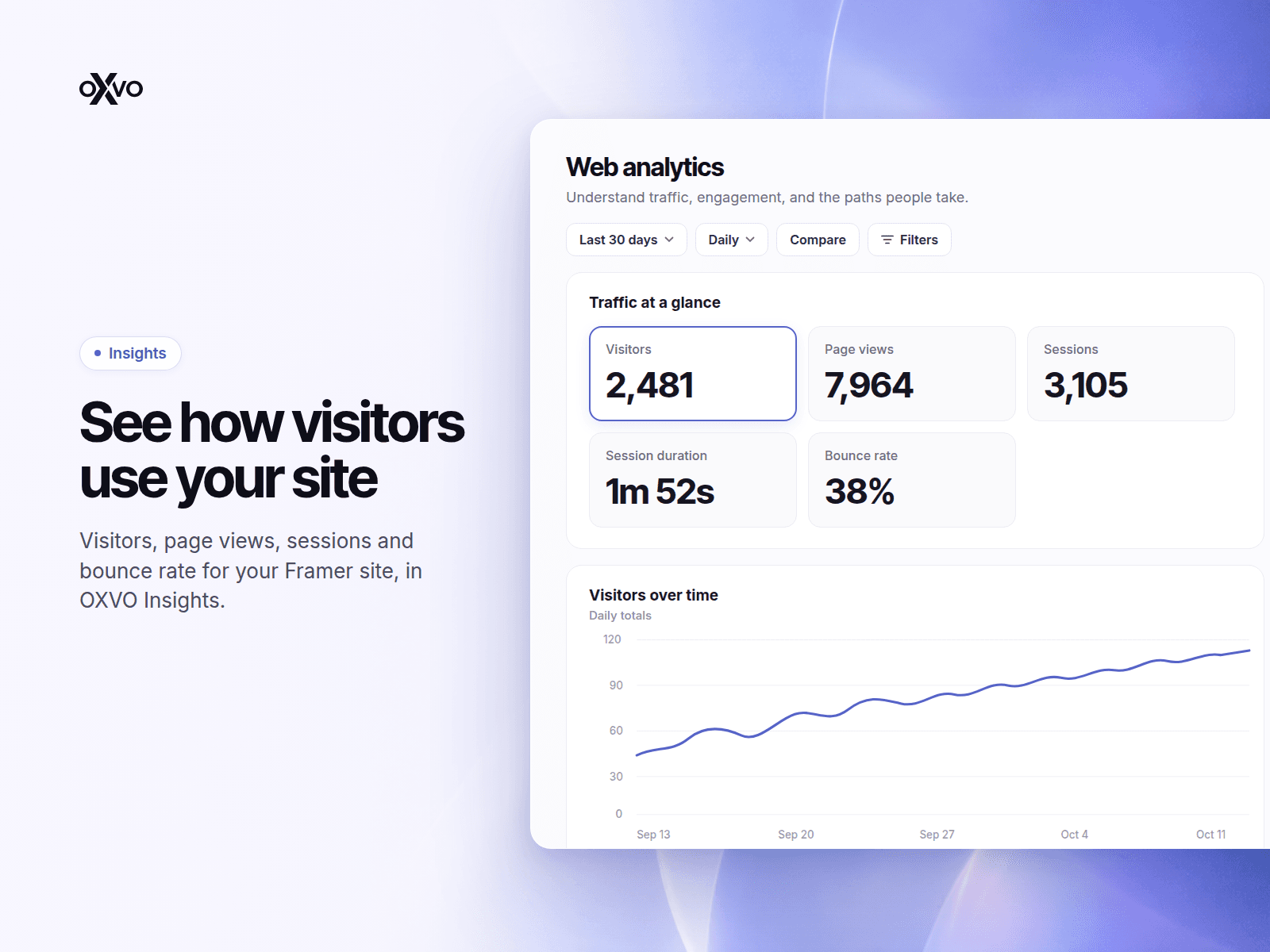
OXVO Insights is website analytics. It shows how visitors find and use your site.
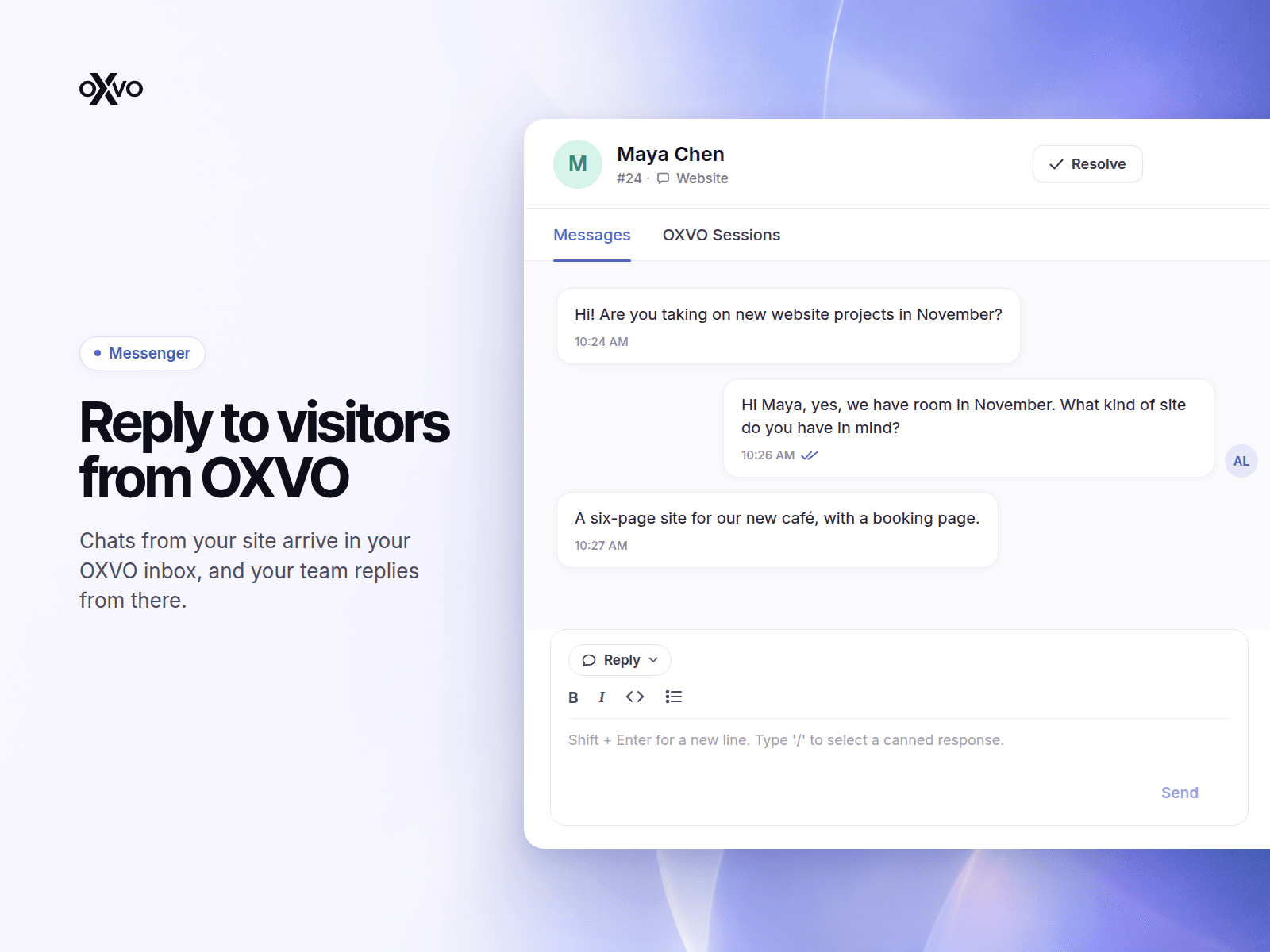
OXVO Messenger is live chat. Visitors start a conversation on your site, and your team replies from OXVO.
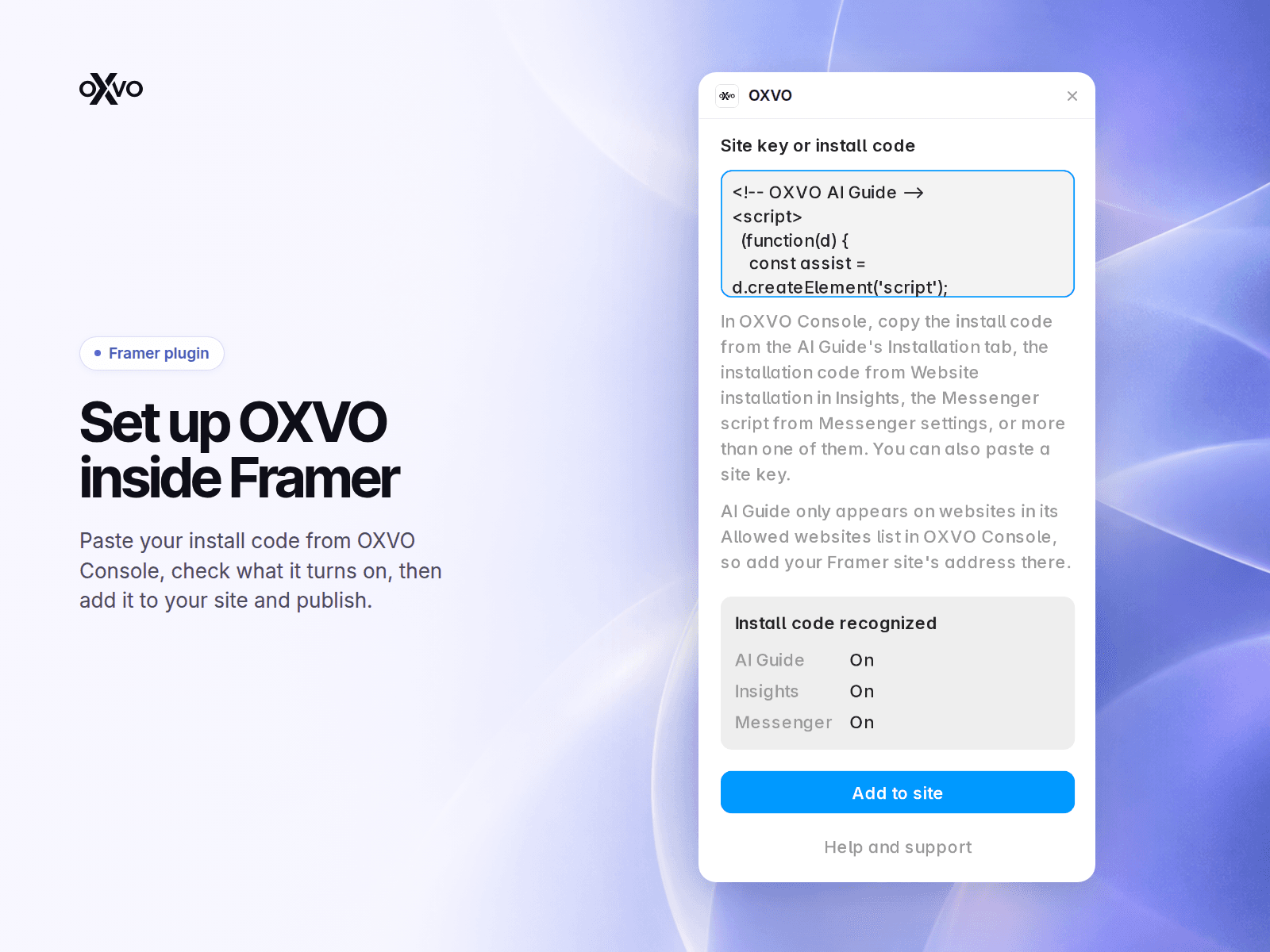
To add them, copy the install code from OXVO Console. The AI Guide install code is on the AI Guide's Installation tab, the Insights installation code is in Website installation, and the Messenger script is in Messenger settings. Paste one or more of them into the plugin, check the preview, and select Add to site. Then publish your site.
The plugin adds one code snippet to the head of every published page. You can update, replace or remove it from the plugin at any time. Publish your site after each change.
AI Guide only appears on the websites in its Allowed websites list in OXVO Console, so add your Framer site's address there.
When AI Guide is on, it loads from OXVO on each page view. When a visitor uses AI Guide, their messages, and their voice audio if they talk to it, go from their browser to the AI provider that OXVO uses to generate the answers. When your AI Guide install code includes session recording, visitors can choose to have their visit recorded, and the recording is sent to OXVO. When Insights is on, page views and interactions are sent to OXVO as configured in your OXVO account. When Messenger is on, the chat loads from OXVO on each page view, and the messages that visitors send go to OXVO.
You need an OXVO account. Sign in at app.oxvo.com. Privacy policy: https://oxvo.com/company/privacy-policy. Terms: https://oxvo.com/company/terms-conditions. Questions: info@oxvo.com.