About Pixely
Pixely – Pixel Art Generator
Description
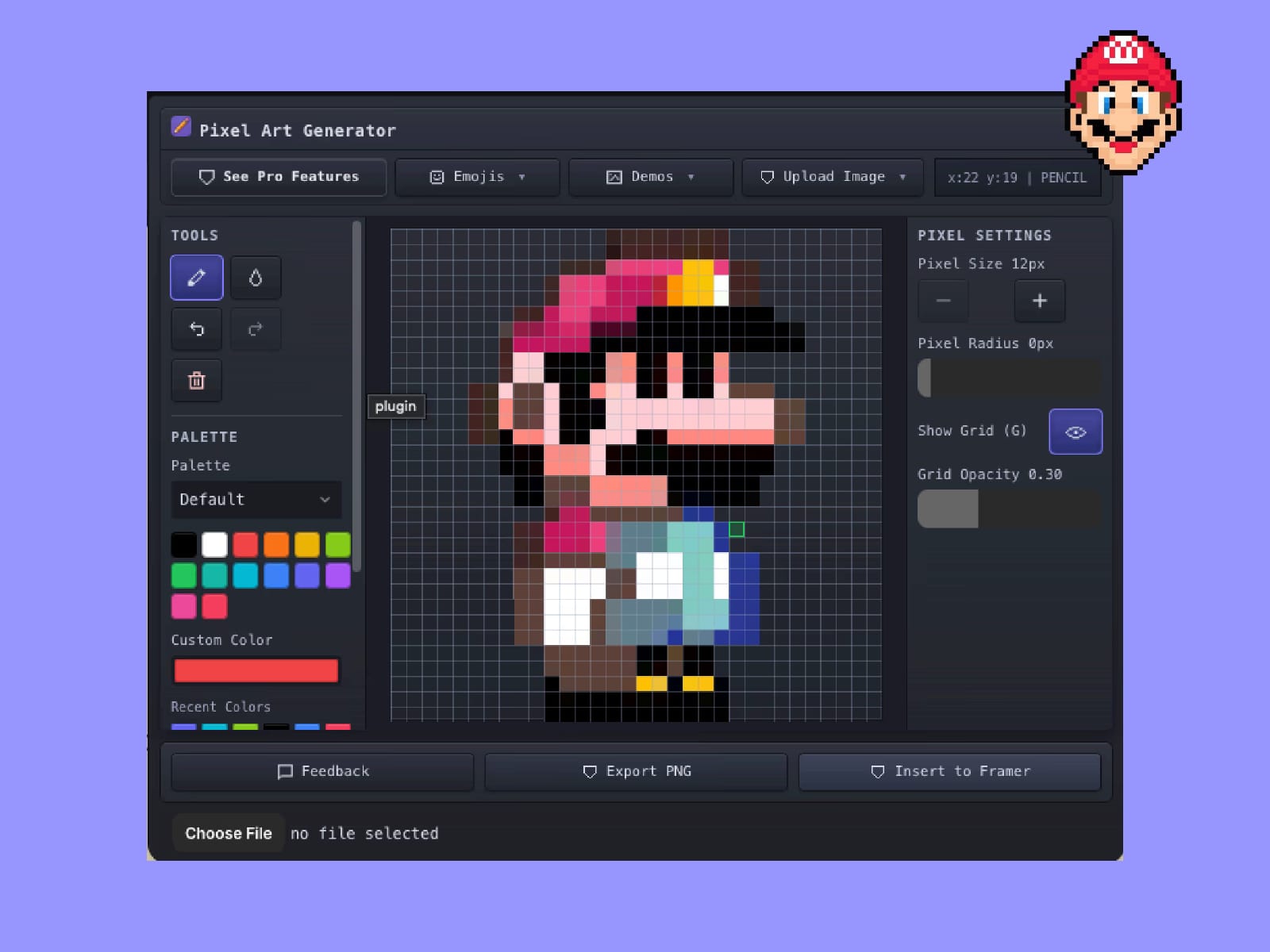
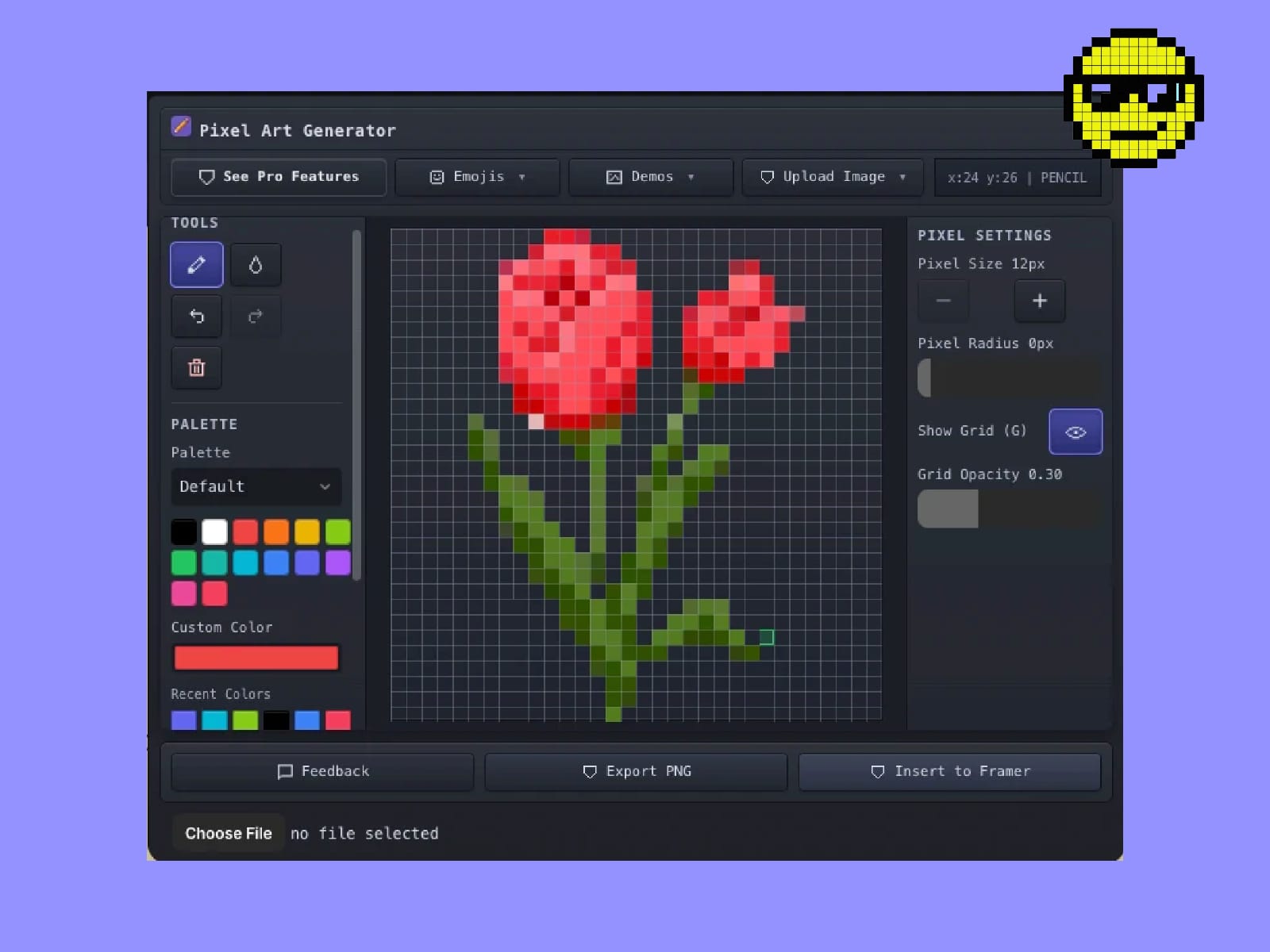
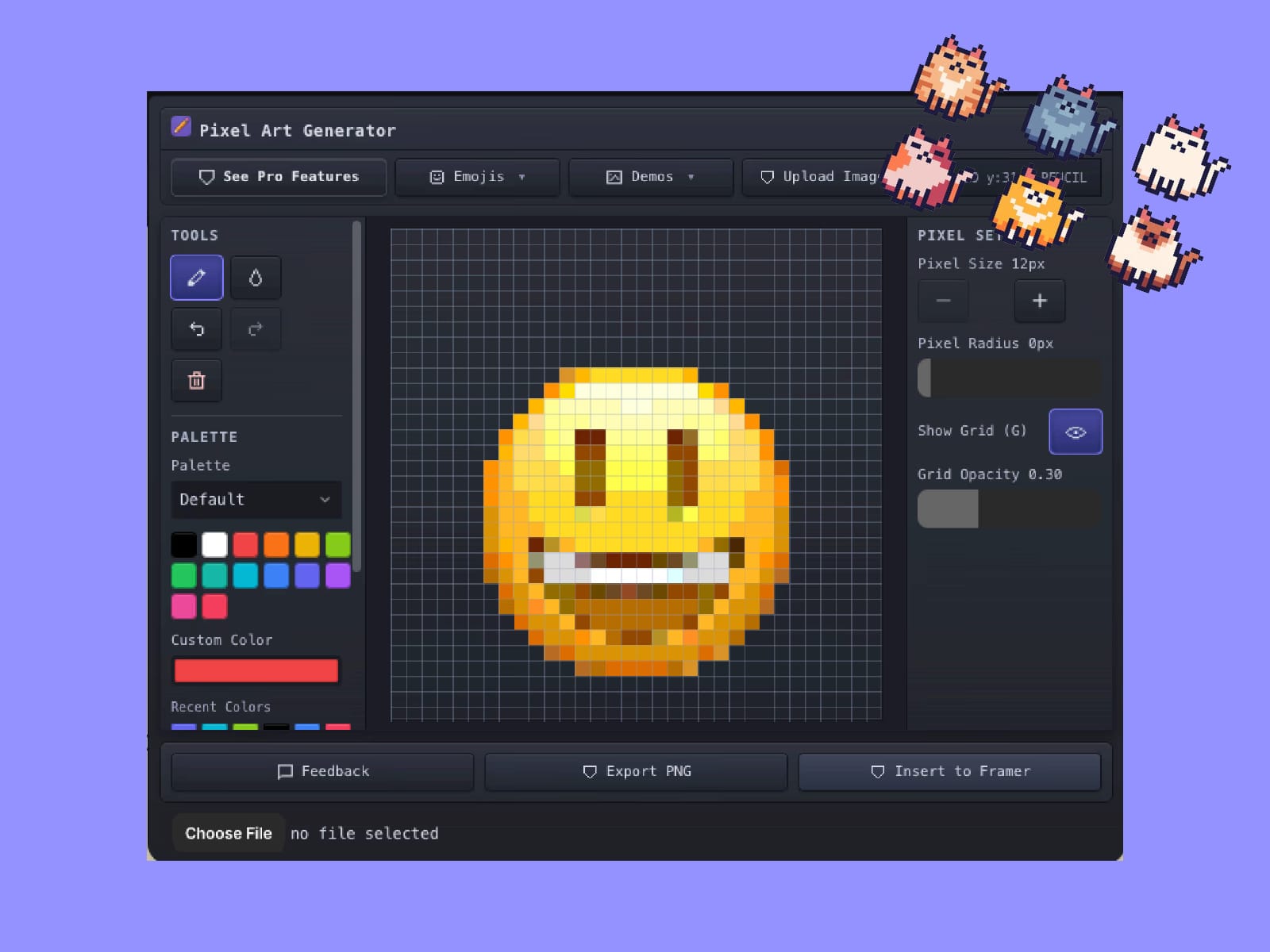
Create beautiful pixel art directly inside Framer with Pixely. Draw pixel art from scratch, convert images into pixel art, or experiment with fun emoji-based designs using a customizable pixel grid.Pixely gives you full control over your artwork with adjustable grid sizes, custom color palettes and pixel styling options. Whether you're designing retro icons, game assets, avatars, UI graphics or creative illustrations, Pixely makes pixel design fast and intuitive.You can also upload images and instantly convert them into pixel art. The generated artwork can be inserted as fully editable SVG vectors into your Framer canvas or exported as PNG files for use anywhere.Pixely is perfect for designers who want to create retro visuals, pixel illustrations or playful UI graphics without leaving Framer.
How to Use
Open Pixely inside Framer.
Choose a grid size to start drawing pixel art
Use the drawing tool to paint on the pixel grid.
Select colors using preset palettes or the color picker.
Adjust the pixel radius to create rounded or circular pixels.
Toggle show or hide grid to preview the final artwork.
Insert the design as an editable SVG or export it as PNG.
Features
Draw pixel art directly inside the plugin
Convert images into pixel art instantly
Generate pixel art from emojis
Adjustable pixel grid size for different detail levels
Preset color palettes and custom color picker
Add radius to pixels for rounded styles
Toggle show or hide grid
Insert fully editable SVG artwork into Framer
Export pixel art as PNG files