
About Pressmaster Collections
Pressmaster Collections
Seamlessly sync your https://pressmaster.ai content with Framer's managed collections
Features:
One-click sync — Import articles from Pressmaster directly into Framer
Field mapping — Choose which fields to include and customize their names
Auto-sync — Once configured, collections sync automatically on each plugin open
Secure authentication — API key stored securely in plugin data
How to use:
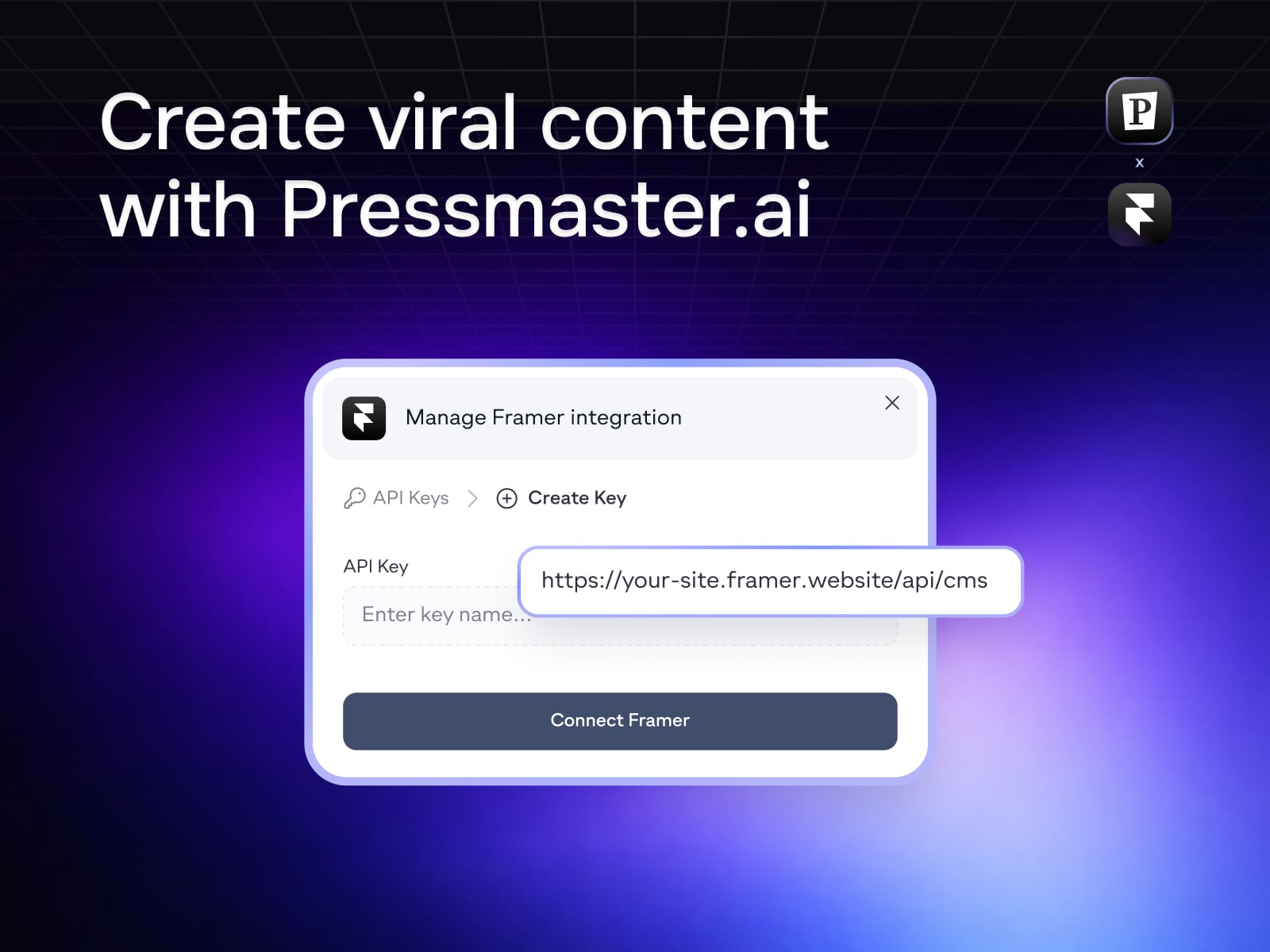
Get your API key from your https://pressmaster.ai account
Create a new managed collection in Framer
Select "Pressmaster Collections" as the data source
Enter your Pressmaster API key
Choose a content type (Articles)
Configure field mappings and select a slug field
Click Import to sync your content
Supported content types:
Articles
For help or feature requests, contact us at support@pressmaster.ai