Stop copying screenshots into Claude.
Right now, if you want AI to help with your Framer project, you screenshot your canvas, paste it into Claude, describe what you want, and pray it generates something useful. Then you copy the result back into Framer manually. Half the time the AI gets it wrong because it can't see what you see.
That ends with Proofly MCP.
What Proofly MCP actually does
Proofly MCP gives Claude, Cursor, Gemini, or any AI direct access to your Framer project. Not screenshots. Not descriptions. The real thing.
Your AI can read your canvas, find any node, understand your design system, see your CMS, and inspect your rich text formatting per character. Then it can edit. Create frames. Update text site-wide. Apply animations. Generate color palettes. Build out CMS collections. Lock pages. Add forms. Export to React. All from inside your AI conversation.
You stop being a copy-paste machine between Framer and Claude. You start directing an AI that actually understands your work.
The moment this clicks for you
Imagine asking Claude: "Audit every page on this site for accessibility issues and fix the ones you can."
Claude reads your whole project. Identifies low-contrast text, missing alt tags, undersized touch targets, broken heading hierarchies. Tells you exactly which nodes have problems on which pages. Fixes the ones it can autonomously. Hands back a list of the ones that need your judgment.
That used to take a designer six hours. With Proofly MCP, your AI does it in two minutes while you grab coffee.
That's what changes when your AI can see your real project.
What you can do with Proofly MCP
Design at the speed of conversation. Ask your AI to generate a color palette, create a type scale, suggest font pairings. Push them straight into your project as real styles. Replace one color across every node with a single command.
Audit your entire site in one call. Accessibility, SEO, performance, live page meta tags. Get a project-wide roll-up showing what's broken on every page, with specific fixes ready to apply.
Edit at any scale. Find and replace text across every page in seconds. Bulk-update layouts. Apply animations from a curated library. Switch between stack and grid layouts. Reorder children. Add breakpoints.
Manage CMS like an engineer. Create collections, manage fields, add items, reorder, delete. All through natural language to your AI.
Insert pre-built sections. 7 Framer Marketplace sections (hero, pricing, footer, more) and 5 locally-generated React components (accordion, tabs, modal, dropdown, countdown). One command from your AI and they're in your project.
Why Proofly MCP beats every other Framer AI tool
No 5-second timeout. Tools run as long as they need to finish the job. Other MCPs cut you off mid-operation. We don't.
Reads rich text per character. Other tools can't see your formatting at all. Proofly reads style segments through the canvas DOM and reports exactly what's there. Find drifted formatting across pages. Audit inconsistencies. Nobody else can do this.
Deep clones without breaking references. Other tools duplicate component references that explode when you edit them. Proofly creates true detached copies. Edit freely.
Teaches your AI how Framer actually works. A 12KB design intelligence prompt loads once per session, so your AI stops generating invalid layouts and starts producing work that actually fits Framer's structure.
Project-wide audits in one call. Other tools audit page by page. Proofly audits your entire site in one command.
Templates that never break. Locally-generated React components ship inside Proofly. They don't disappear when marketplace slugs change. Yours always work.
Works even when the plugin is closed. Opt-in headless mode lets your AI keep operating in your project even when you're not actively in Framer.
Who Proofly MCP is for
Designers using Claude or Cursor every day. Stop pasting screenshots. Start delegating real work to an AI that sees your canvas.
Agencies running multiple client projects. Audit, refactor, and ship faster across every site. One MCP connection, every project, full visibility.
Solo founders shipping fast. Treat your AI as a junior designer with full project access. Move at the speed of conversation.
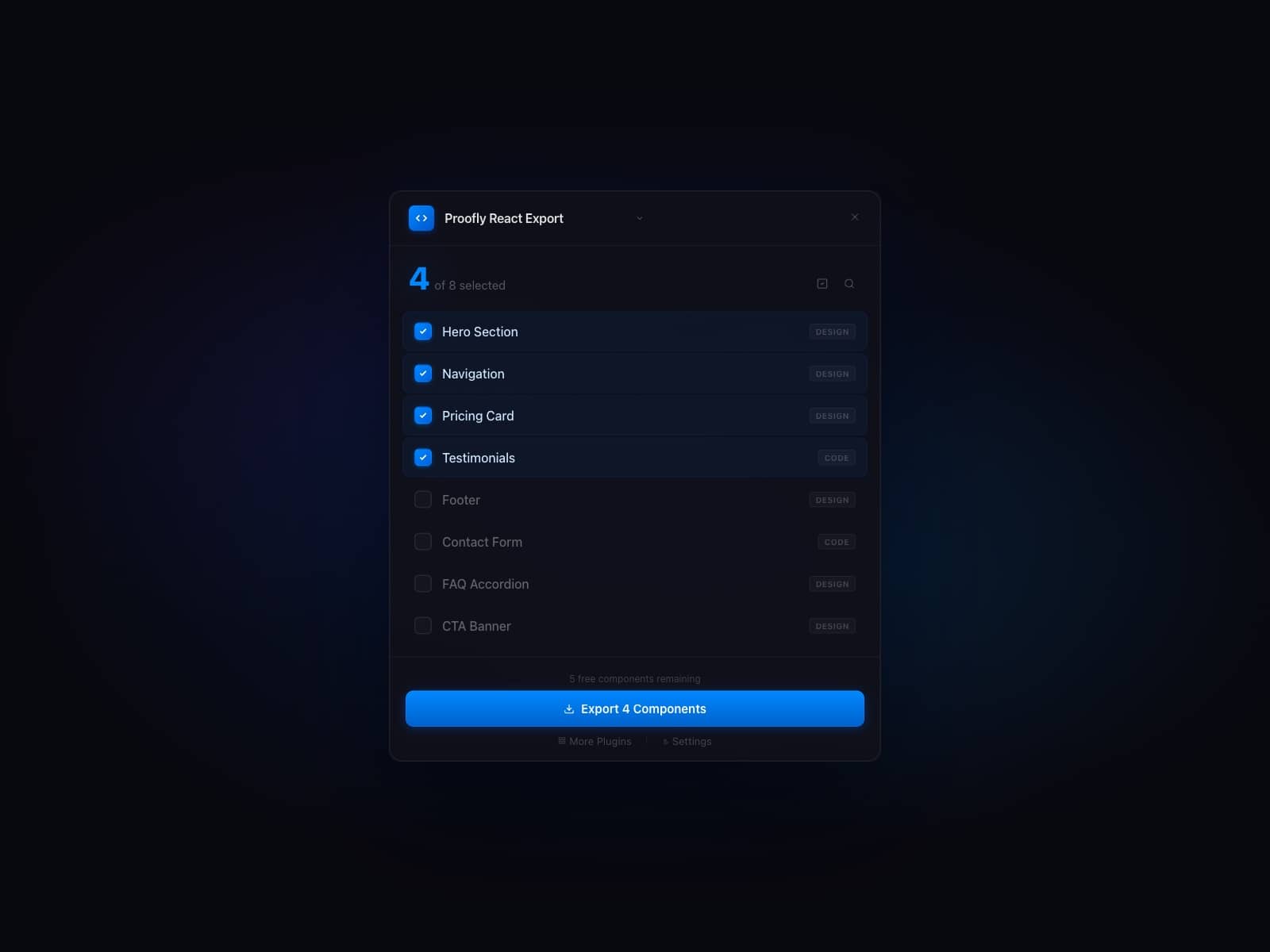
Developers exporting Framer to production. Combine MCP edits with Proofly React Export for a complete design-to-code pipeline driven by AI.
Design system teams. Audit consistency across every page. Swap styles globally. Enforce typography systematically. Maintain design systems at scale.
Free forever
Every tool. Every feature. Free.
No tiers. No quotas. No paywalls. No premium plan hiding the useful features behind a credit card.
This isn't a free trial. This isn't a teaser for a paid product. This is the full Proofly MCP, free, forever.
A few specific tools need optional API keys (Unsplash for stock image search, Anthropic for certain AI operations). If you don't have them set, those specific tools return a clean message pointing you at the right env var. Everything else works out of the box.
Setup in under two minutes
Install Proofly MCP above
Sign in with your email (we'll send you a verification code)
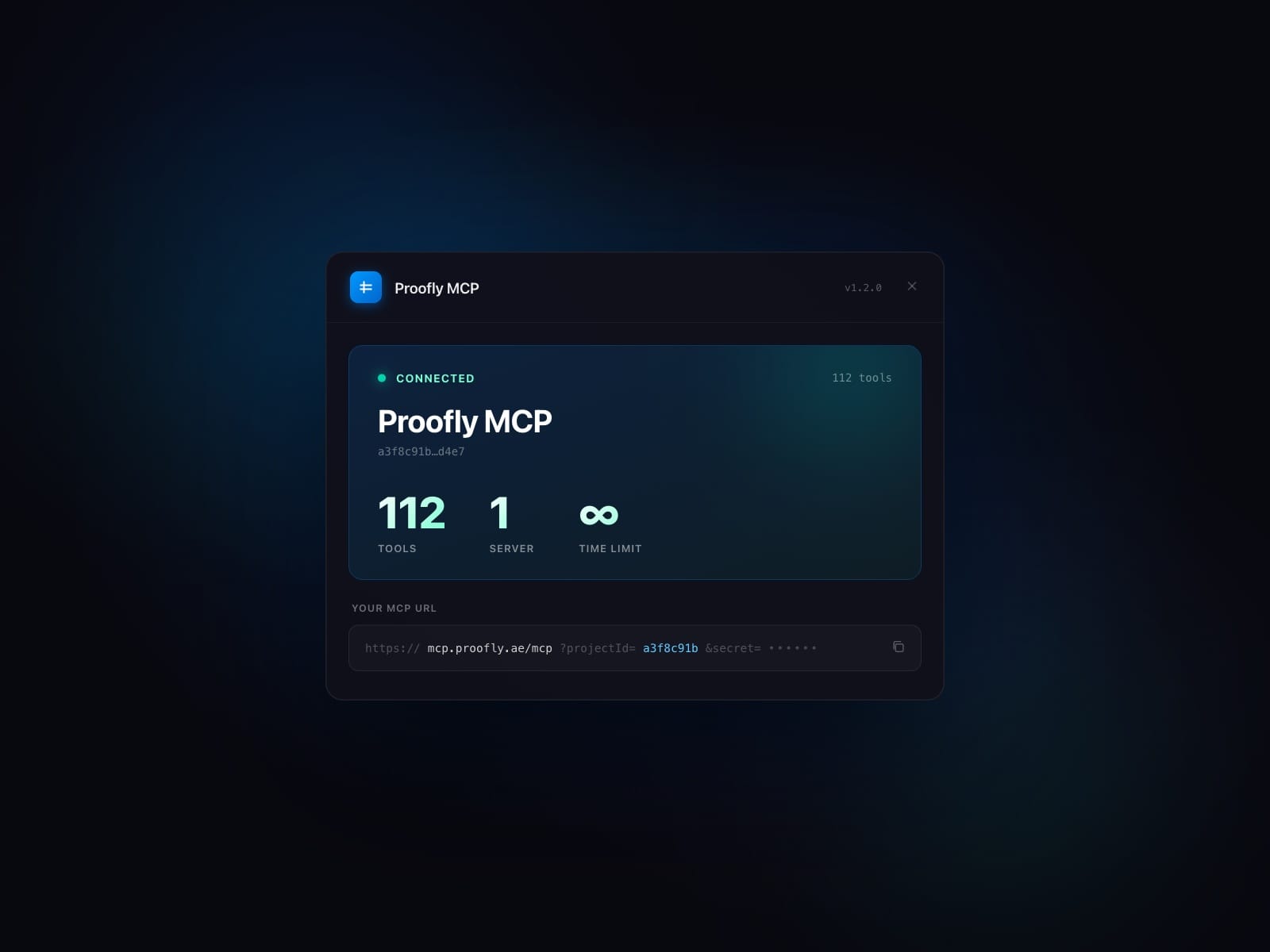
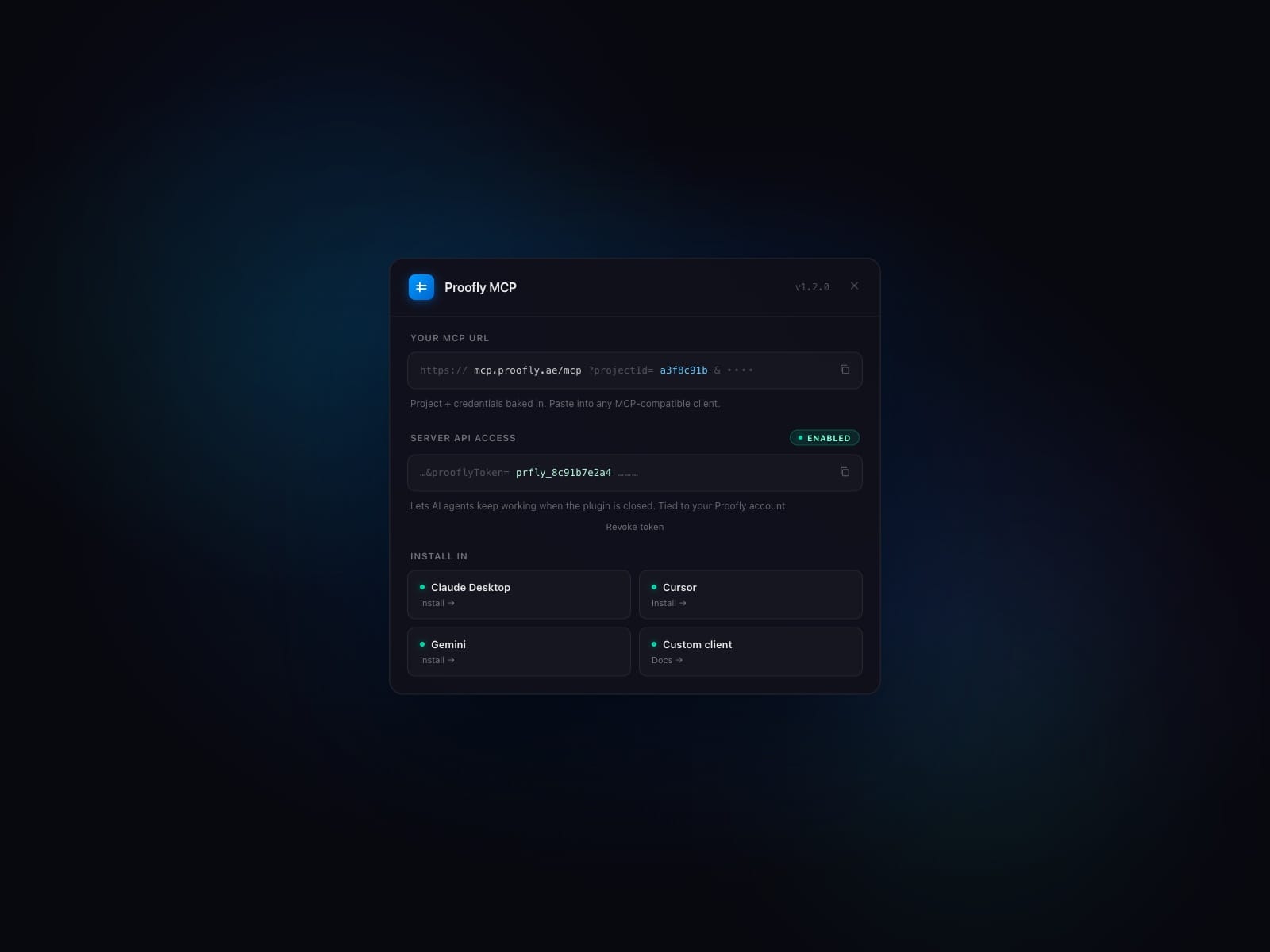
Copy your MCP server URL from the plugin
Add it to Claude Desktop, Cursor, or any MCP-compatible AI
Start asking your AI to do real work in your real Framer project
That's the whole setup. No accounts on third-party services. No API keys to manage. No subscription to maintain.
Why we built this
We're a small team building tools that make Framer better. We use AI in our own workflow every day. We were tired of copy-pasting between Framer and Claude. So we built the bridge.
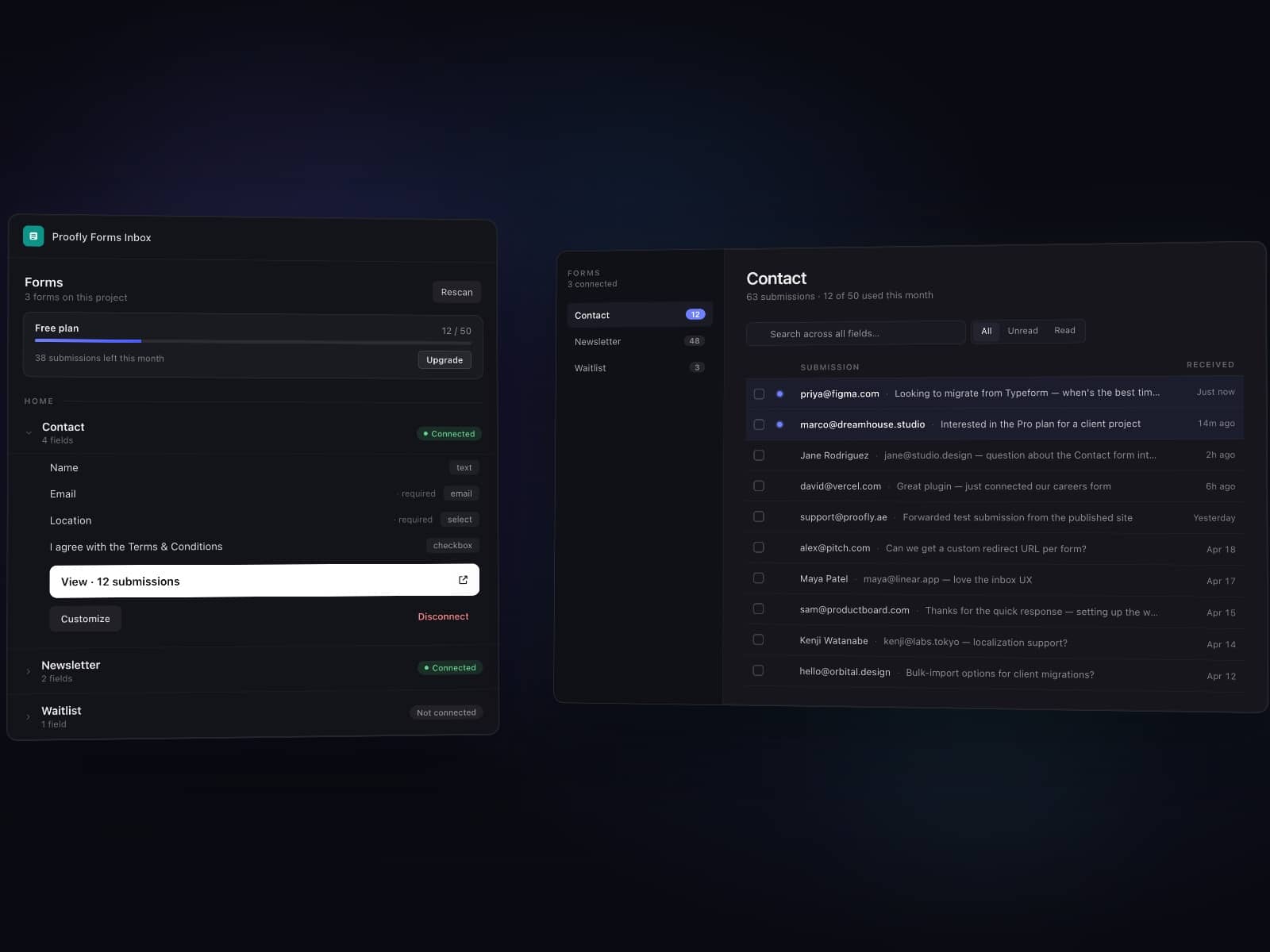
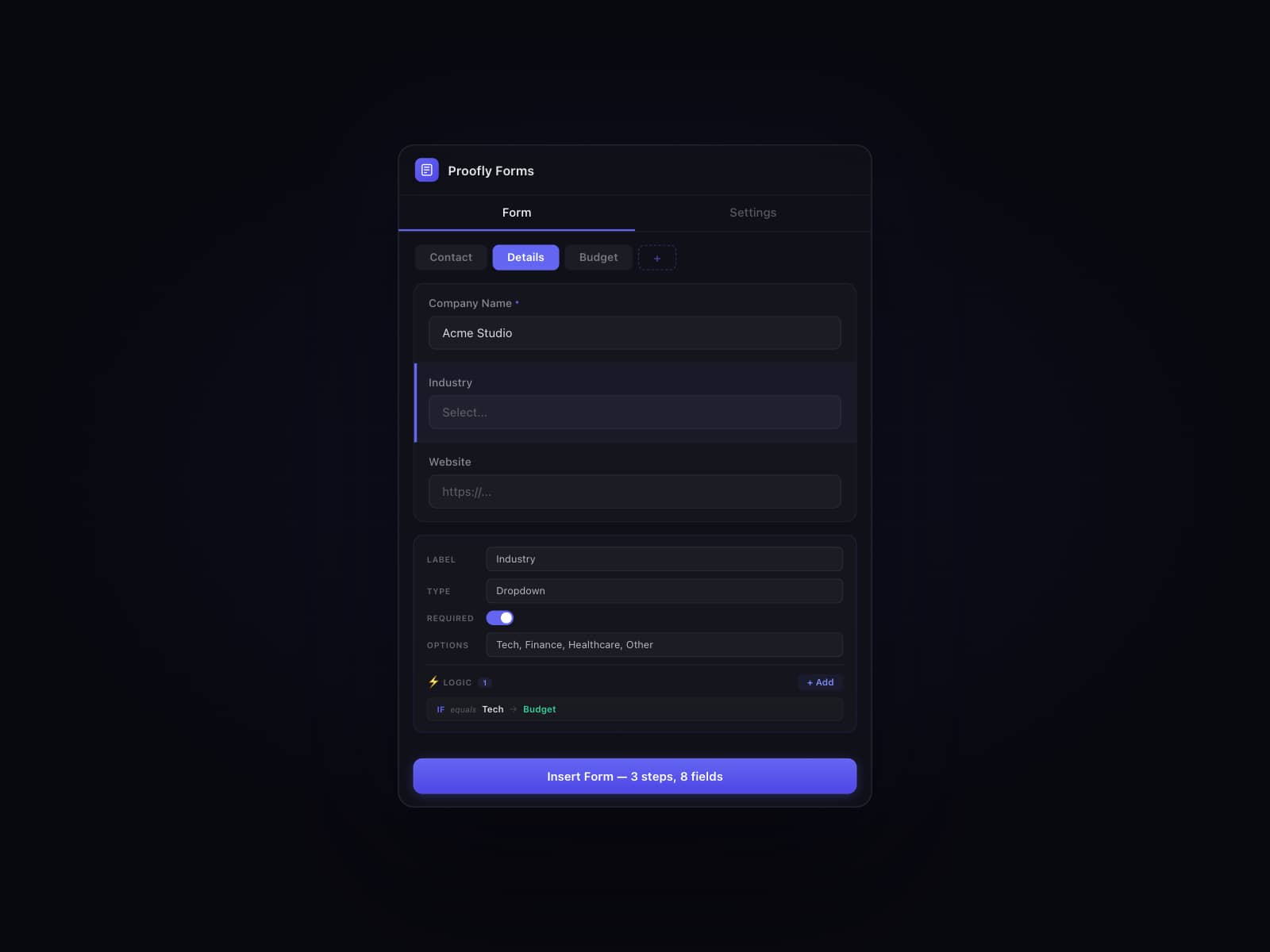
We're giving Proofly MCP away free because we believe AI-native design tools should be free. The Proofly business is the rest of our plugin suite: PageLock for password protection, React Export for production code, Forms for data collection, Blog for content, ThemeShift for dark mode. The MCP makes all of those better, and you can use them through your AI.
If you find Proofly MCP useful and want to support us, check out our paid plugins at proofly.ae. If you don't, just keep using the MCP. We built it to be valuable on its own.
Get started
Install Proofly MCP above. Connect it to Claude or Cursor in under two minutes. Start letting your AI see your real Framer project.
Built by Proofly. Visit proofly.ae for documentation, demos, and the rest of our plugin suite.
Light mode added