About Qr Code Designer
🎨 QR Code Designer
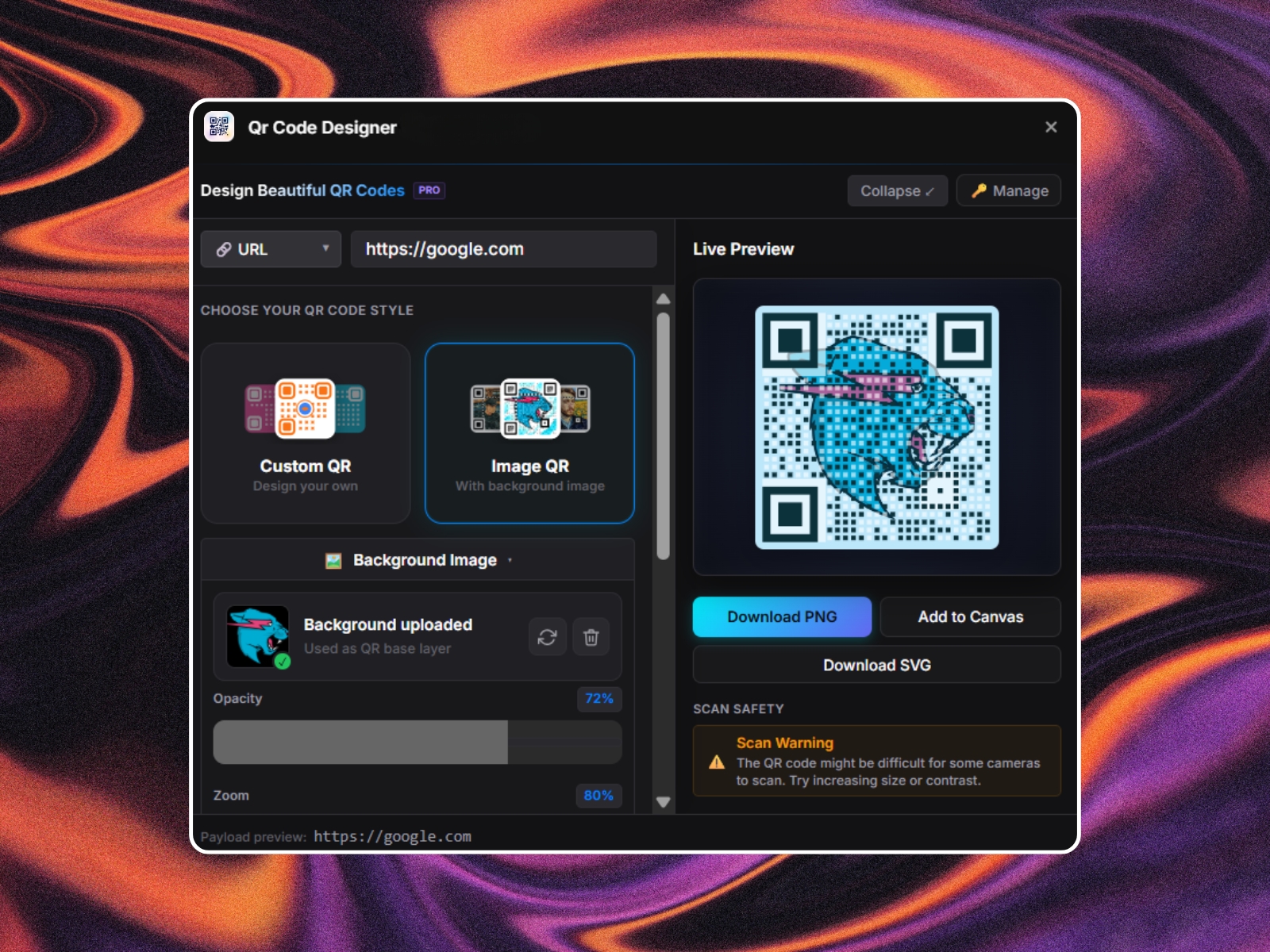
Stop using boring, generic black-and-white QR codes. QR Code Designer allows you to create highly customized, branded, and high-conversion QR codes directly inside your Framer canvas.
Whether you need a sleek QR code for a business card, a marketing landing page, restaurant menus, or app downloads, this plugin gives you complete design control with professional vector outputs.
---
✨ Features
1. 📂 Diverse Content Types
Generate QR codes for any use-case with structured fields:
- 🔗 URL / Link: Standard web links with auto-formatting.
- ✉️ Email: Pre-filled recipient, subject, and body text.
- 💬 SMS / Text: Pre-fill a phone number and message.
- 📶 WiFi Network: Connect instantly by scanning (SSID, Password, and Security Type).
- 📇 vCard (Contact Card): Professional contact cards with Name, Phone, Email, Company, Title, and Address.
2. 🎨 Granular Styling & Customization
Make your QR codes fit your brand identity:
- Dot Styles: Choose between Rounded, Square, Extra Rounded, Star, or custom design dot blocks.
- Corner Eyeball & Frame Styles: Customize the outer and inner eyeball shapes to be circular, square, or rounded.
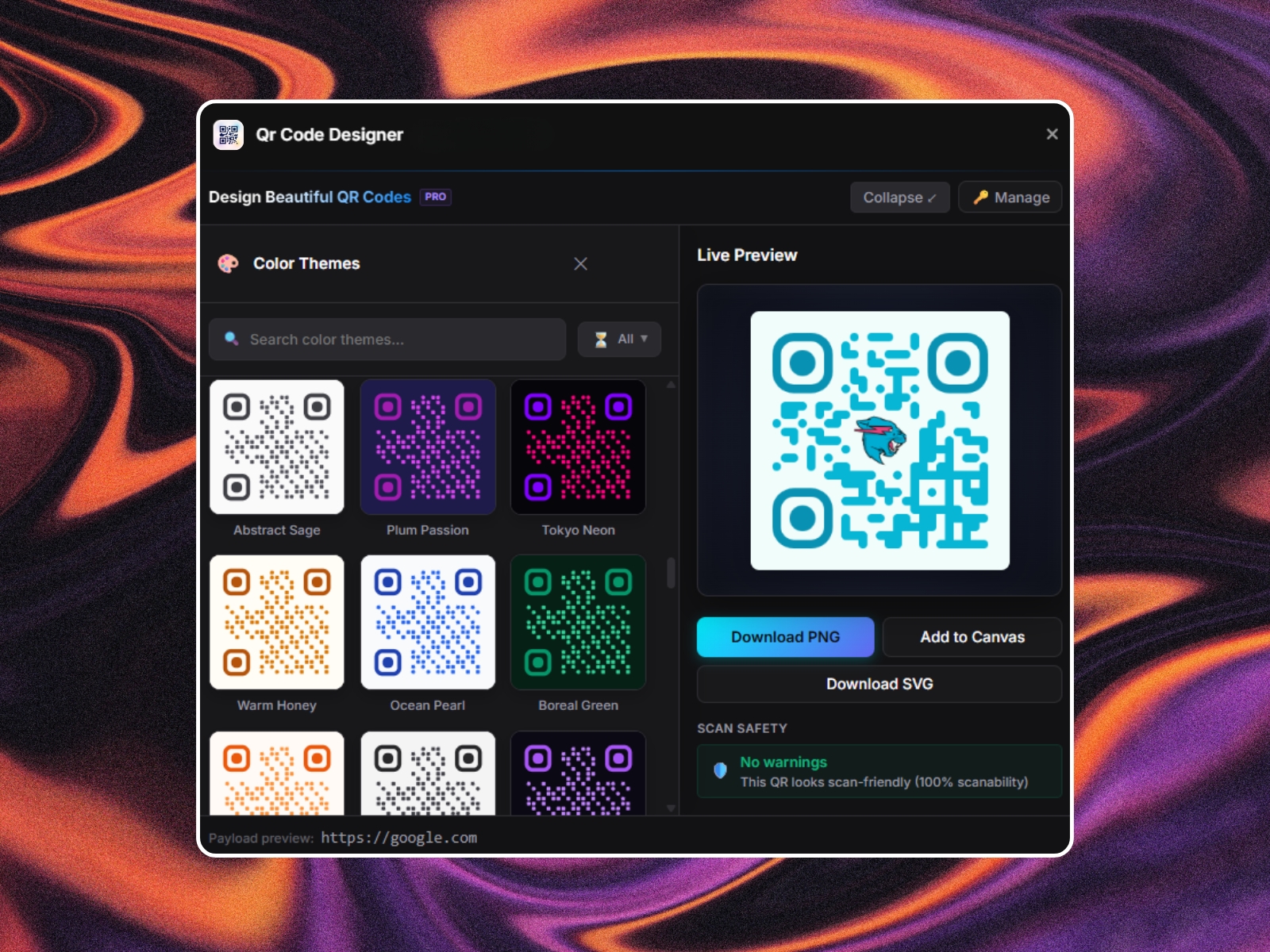
- Colors & Gradients: Apply solid colors or linear gradients to the QR dots and corner points.
- Backgrounds: Transparent background support, solid colors, or premium image/GIF fills.
3. 🖼️ Brand Logo & Center Image Integration
Embed your company logo or custom icons in the center:
- Upload JPEG, PNG, or SVG logos.
- Toggle custom background padding/plates for the logo so it stands out cleanly.
- Adjust the logo scale and position dynamically.
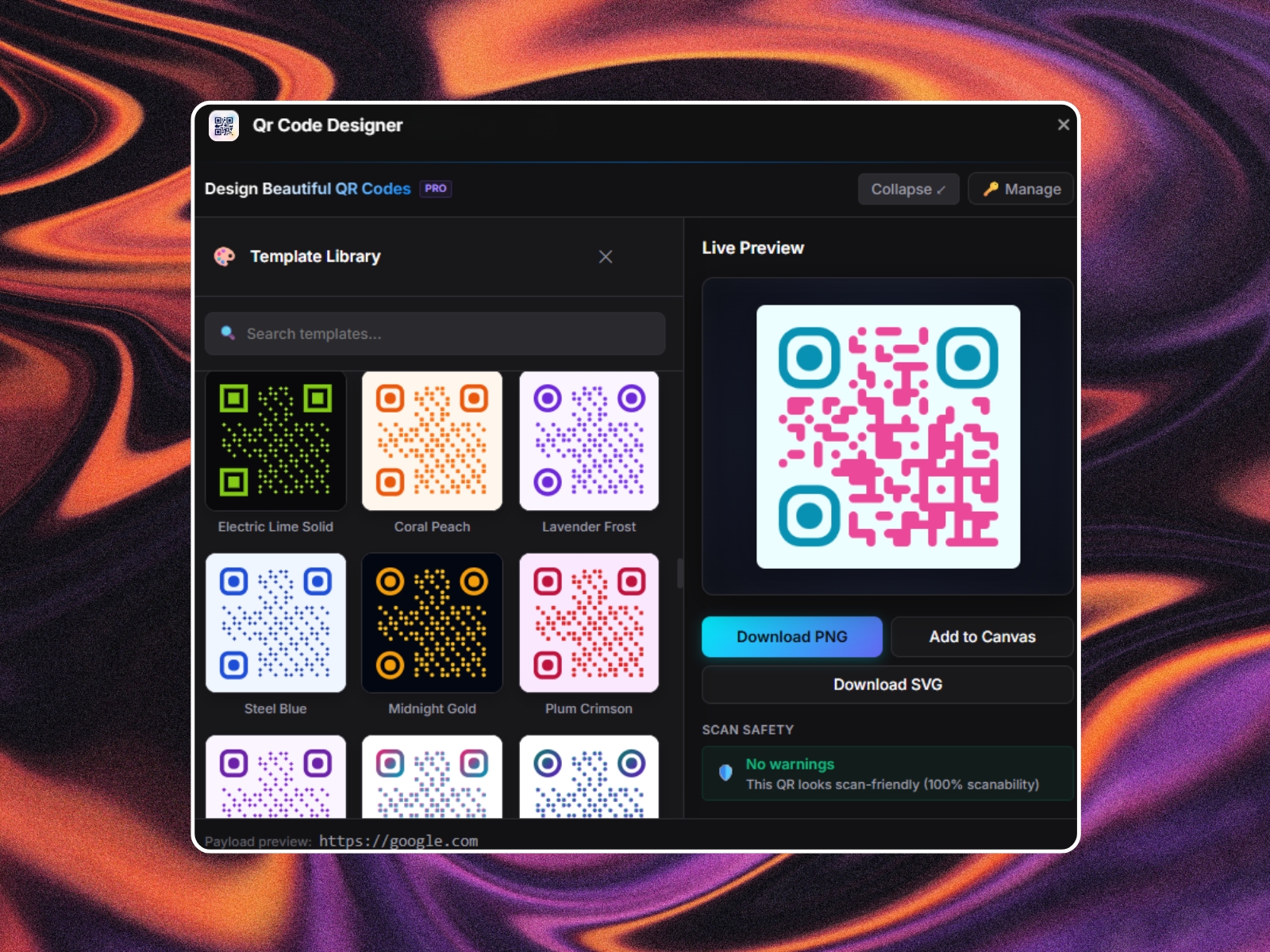
4. ⚡ Instant Premium Templates
Short on time? Pick from our curated list of pre-made templates including:
- Classic Minimal: Clean black and white.
- Midnight Neon: Vibrant gradients on dark backgrounds.
- Golden Elegance: Premium gold dots for luxury brands.
- Bubblegum: Playful, modern pink styling.
- Plus over 30+ premium templates!
5. 🚀 Seamless Framer Integration
- Add to Canvas: Insert the generated QR code directly into your active Framer project as a native frame with one click.
- Vector Exports (SVG): Perfect for crisp scaling, high-res printing, and responsive websites.
- High-Res PNG: Instantly download for sharing or testing.
---
🛠️ How to Use
1. Launch the plugin inside your Framer editor (Plugins > QR Code Designer).
2. Input your destination content in the Content tab.
3. Scroll down to customize the appearance.
4. Click Add to Canvas to place it directly into your design, or Download SVG to save it locally.