About Rebrand
You remixed a template, and now it has to look like yours. Rebrand changes every color style in light and dark, every text style, and the old name in your copy, and shows you the result first.
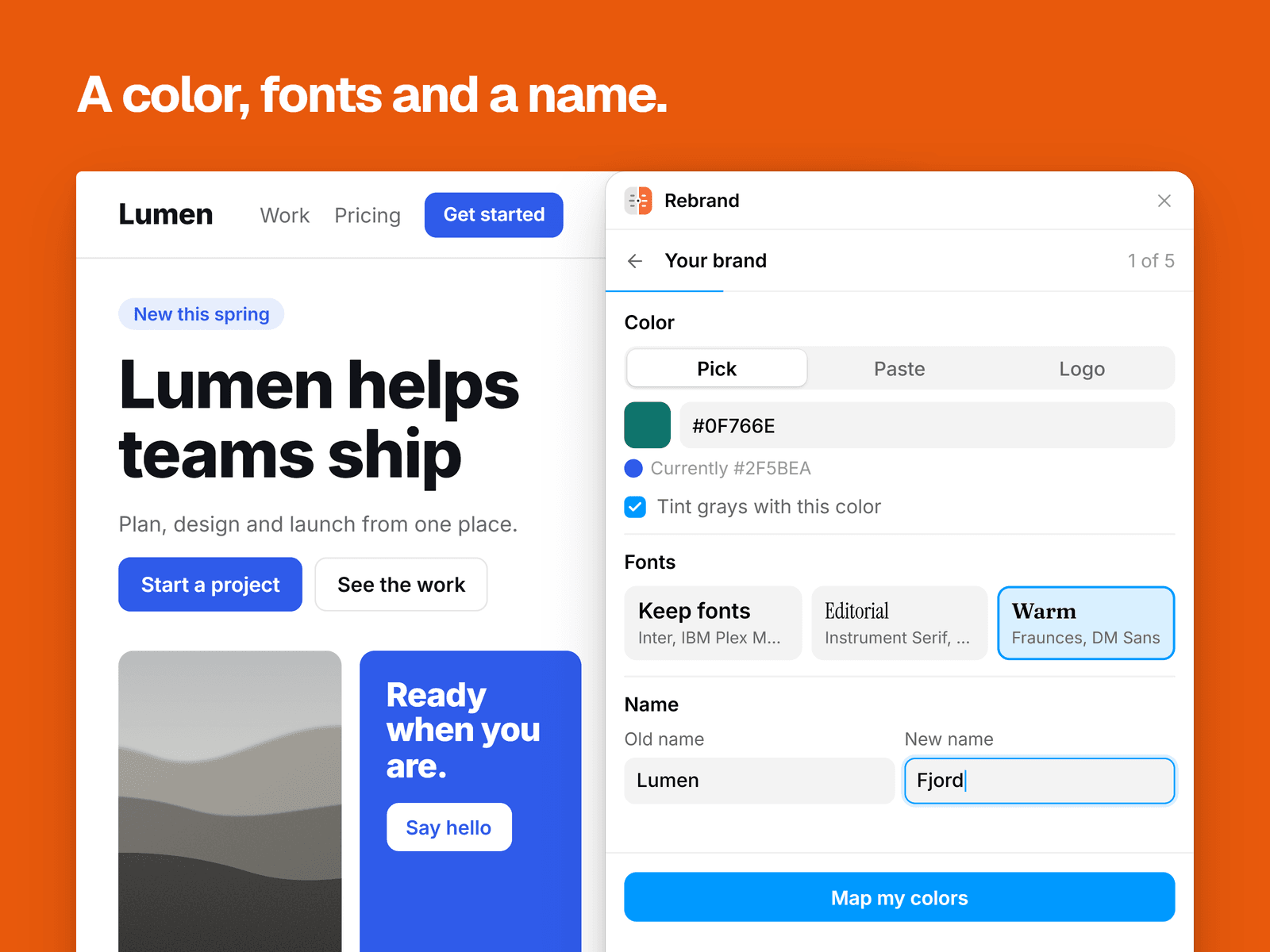
Pick a color, paste hex values, or drop in a logo and choose from its colors. The logo stays in your browser. Choose a font pairing or any font in Framer, then type the old name and the new one.
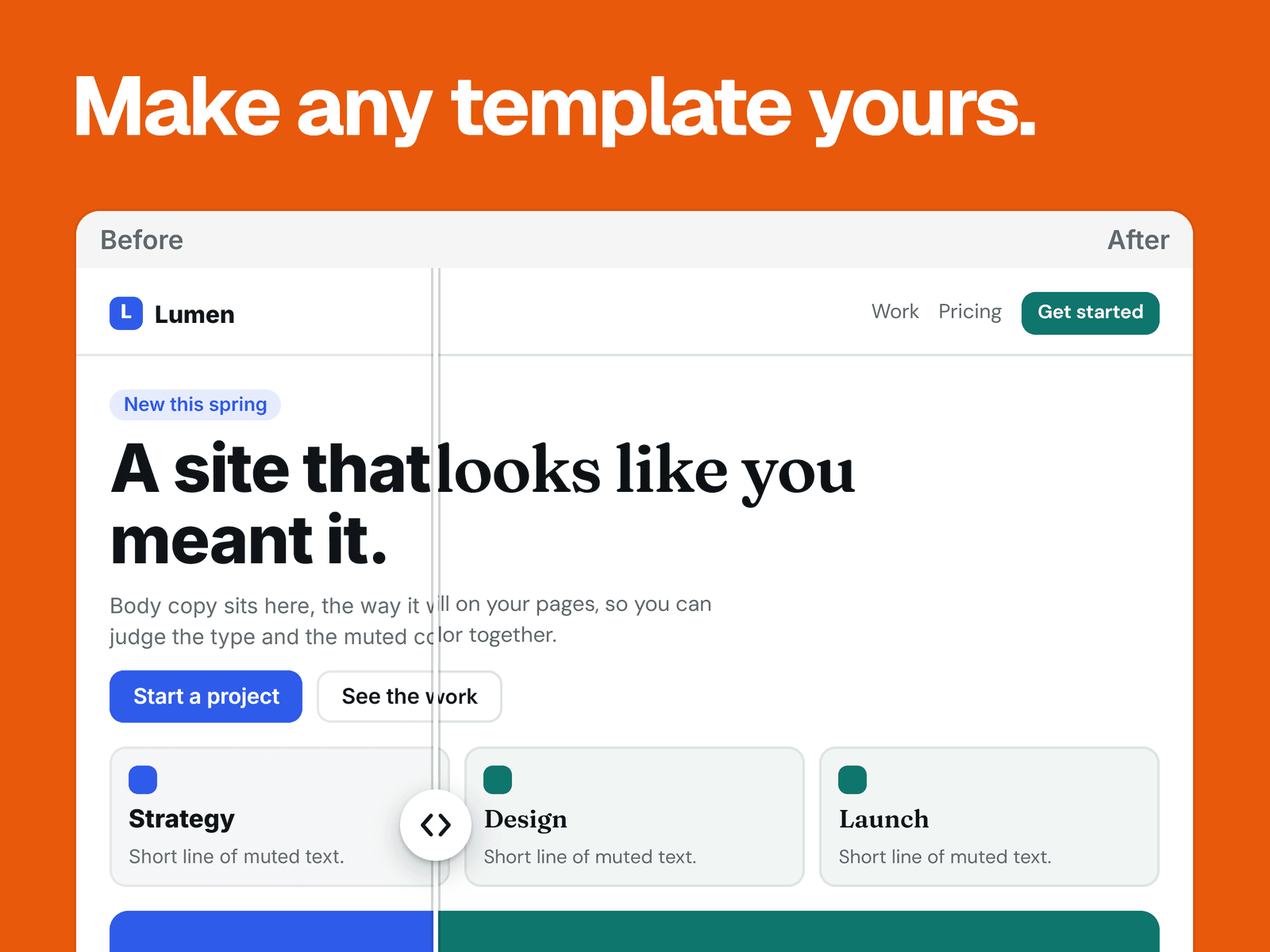
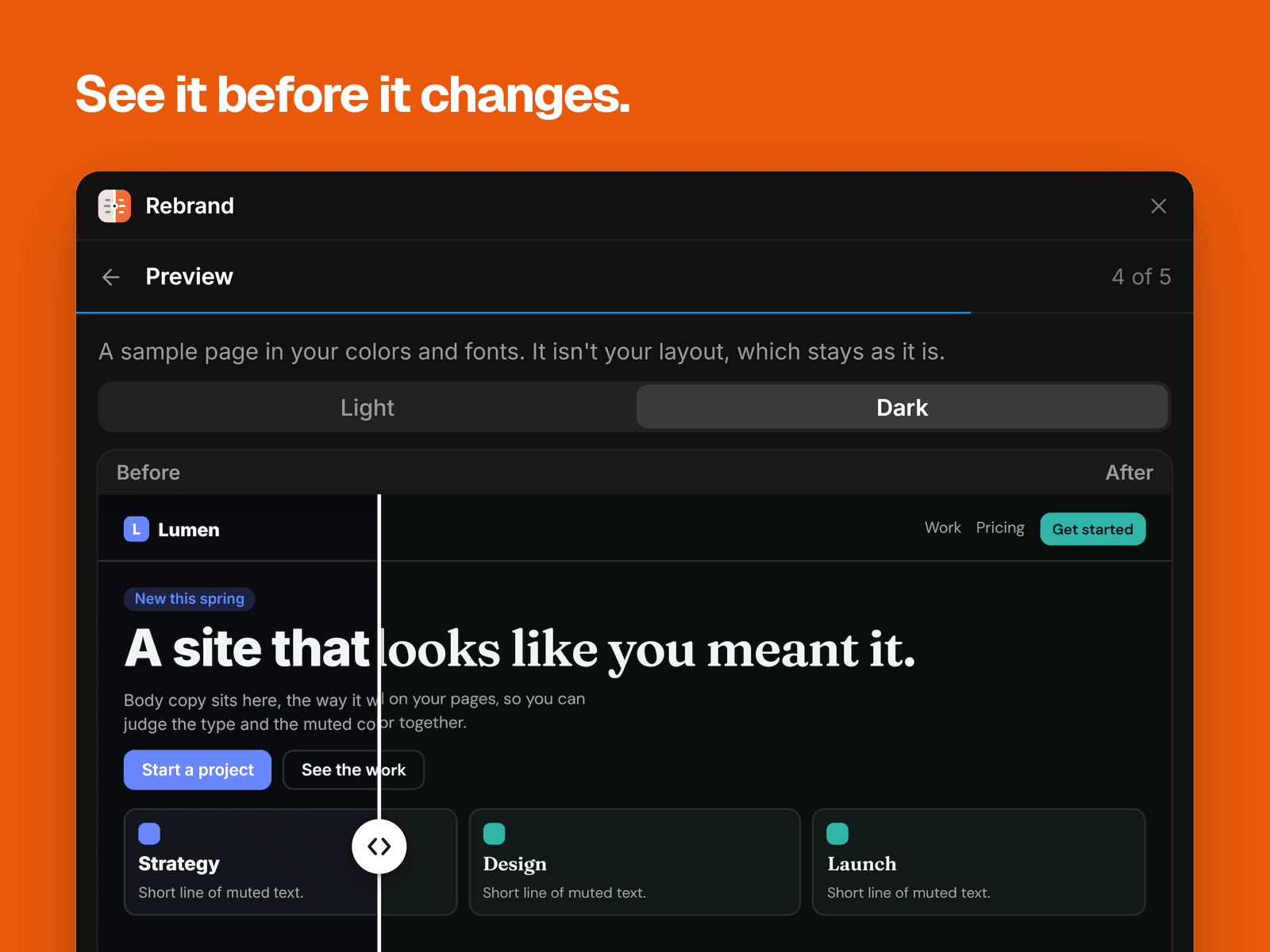
Rebrand gives each color style a role, such as background, text or accent, and you can change any it got wrong. New values keep each style's place in the scale, so a pale tint stays pale. It tests contrast, can fix what fails, and lists what it moved. Then you drag a handle across a sample page to compare before and after. The sample is a fixed layout, so it won't look like your site.
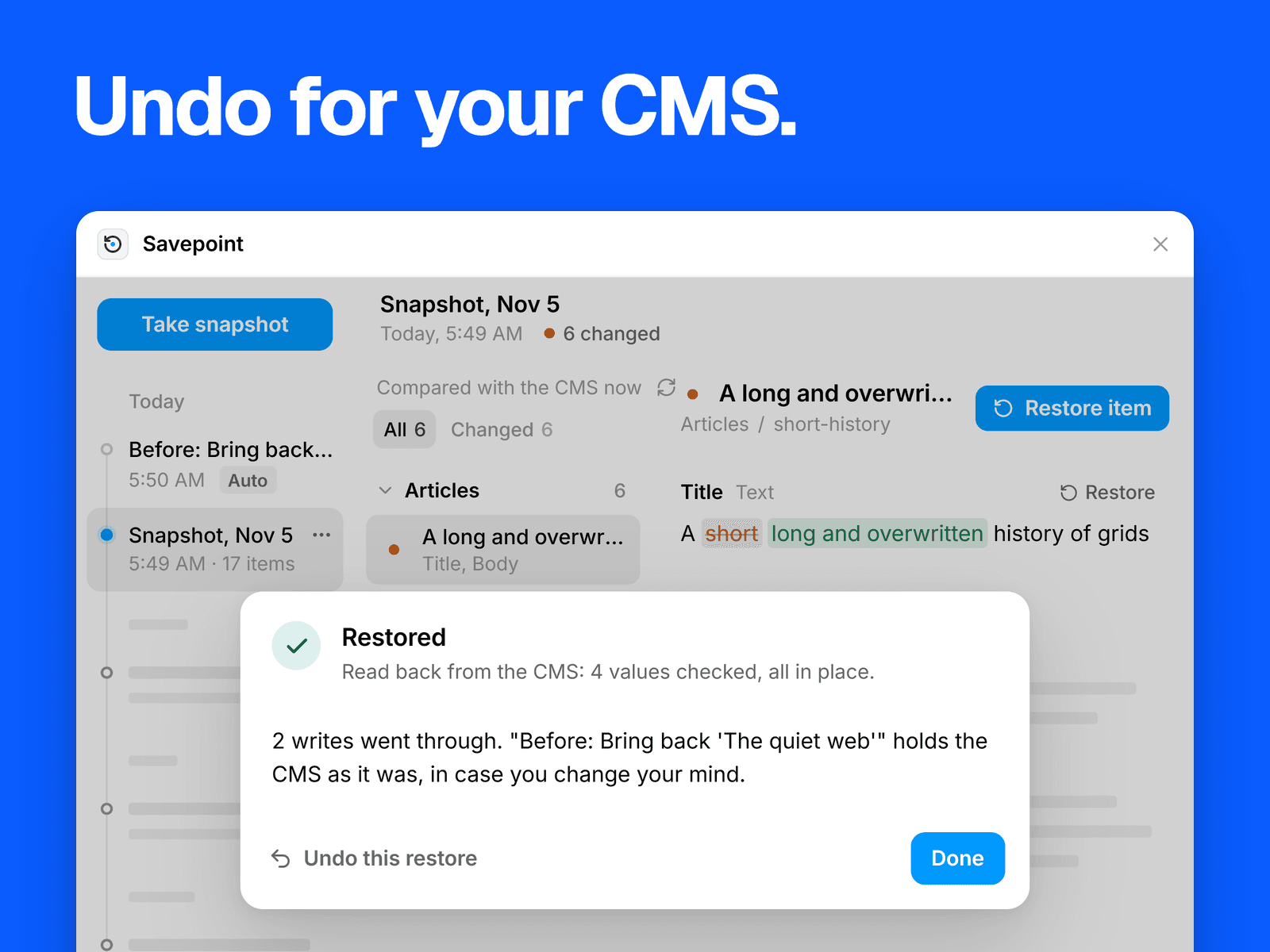
Applying saves a snapshot first, and Restore puts your colors and fonts back exactly. You see every text replacement first and choose which ones go ahead.
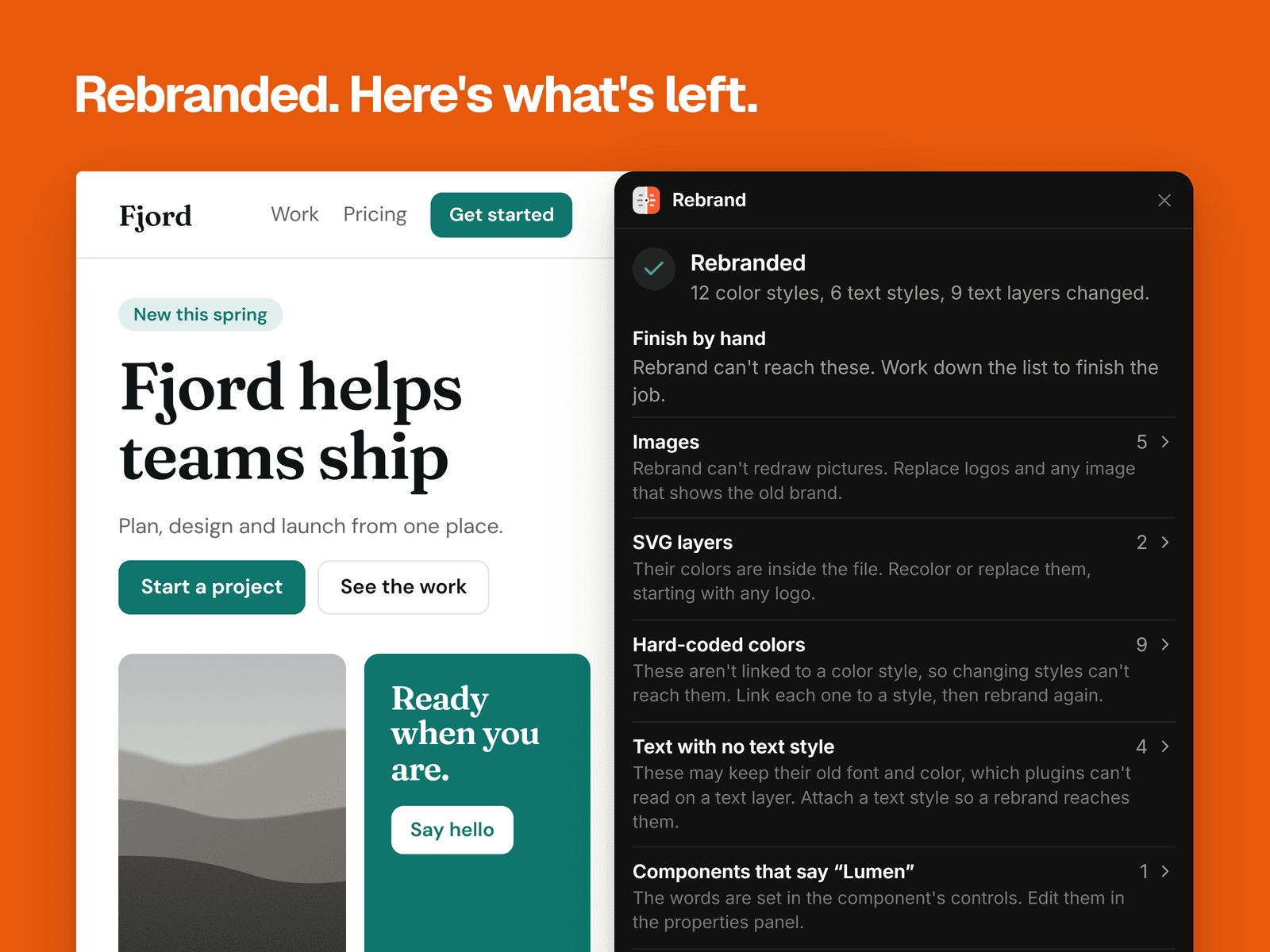
What it doesn't change
Images, SVG layers and icons
Colors not linked to a color style
Text layers with no text style attached
CMS content, translations and Site Settings
Rebrand lists what it can find of these, with a button that jumps to each layer.
Good to know
Replacing text flattens a layer's bold words, inline links and paragraphs, and Restore brings back the words only. Layers that might have mixed formatting start unticked.
Framer doesn't hand over the text of pages you haven't opened. Rebrand counts what that leaves out, and a button opens each page in turn.
Pricing
The scan, the palette, the contrast check, the preview and Restore are free. Applying a rebrand takes Pro: $15 USD once, with no subscription.
Your data
You pay in your browser and get a license key by email. Enter it on our activation page for an unlock code, then paste the code into Rebrand. Pro stays on in that browser. The same code works in your others. Rebrand checks the code on your computer. Nothing leaves your project.
Support: syaokay@gmail.com