
About Reset Button
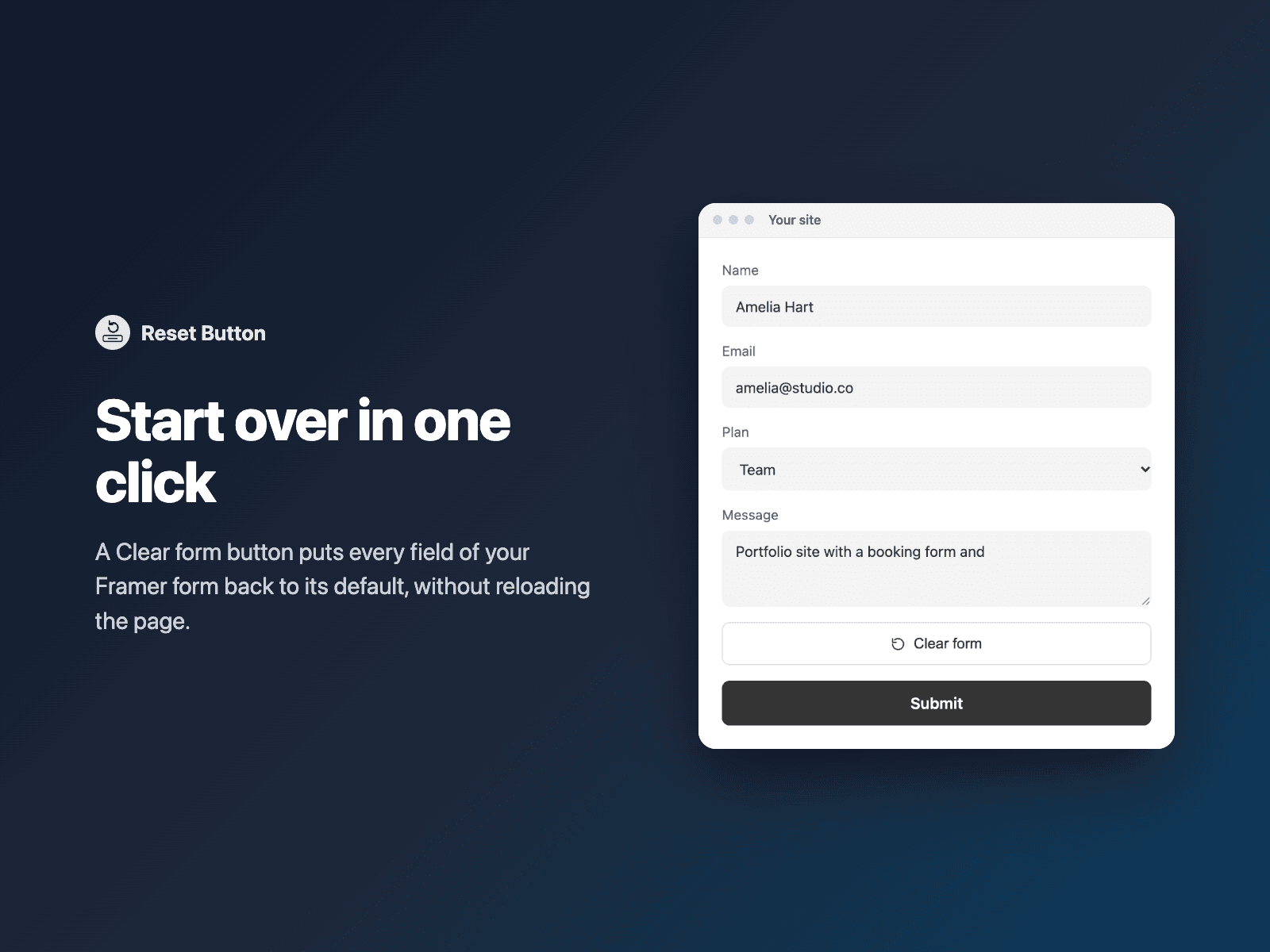
Add a "Clear form" button to your native Framer form. One click puts every field back to its default value, without reloading the page, so visitors can start over.
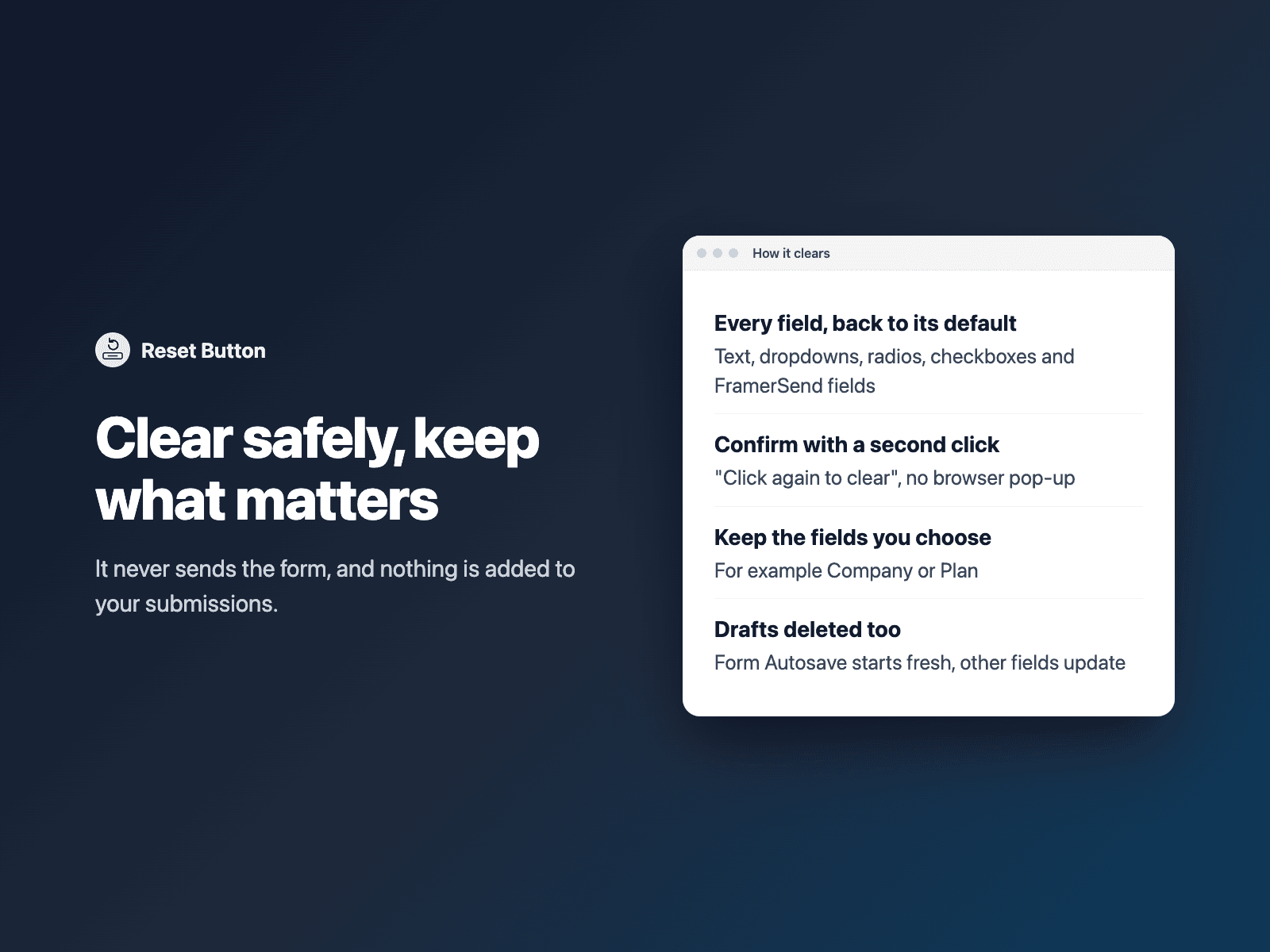
What it resets: text fields, email, phone and number fields, text areas, dropdowns, radio buttons, checkboxes and FramerSend fields. Values your page set as defaults come back; hidden fields keep their values. Other fields react as if the visitor had changed them, so Conditional Fields, Calculator and Multi-Step Form update, and a Form Autosave draft is deleted.
Safe by design: it is a plain button, never a submit button, and pressing Enter on it does not send the form. Turn on Confirm and the first click turns the button into "Click again to clear" for a few seconds; there is no browser pop-up. List fields under "Keep fields" (for example Company, Plan) and they keep their answers.
How it works: select your Form on the canvas, open Reset Button and click Insert reset button. It is added above the submit button at full width. Change the label and style in the right panel, or turn on Confirm, then publish.
Options: label, confirm with a second click (text, color and time), fields to keep, scroll back to the top of the form, focus the first field, outline, solid or ghost style with an optional icon, fill, text, border and focus ring colors, border width, radius, height (44 px by default), font, full width or left / center / right alignment, and 10 built-in languages.
Accessible: a real button with a visible focus ring, reachable with the keyboard; the confirm step and "Form cleared" are announced by screen readers.
Reset Button adds nothing to your submissions. The button is a code component written into your project. It loads no external scripts and makes no network requests on your site.
Pricing: free, no account needed. A free FramerSend account unlocks most other FramerSend fields, free forever. Plans (from $5/month) add the connectors. Details at framersend.com/pricing.