About Spam Shield
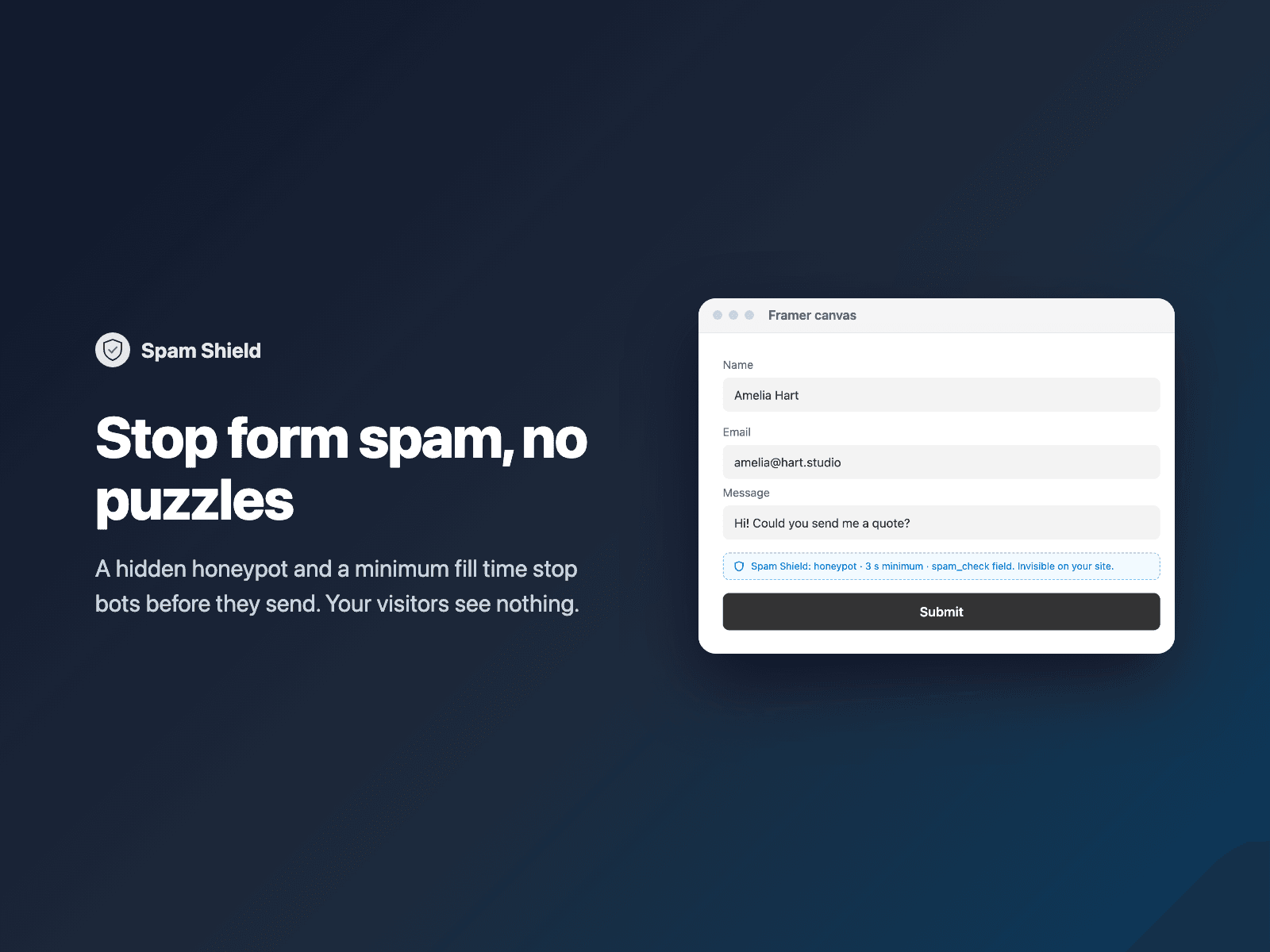
Stop spam bots from sending your native Framer forms, without making visitors solve puzzles.
Spam Shield is invisible on your site. It adds:
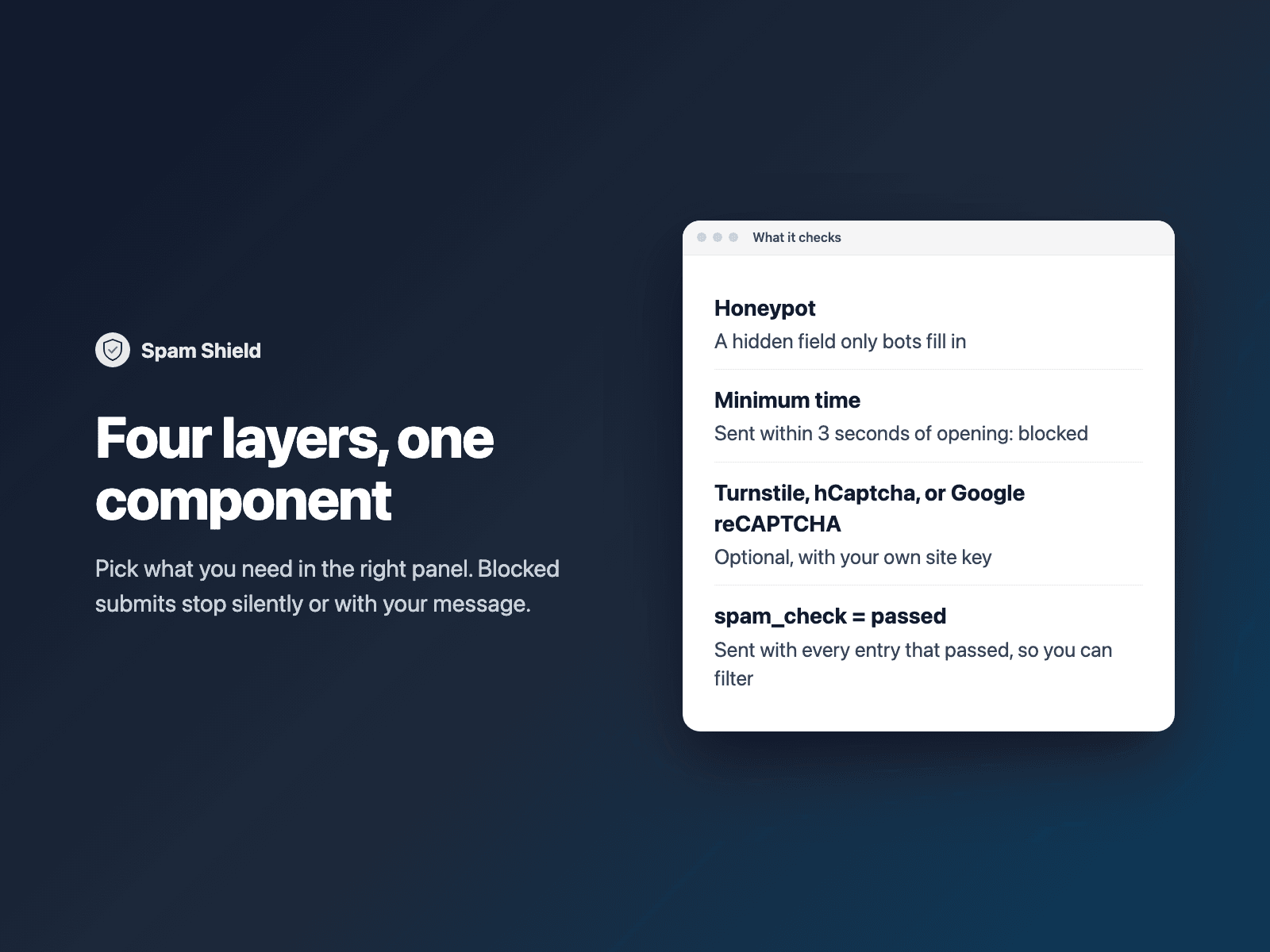
A honeypot: a hidden field that people never see and bots fill in.
A minimum fill time: a form sent faster than a person could (3 seconds by default) is stopped.
A spam_check field: every entry that passed arrives with "spam_check": "passed", so you can filter or route on it.
Blocked submits stop silently, or with your own message.
Want more? Pick a captcha — Cloudflare Turnstile, hCaptcha, or Google reCAPTCHA — and add your own site key. Spam Shield shows the check above the submit button (hCaptcha and Google reCAPTCHA can also run invisibly when the form is sent), and the form can only be sent once it has passed. The token is sent as cf-turnstile-response, h-captcha-response, or g-recaptcha-response. With FramerSend, add the captcha's secret key in the form's settings and every token is also checked on the server.
How it works:
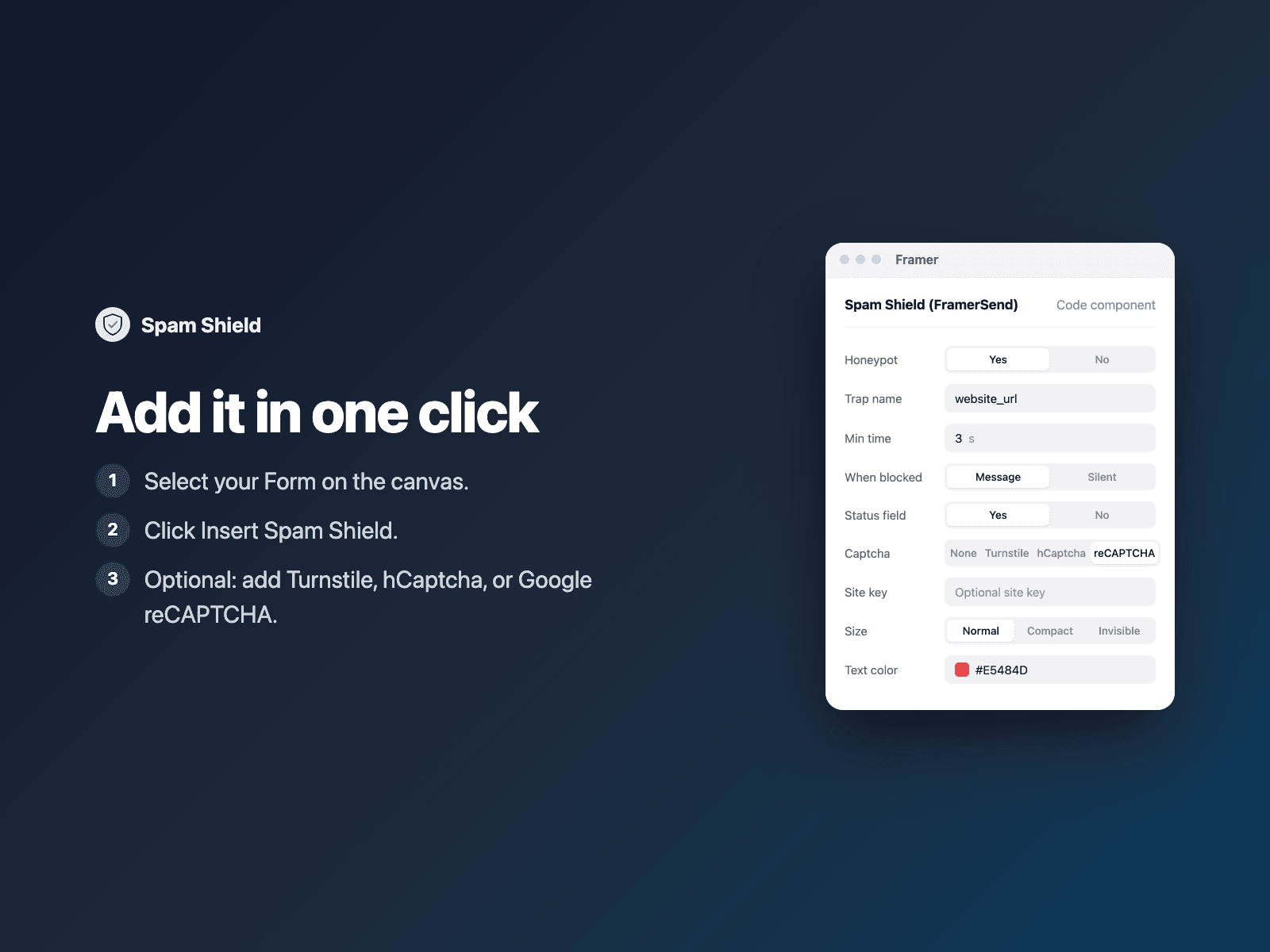
Select your Form on the canvas.
Click Insert Spam Shield. It is added above the submit button.
Optional: in the right panel, pick Turnstile, hCaptcha, or Google reCAPTCHA and add its site key.
Options: honeypot and its name, minimum time, silent or with a message, the spam_check field and its name, captcha (none, Turnstile, hCaptcha, Google reCAPTCHA), site key, theme and size, the text shown when the check is not done, alignment, font and color.
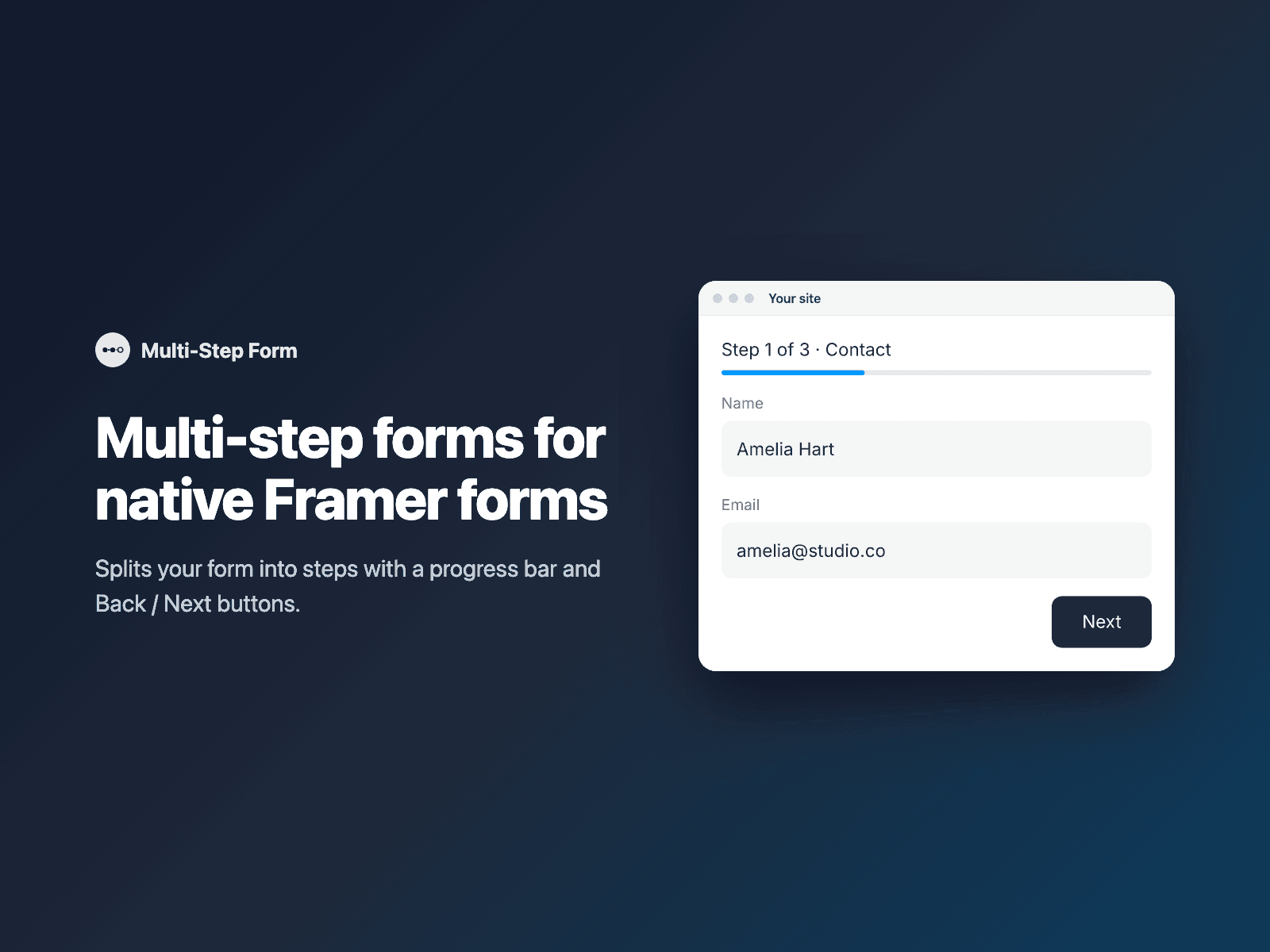
Works with every form destination and with the FramerSend Multi-Step Form.
The field is a code component written into your project. Without a captcha it loads no external scripts. Only the captcha you choose is loaded: challenges.cloudflare.com for Turnstile, js.hcaptcha.com for hCaptcha, or www.google.com/recaptcha for Google reCAPTCHA.
Pricing: free forever with a free FramerSend account, no card needed. Plans (from $5/month) add the connectors.