About Styleguide
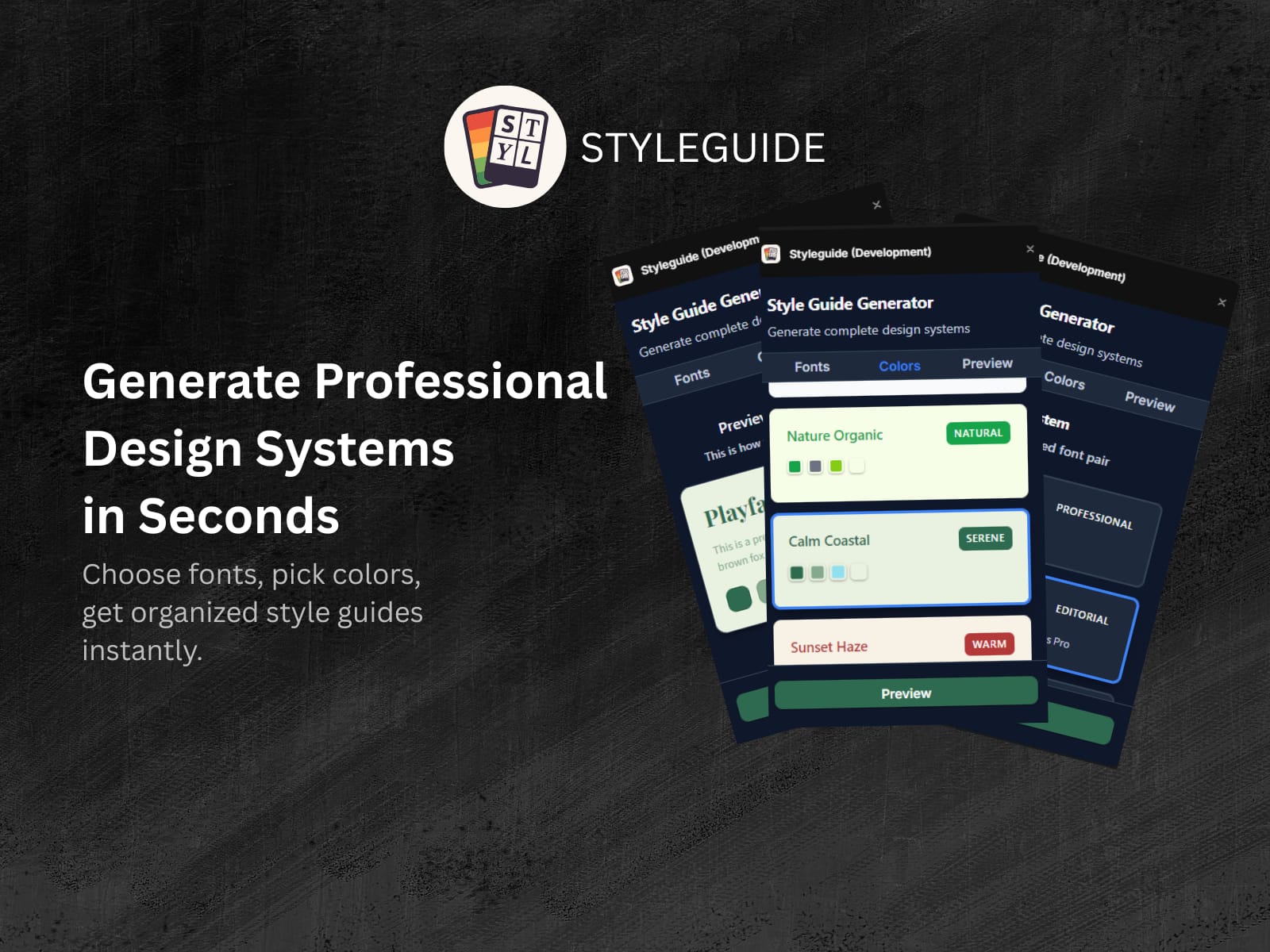
Styleguide is your essential tool for creating a complete and cohesive style guide directly within Framer. Stop wasting time manually setting up colors and fonts for every new project. With Styleguide, a professional, ready-to-use design system is just a few clicks away.
Features/Benefits (Use a bulleted list for readability):
Generate an entire style guide in seconds: Simply choose a font pairing and color palette from a curated library and watch your styles come to life.
Curated, Professional Palettes: Our hand-picked selection of typography and color palettes ensures your designs look polished and harmonious every time.
Semantic Tagging: All generated text styles are correctly tagged (H1, H2, P, etc.), ensuring your designs are accessible and SEO-friendly from the start.
Intuitive UI: A clean, easy-to-use interface makes style generation a seamless part of your workflow.
How it Works (Step-by-step instructions):
Open the Plugin: From the Framer Canvas, go to the Plugins menu and select "Styleguide."
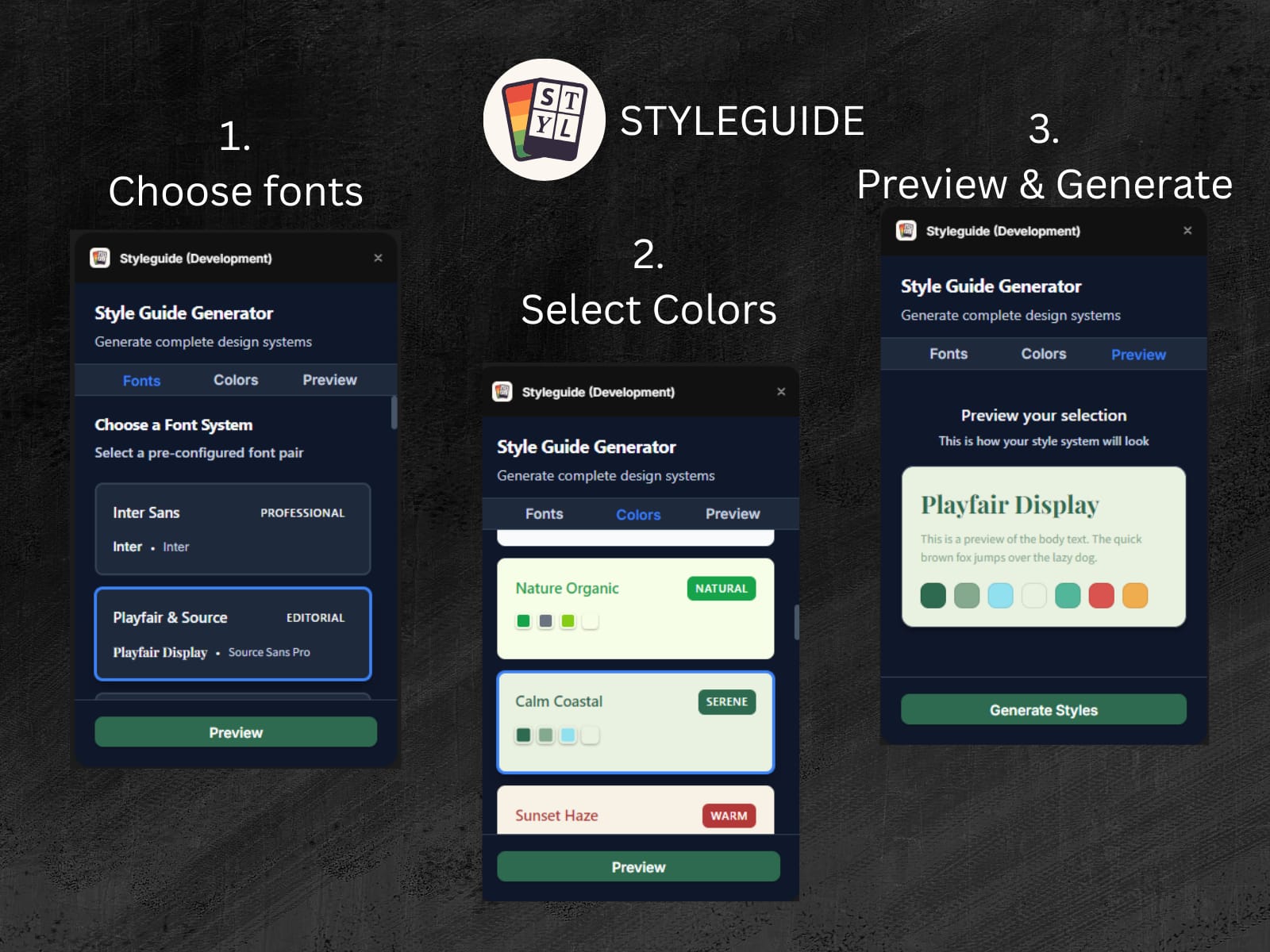
Choose Your Fonts: Navigate to the "Fonts" tab and select your preferred font combination.
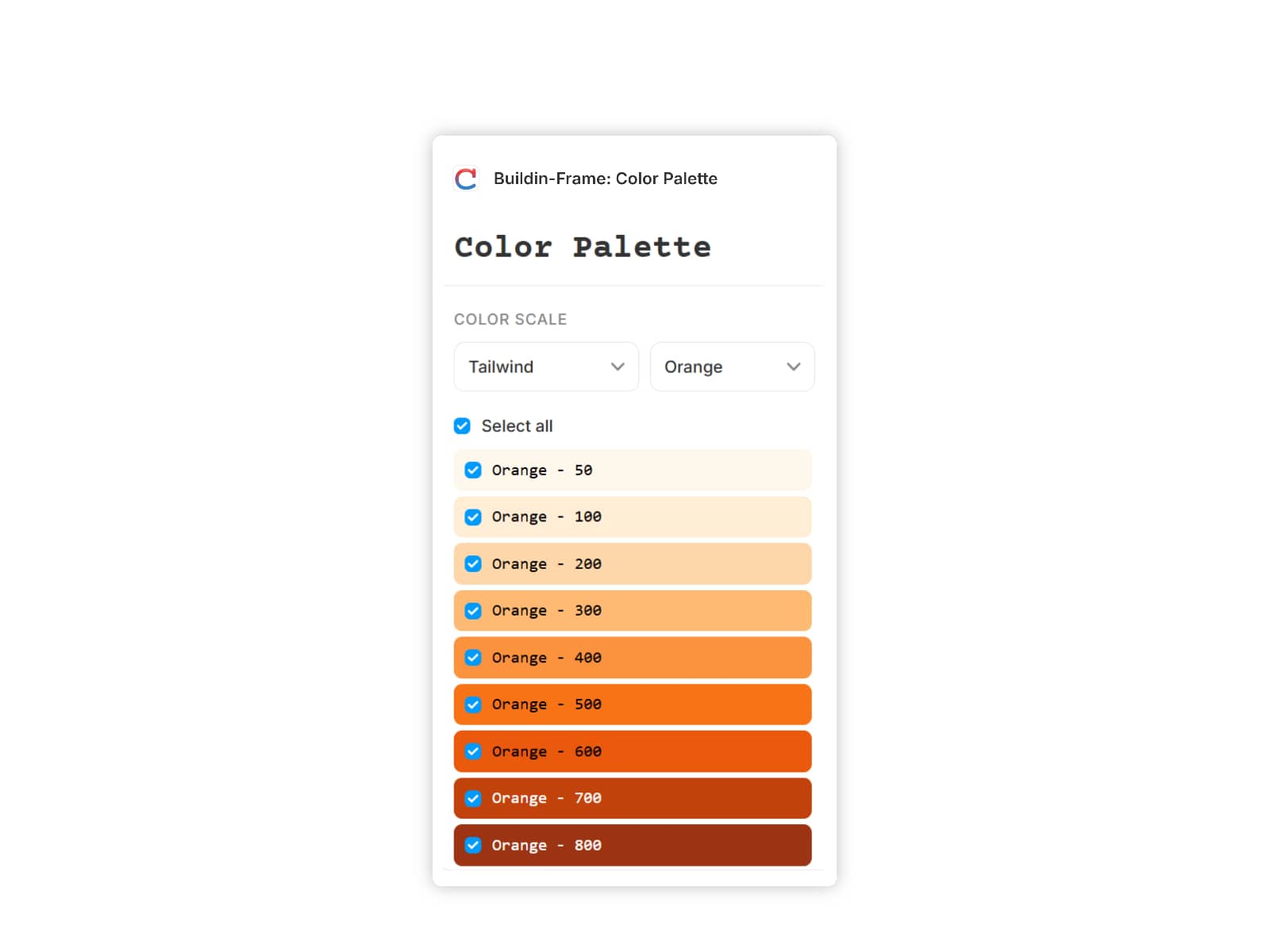
Choose Your Colors: Switch to the "Colors" tab and select a color palette.
Preview: Use the "Preview" tab to see how your selected fonts and colors work together before generating.
Generate: Click the "Generate Styles" button. All styles will be automatically created and organized under a "Styleguide" folder in your Styles tab.
Why Choose Styleguide? Styleguide is designed to save you hours of setup time on every project. Whether you're a beginner or a seasoned professional, this plugin provides a perfect foundation for building beautiful, accessible, and consistent designs.