About Text Me Button by getseo.pro
Text Me Button by getseo.pro
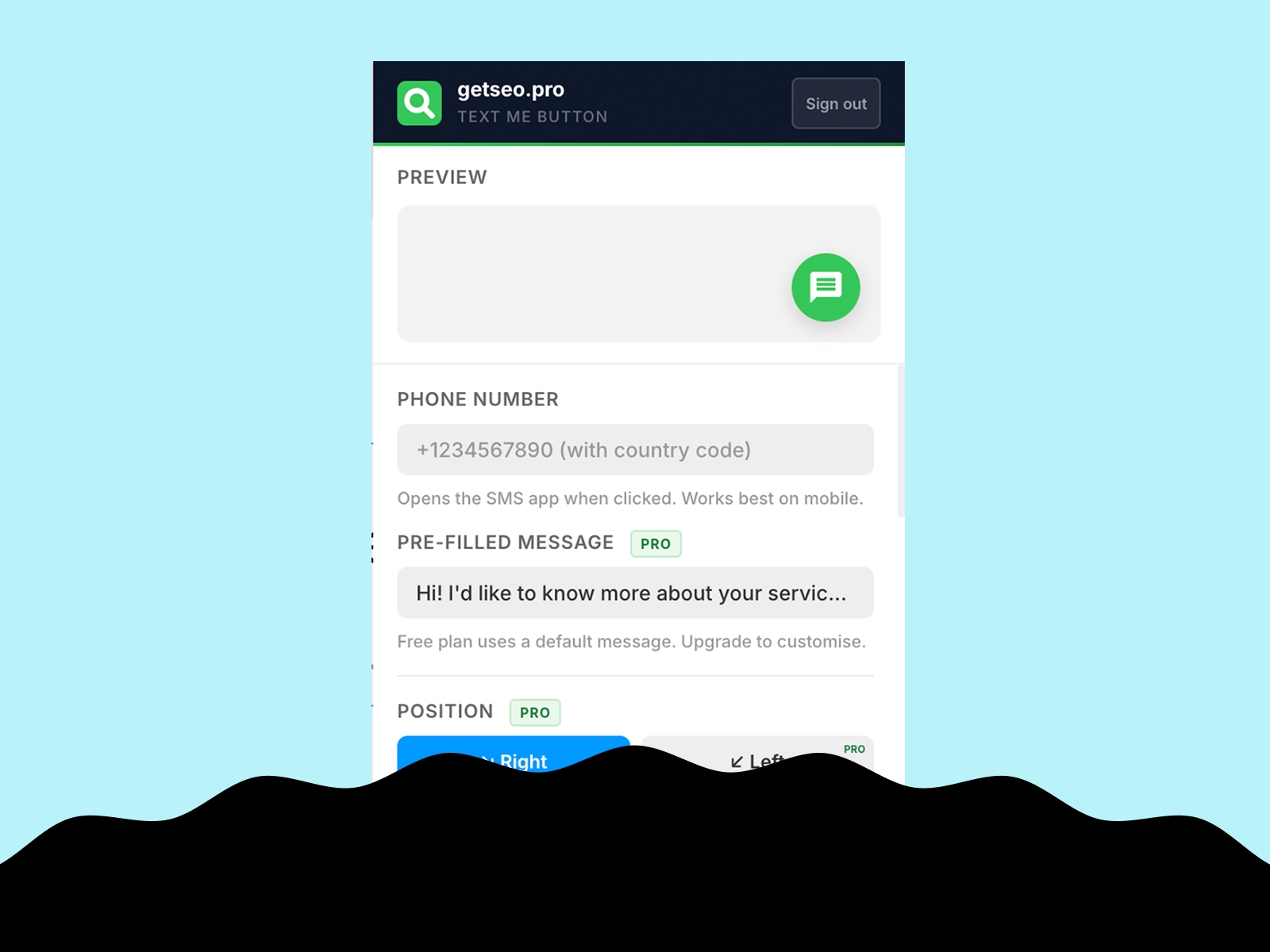
Let visitors text you in one tap. The Text Me Button adds a floating SMS button to your Framer site — no app, no form, just a direct line to your phone.
How it works
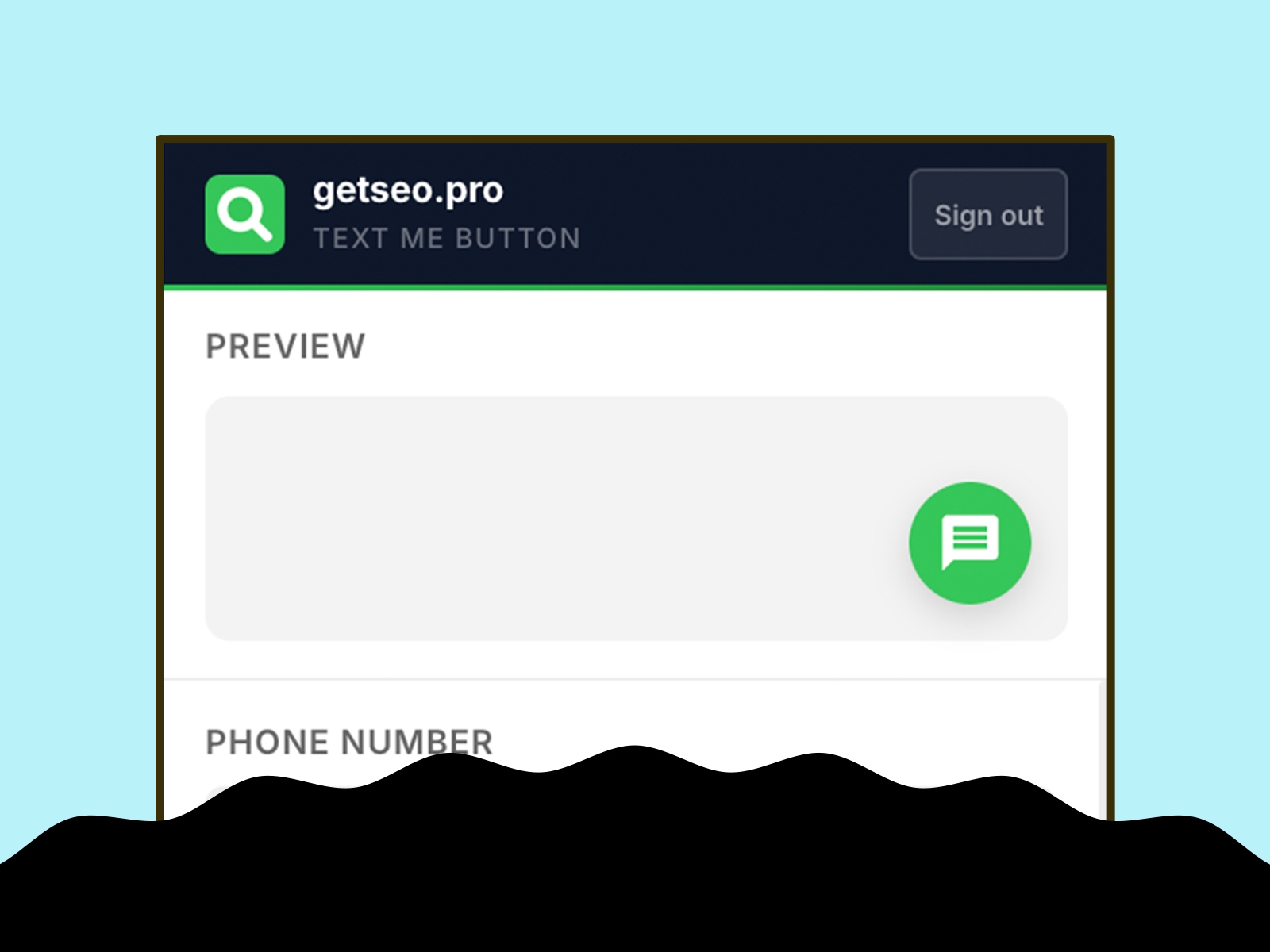
Enter your phone number (with country code), optionally add a pre-filled message, click "Add to Site." The button appears on your live site using `sms:` protocol — opens the native messaging app on any phone.
Features
Floating SMS button linked to your phone number
Live in-editor preview
Bottom-right position
Default iOS green (#34C759)
Pre-filled SMS message
Custom background and icon colors
Custom button size (40–80px)
Pulse or bounce animation
Shadow: subtle, strong, glow
Notification badge (1–99)
Tooltip on hover
Delay appearance (0–30s)
Pre-chat bubble above button
Hide on mobile (or show only on mobile)
Business hours: hide or show offline message outside set hours
GTM dataLayer: fires `{ event, page, phone }` on click
Best for
Service businesses, local shops, real estate agents, coaches, and anyone whose customers prefer texting over filling out a form.
Part of the getseo.pro suite for Framer.