About Typesheet
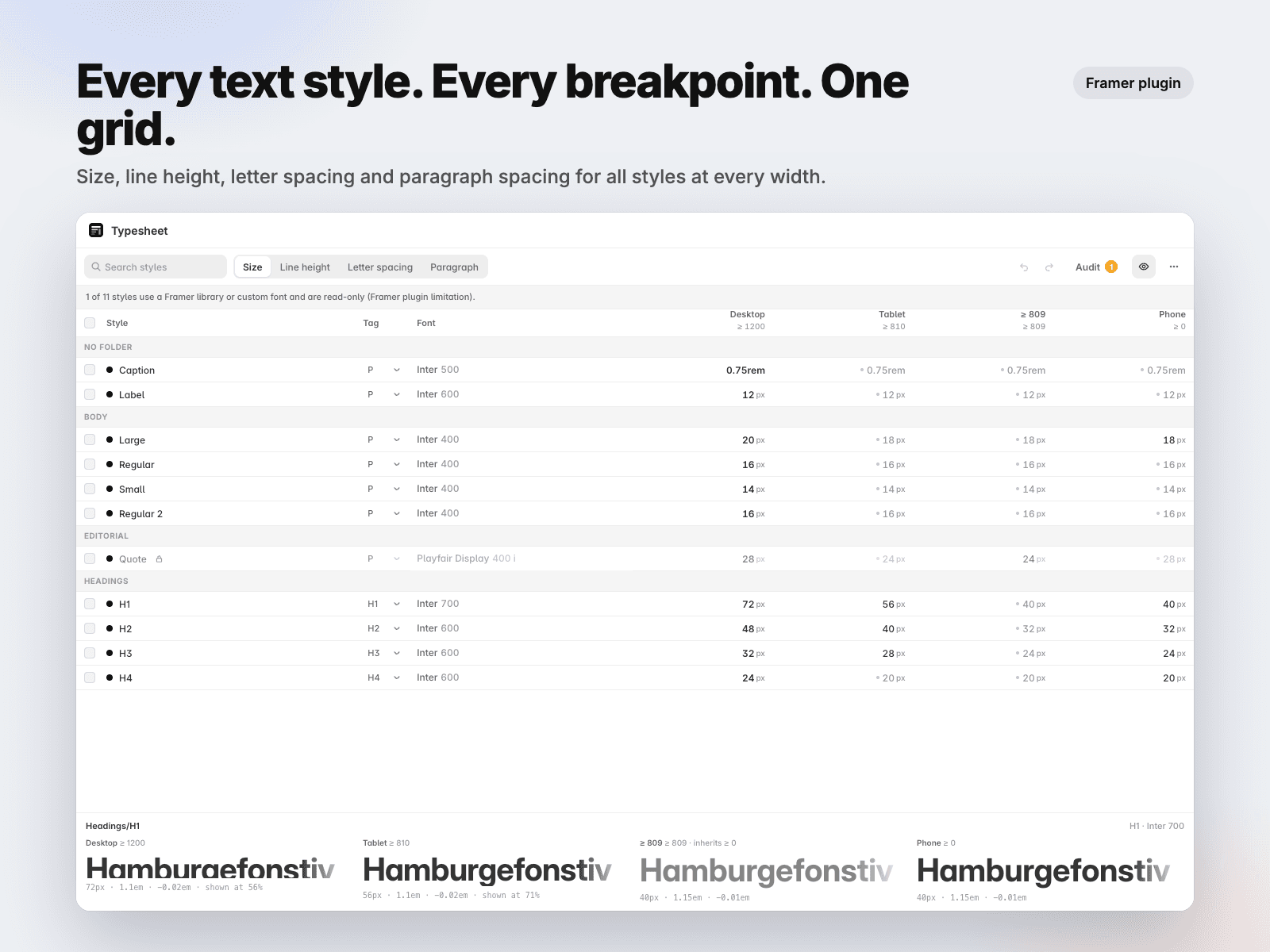
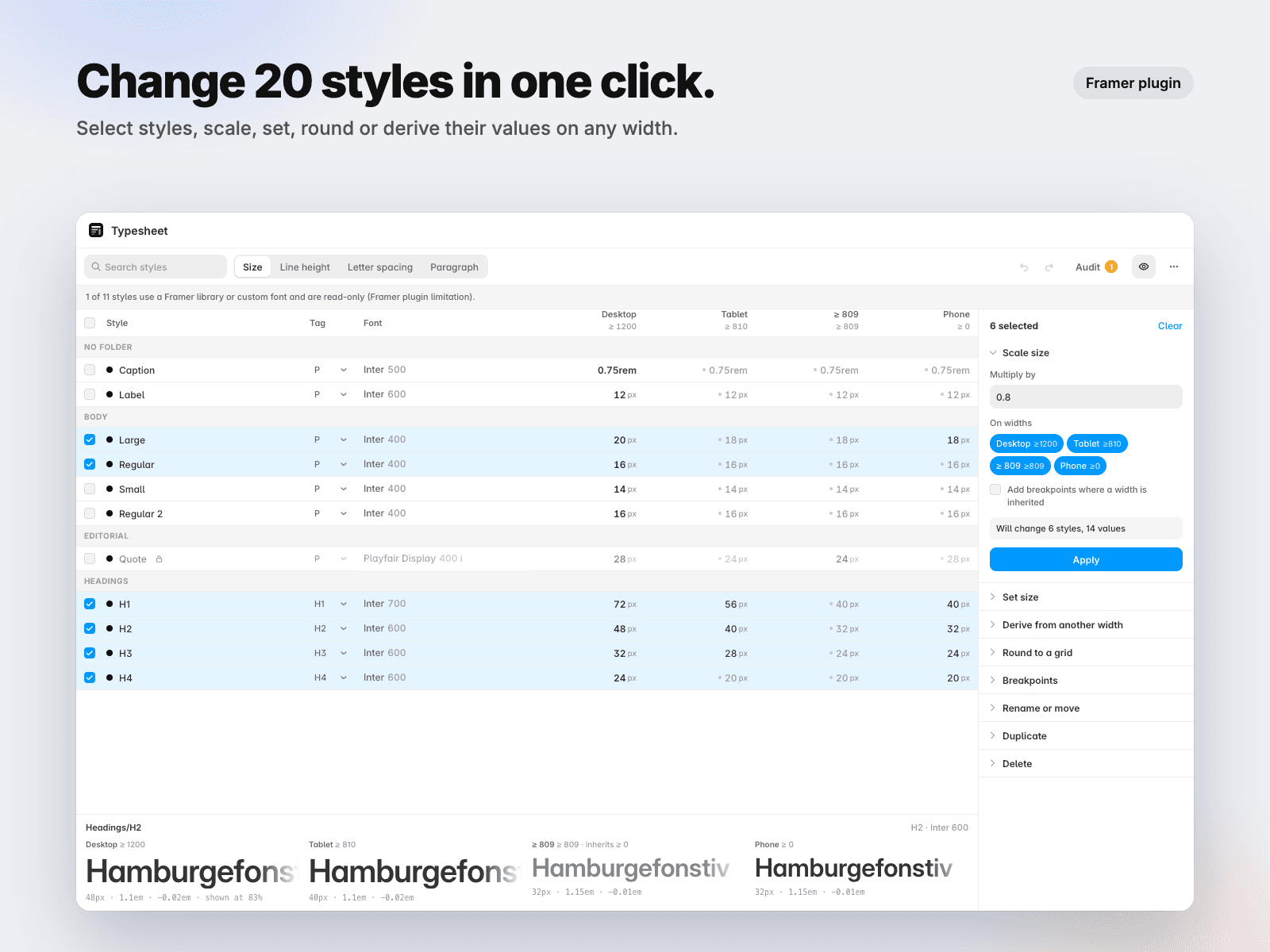
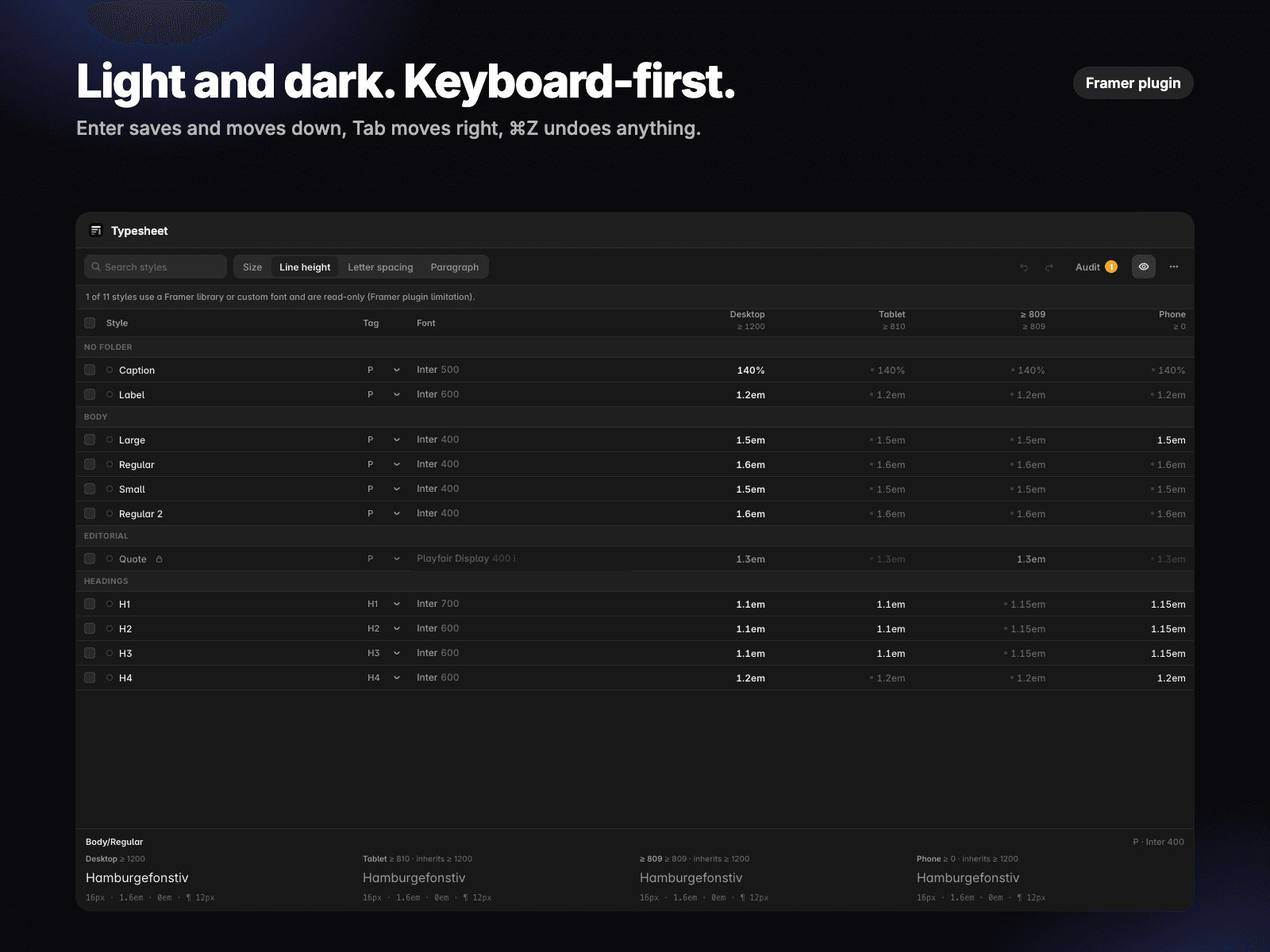
Typesheet shows every text style of your project in one grid: one row per style, one column per breakpoint width. Edit any cell in place, or select styles and change them all at once.
Framer's text style panel edits one style, one breakpoint at a time. On a real project with 20-40 styles and 3-4 widths, keeping sizes, line heights and letter spacing consistent means hundreds of clicks, and duplicating a style loses its breakpoint sizes. Typesheet gives you the overview and the bulk tools designers actually need.
Free
One grid for everything: Size, Line height, Letter spacing and Paragraph spacing for all styles at Desktop, Tablet, Phone and any custom width.
Edit in place: click a cell, type, press Enter. Grey values are inherited; edit one to add the breakpoint automatically.
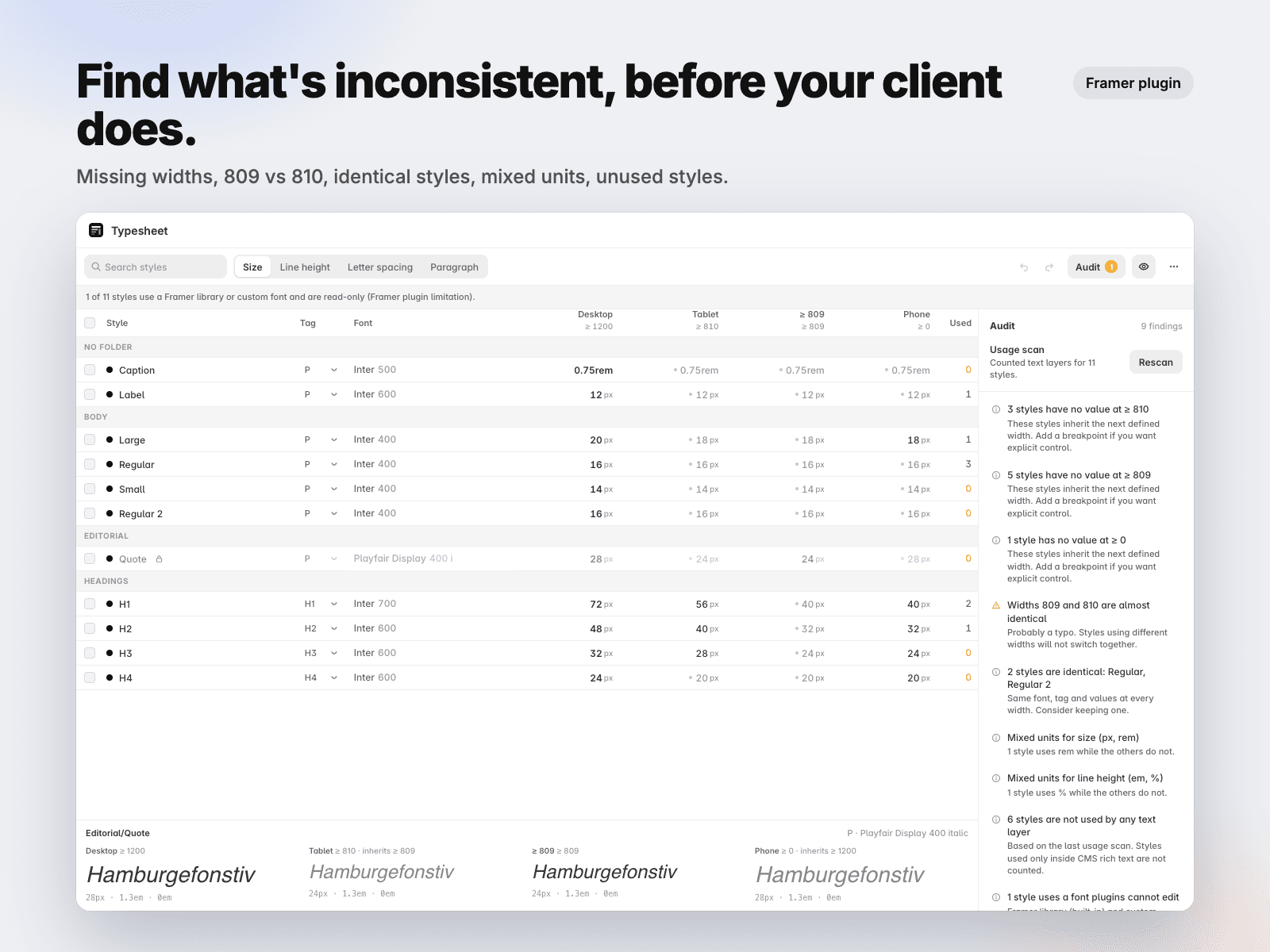
Audit: missing widths, near-identical widths (809 vs 810), identical styles, mixed units, unused styles after a usage scan.
Preview at every width, undo and redo, delete, JSON backup and restore.
Pro, $12.99 one-time (license key, up to 3 devices, free updates)
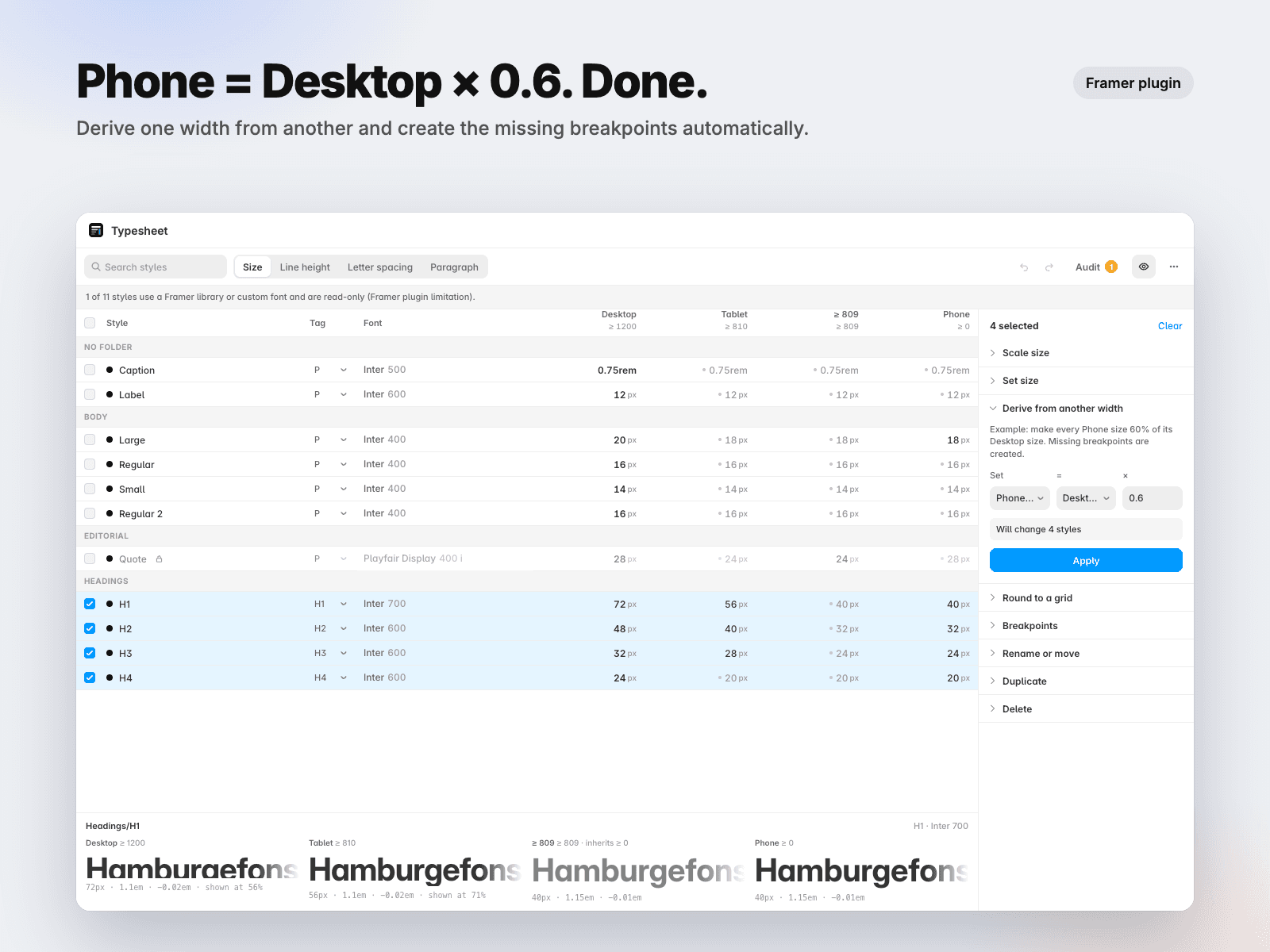
Bulk operations on a selection: Scale (Phone x 0.8), Set, Derive (Phone = Desktop x 0.6), Round to a grid.
Add or remove a breakpoint on many styles at once.
Rename, prefix or suffix, find & replace, move to folders, duplicate styles with every breakpoint.
Privacy: everything runs inside Framer. No account, no server, no AI. Typesheet only reads text styles and, when you run a scan, counts which text layers use them. The only network requests are the license checks with Lemon Squeezy when you activate Pro.
Good to know: Framer allows 4 breakpoints per style. Framer only lets plugins edit styles that use Google Fonts or Fontshare fonts: styles using a Framer library font or a custom upload are shown read-only (lock icon) until you switch them to a Google or Fontshare font. Light and dark mode.