About Easel Gallery
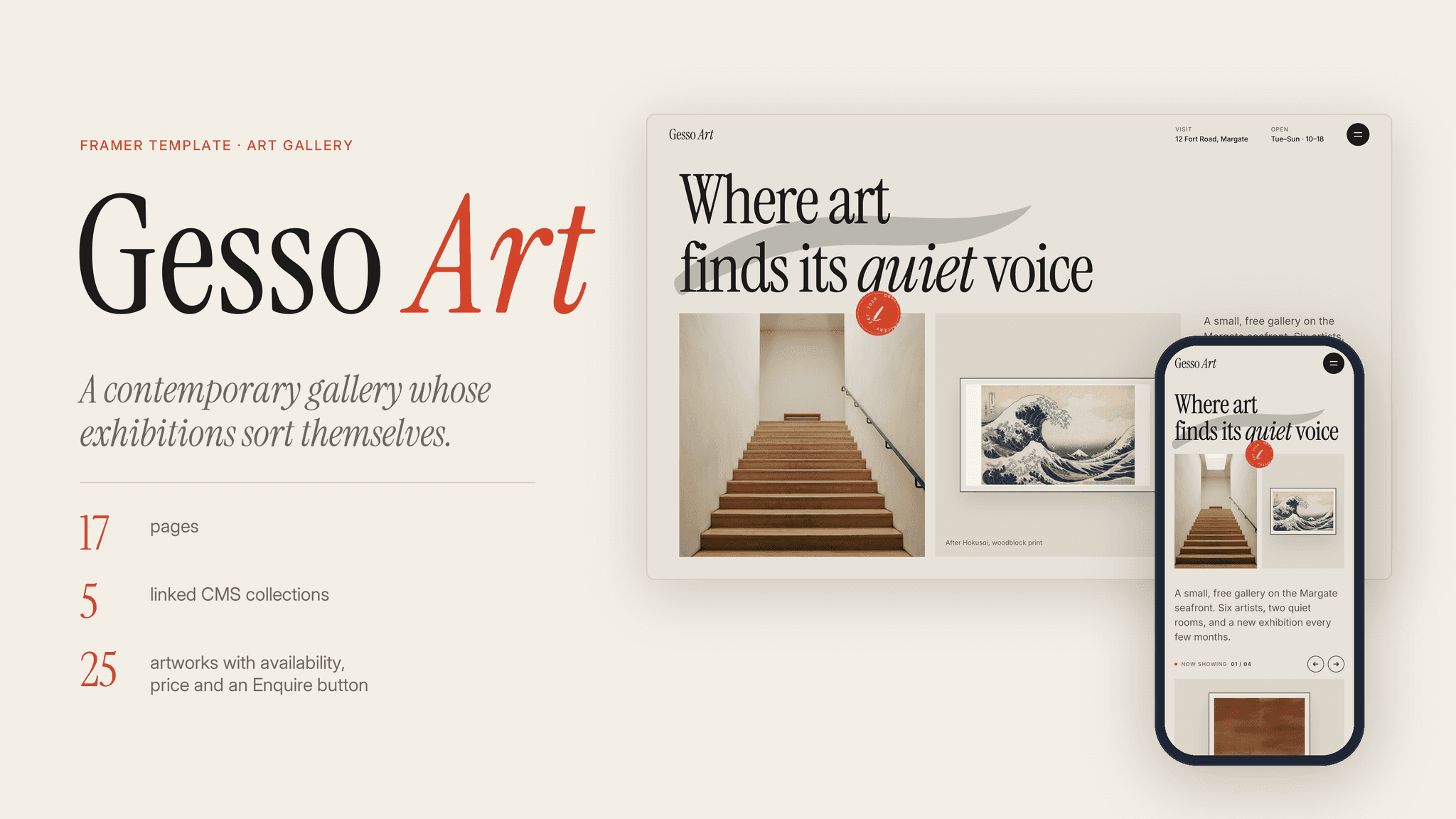
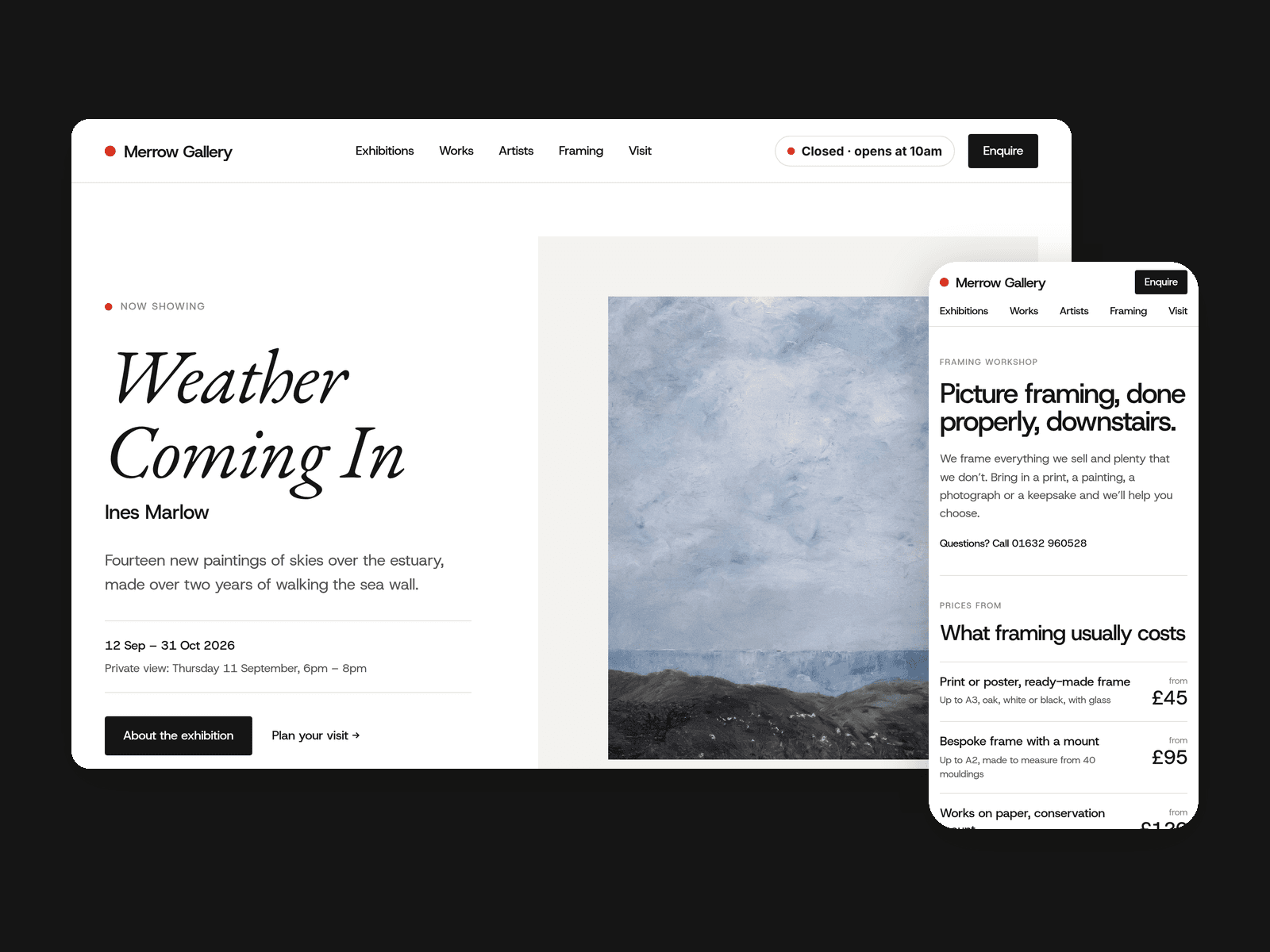
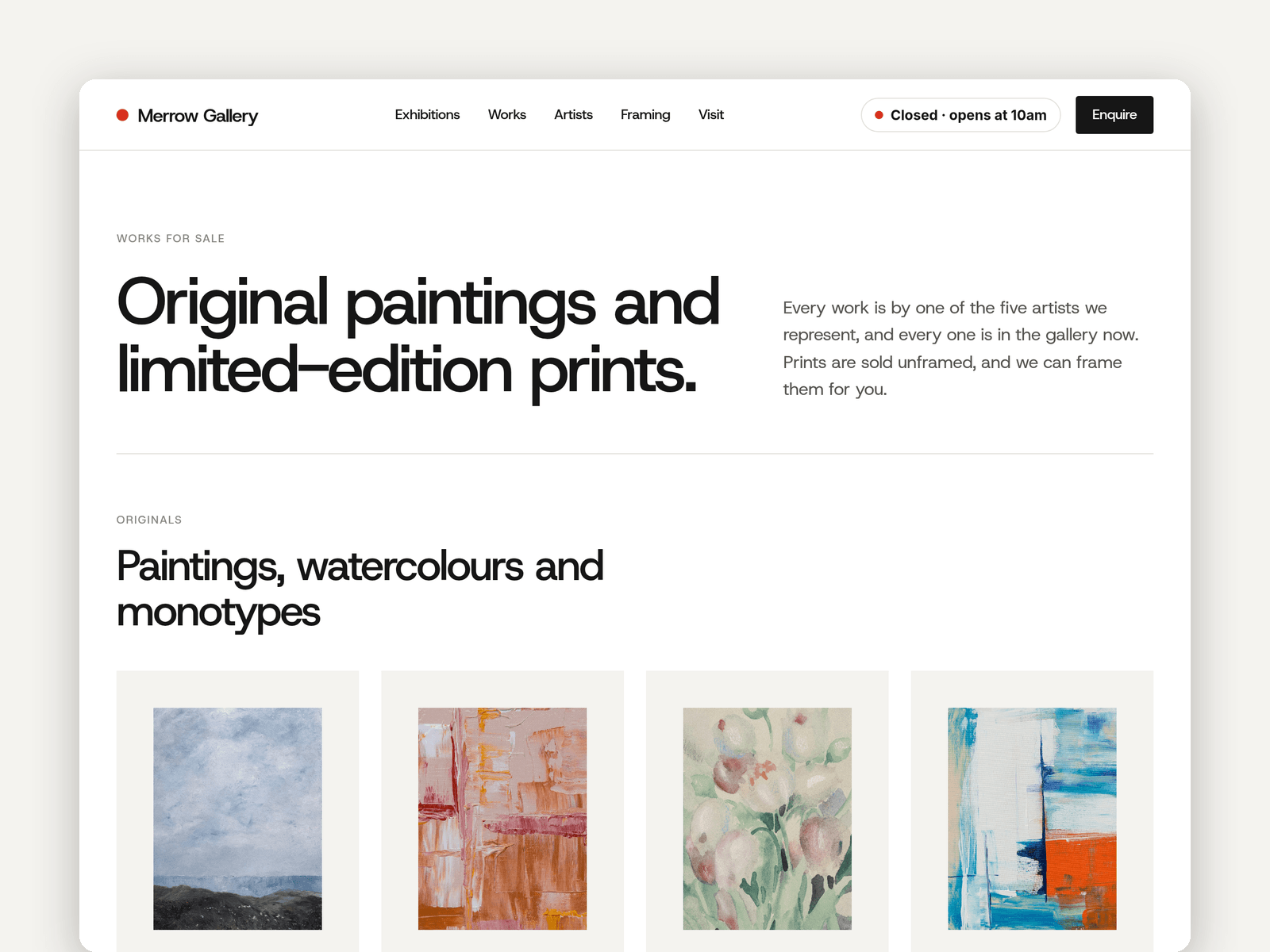
Easel is a website template for small independent galleries and print shops. It's gallery-white and typographic, with italic exhibition titles, plain wall labels and plenty of space, so the artwork does the talking.
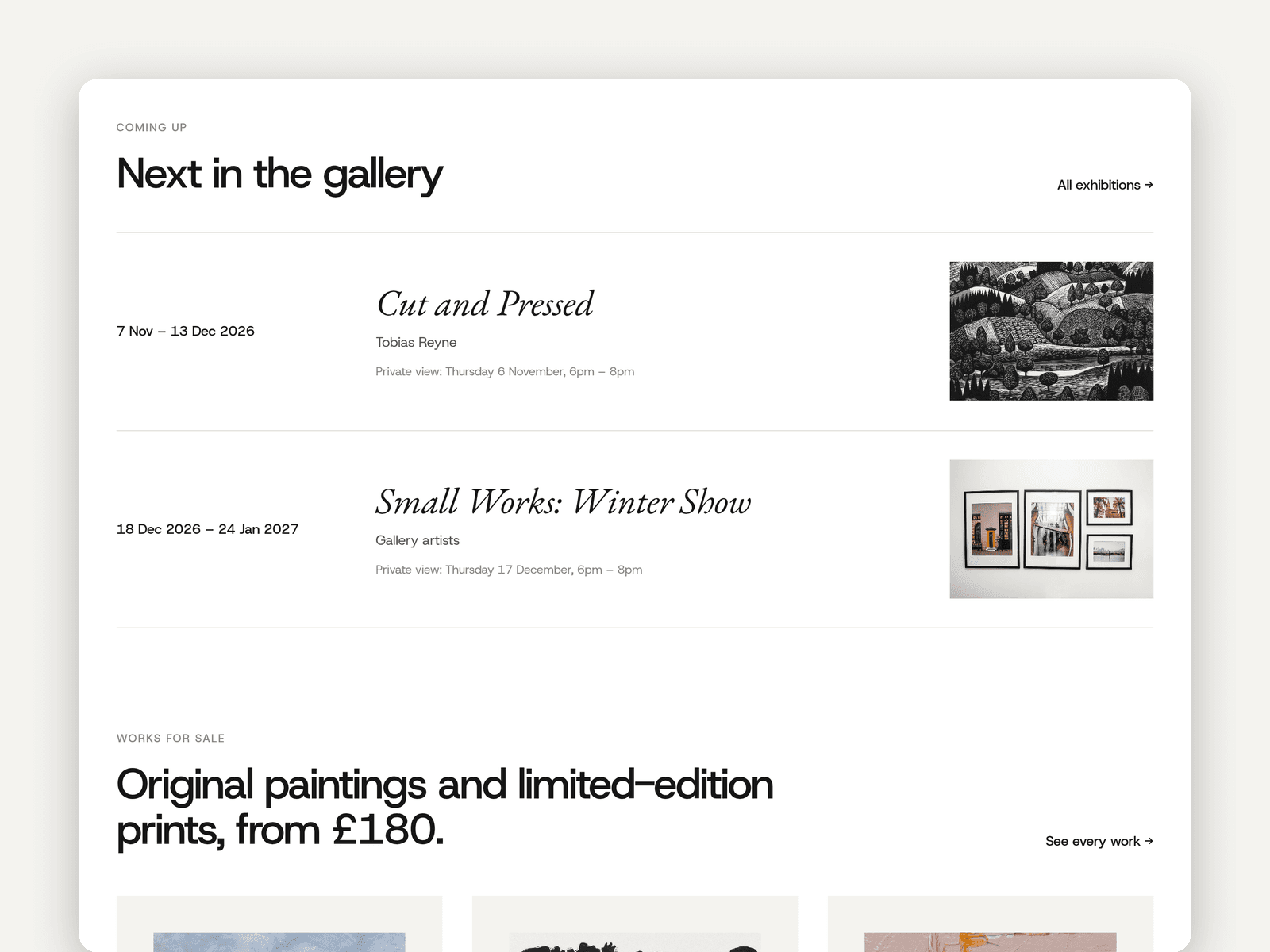
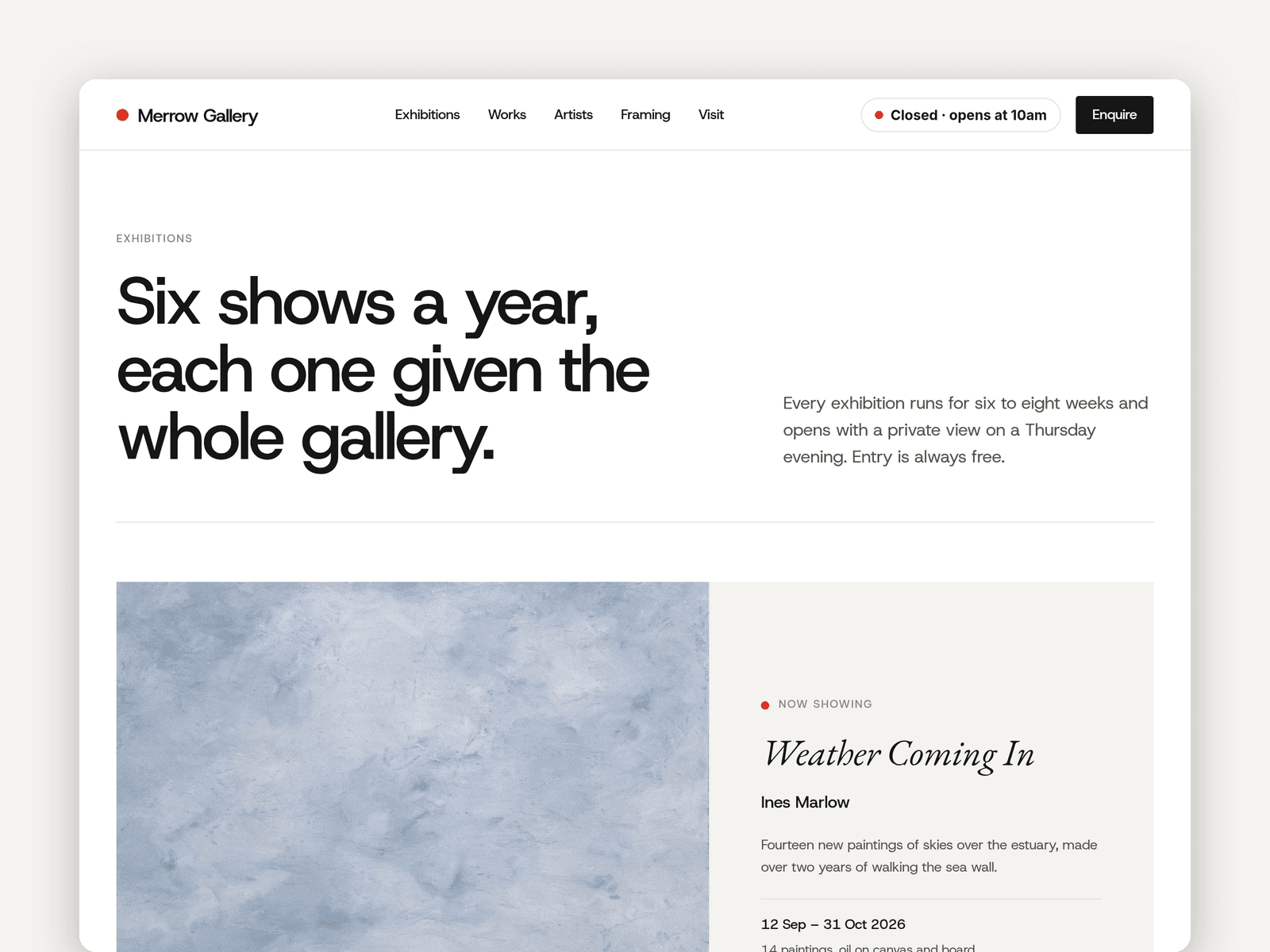
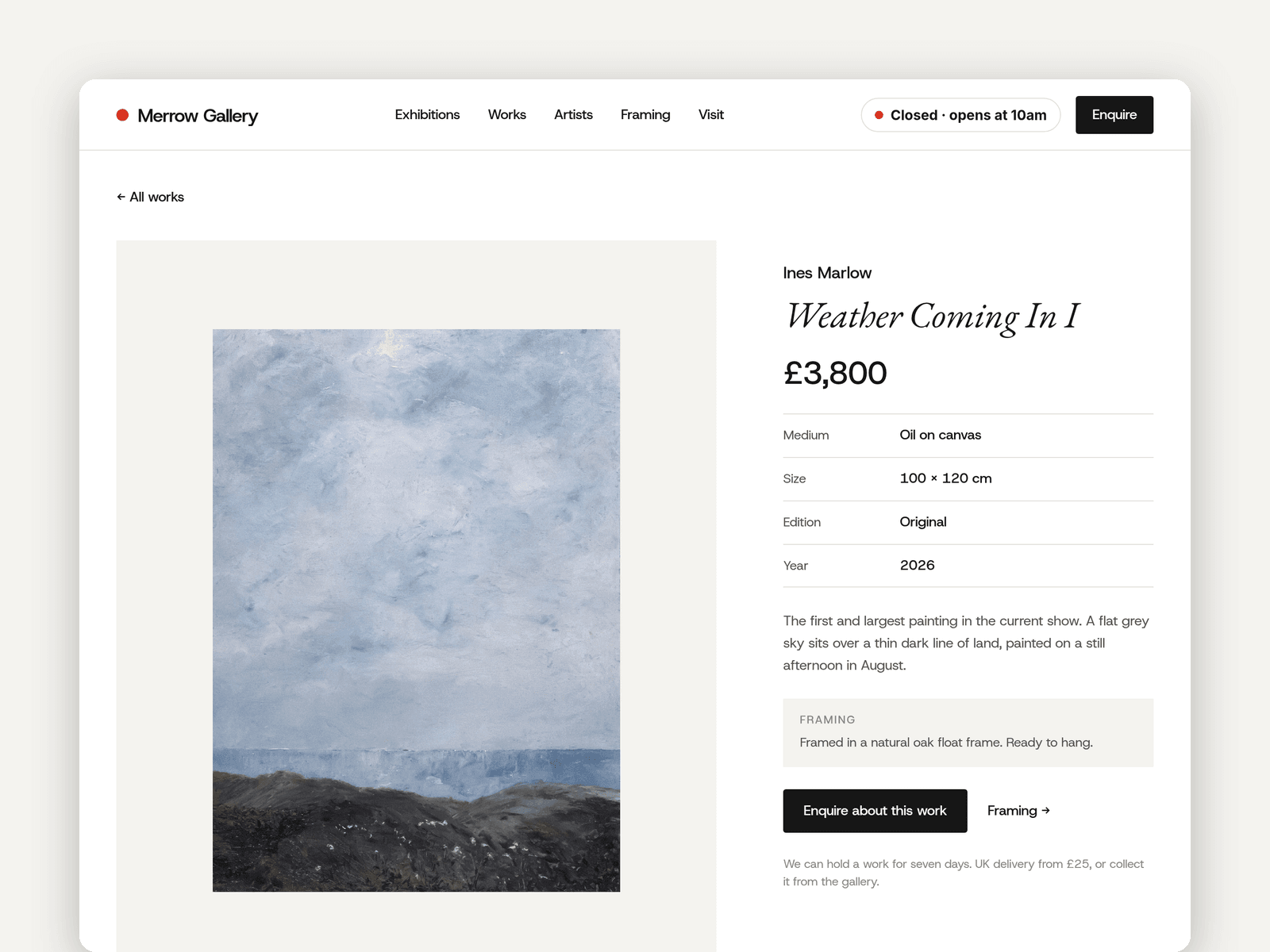
Three CMS collections run the site. Exhibitions have dates, artist, private view, cover and text, and sort themselves into current, upcoming and past. Artworks have title, artist, year, medium, size, edition, price or "Sold" with a red dot, and their own page. Artists have a photo, bio and statement.
Selling is by enquiry: every work links to an enquiry form (artwork title, name, email and message) with loading, success and error states. If you'd rather sell online, connect Framer's checkout or a Shopify Buy Button to the artwork page instead.
The "Open now" badge reads your opening hours in your time zone and shows "Open now · until 5:30pm" or the next opening time, in the nav, on Home and on Visit.
Pages: Home (current show, coming up, works for sale, framing, visit and mailing list), Exhibitions, Works and Artists, each with detail pages, Framing (prices from, process and questions), Visit and enquire (form, hours and map), Licenses and 404. Every page has its own search title and description and works on desktop, tablet and phone.
Getting started:
Change the colours in Assets → Colors (all named Easel/...) and the fonts in Assets → Text Styles.
Replace the artists, artworks and exhibitions in the CMS. Set each show's Status to Current, Upcoming or Past.
Mark sold works with the Sold switch, and set Price to "Sold".
Set your opening hours on the "Open now" badges and in the footer.
Open the forms on Home, Exhibitions and Visit and choose where enquiries and sign-ups go.
Update the framing prices, and put your address in the map on /visit.