About Vane Tattoo
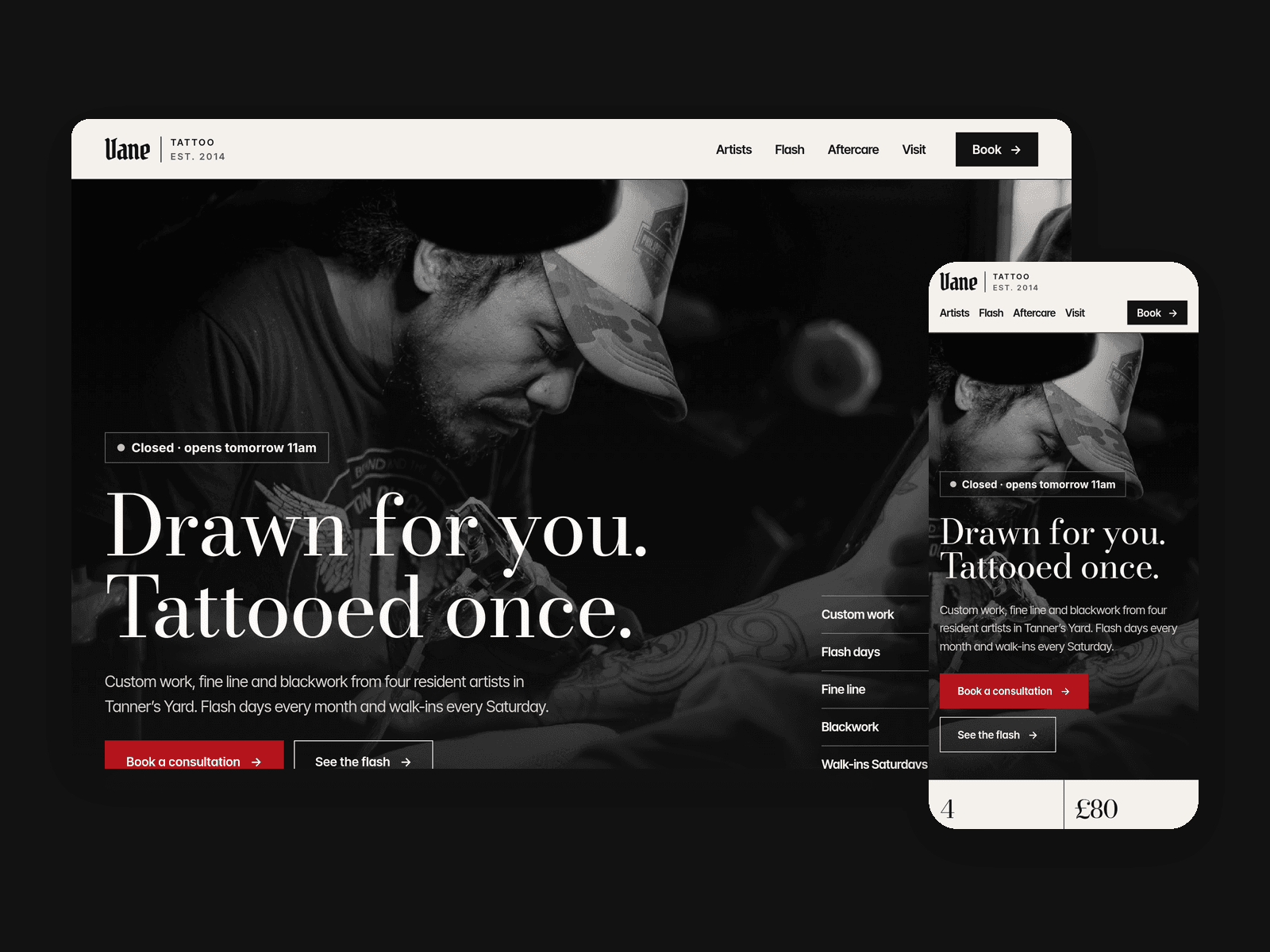
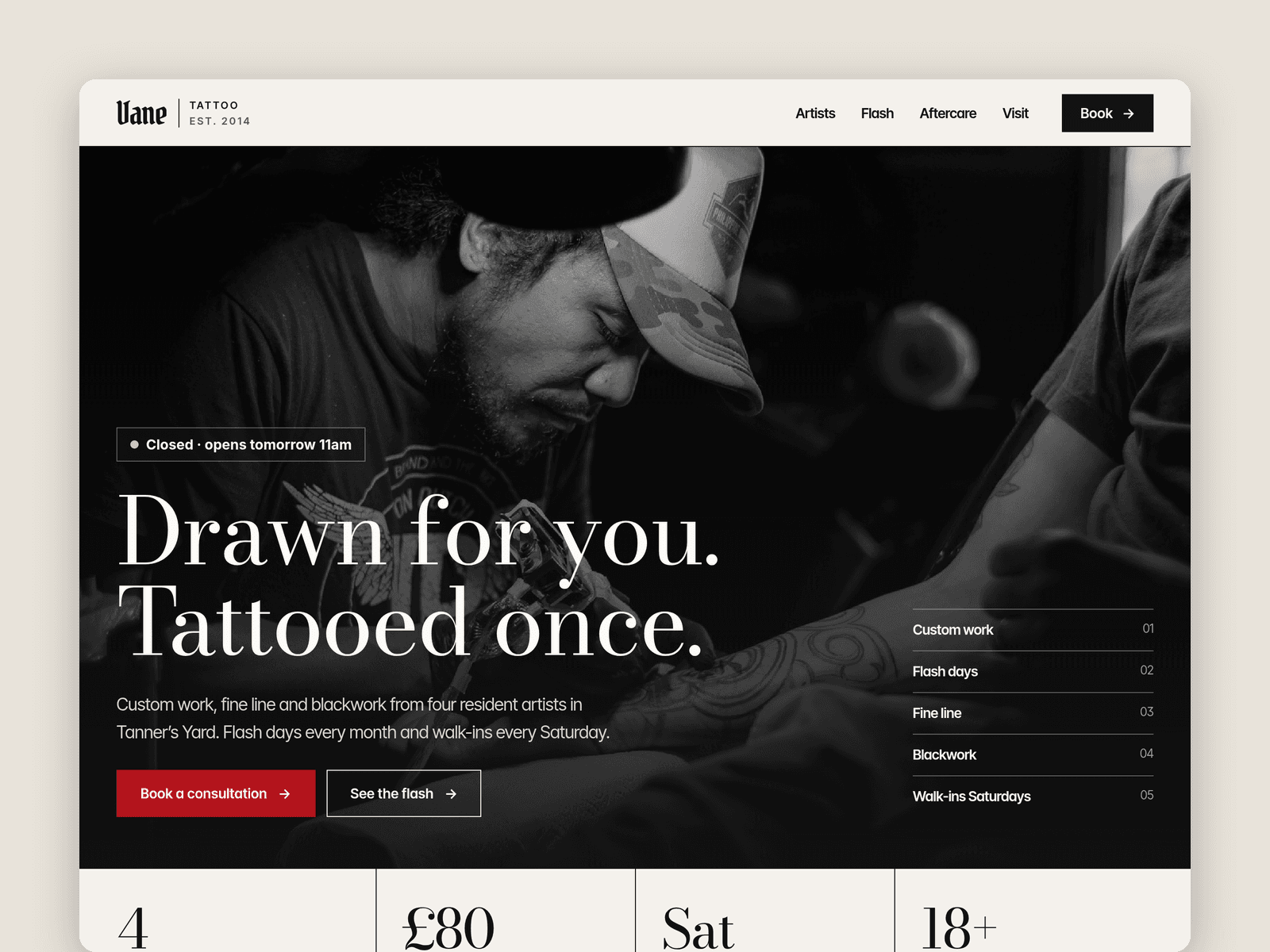
Vane Tattoo is a website template for tattoo studios. It's built around how people actually book: they look at the artists, check the flash, read how deposits work, then send an idea.
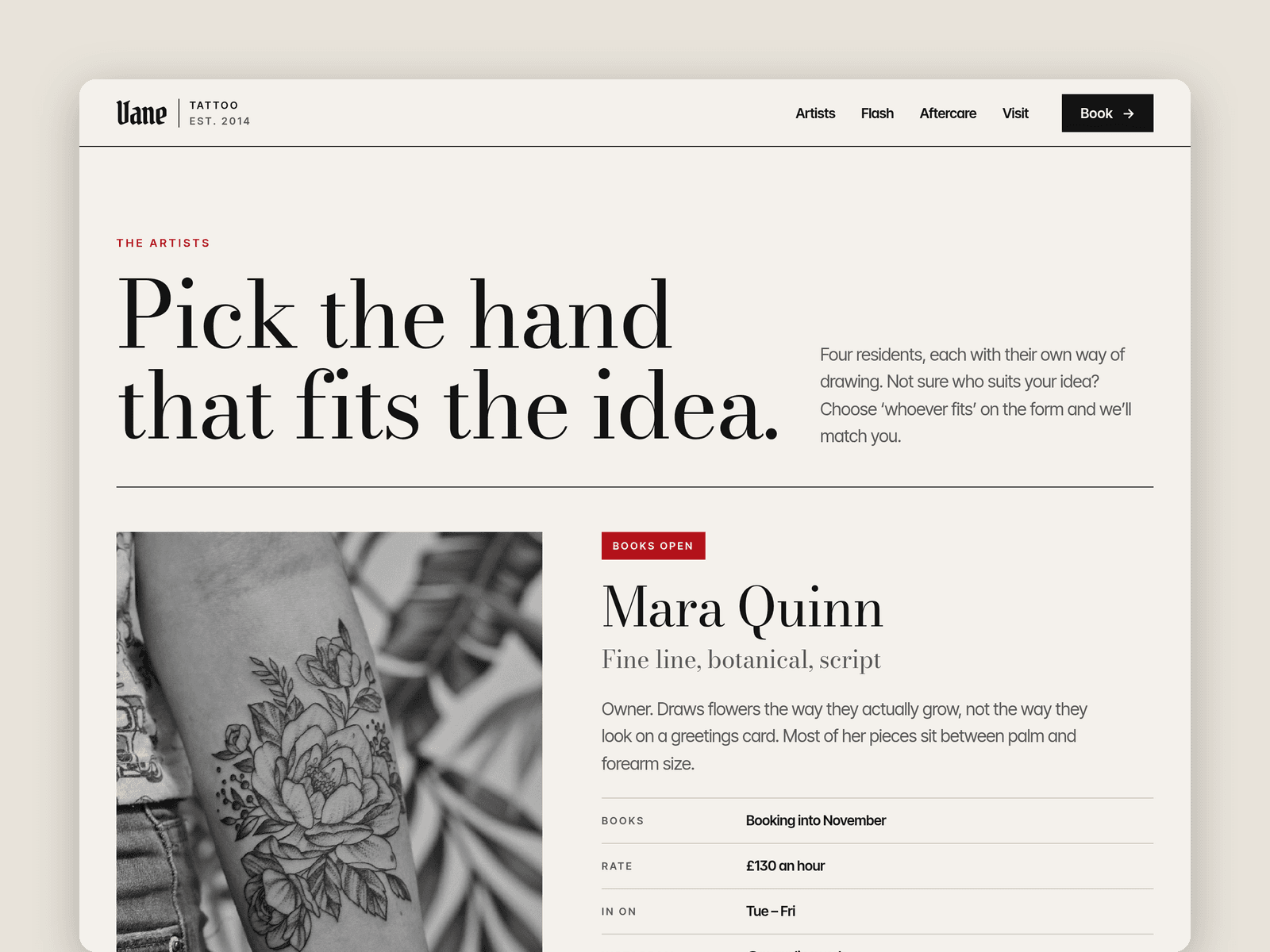
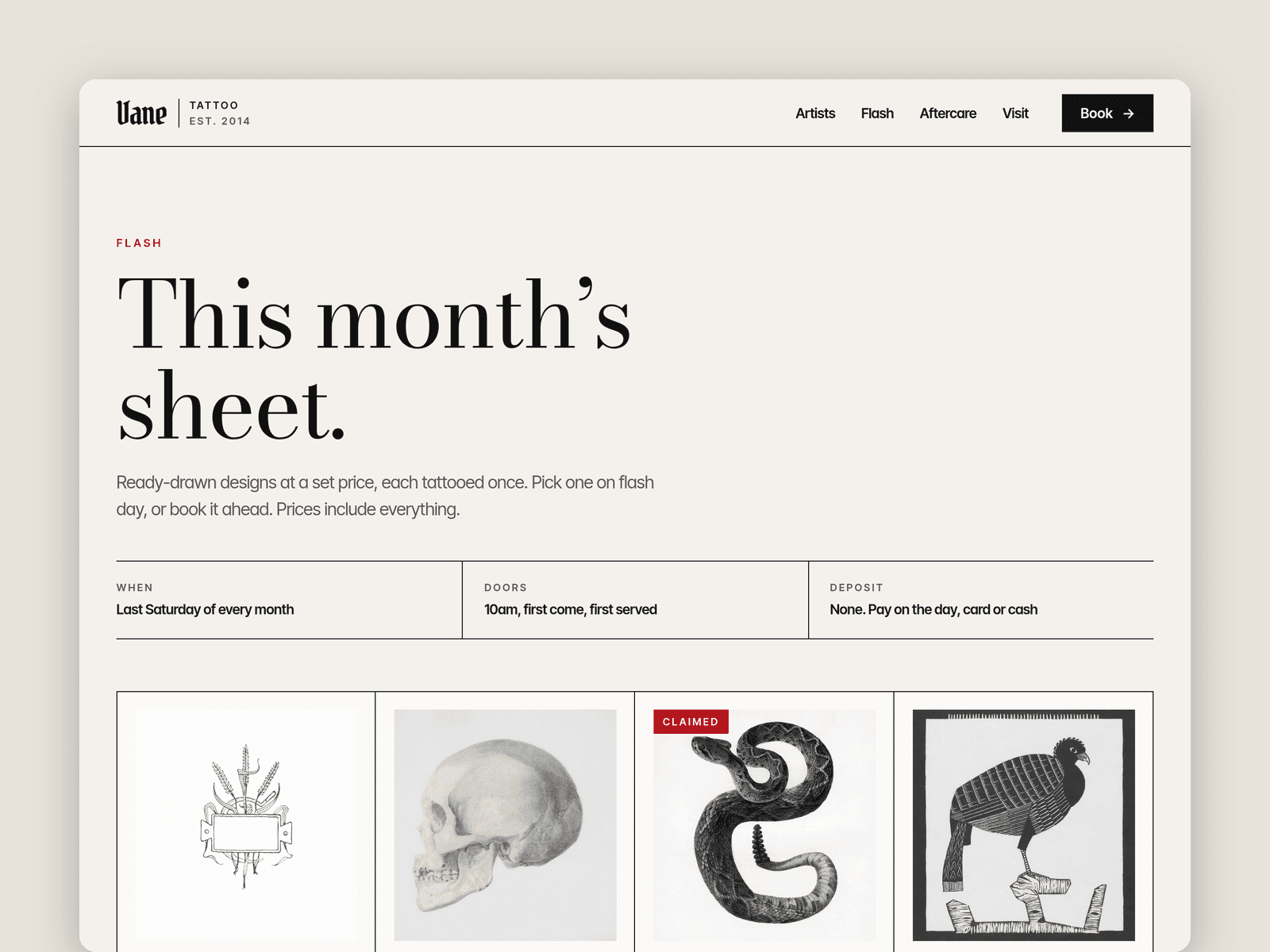
Two CMS collections run the site. "Artists" holds each artist's name, styles, rate, working days, Instagram, bio, a portfolio photo and a "Books open" switch that shows a red "Books open" tag or a "Books closed" one. "Flash" holds each design with its size, price, placement and artist. Untick "Available" and the design gets a "Claimed" tag; tick "Featured" and it appears on the home page.
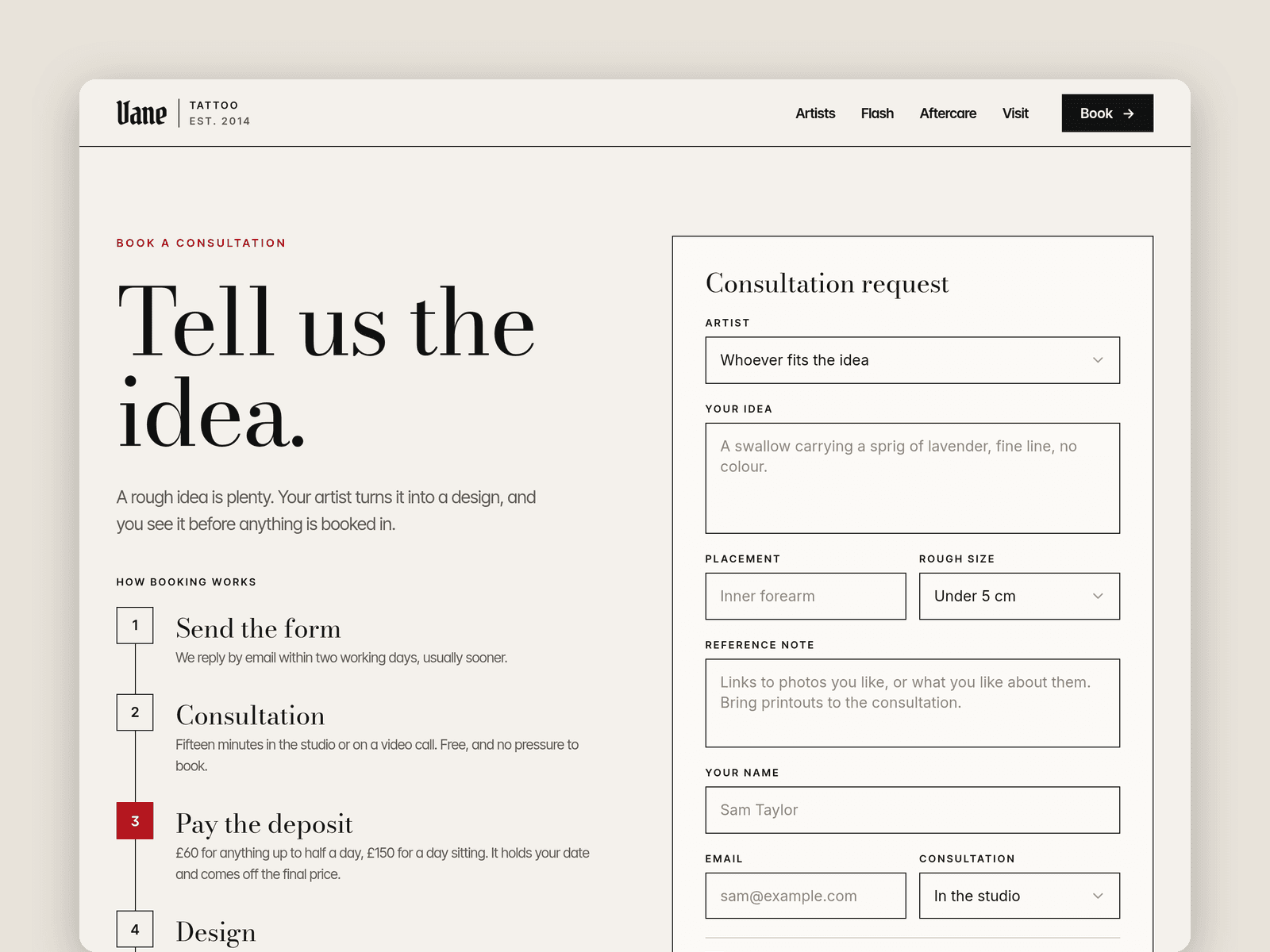
The consultation form asks for the artist, the idea, placement, rough size and a reference note, and it won't send until the client confirms they're 18 or over. The submit button has loading, success and error states, and submissions go wherever you point the Framer form: email, a webhook or a Google Sheet. Next to it, a six-step timeline explains how booking works, with the deposit rules spelled out.
Pages: Home, Artists, Flash, Book a consultation, Aftercare and FAQ, Visit (hours, map, parking, access), Licenses and 404. Every page has its own search title and description, and every layout is set for desktop, tablet and phone.
Getting started:
Change the colours in Assets → Colors (all named Linework/...) and the fonts in Assets → Text Styles.
Add your artists in CMS → Artists, with a healed piece as each portfolio photo, and flip "Books open" as your books change.
Replace the designs in CMS → Flash. Untick "Available" when one is tattooed.
Set your hours on the "Open now" badge (home and Visit pages) and in the footer.
Open the form on /book and choose where submissions go (Form settings → Send to). Edit the deposit amounts in the timeline to match yours.
Put your address in the map on /visit, then swap the photos for your own work and studio.