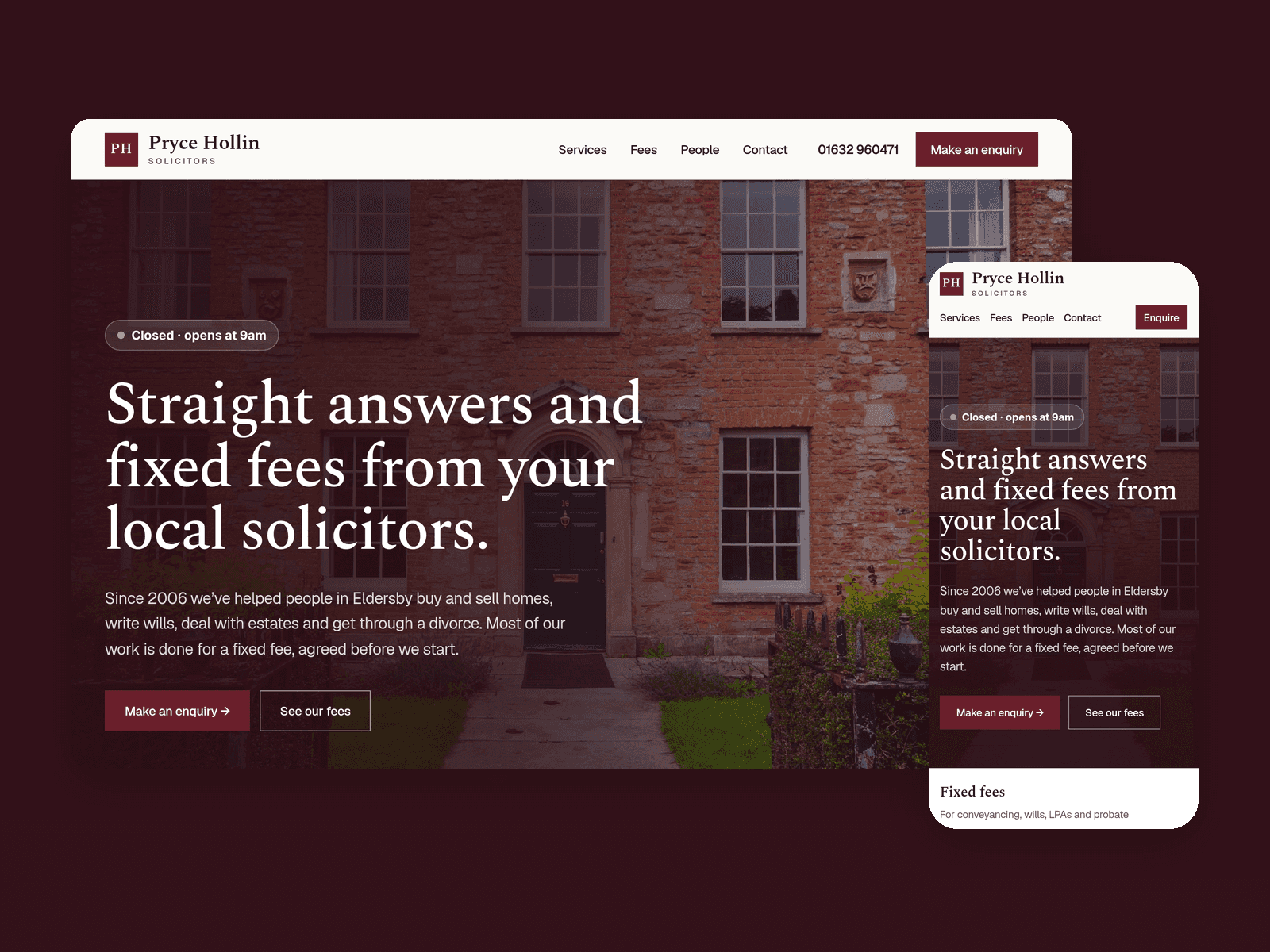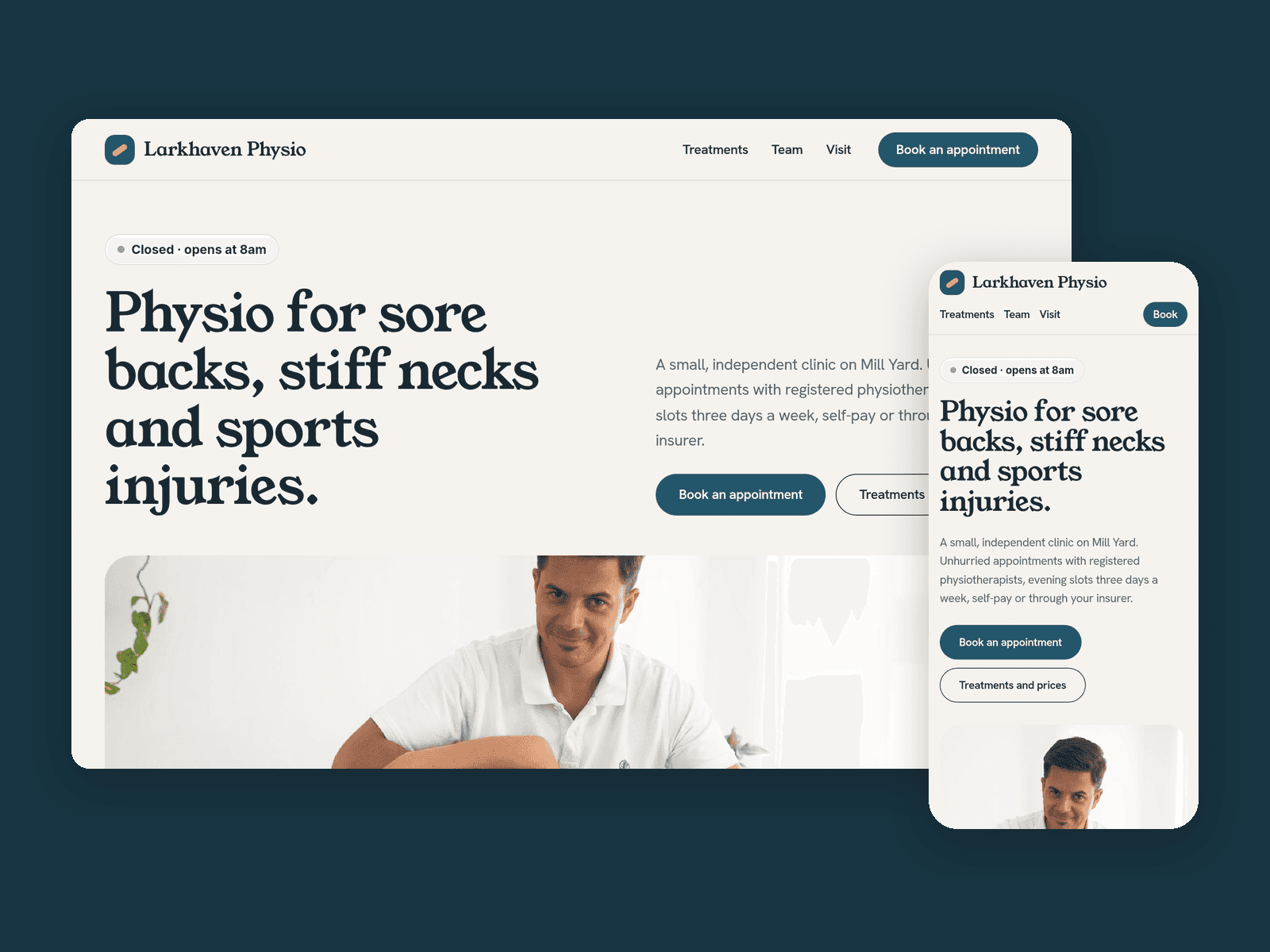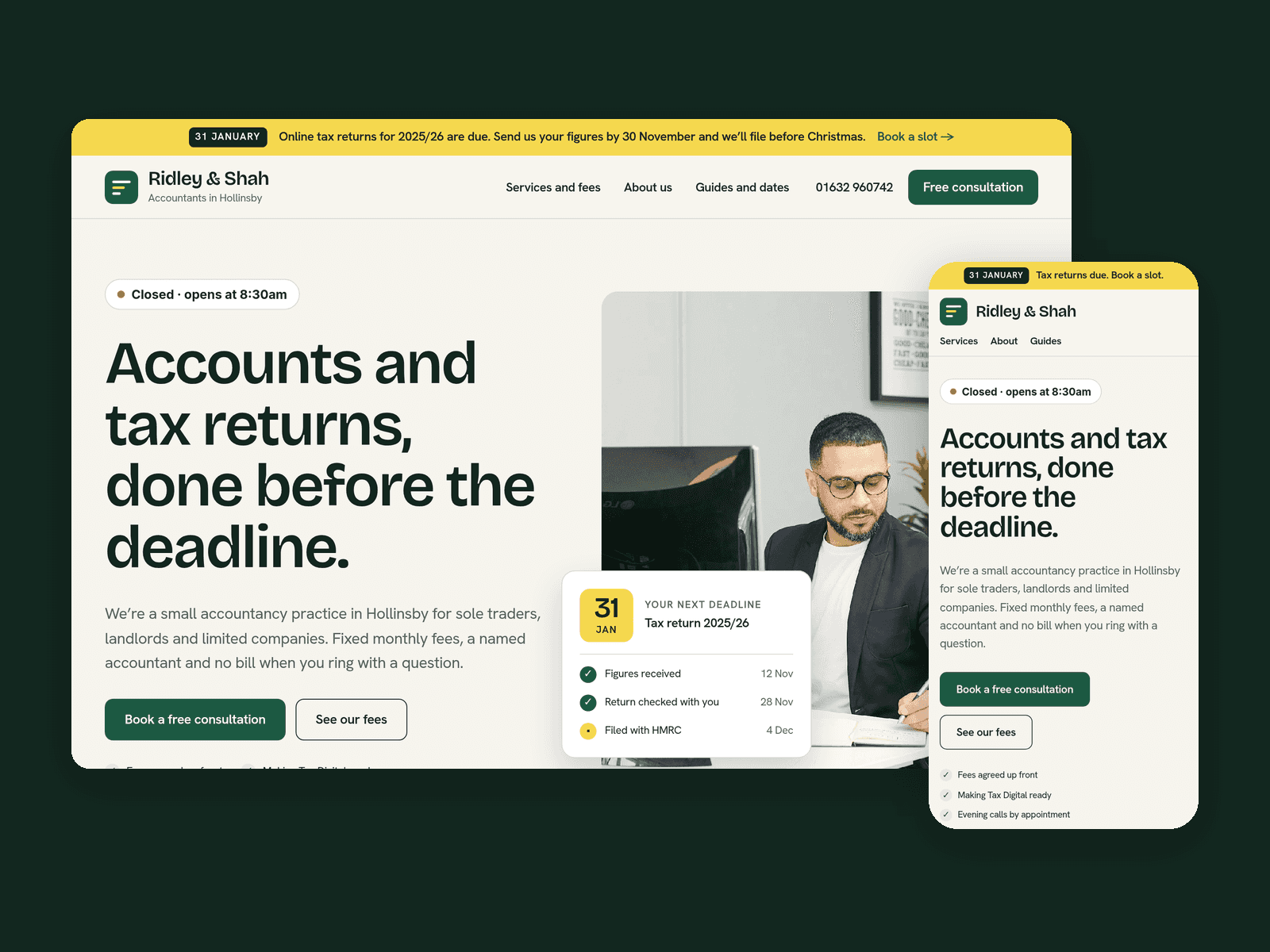
About Fettle
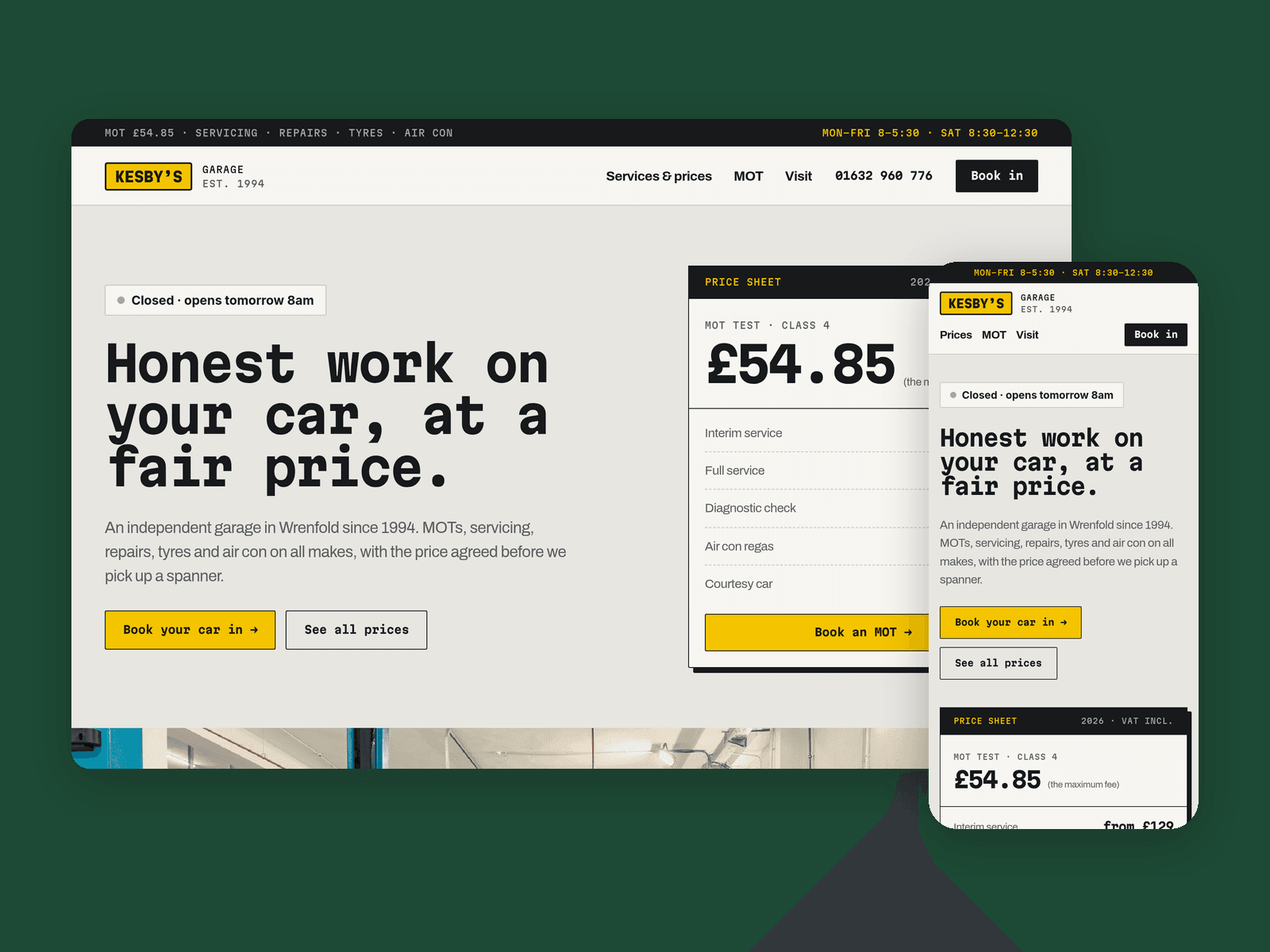
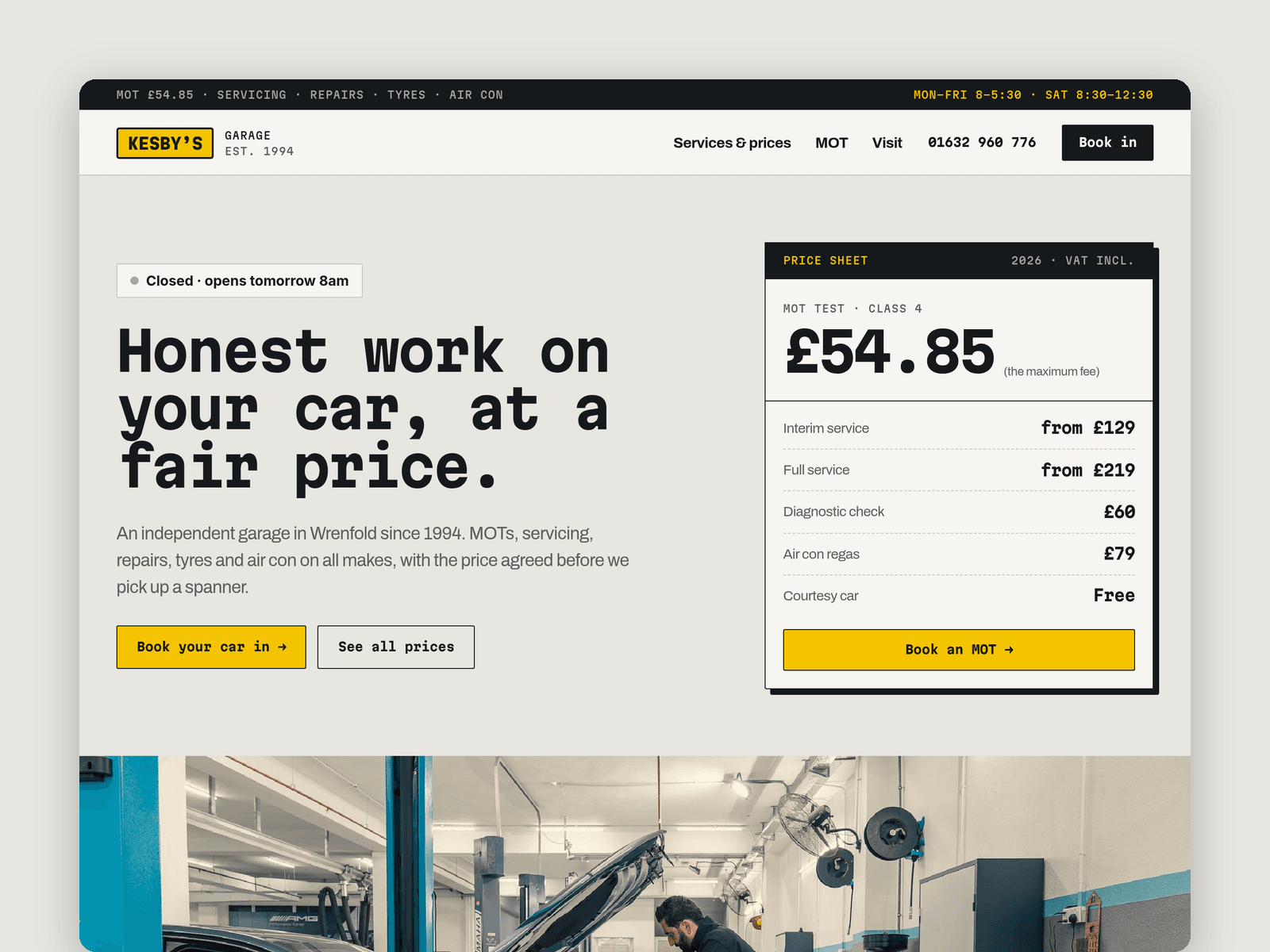
Fettle is a website template for independent garages and MOT centres. It looks like a workshop price sheet: concrete greys, number-plate yellow, a monospaced display font and spec tables, so drivers can see what a job costs before they ring.
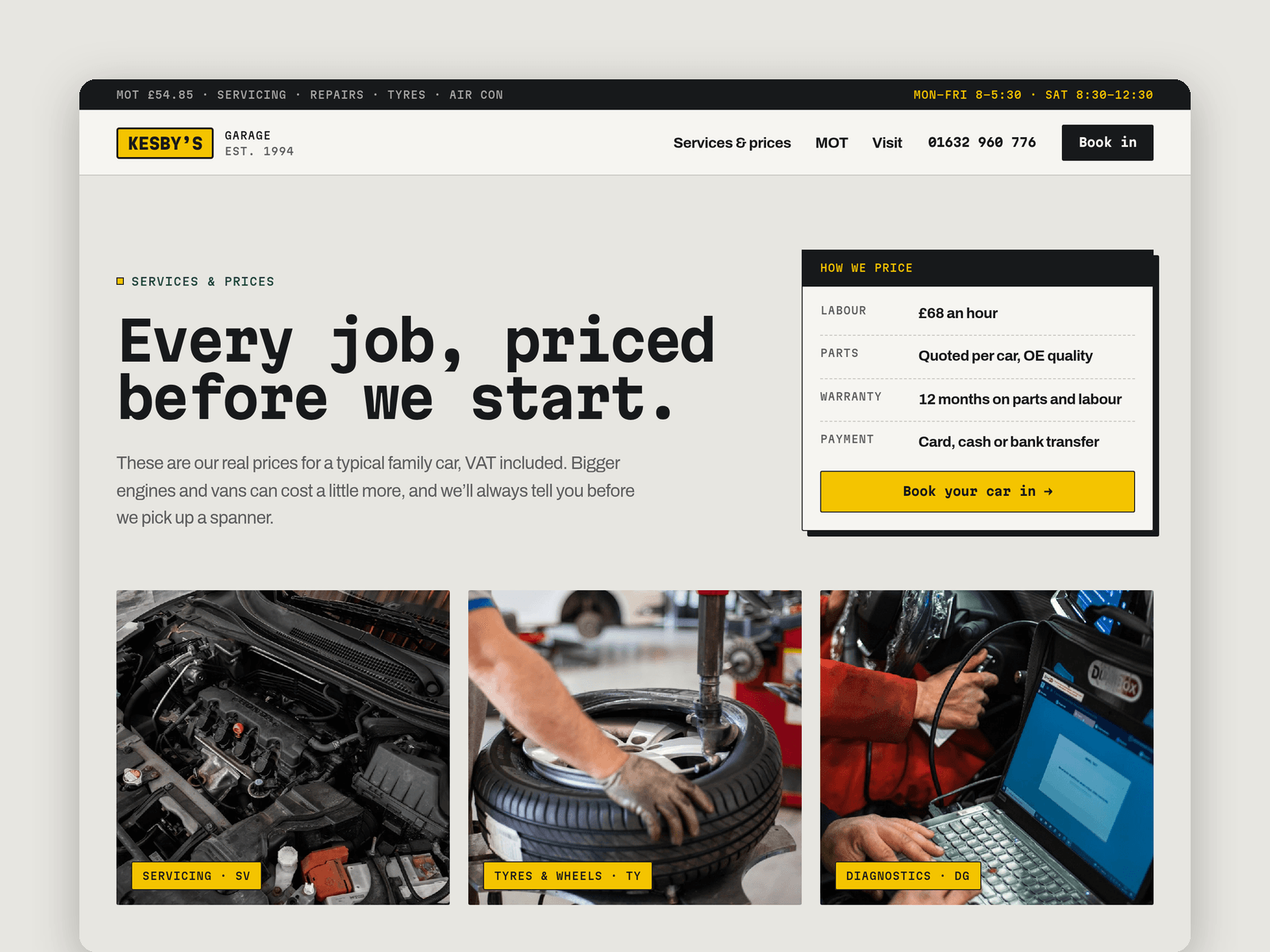
Services and prices run from the CMS. Each service has a reference code, a category, a "from" price, a time and a line on what's included, and shows up as a row in the right table on the Services & prices page. Mark one as featured and it also appears on the home page. Two more collections hold your reviews (with the car and the job) and the MOT FAQs.
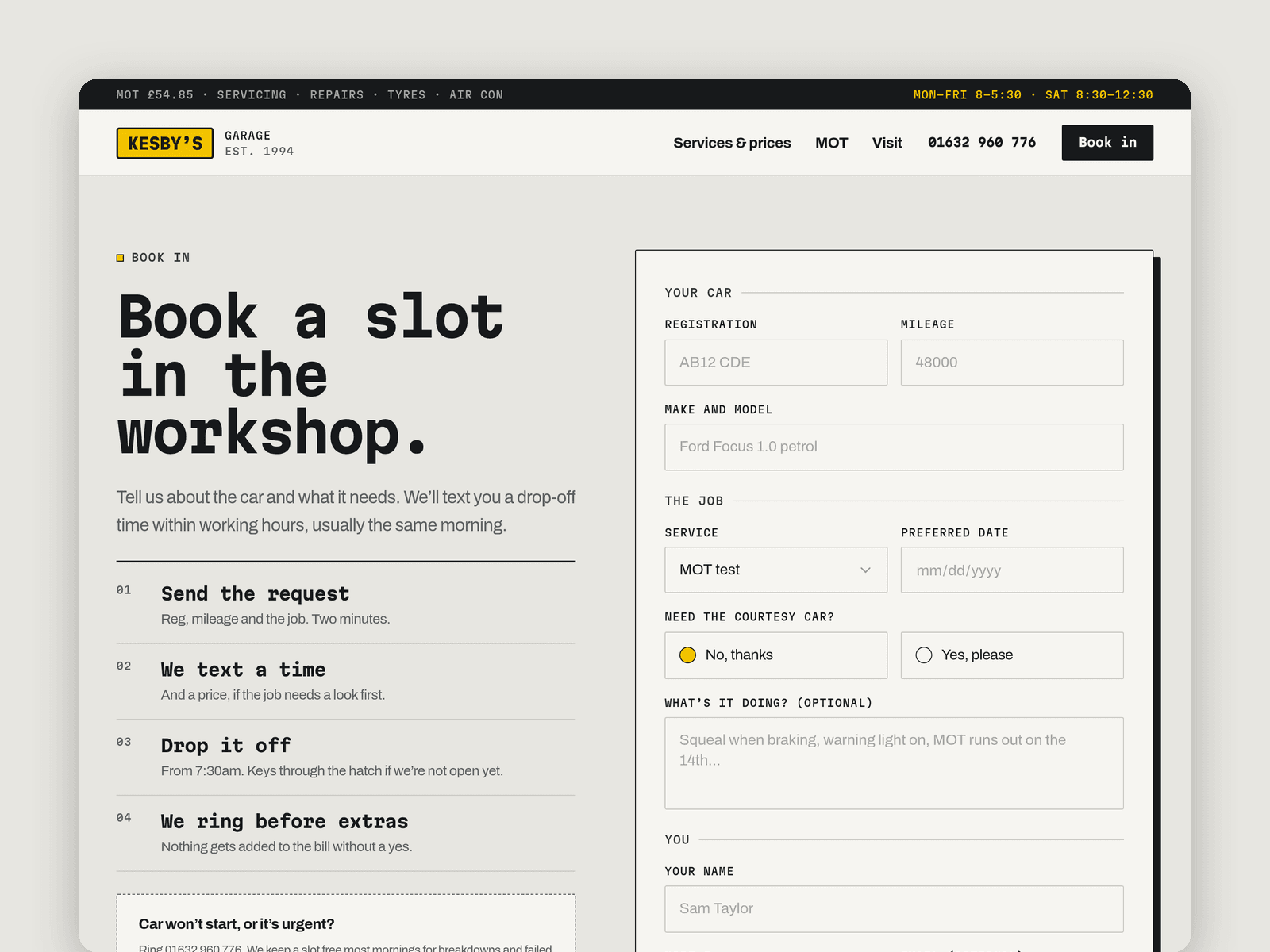
The booking page has a native Framer form built for garages: registration, make and model, mileage, service, preferred date, a yes/no choice for the courtesy car, notes and a tick box for an MOT reminder text. The submit button has loading, success and error states, and submissions go wherever you point the form: email, a webhook or a Google Sheet.
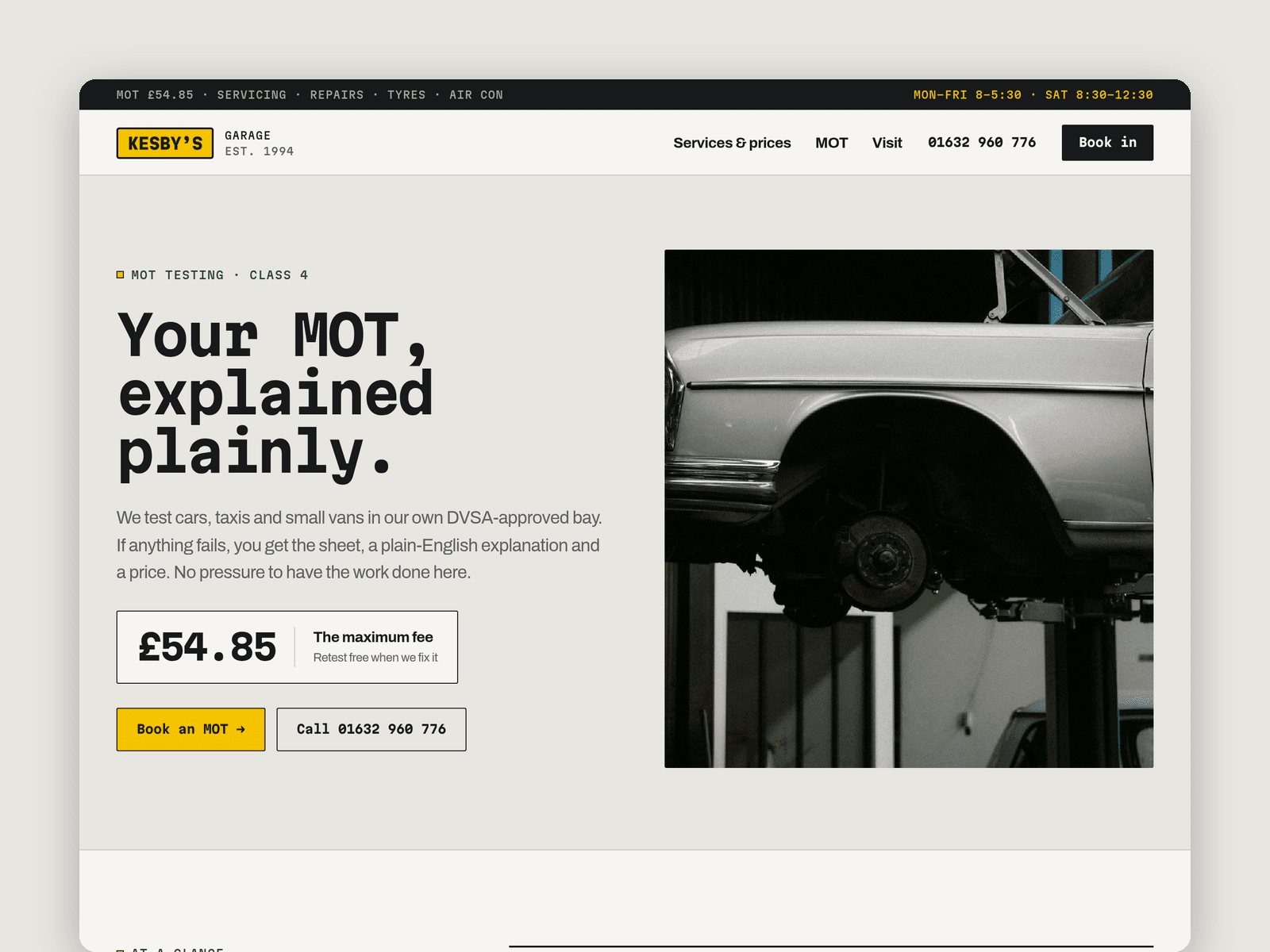
Pages: Home (a price-sheet card, a stats band, a "how a job runs" timeline, the waiting room and courtesy car, and reviews), Services & prices, MOT (at a glance, the twelve areas checked, the reminder note and FAQs), Book, Visit (hours, map, parking and out-of-hours key drop), Licenses and 404. Every page has its own search title and description and is laid out for desktop, tablet and phone.
Getting started:
Change the colours in Assets → Colors (all named Fettle/...) and the fonts in Assets → Text Styles.
Replace the services in CMS → Services. Categories, prices, times and what's included are fields on each item.
Swap the sample reviews in CMS → Reviews and the questions in CMS → MOT FAQs for your own.
Set your opening hours on the "Open now" badges on the home and Visit pages, and in the top strip and footer.
Open the form on /book and choose where submissions go (Form settings → Send to).
Put your address in the map on /visit, swap the photos for your own and check the MOT fee is still current.