About Folio Works
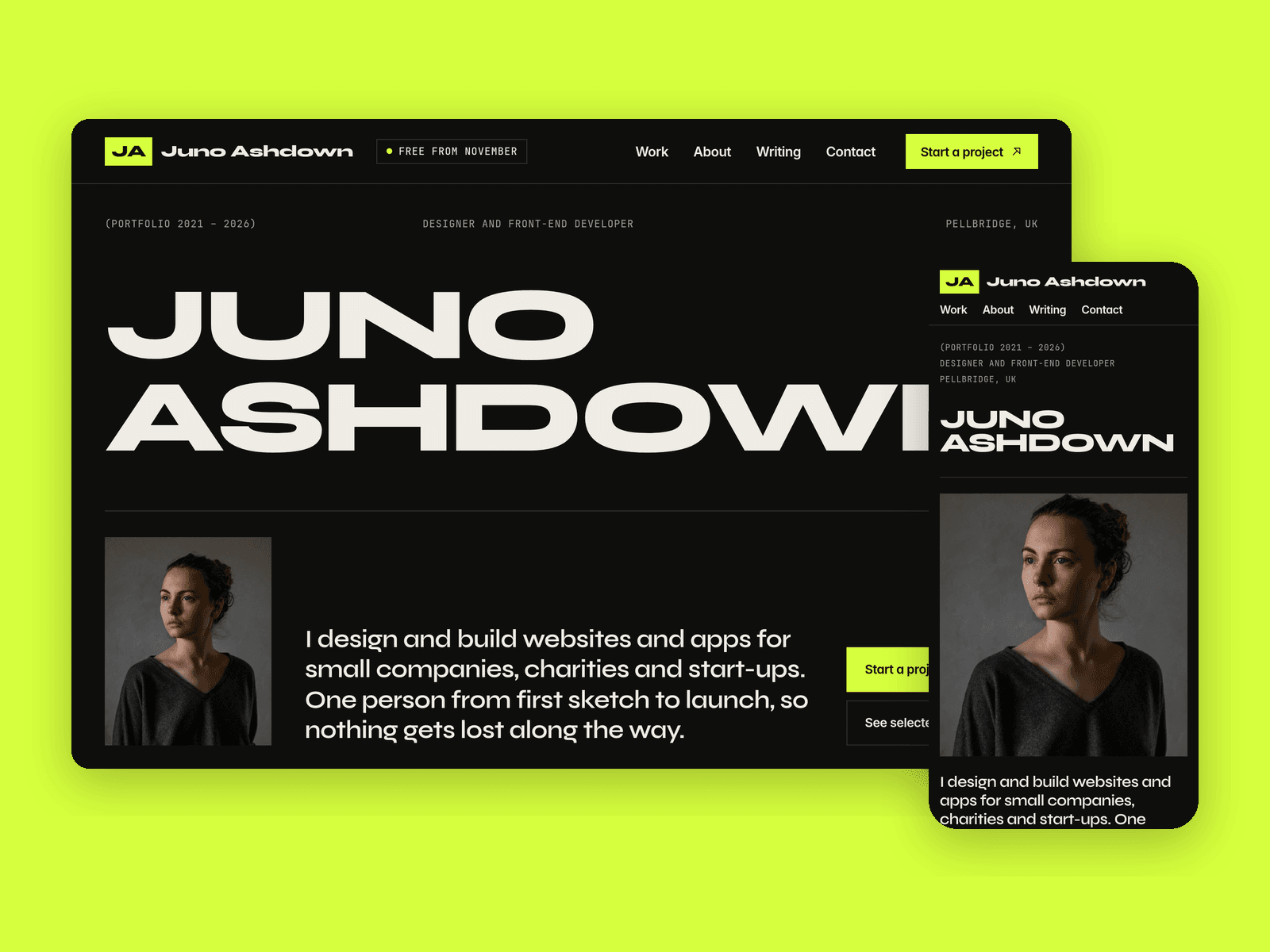
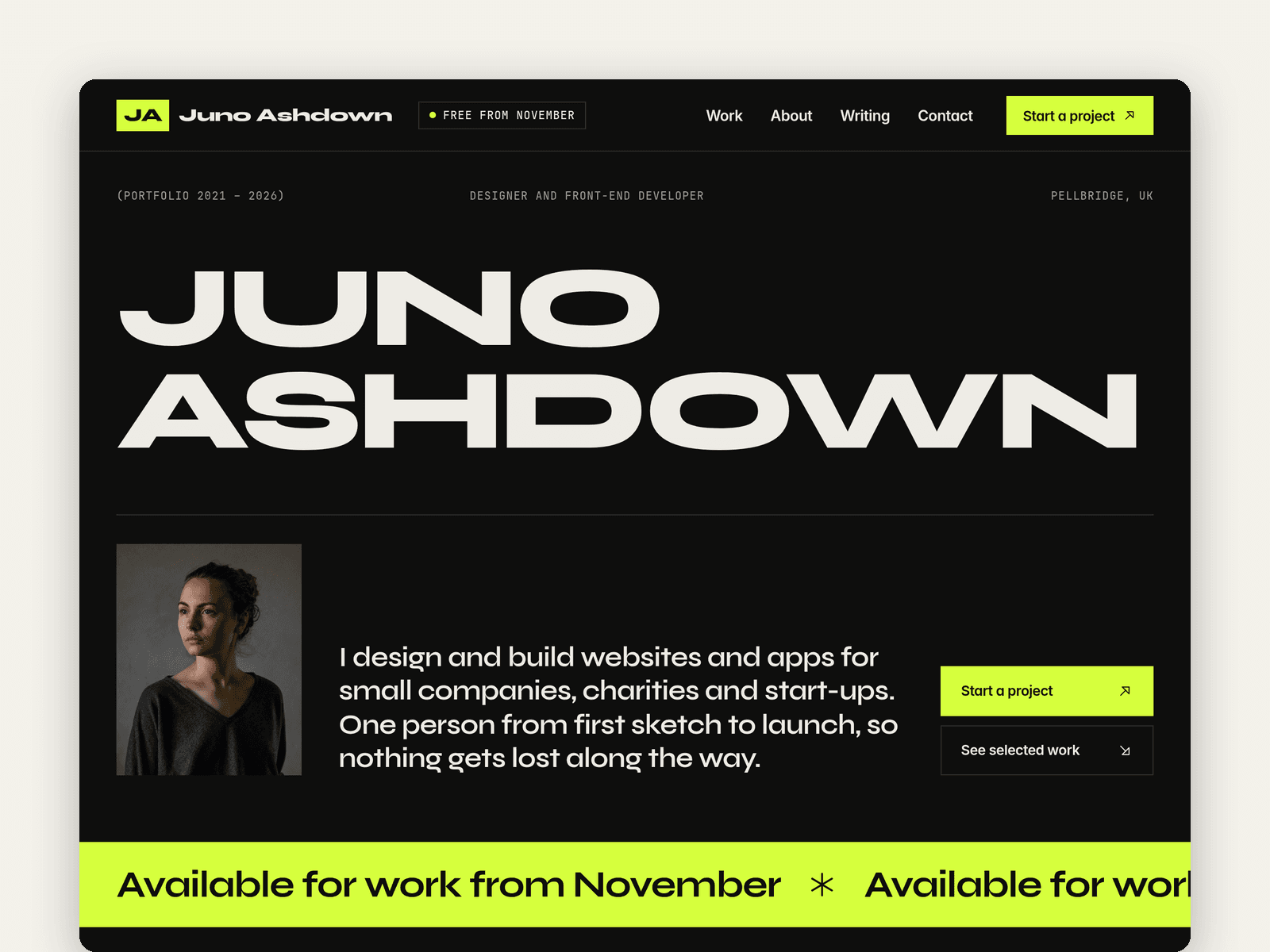
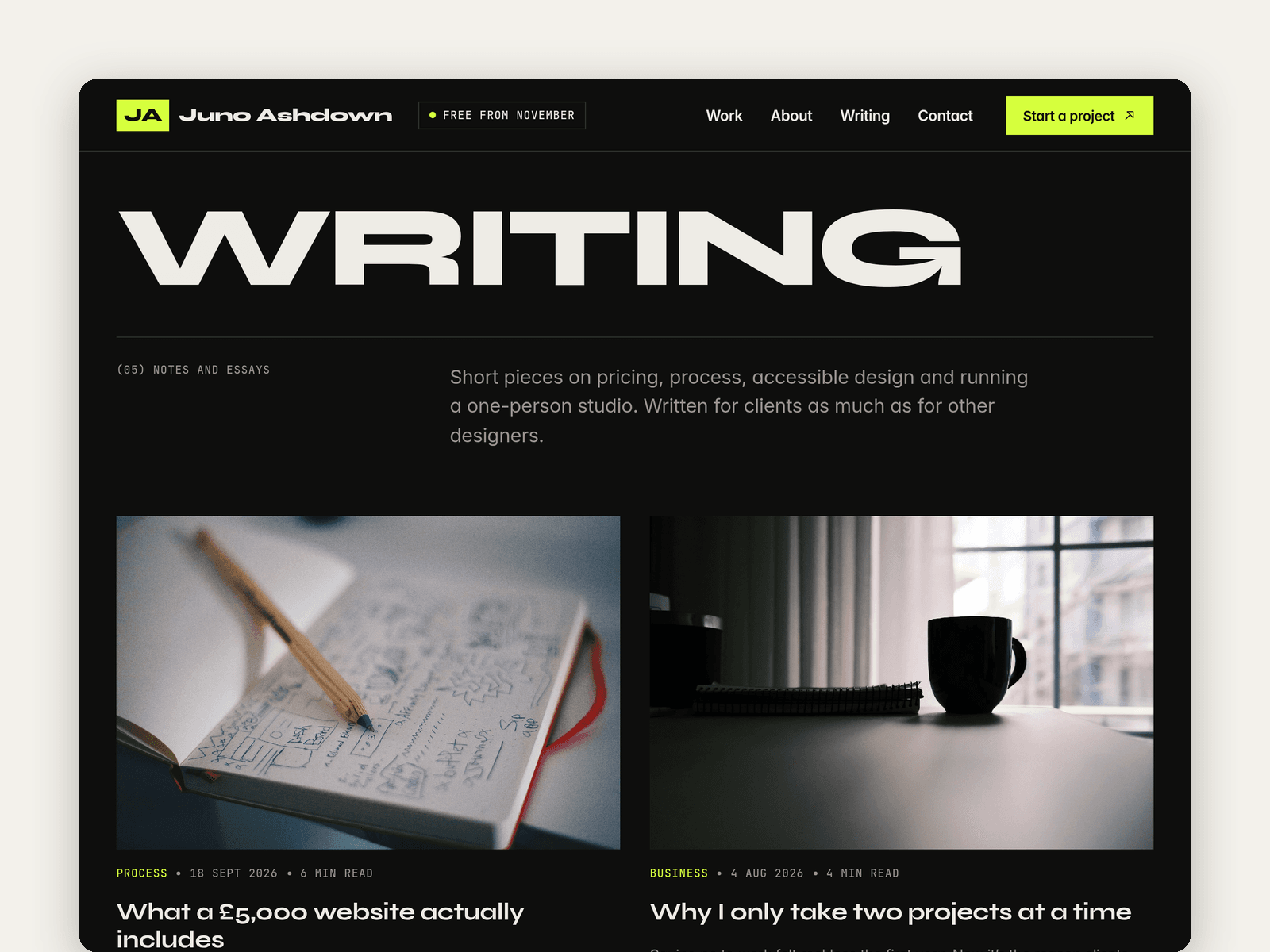
Folio is a portfolio and CV template for freelance designers and developers. It's dark and loud: your name set huge across the first screen, a lime availability strip, sharp square edges and a mono font for the small print.
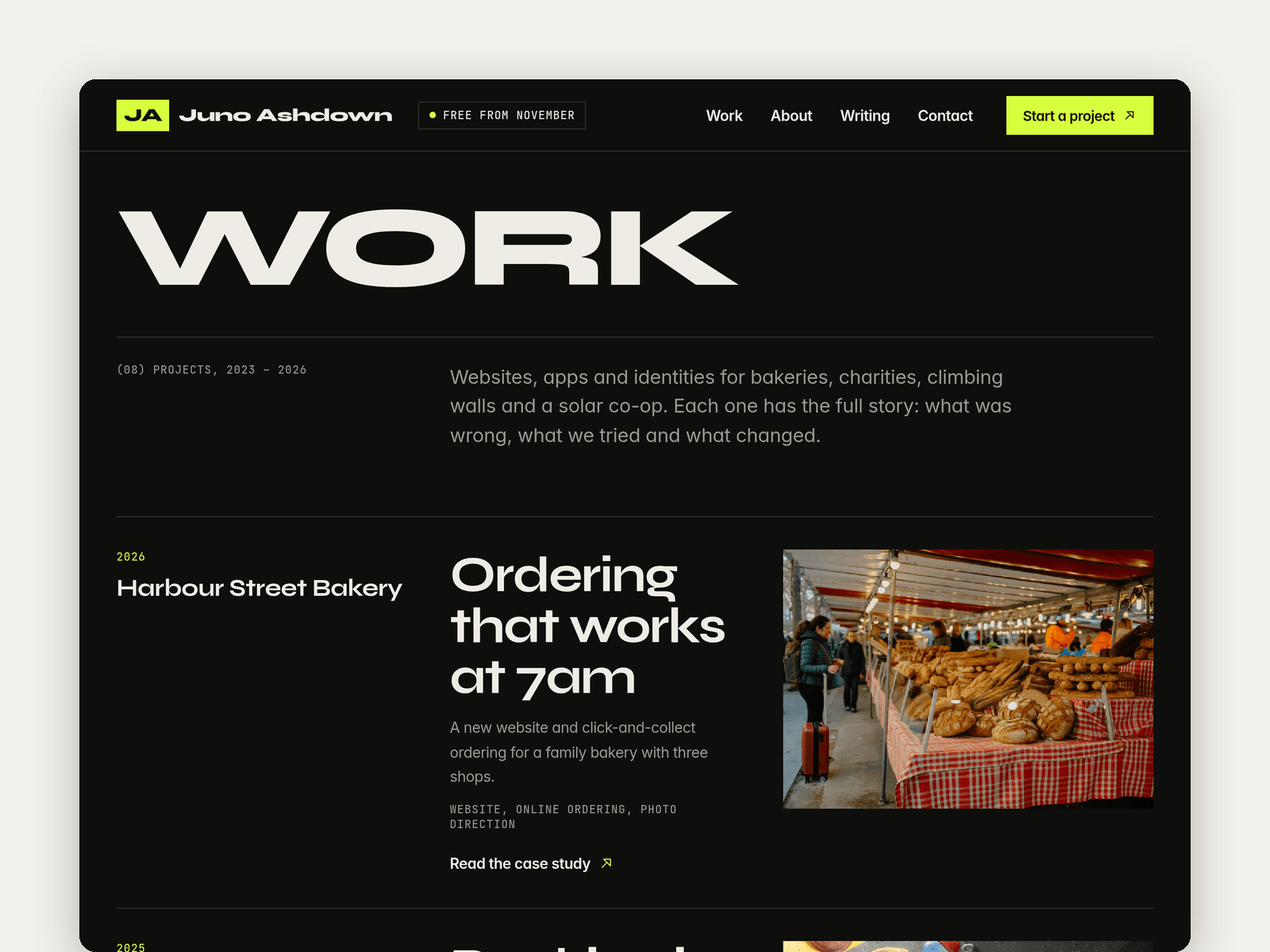
Projects run from the CMS. Each case study has a client, year, role, services, a cover, a photo gallery, an outcome line and a write-up in three parts: the problem, the approach and the result. Every project gets its own page with a link to the live site and a next project link. Mark any project as Featured to show it on the home page.
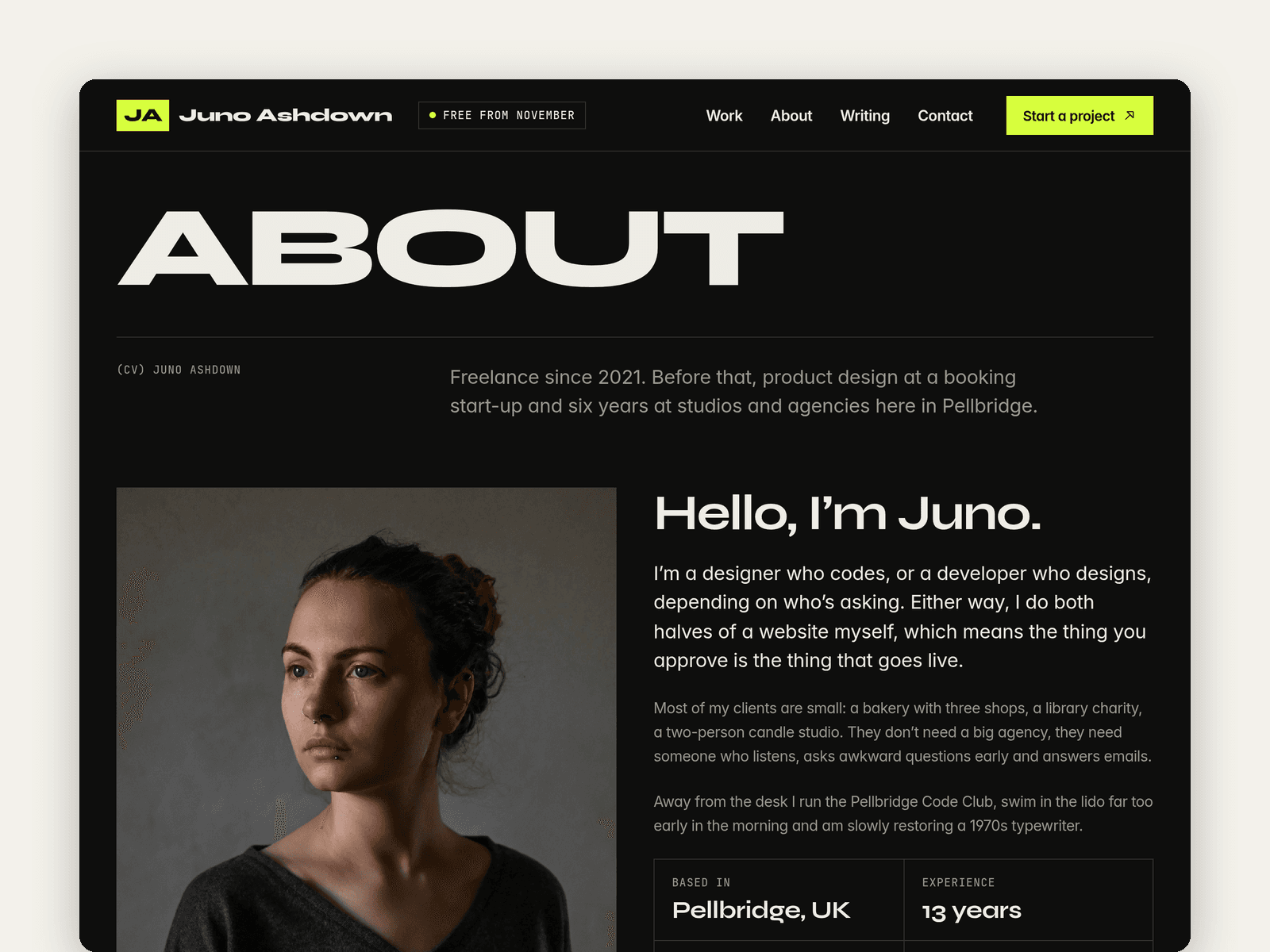
Two more collections hold your experience timeline, which appears on the home page and in full on the About page, and your writing, with a rich-text post page, dates, topics and read times.
The Contact page has a project enquiry form with name, email, company, project type, budget band, timeline and details, plus loading, success and error states. Your availability date sits in the nav, the strip and the footer, so you change it in a few places when you get booked up.
Pages: Home, Work, a case study page, About (bio, CV, skills and tools, process, clients), Writing, a post page, Contact, Licenses and 404. Every page has its own search title, the CMS pages take theirs from each item, and all of them are laid out for desktop, tablet and phone.
Getting started:
Change the colours in Assets → Colors (all named Folio/...) and the fonts in Assets → Text Styles.
Put your name in the nav, the home intro and the footer, and swap the portrait.
Replace the projects in CMS → Work, then your roles in CMS → Experience.
Add your own posts in CMS → Writing, or delete the Writing page and its nav link.
Open the form on /contact and choose where enquiries go.
Update your availability date, email and social links, then the page titles in Page settings.