About Gazette Local
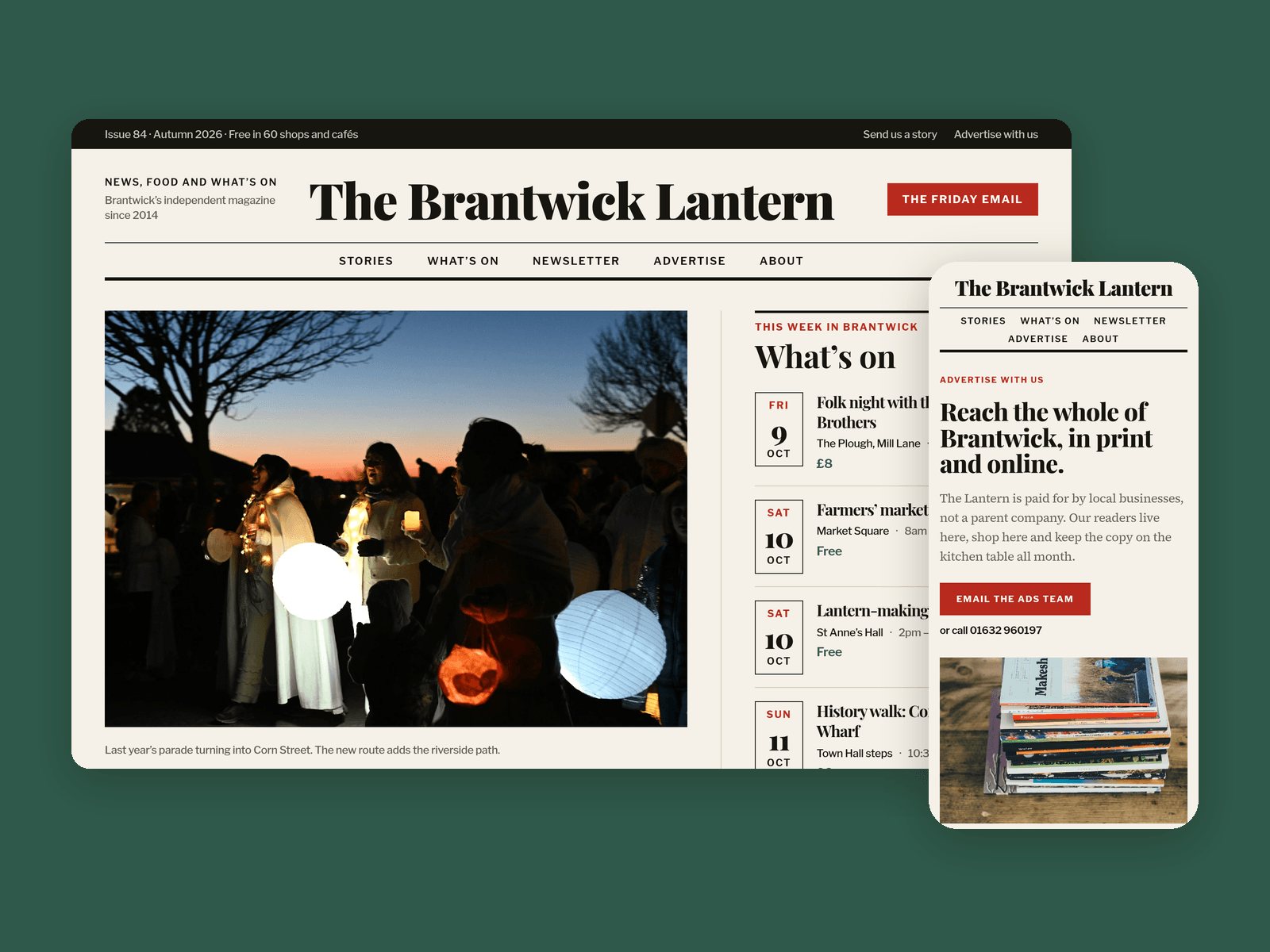
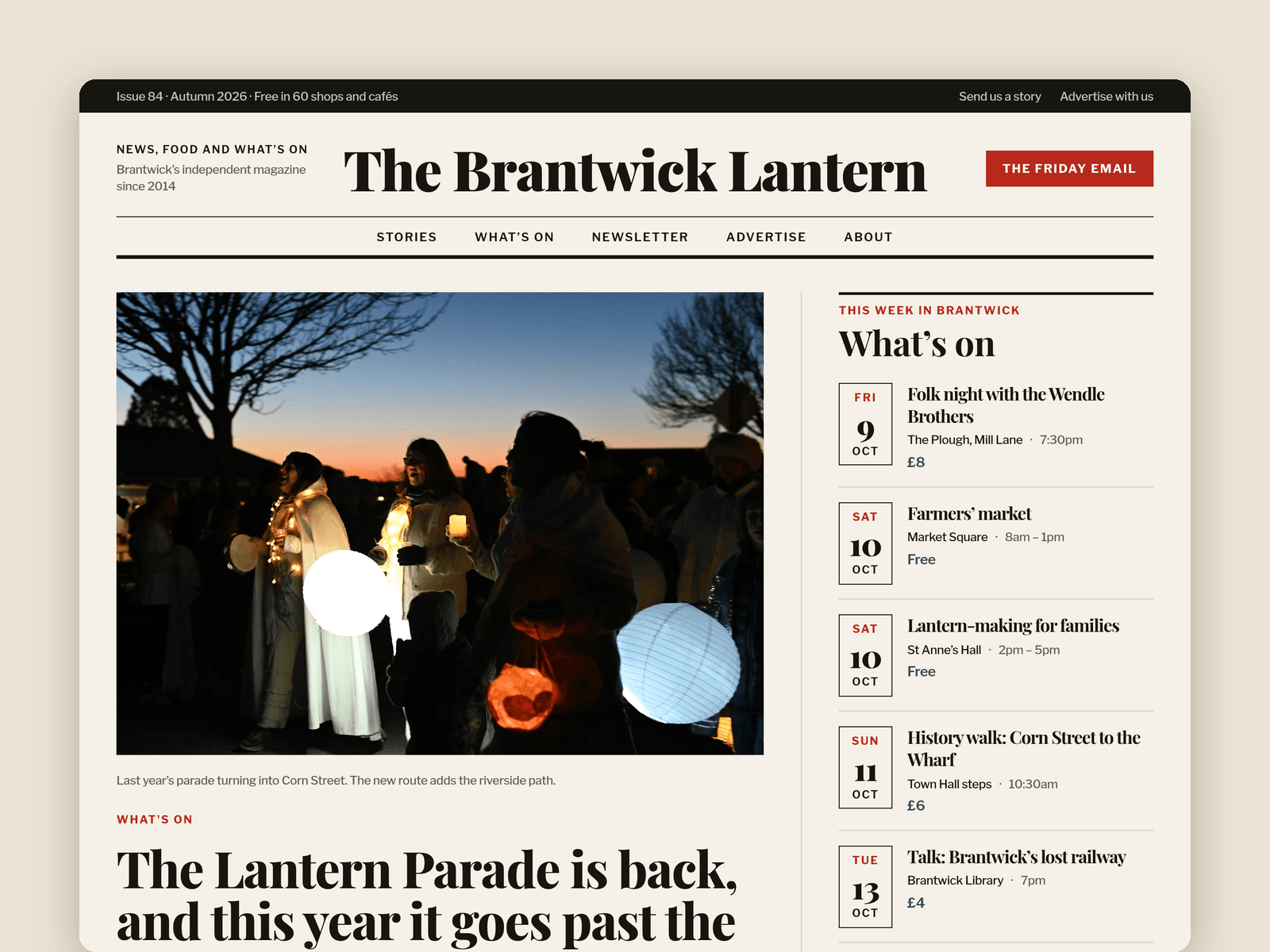
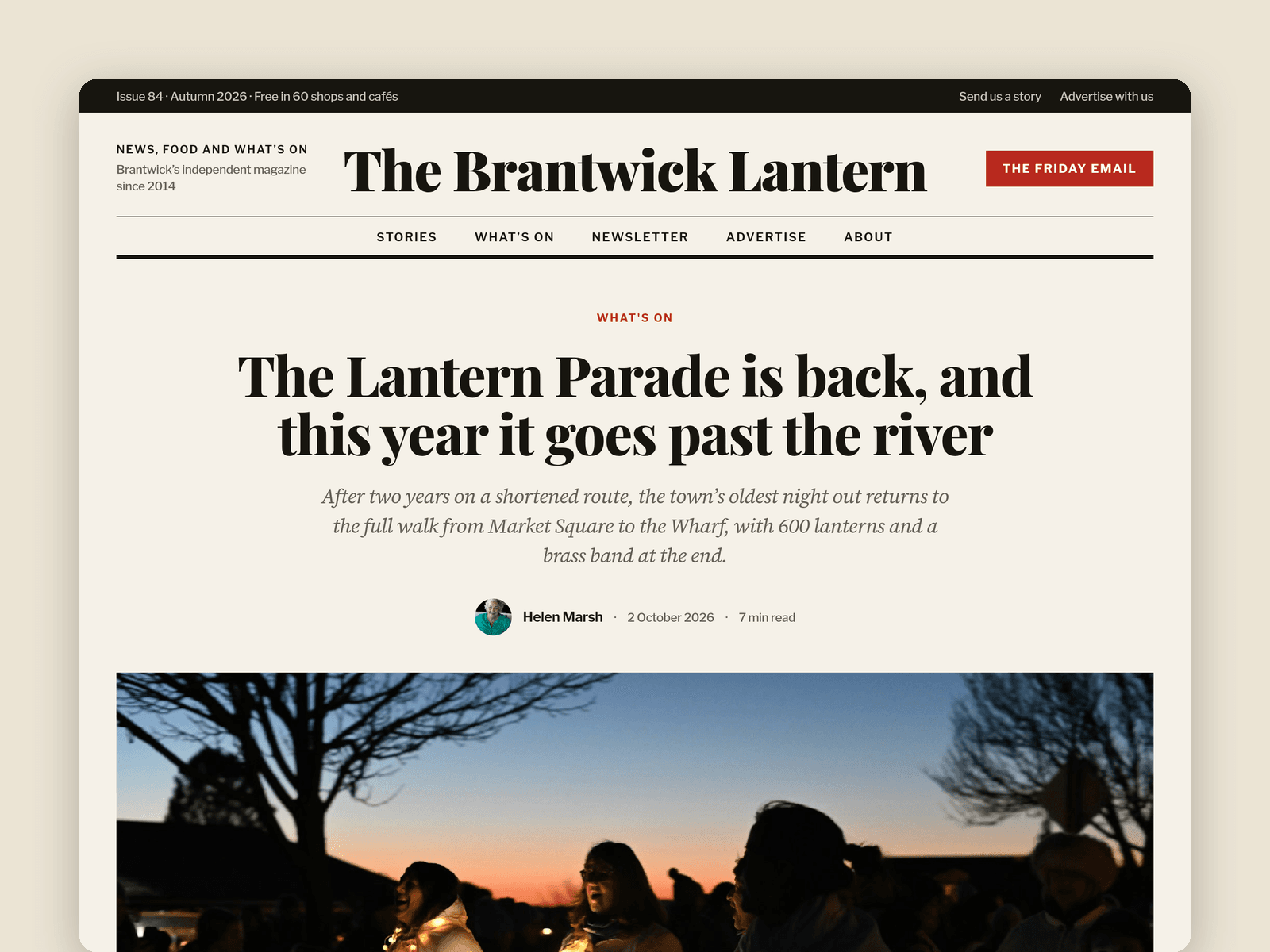
Gazette is a website template for independent local magazines and community news sites. It looks like a good newspaper: a big serif masthead, ruled columns, red kickers and light newsprint, with long-read typography that works on a phone.
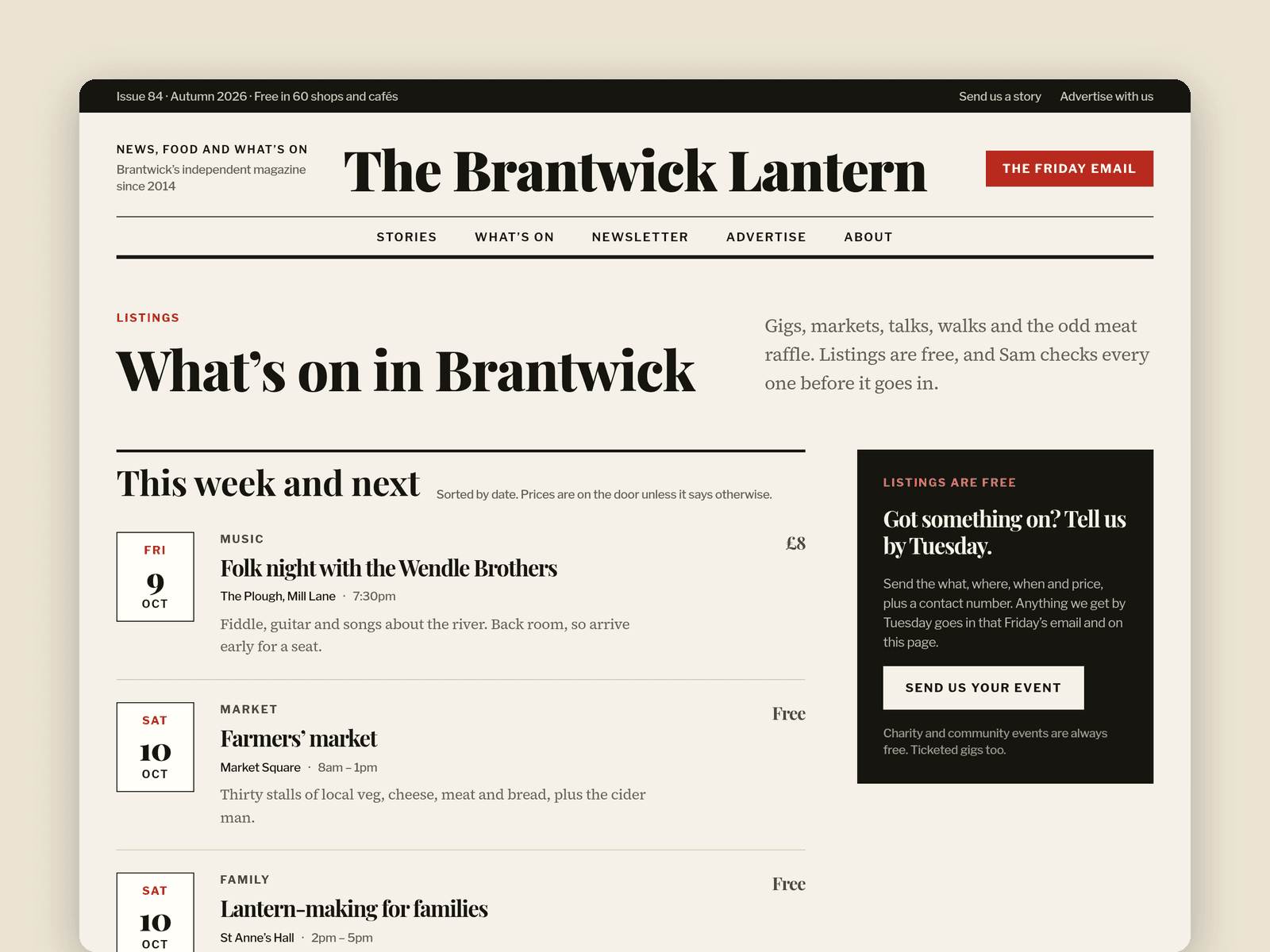
Stories run from the CMS. Articles have a standfirst, category, author, date, read time, cover with caption, rich-text body and a Featured switch for the lead story. Authors (photo, role, bio) feed the bylines, the writer box and the masthead page. Events have a date, time, venue, price and type.
The front page has the lead story beside "What's on this week", the latest stories, a Food and drink section, Opinion columns and an advertising band. Story pages have a centred header, a large cover, a sticky "written by" column, an author box and next and previous links.
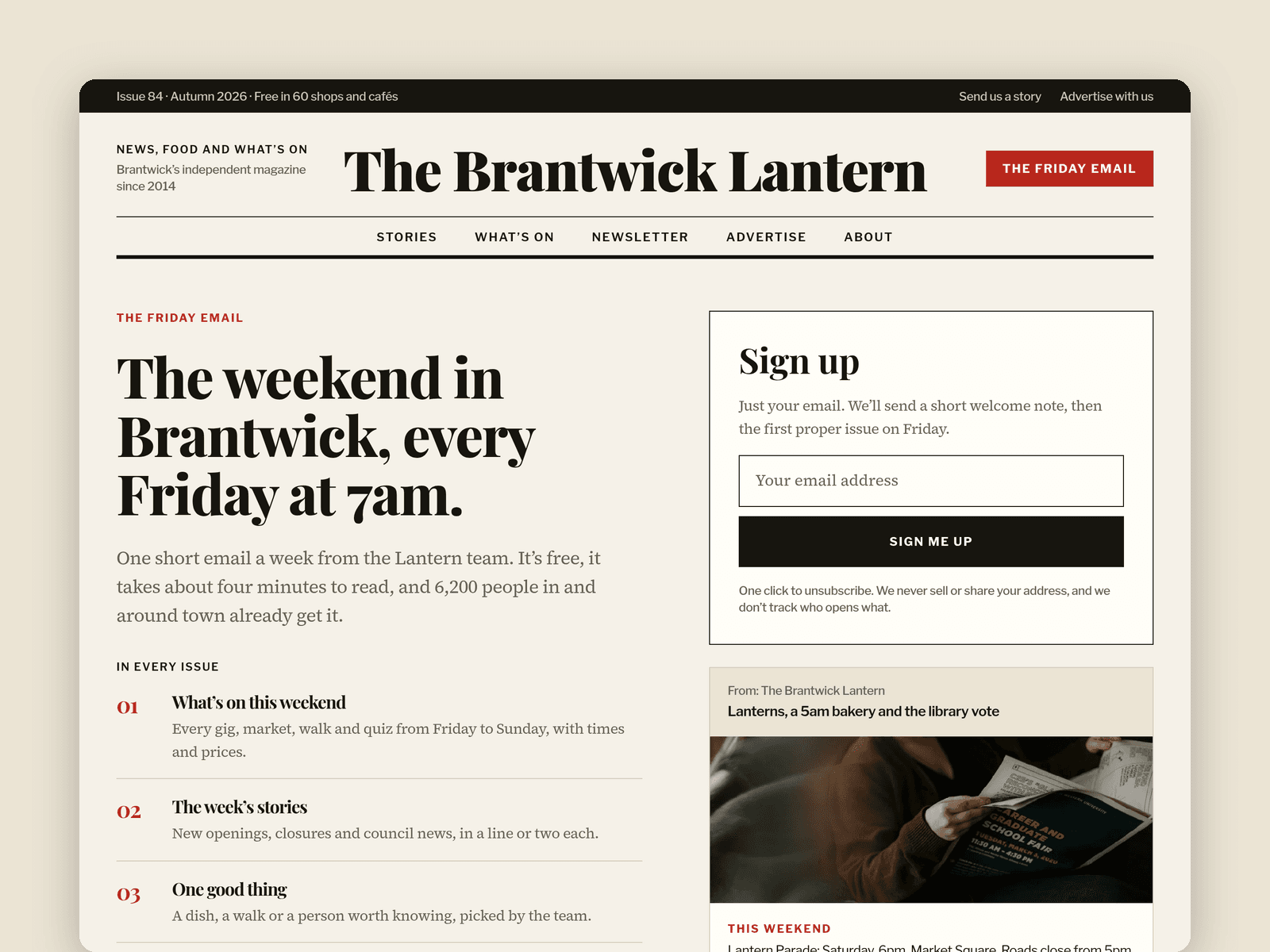
The newsletter sign-up is a native Framer form (email only) with loading, success and error states. It appears on most pages and has a page of its own.
Pages: Front page, Stories (one section per category), a story page, What's on, Newsletter, Advertise (readership numbers, a rate card and how booking works), About (masthead, where to find a copy, contacts), Licenses and 404. Every page has its own search title and description, and all are laid out for desktop, tablet and phone.
Getting started:
Change the colours in Assets → Colors (all named Gazette/...) and the fonts in Assets → Text Styles.
Rename the masthead and footer, and put in your own email, phone and address.
Add your writers in CMS → Authors, then your stories in CMS → Articles. Tick Featured on the one you want leading the front page.
Put your events in CMS → Events. They're sorted by date.
Open any sign-up form and choose where new subscribers go.
Edit the rate card and pick-up points, and swap in your own photos.