About Groom
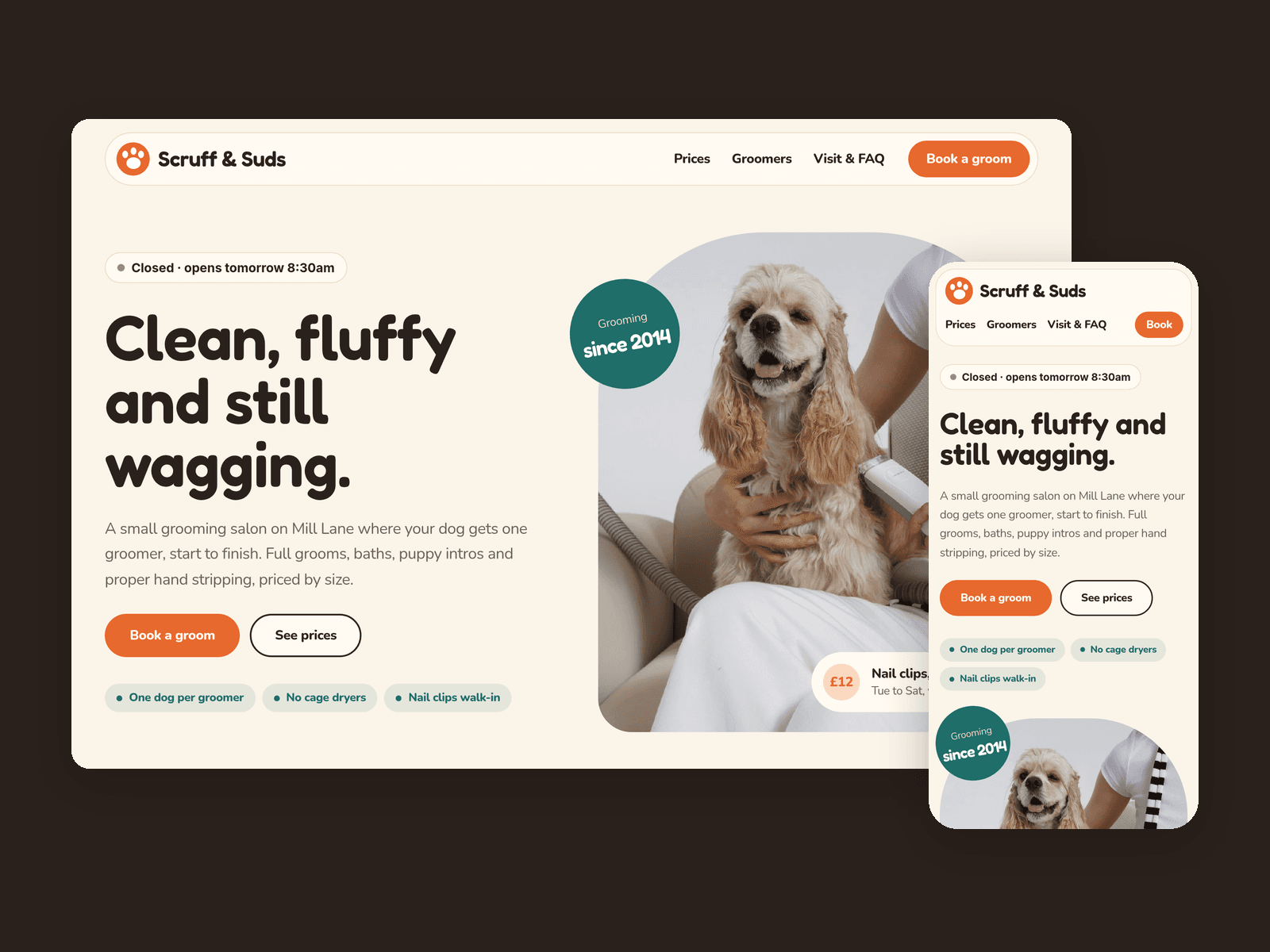
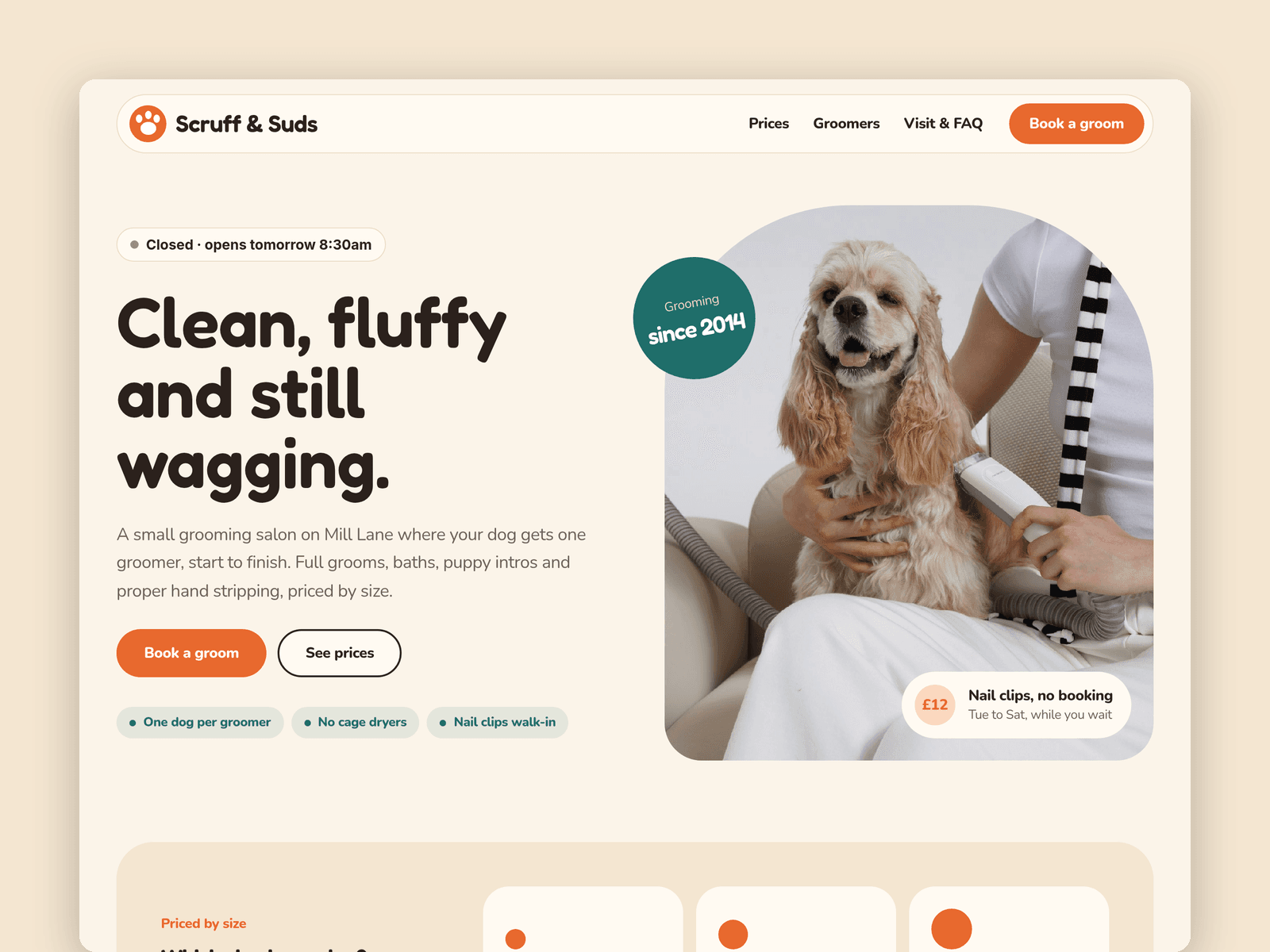
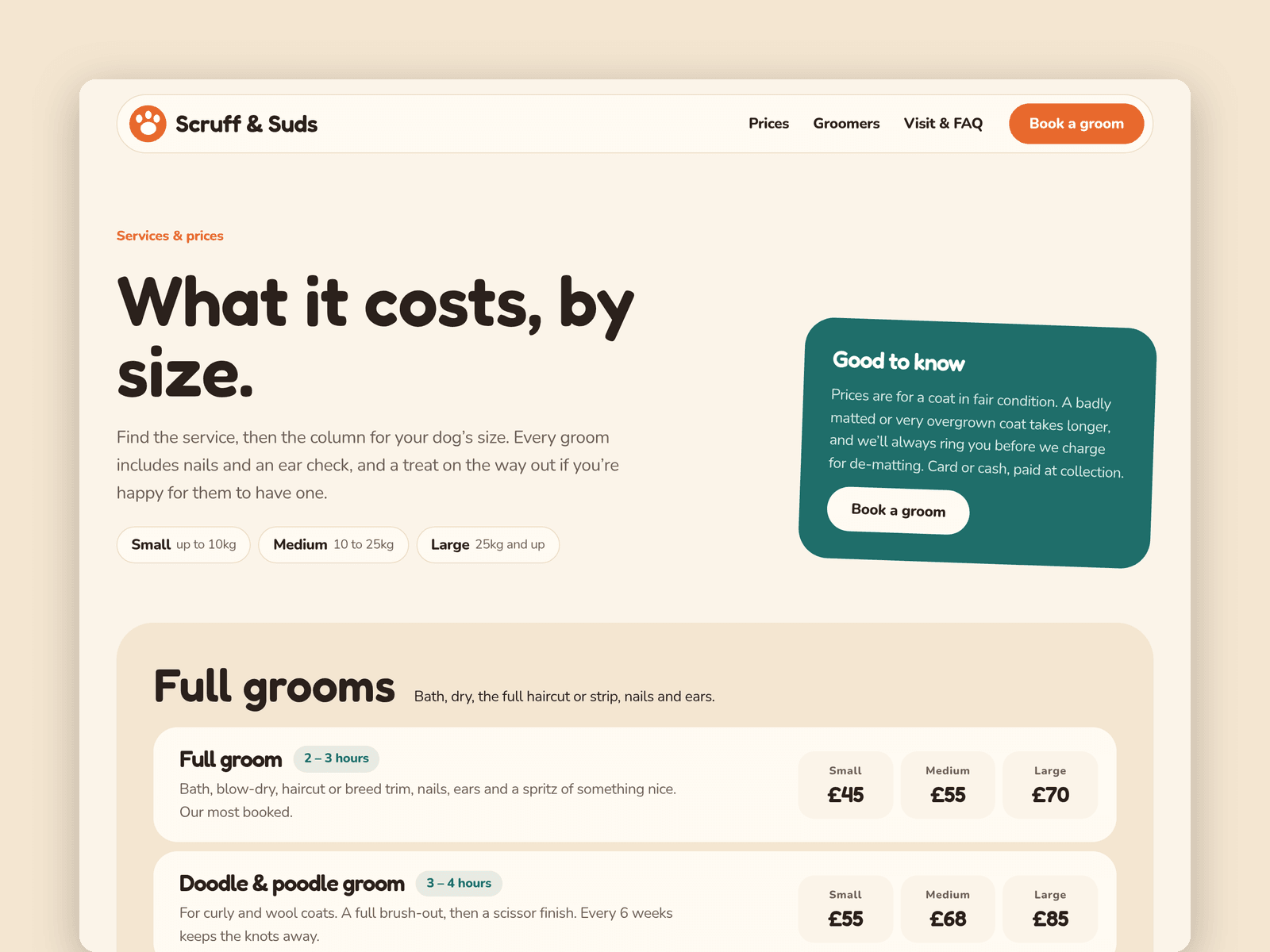
Groom is a warm, friendly website template for dog groomers and small pet salons. It's built around the things owners actually ask before they book: how much for my size of dog, who will groom them, and what happens on the first visit.
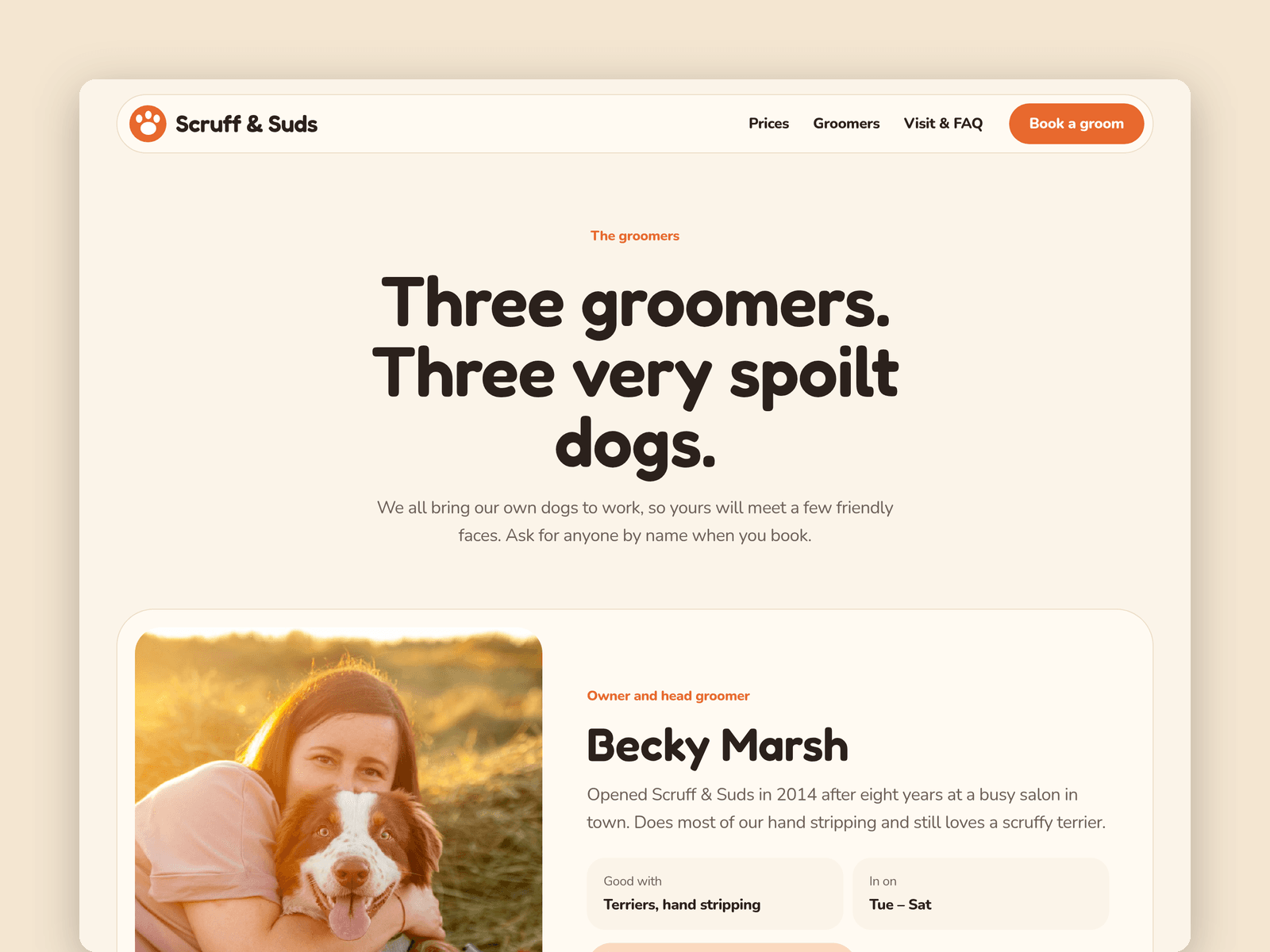
Services and prices run from the CMS. Each service has a small, medium and large price, a time and a short description, and sits in a category such as Full grooms or Puppies. Mark one as featured and it also shows on the home page. A second collection holds your groomers, with a photo, bio, working days, what they're good with and the dog they bring to work.
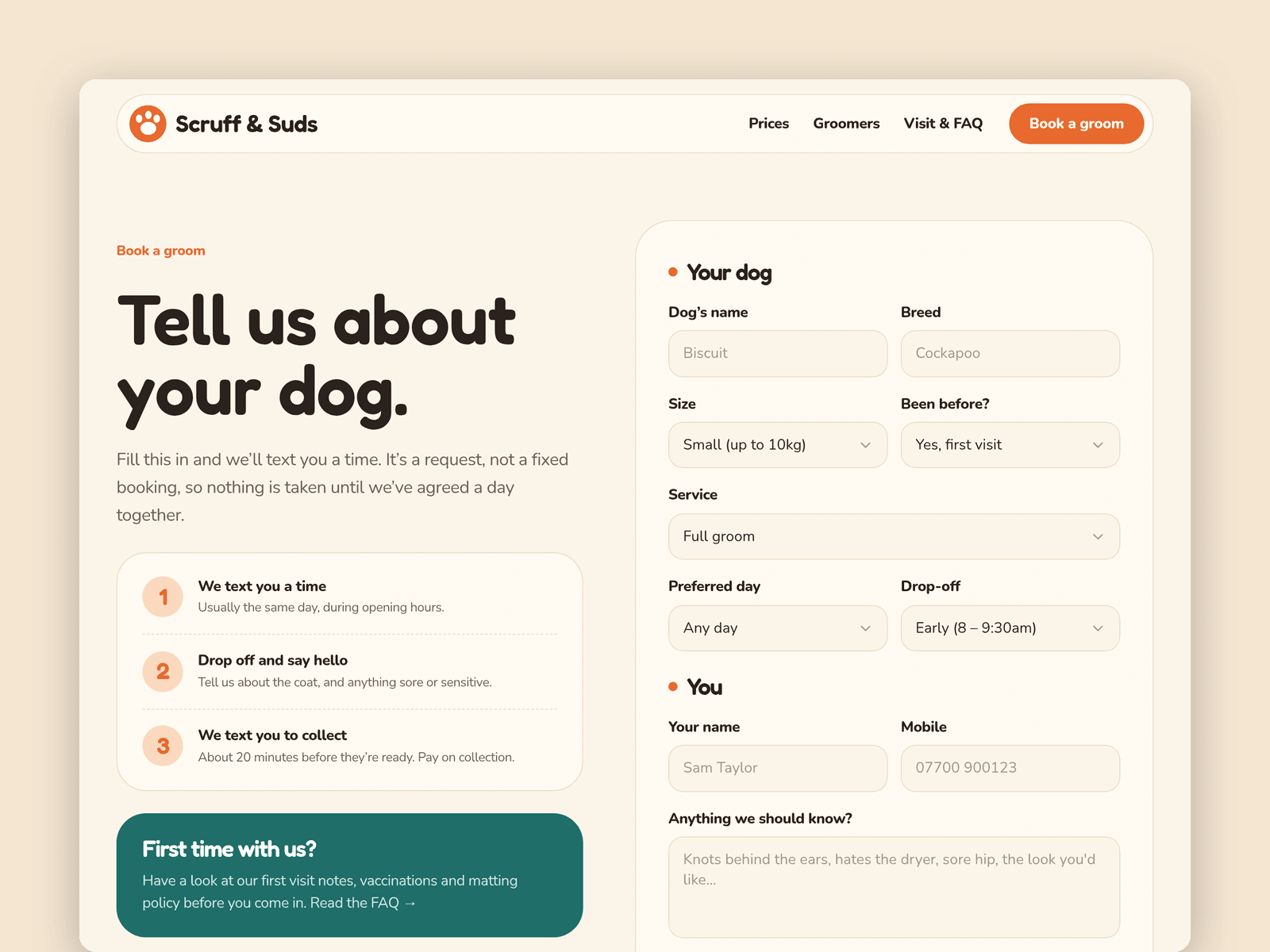
The booking page has a native Framer form that asks for the dog's name, breed, size, service, preferred day and drop-off time, with loading, success and error states on the button. Submissions go wherever you point the form: email, a webhook or a Google Sheet.
The "Open now" badge reads your opening hours in your salon's time zone and shows "Open now · until 5pm" or the next opening time. It updates every minute, and you set the hours for each day in its properties panel.
Pages: Home (with a "how a groom works" timeline, a size guide and a happy-dogs gallery), Services & prices, Groomers, Book, Visit & FAQ (hours, map, parking, first visits, vaccinations and a matting policy), Licenses and 404. Every page has its own search title and description and is laid out for desktop, tablet and phone.
Getting started:
Change the colours in Assets → Colors (all named Groom/...) and the fonts in Assets → Text Styles.
Replace the services in CMS → Services. Each one has a small, medium and large price.
Add your team in CMS → Groomers, with a photo of each groomer and their dog.
Set your opening hours on the "Open now" badges on the home and Visit pages, and in the footer.
Open the form on /book and choose where submissions go (Form settings → Send to).
Put your address in the map on /visit, swap the photos for your own and update the FAQ and page titles.