About Lacquer Studio
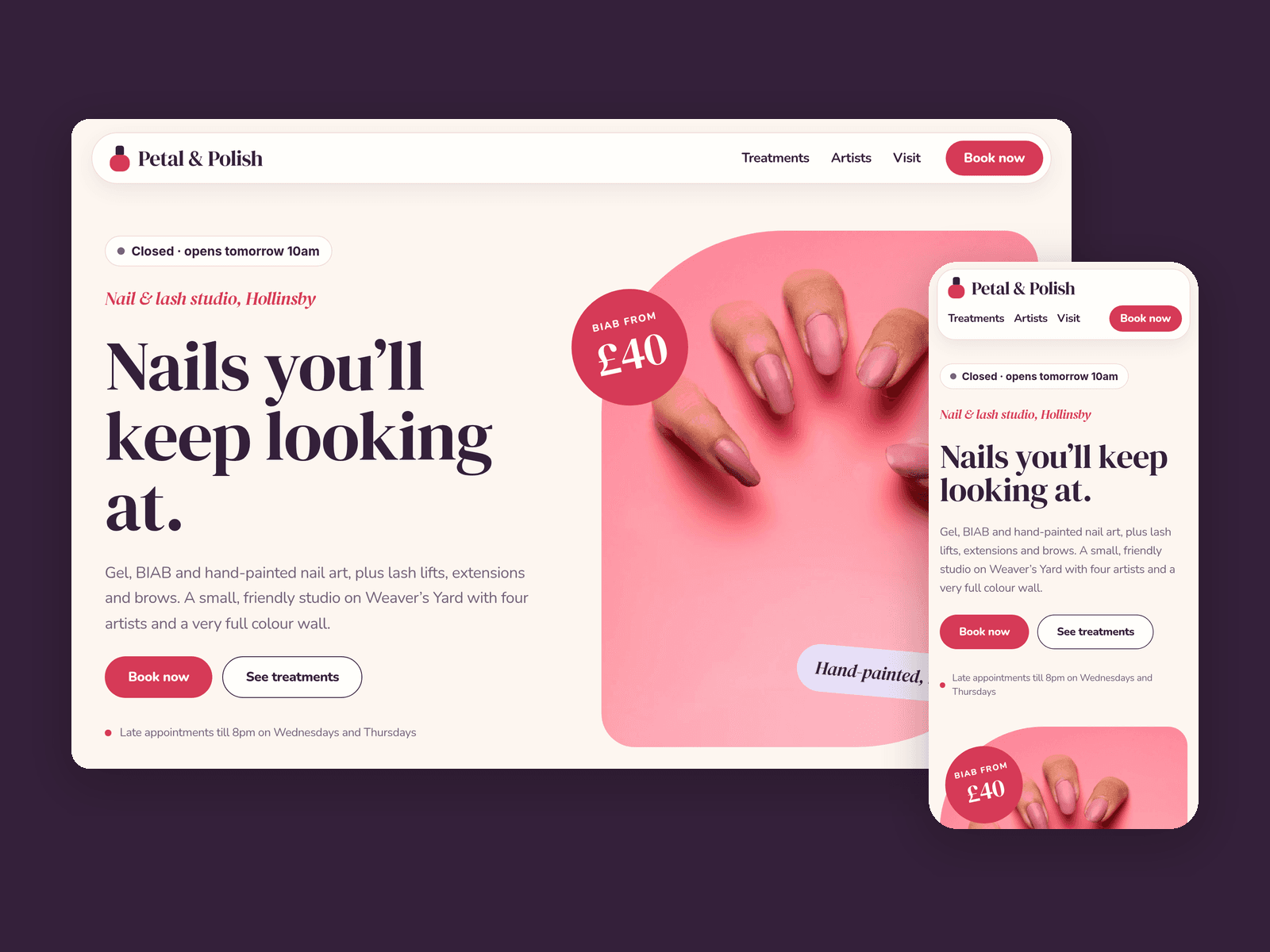
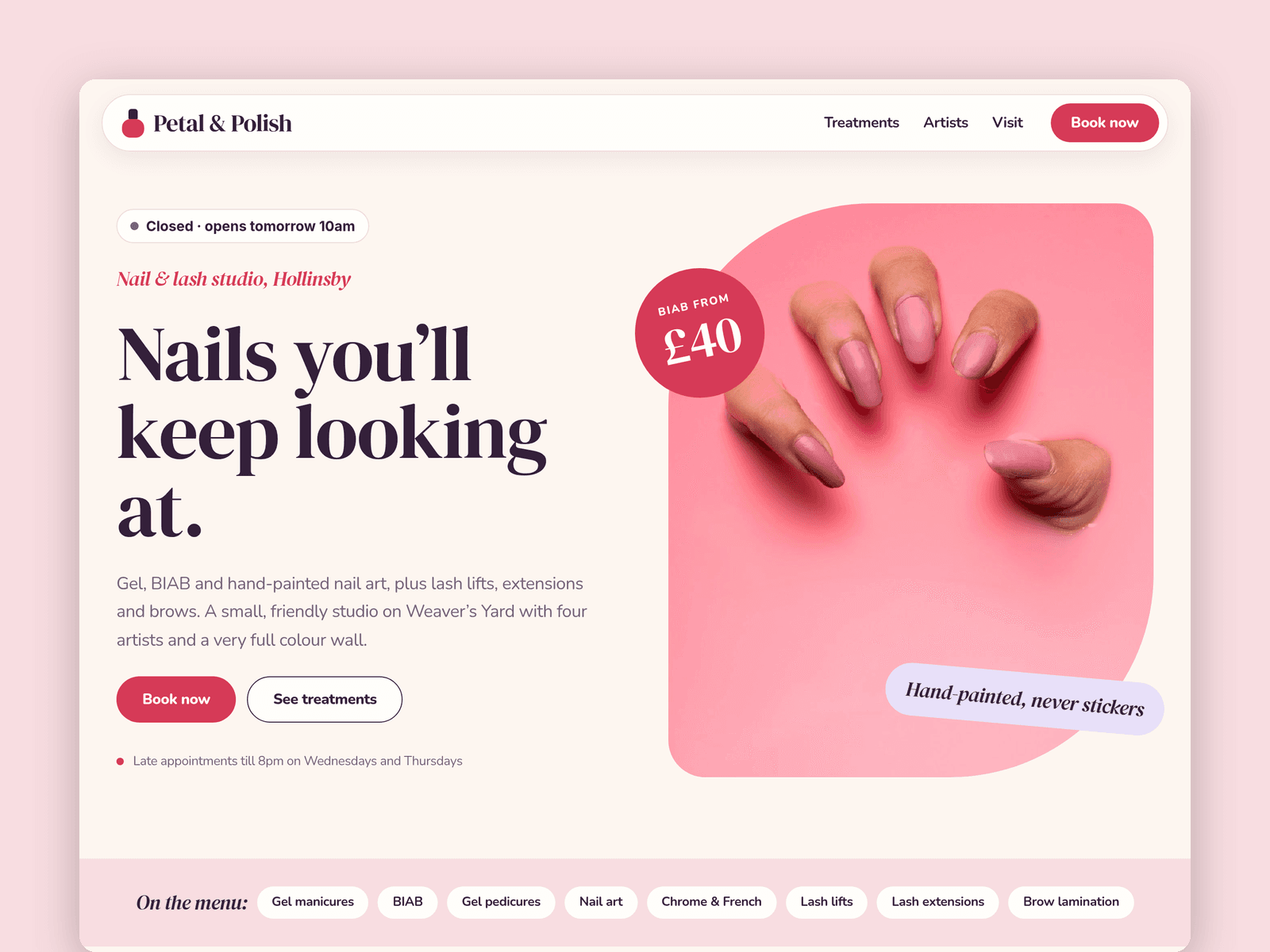
Lacquer is a website template for nail bars, lash studios and small beauty salons. It's light and pastel, with rounded cards, pill buttons and an italic serif for the friendly touches.
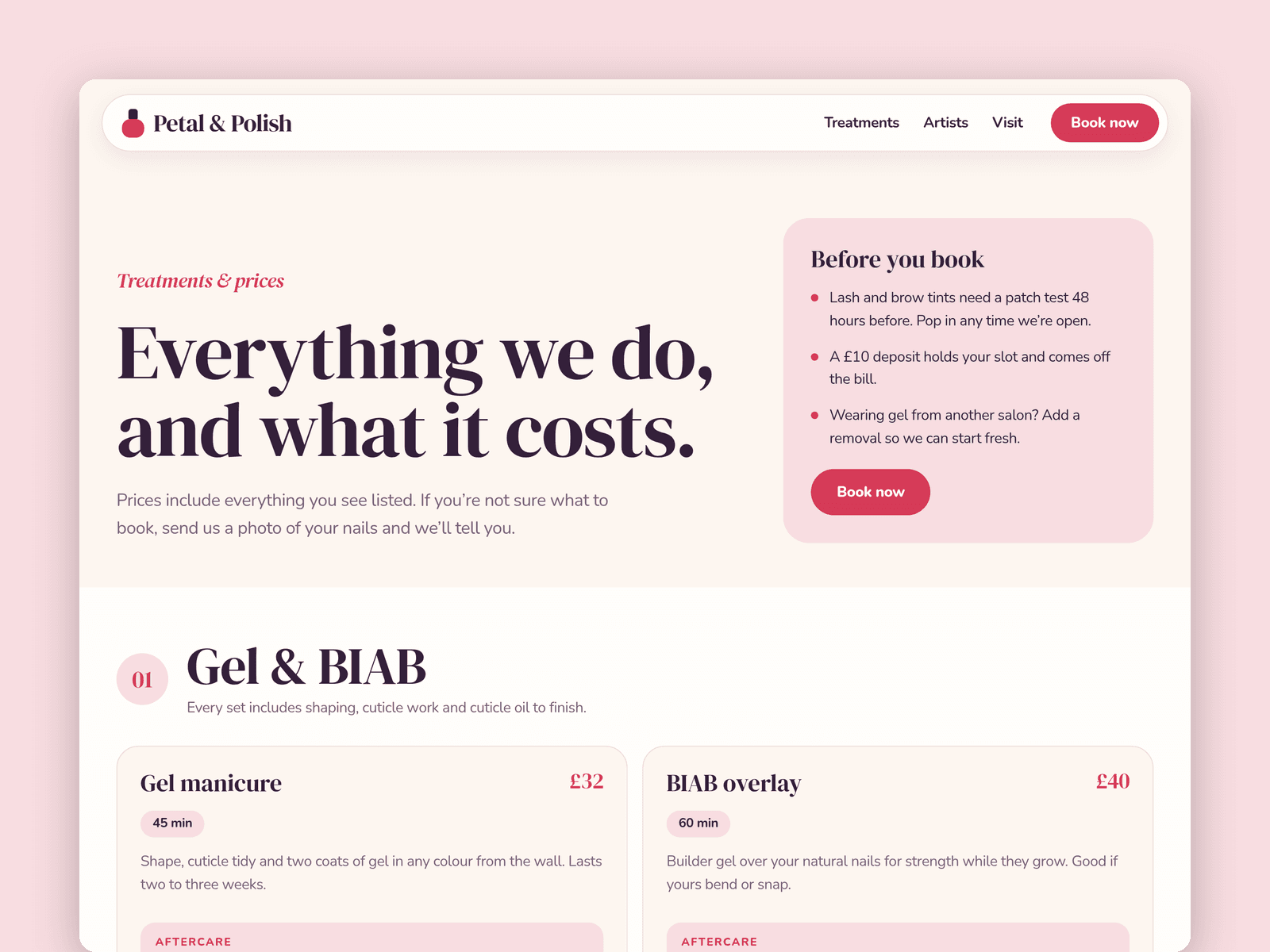
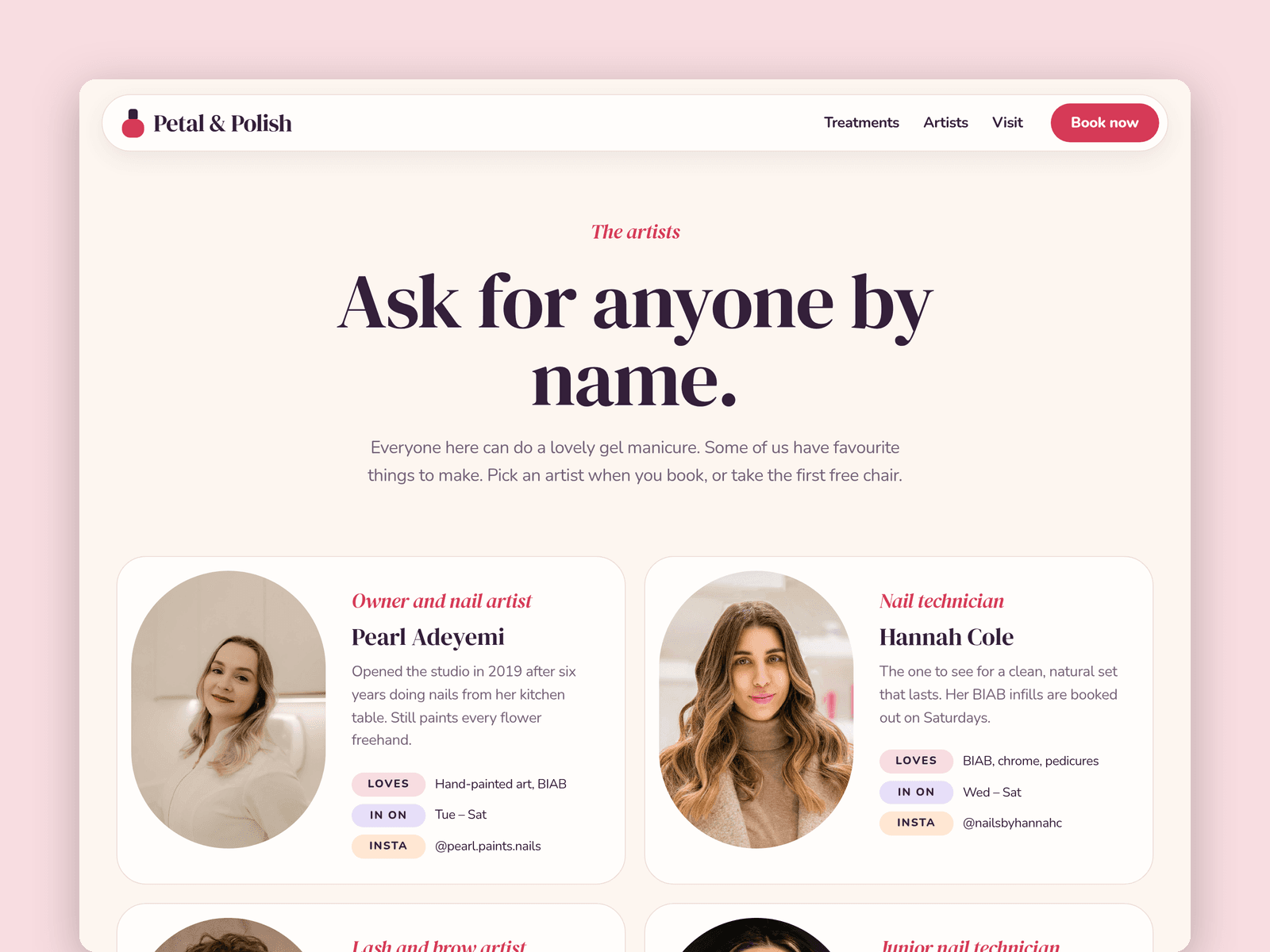
Treatments run from the CMS. Each one has a category, price, duration, a short description and an aftercare note, and lands in the right section of the Treatments page as a card. Mark one as featured and it shows on the home page too. Your team lives in a second collection, with photos, specialties, working days and Instagram handles.
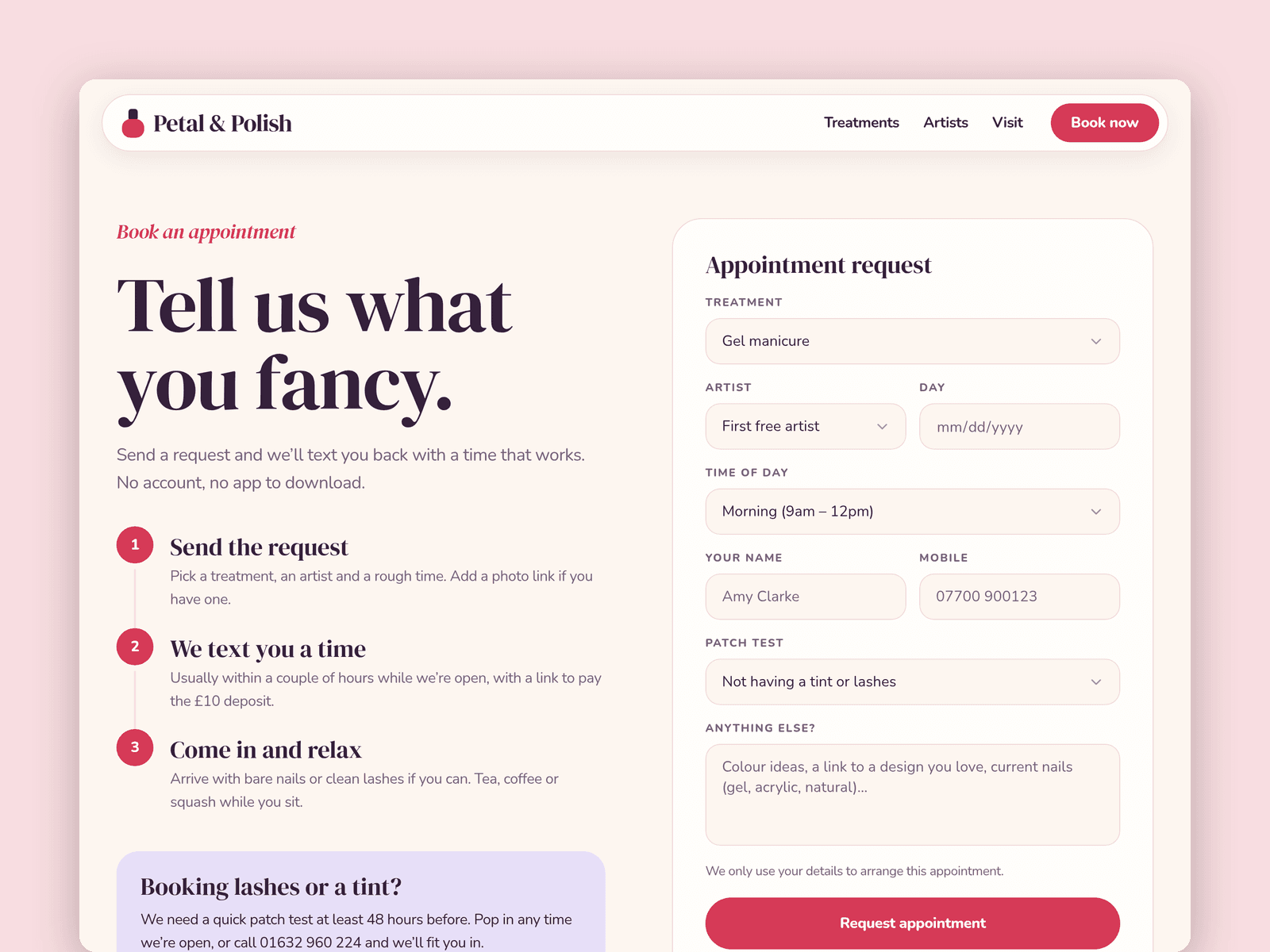
The Book page has a native Framer form for appointment requests: treatment, artist, day, time of day, contact details, a patch-test question and notes. The button has loading, success and error states, and submissions go wherever you point the form.
The "Open now" badge reads your opening hours in your studio's time zone and shows "Open now · until 6pm" or the next opening time. Set the hours for each day in its properties panel.
Pages: Home (hero, treatment cards, most-booked treatments, a nail-art wall, artists, reviews), Treatments (prices by category plus an aftercare and FAQ section), Artists, Book, Visit (hours, map, getting here), Licenses and 404. Every page has its own search title and description and is laid out for desktop, tablet and phone.
Getting started:
Change the colours in Assets → Colors (all named Lacquer/...) and the fonts in Assets → Text Styles.
Replace the treatments in CMS → Treatments. Category, price, duration and aftercare are fields on each item.
Add your team in CMS → Artists, with a photo for each.
Set your opening hours on the "Open now" badge on the home and Visit pages, and in the footer.
Open the form on /book, update the treatment and artist options, and choose where submissions go.
Put your address in the map on /visit, swap the photos for your own work and update the page titles in Page settings.