About Haven Counselling
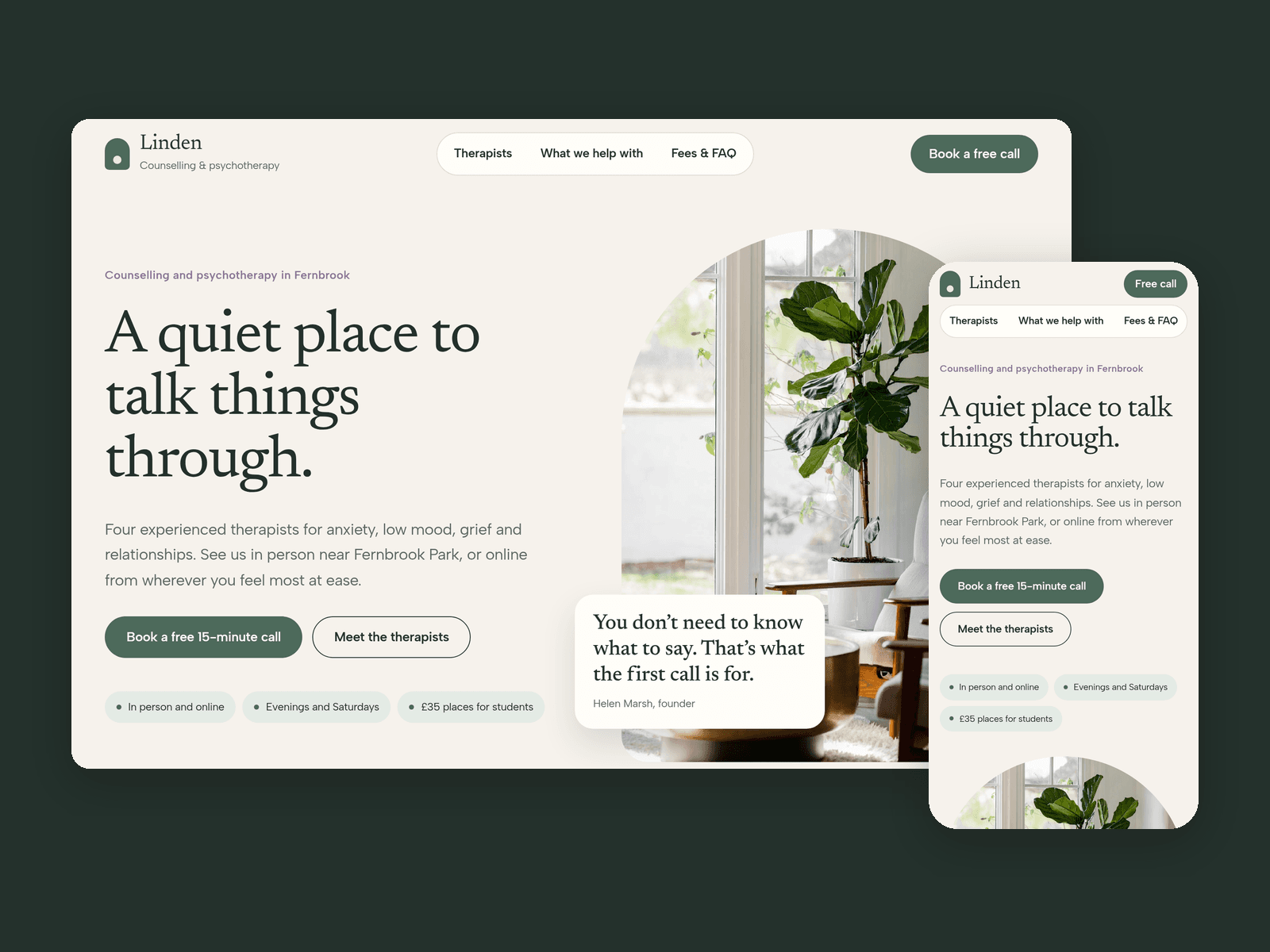
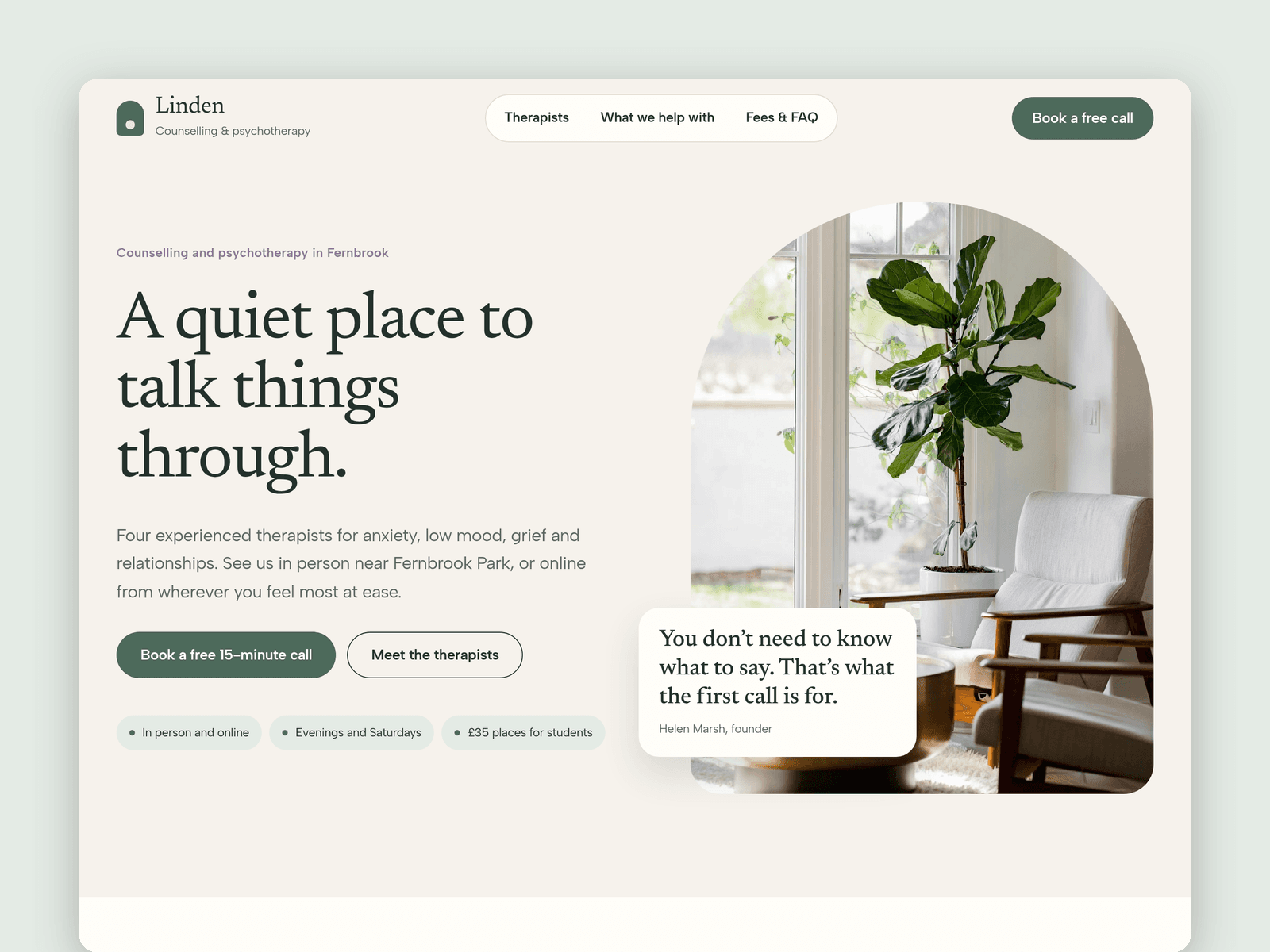
Haven Counselling is a website template for small counselling and psychotherapy practices. It is soft and quiet, and it answers the questions people have before they get in touch: who will I see, what does it cost, and what happens first.
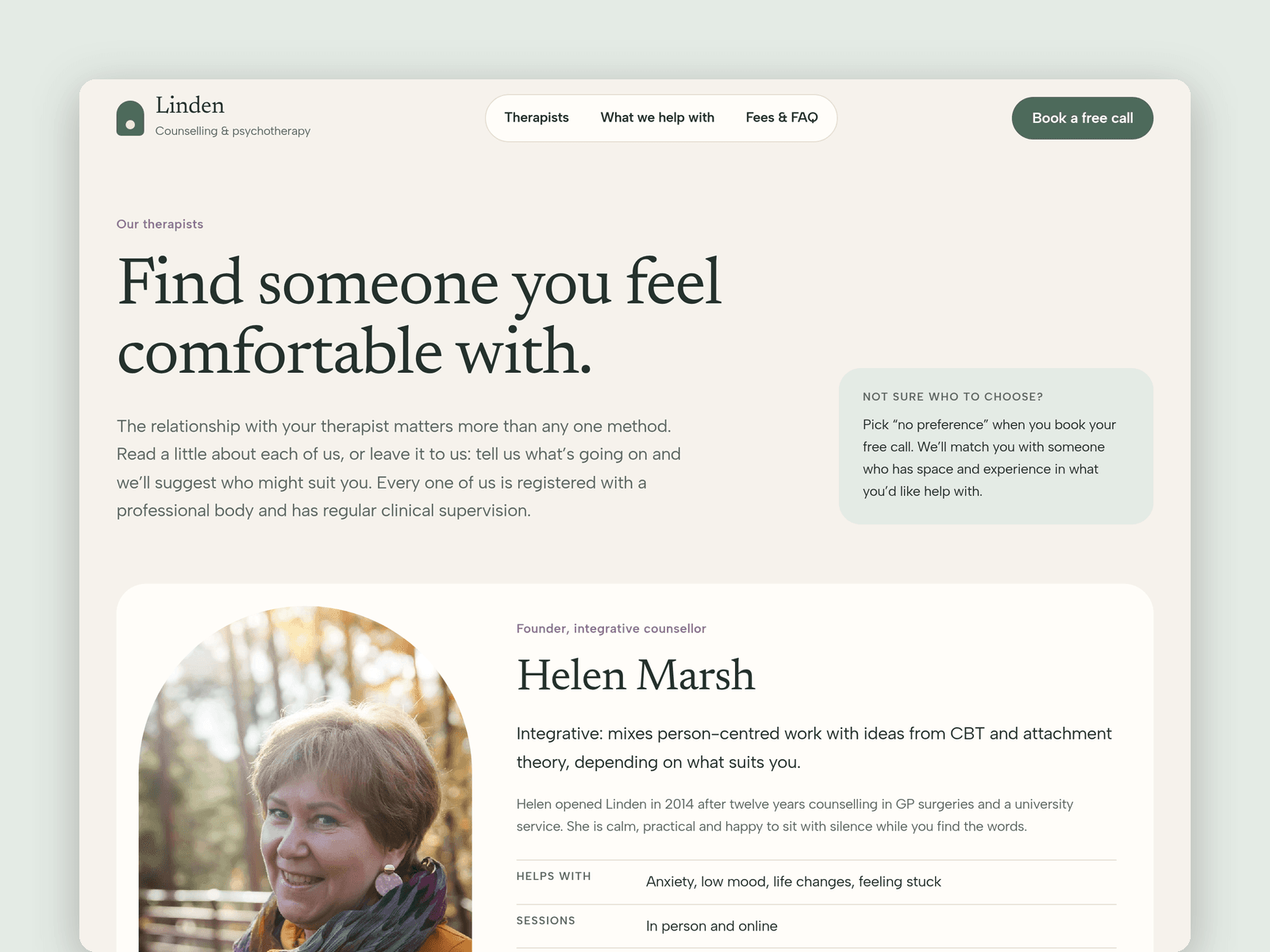
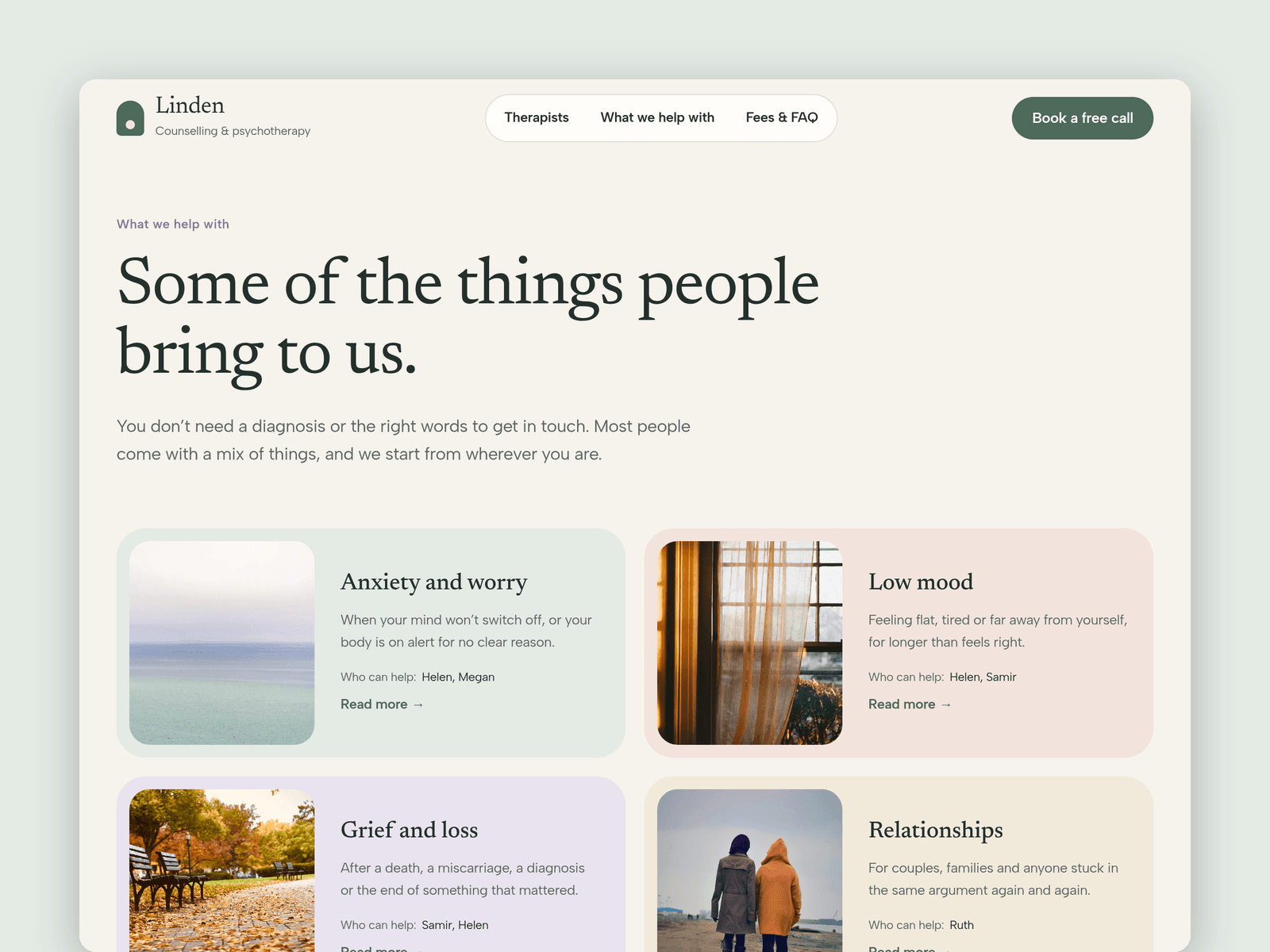
Therapists live in the CMS, each with a photo, approach, what they help with, languages, in person or online, days, fee and a placeholder registration number. Topics are a second collection with a summary, a colour, a photo and a rich-text page of their own, with links to the previous and next topic.
The free first call page has a native Framer form: what you'd like help with, preferred therapist or no preference, in person or online, a low-cost place checkbox, the best way and time to reach you. The submit button has loading, success and error states.
A "Phone line open" badge shows whether the phone is answered right now and when it opens next, in your time zone. A crisis signpost (999, NHS 111, Samaritans) sits in the footer of every page and next to the form.
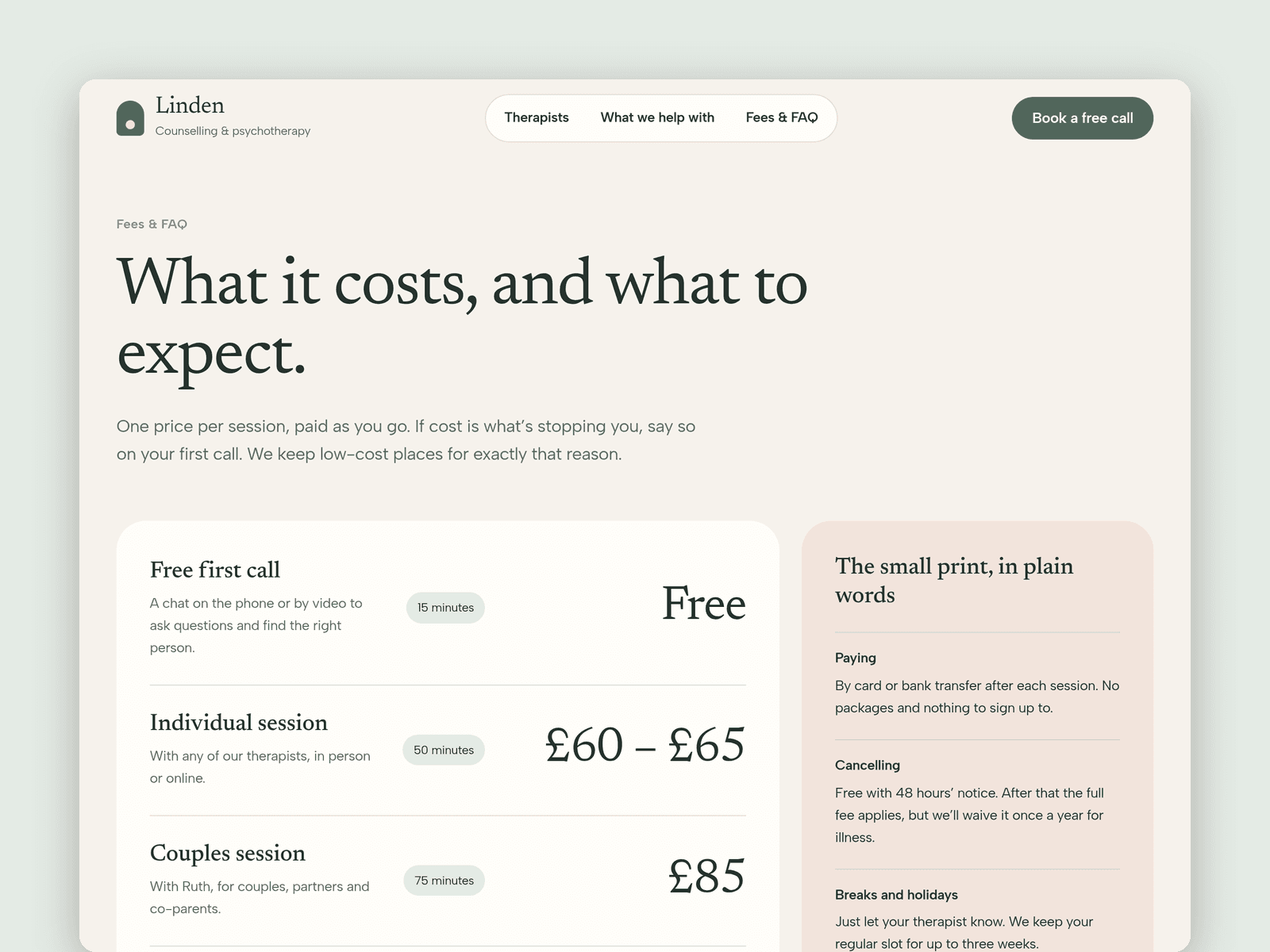
Pages: Home (with a four-step "how it works"), Therapists, What we help with, a topic page, Fees & FAQ (with a click-to-open FAQ), Free first call, Licenses and 404. Every page has its own search title and description, and all of them are laid out for desktop, tablet and phone.
Getting started:
Change the colours in Assets → Colors (all named Haven/...) and the fonts in Assets → Text Styles.
Replace the therapists in CMS → Therapists, with your real registration numbers.
Edit the topics and their pages in CMS → Topics.
Set your phone hours on the badge on /first-call and in the footer.
Open the form on /first-call and choose where requests go.
Update fees, the FAQ and the crisis numbers for your country, and swap the photos for your own.