About Stem Florist
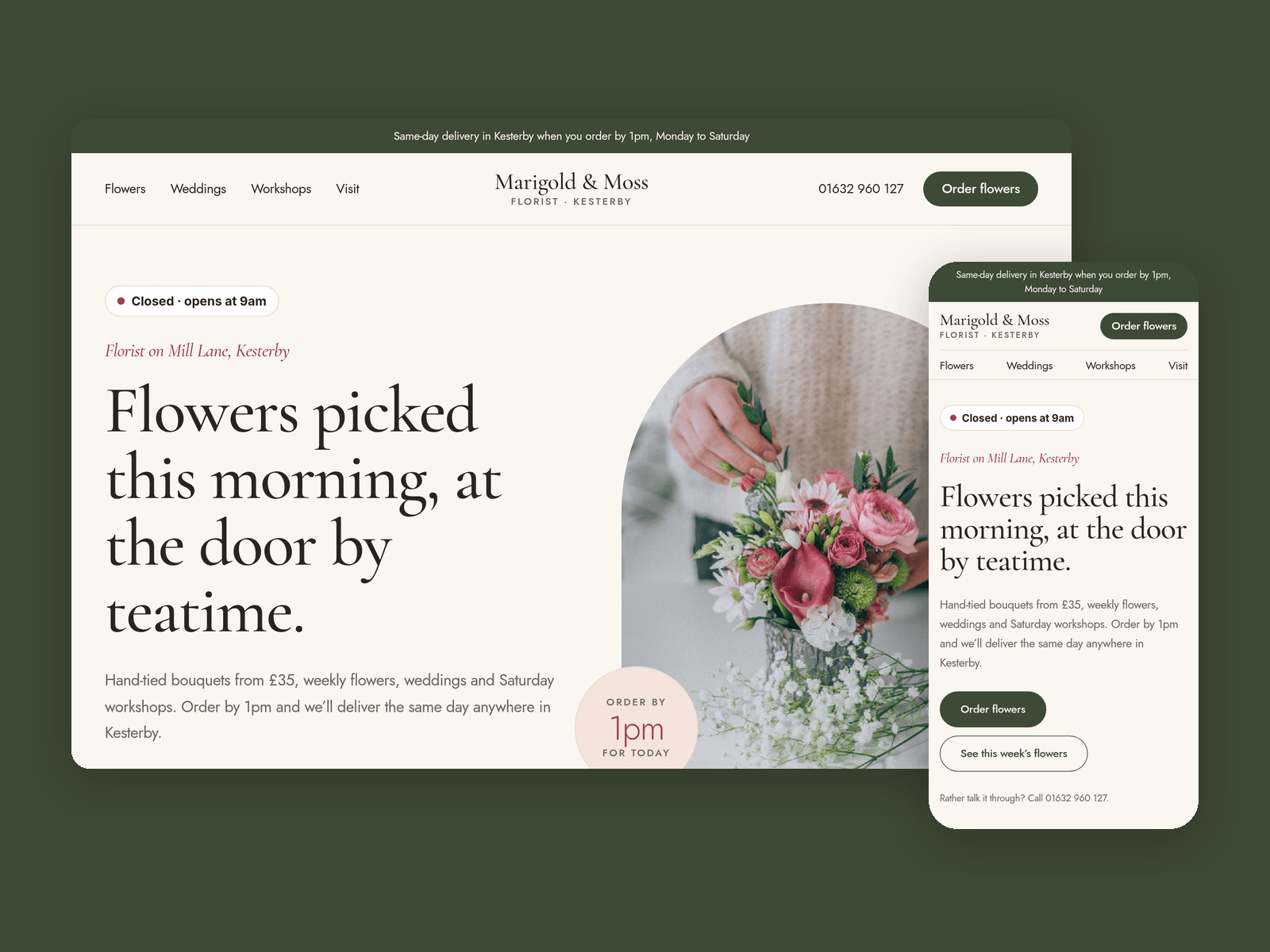
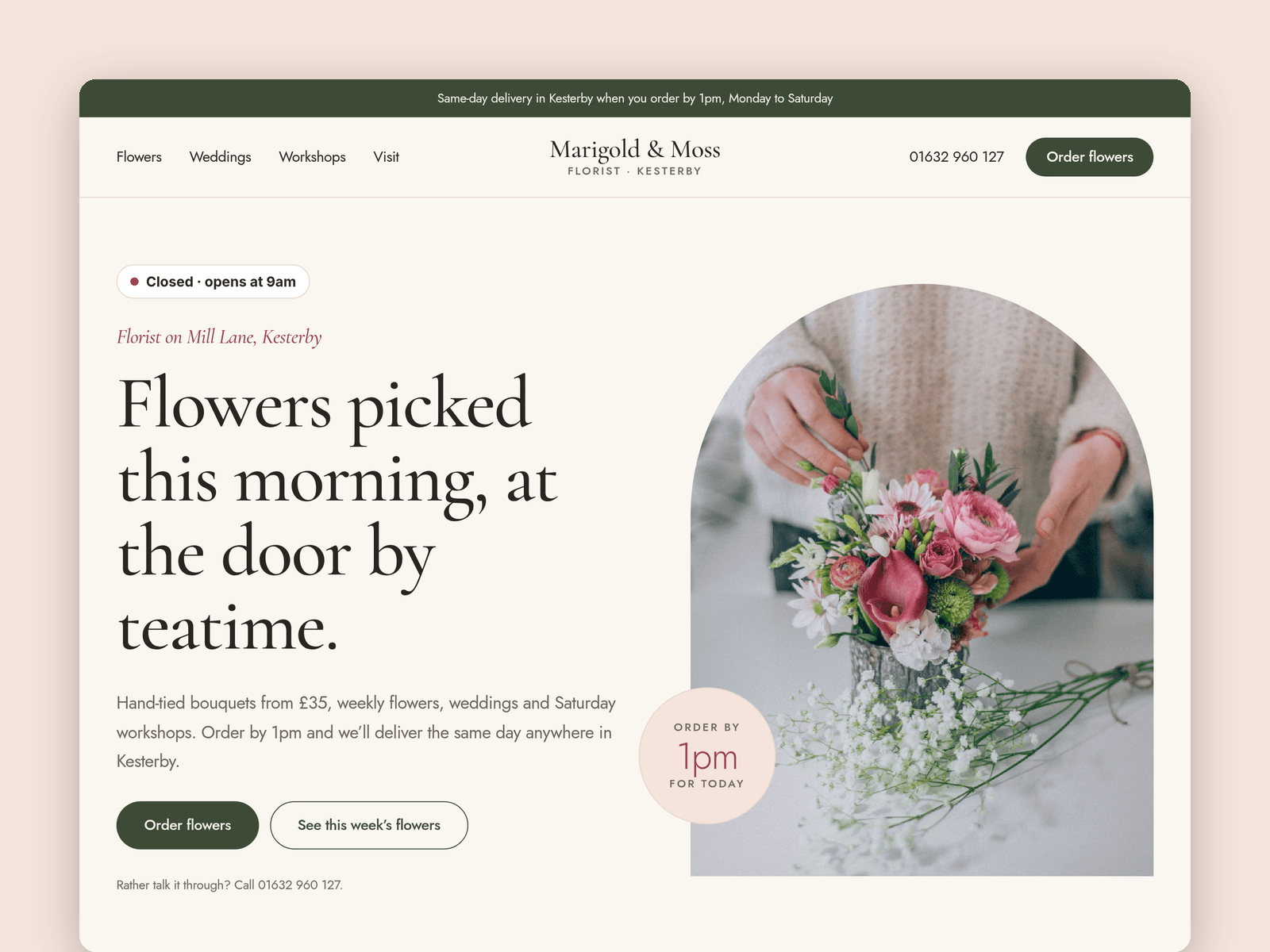
Stem Florist is a website template for independent florists: a shop with walk-in customers, local delivery, weddings, weekly flowers and workshops. It's light and soft, with arched photos, serif headings and plenty of room around the flowers.
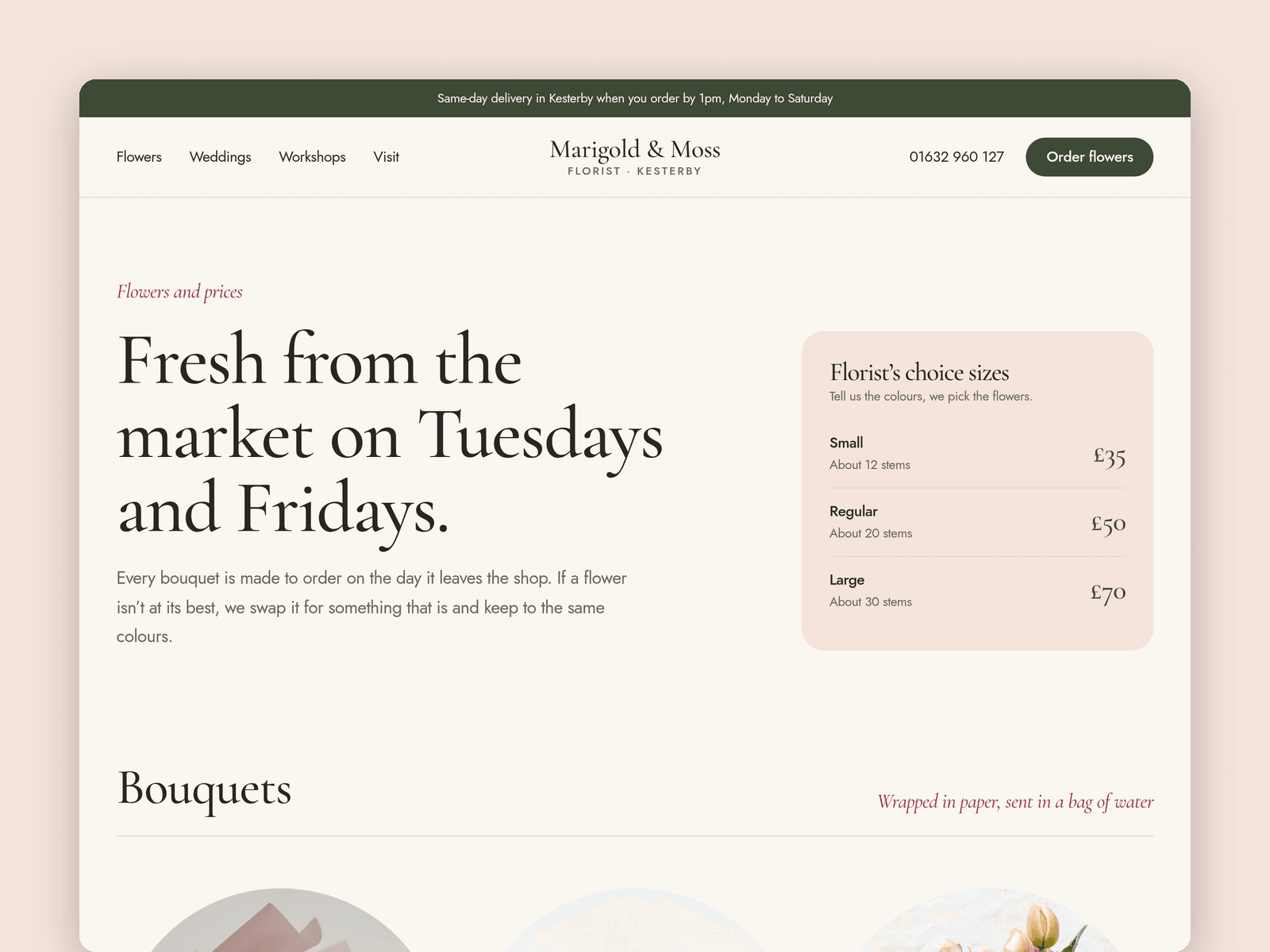
Your flowers live in the CMS. Each one has a photo, price, size, the flowers in it and a short description, and the Flowers page groups them into Bouquets and Vases & plants. Mark one as featured and it shows on the home page too.
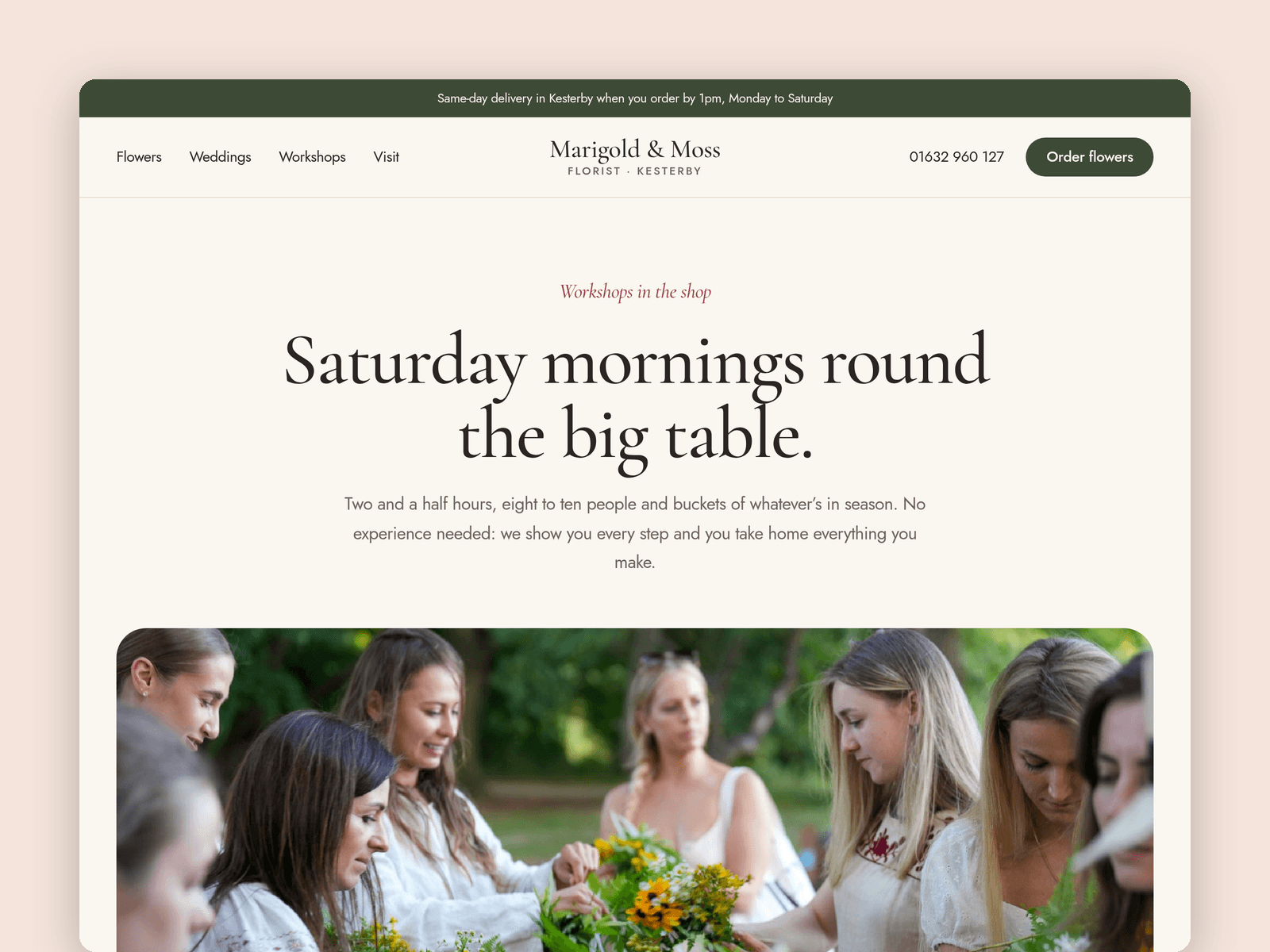
Workshops are in the CMS as well, with the date, time, price and places. Switch off "Available" and the card shows a "Sold out" tag instead of the Book link.
The "Open now" badge reads your opening hours in your shop's time zone. It shows "Open now · until 5:30pm" or the next opening time, and updates every minute.
The Order page has a native form for bouquets, weekly flowers, workshop places and wedding enquiries: occasion, flowers, budget, delivery or collection, date, address, postcode and the message for the card. The button has loading, success and error states.
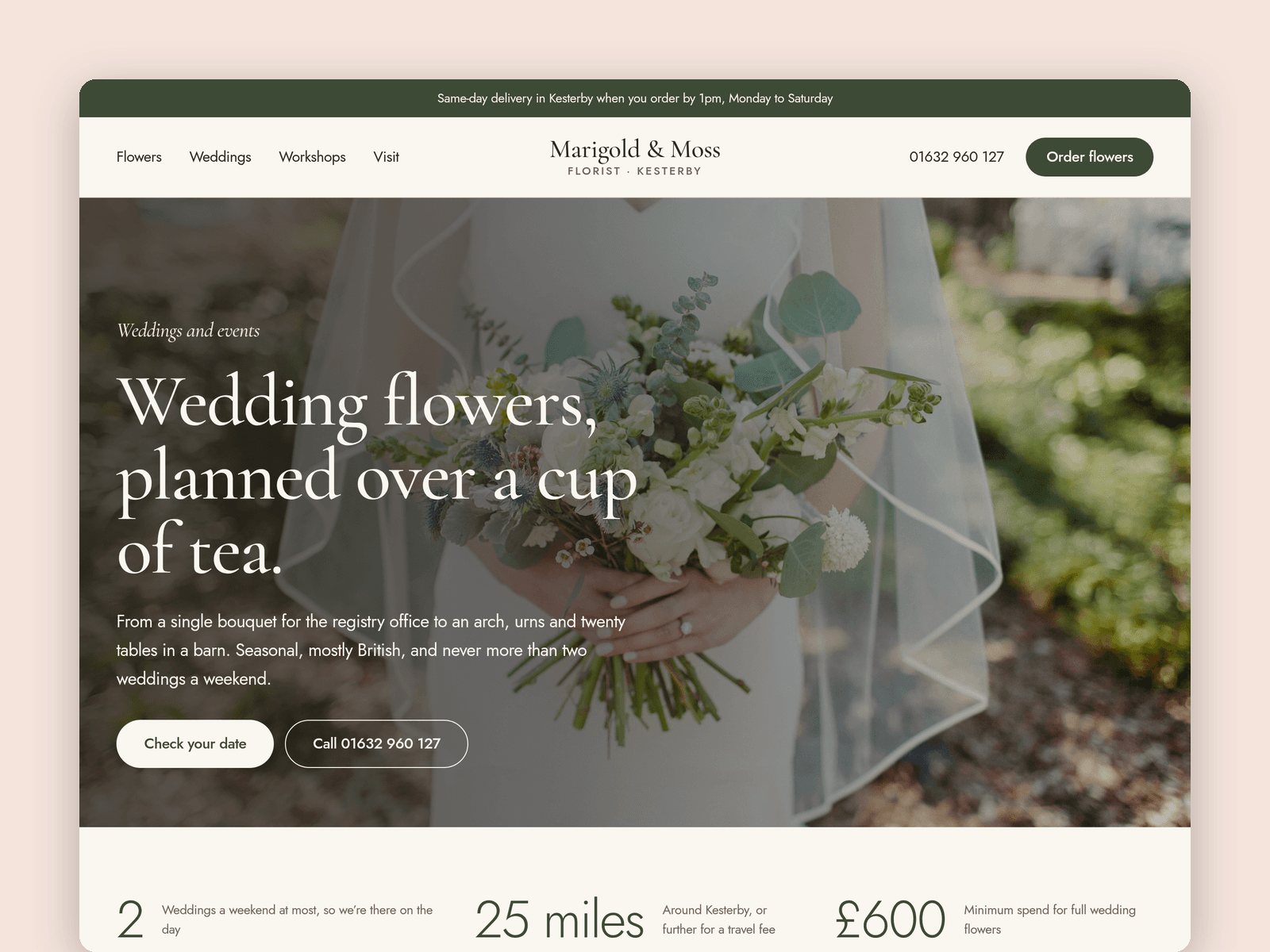
Pages: Home, Flowers, Weddings (prices, a five-step timeline and FAQ), Workshops, Order, Visit (hours, map, parking), Licenses and 404. Every page has its own search title and description, and all of them are laid out for desktop, tablet and phone.
Getting started:
Change the colours in Assets → Colors (all named Stem/...) and the fonts in Assets → Text Styles.
Replace the flowers and workshops in CMS → Flowers and CMS → Workshops.
Set your opening hours on the "Open now" badge and in the footer.
Open the form on /order and choose where orders go: email, a webhook or a Google Sheet.
On /visit, put your address in the map component and update the delivery bar text.
Swap the photos for your own and update the page titles in Page settings.