About Lodge Guesthouse
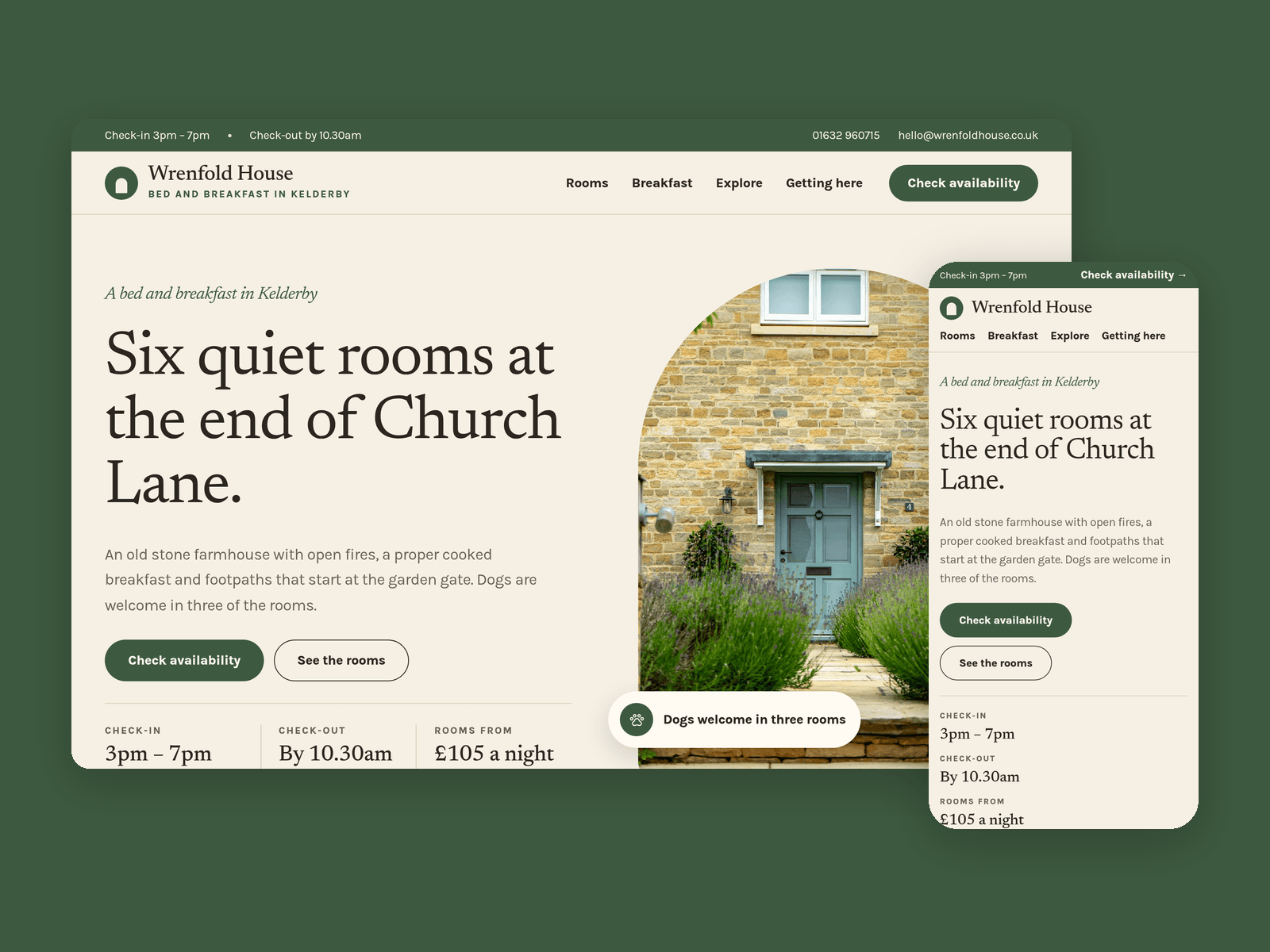
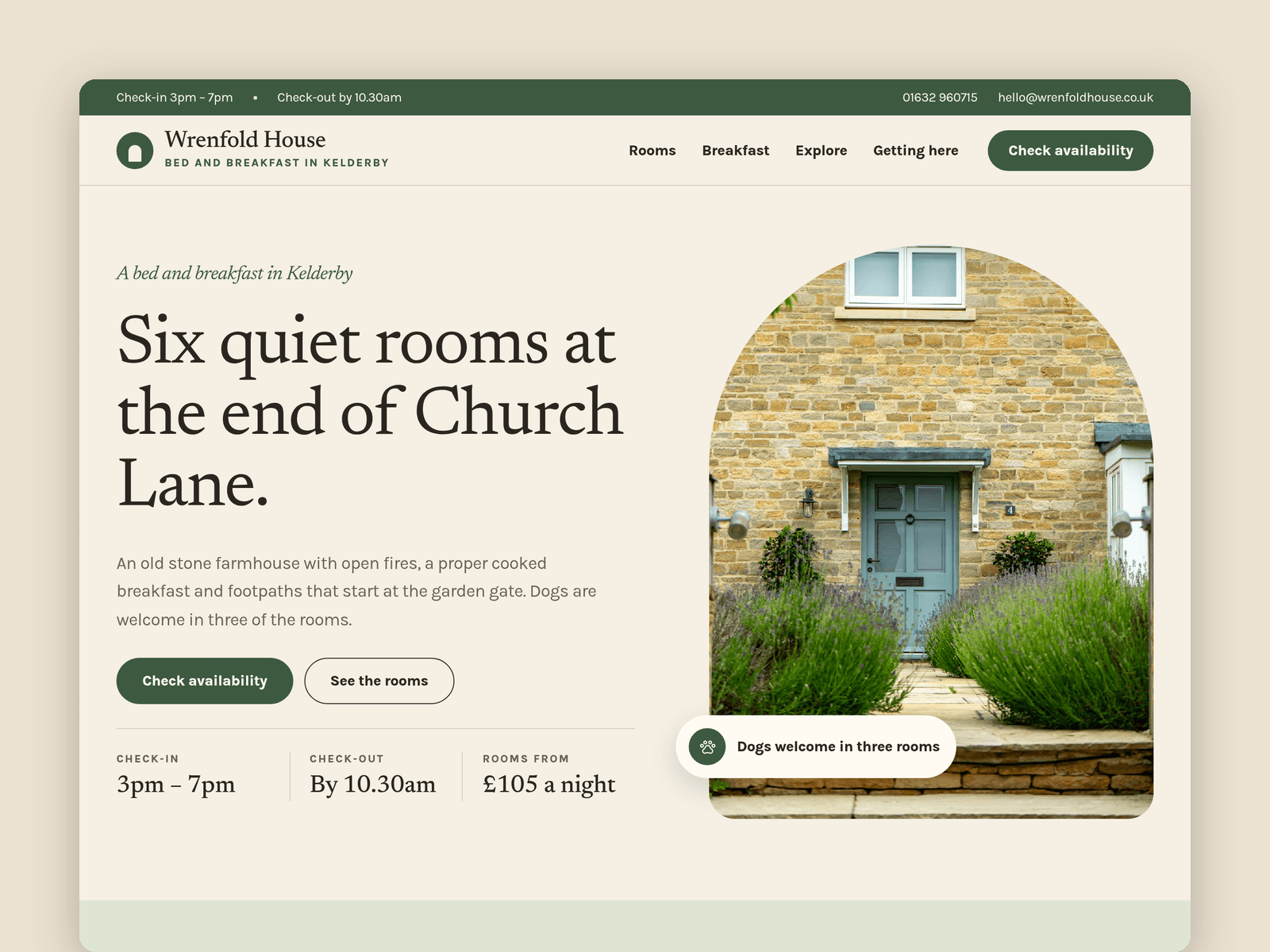
Lodge Guesthouse is a website template for small bed and breakfasts, guesthouses and country inns. It's light and unhurried, with arched photos, a serif headline font and room for the things guests actually ask about: the rooms, breakfast, dogs, parking and how to find you.
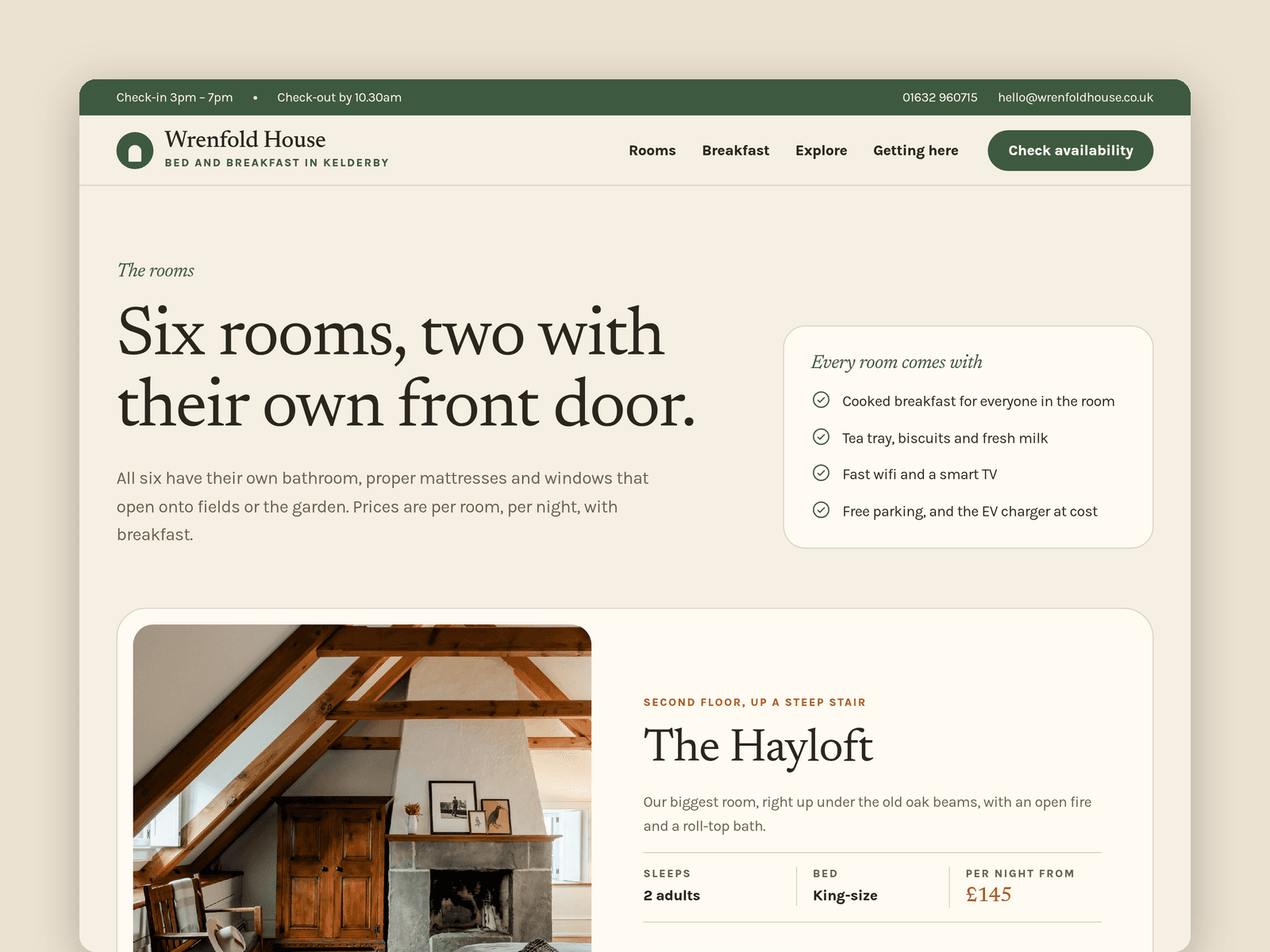
Rooms run from the CMS. Each room has a price, bed type, how many it sleeps, which floor it's on, dog-friendly and step-free switches, a main photo, a photo gallery and a list of features. Every room gets its own page with previous and next links, and the tags and dog notes show or hide on their own.
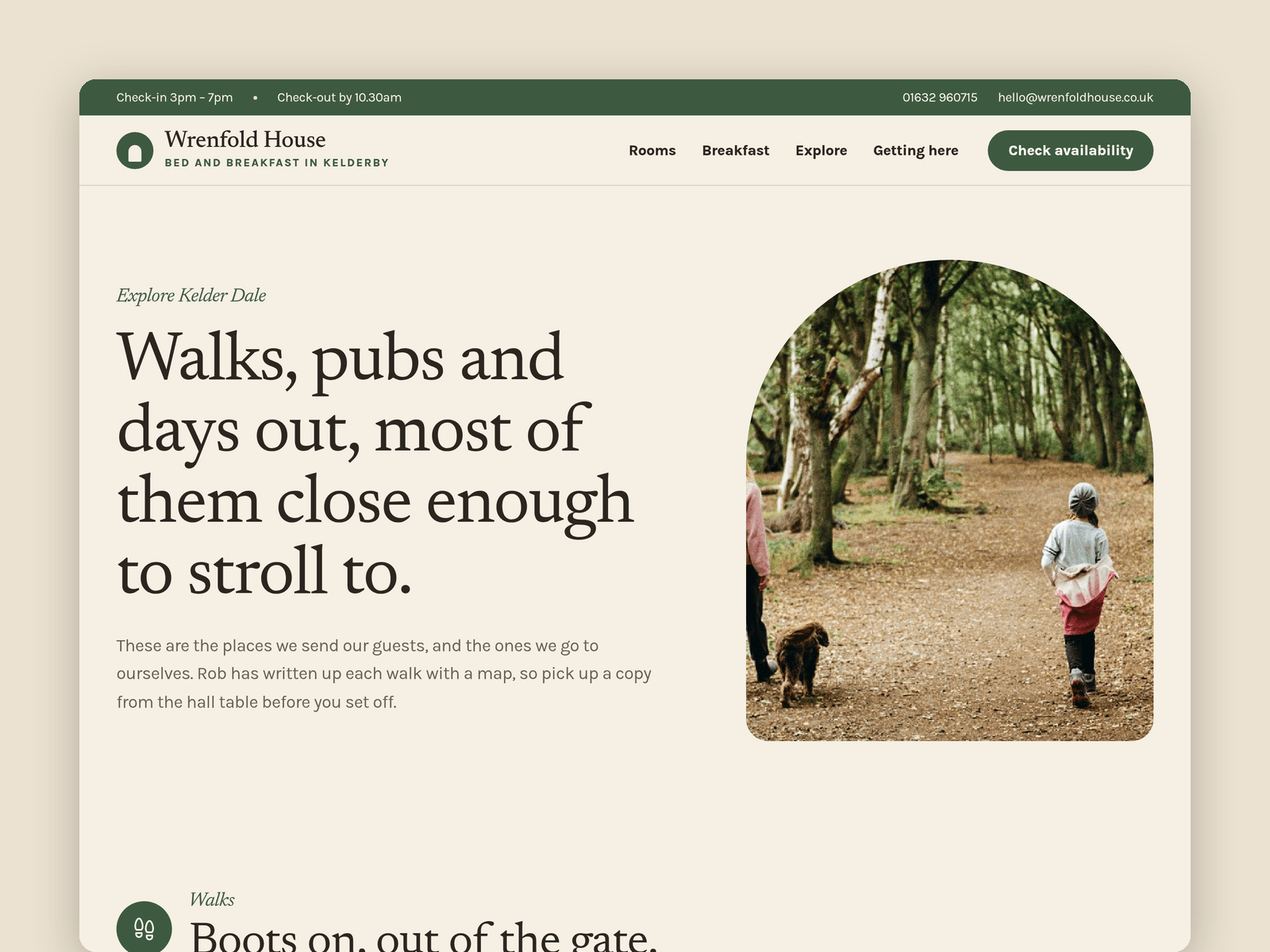
A second collection, Nearby, holds walks, pubs and days out with a distance, a time and a short note. The Explore page groups them by type and the home page shows the walks.
The Enquire page has an availability form (room, arrival date, nights, guests, dog, contact details and notes) with loading, success and error states. If you use a booking engine, point the Check availability buttons at its link instead. Check-in and check-out times sit in the top bar on every page.
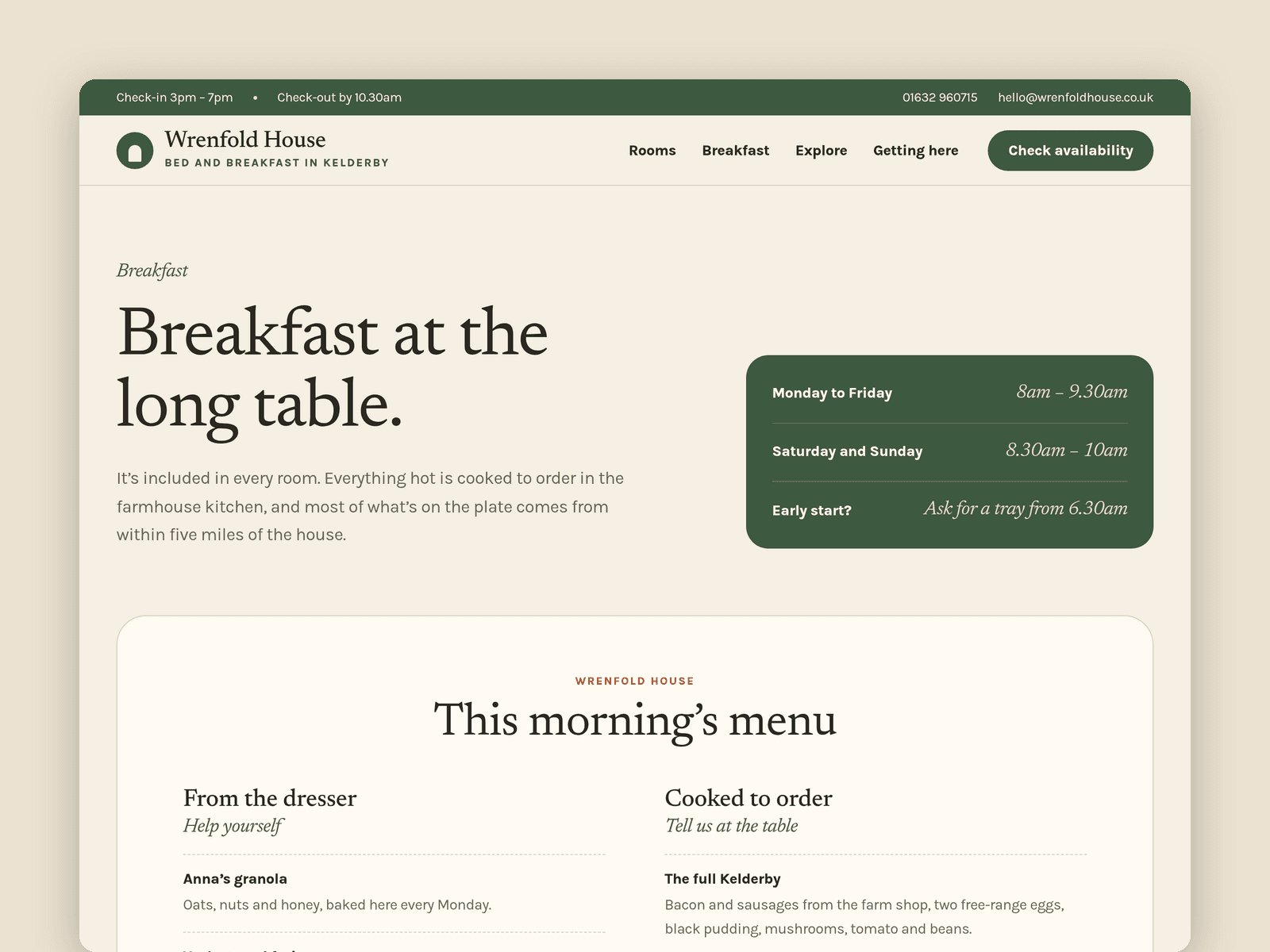
Pages: Home, Rooms, a room page, Breakfast (timetable and menu), Explore, Getting here (map, parking, EV charger, house rules and FAQ), Enquire, Licenses and 404. Every page has its own search title and description, and all of them are laid out for desktop, tablet and phone.
Getting started:
Change the colours in Assets → Colors (all named Lodge/...) and the fonts in Assets → Text Styles.
Replace the rooms in CMS → Rooms and the places in CMS → Nearby.
Set your check-in and check-out times in the top bar and footer.
Open the form on /enquire and choose where enquiries go, or swap it for your booking link.
On /visit, put your address in the map and update the directions and house rules.
Swap the photos for your own and update the page titles in Page settings.