
About Margin Tutors
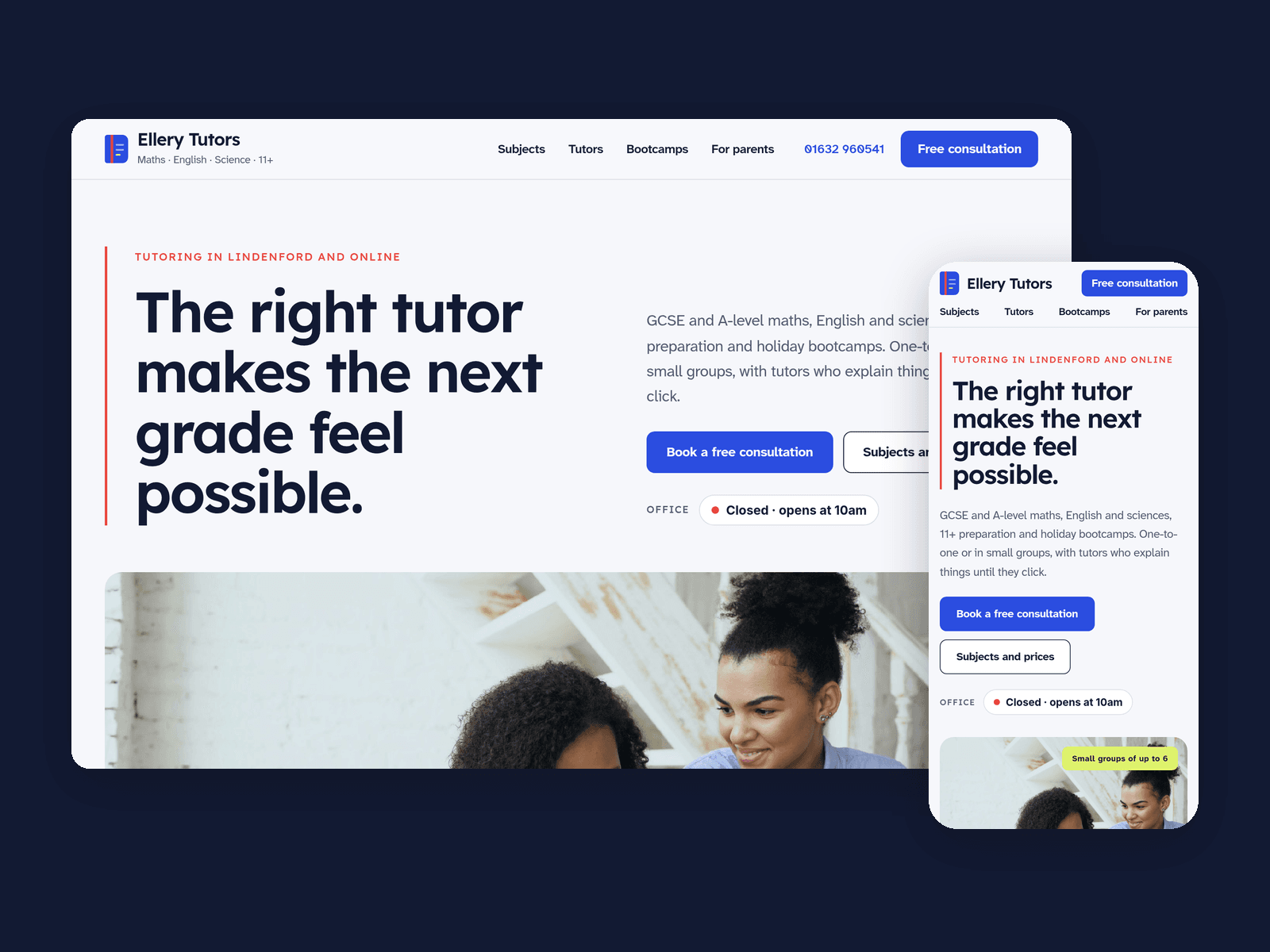
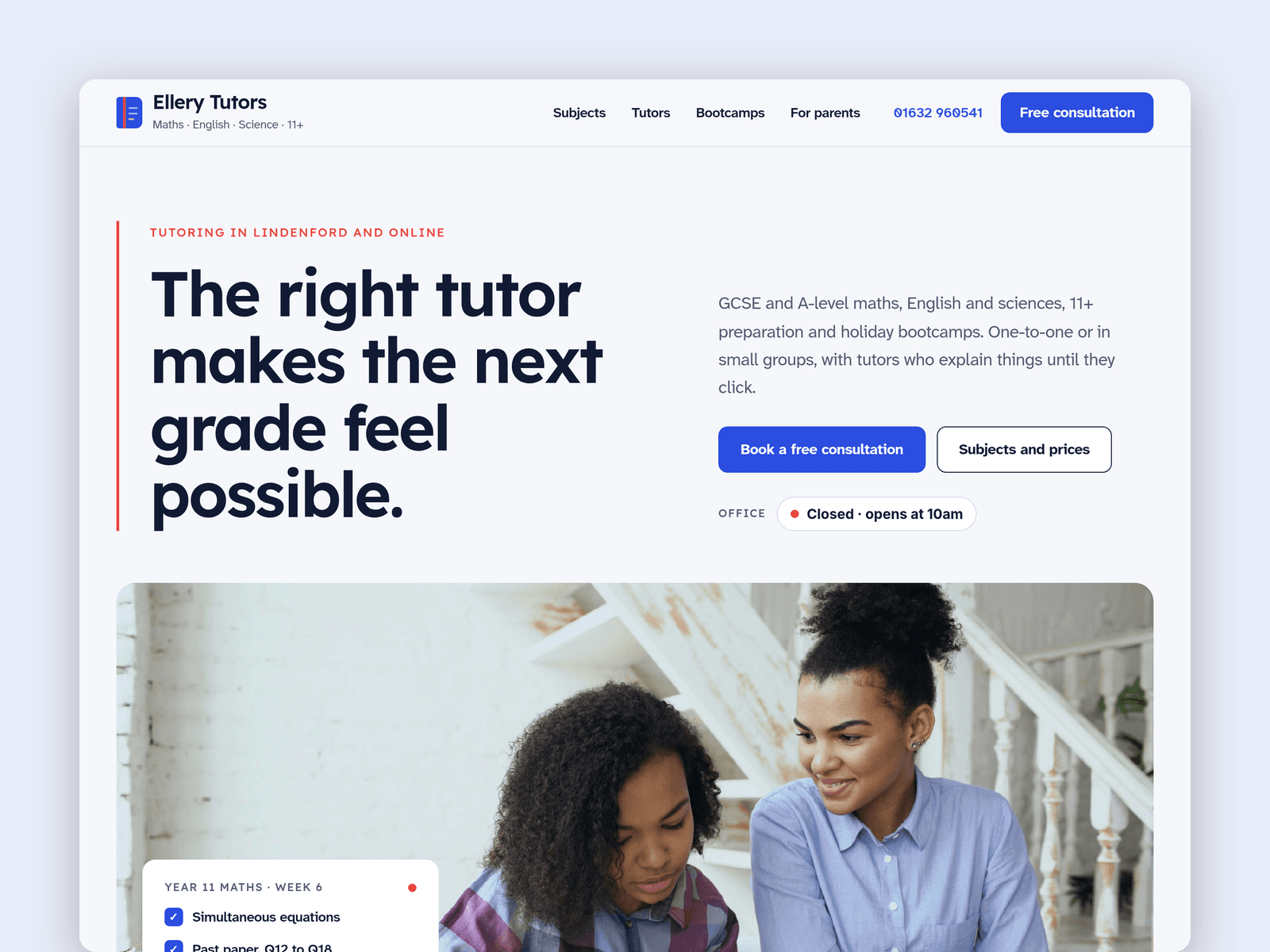
Margin is a website template for small tutoring agencies and independent tutors. It's light, clear and encouraging, with an exercise-book feel: a red margin line, highlighter tags and pen notes.
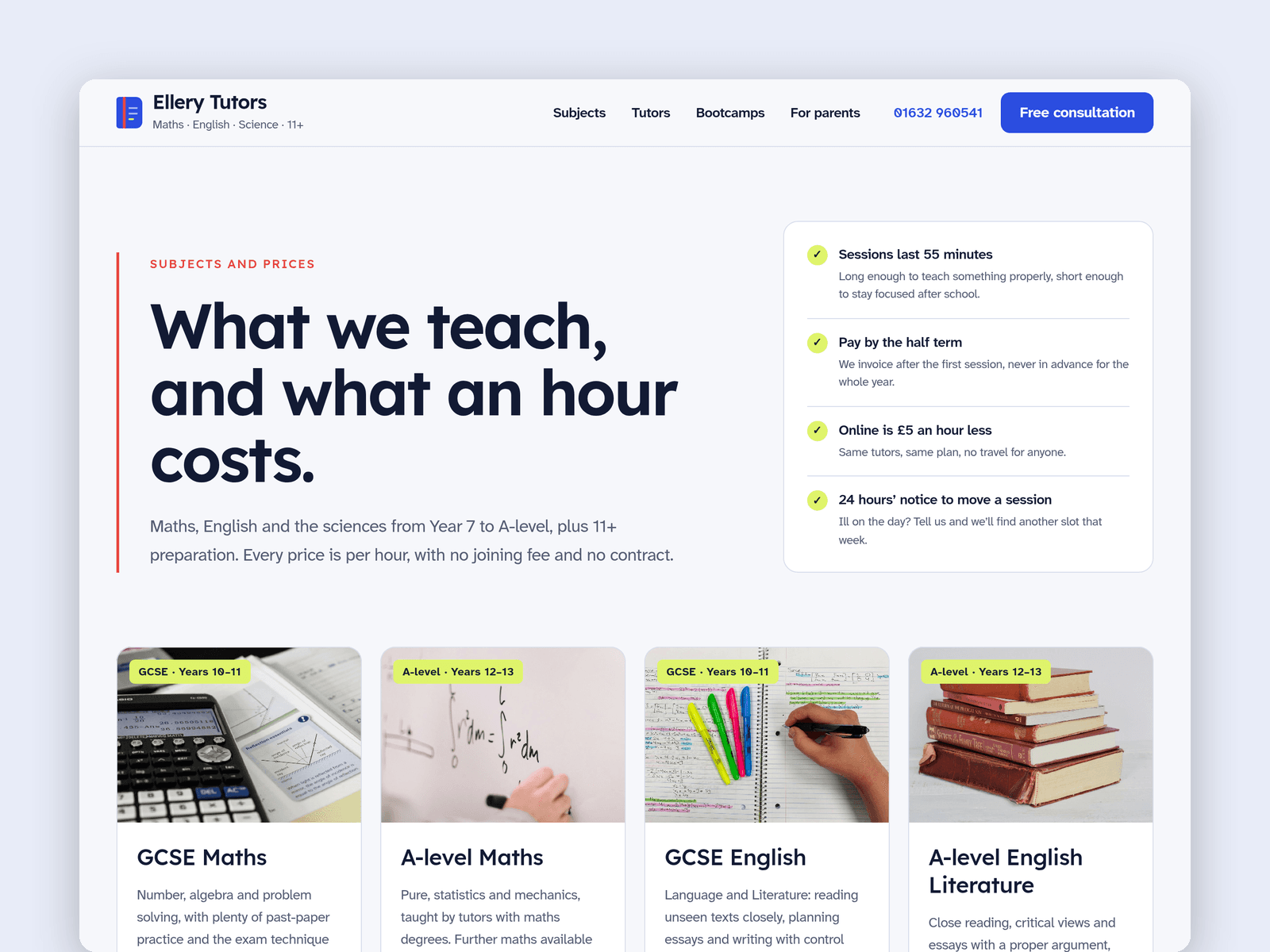
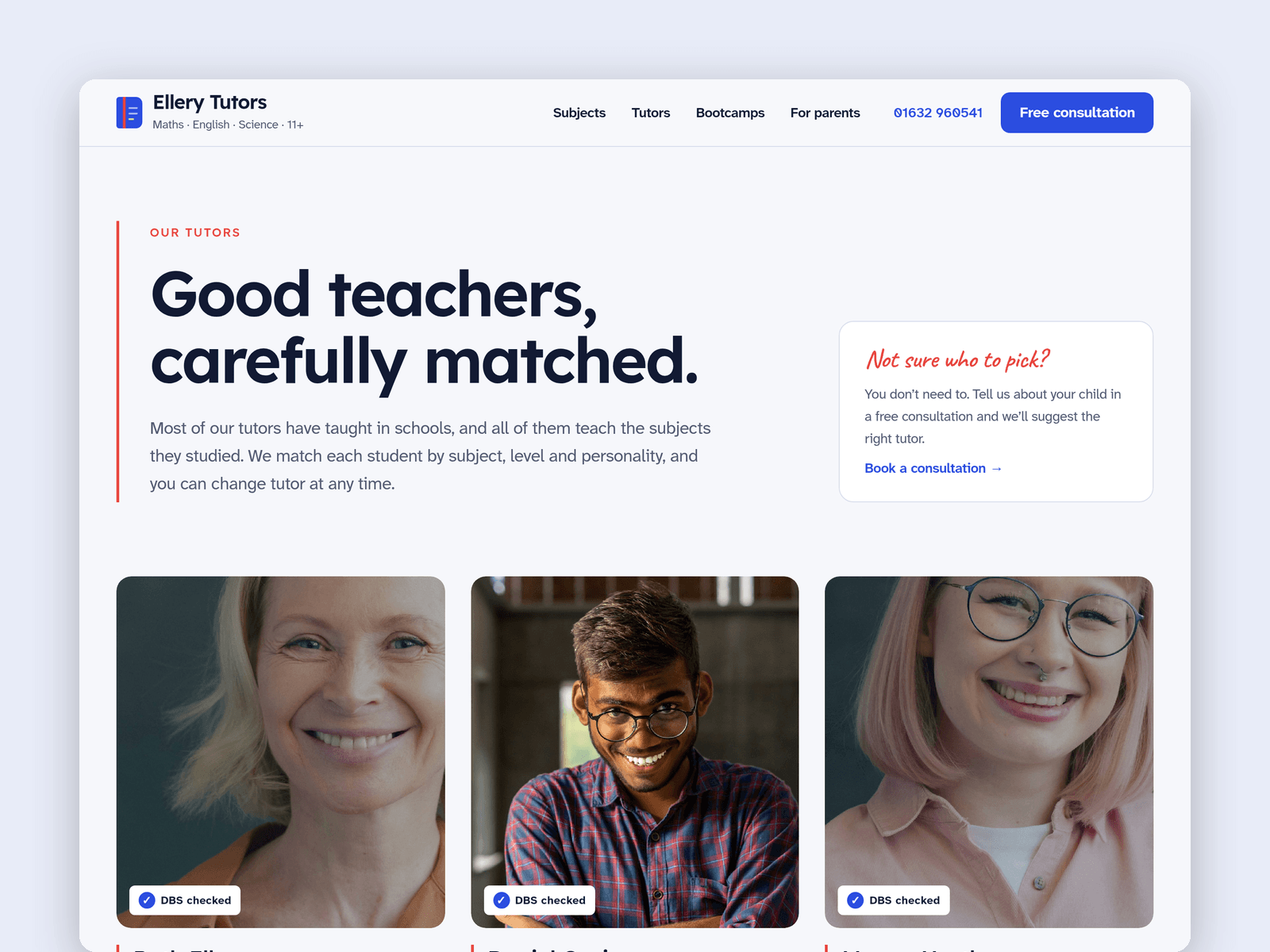
Subjects and tutors run from the CMS. Each subject has its levels, a summary, one-to-one and group prices, exam boards and topics, and a photo. Each tutor has a photo, role, subjects, levels, years teaching, a DBS note, availability, a bio and qualifications, and gets their own page.
The "Open now" badge reads your office hours in your time zone. It shows "Open now · until 7:30pm" or the next opening time, such as "Closed · opens at 10am", and updates every minute.
The Free consultation page has a request form (year group, subject, current and target grade, online or in person, availability, notes and the parent's contact details) with loading, success and error states.
Pages: Home, Subjects and prices, Tutors, a tutor page, Bootcamps (holiday dates, a term-time timetable and a morning timeline), For parents (how tutoring works, testimonials, FAQ, hours and map), Free consultation, Licenses and 404. Every page has its own search title and description, and all are laid out for desktop, tablet and phone.
Getting started:
Change the colours in Assets → Colors (all named Margin/...) and the fonts in Assets → Text Styles.
Replace the subjects and tutors in CMS → Subjects and CMS → Tutors, including the placeholder qualifications and DBS dates.
Set your office hours on the "Open now" badges and in the footer.
Open the form on /consultation and choose where requests go.
Put your own bootcamp dates, group timetable and FAQ answers on /bootcamps and /parents.
Swap the photos for your own, and put your address in the map on /parents.