About Paws Vets
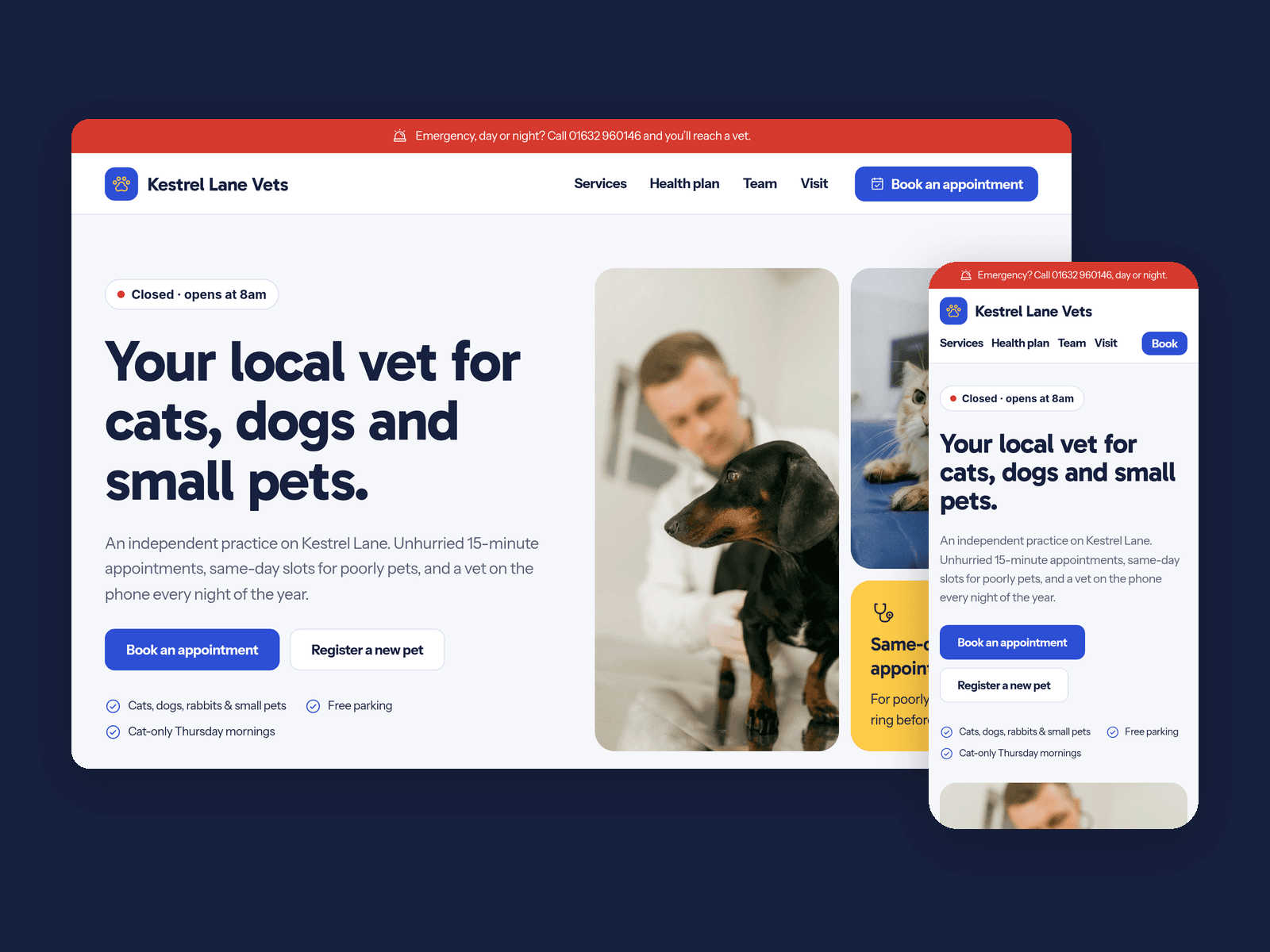
Paws Vets is a light, friendly website template for independent vet practices that see cats, dogs, rabbits and small pets. It answers what owners ask first: what it costs, who they'll see, how to book and what to do in an emergency.
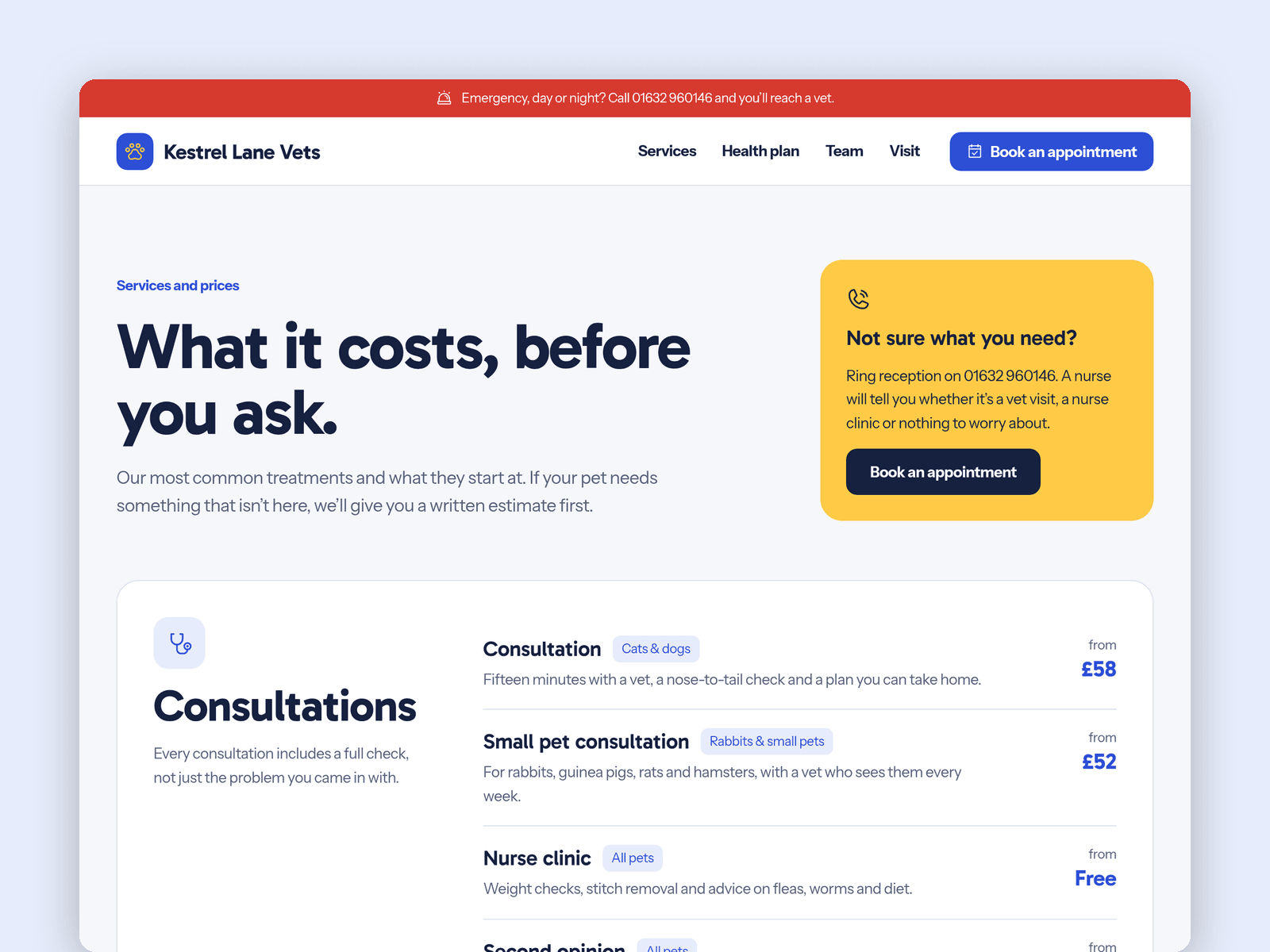
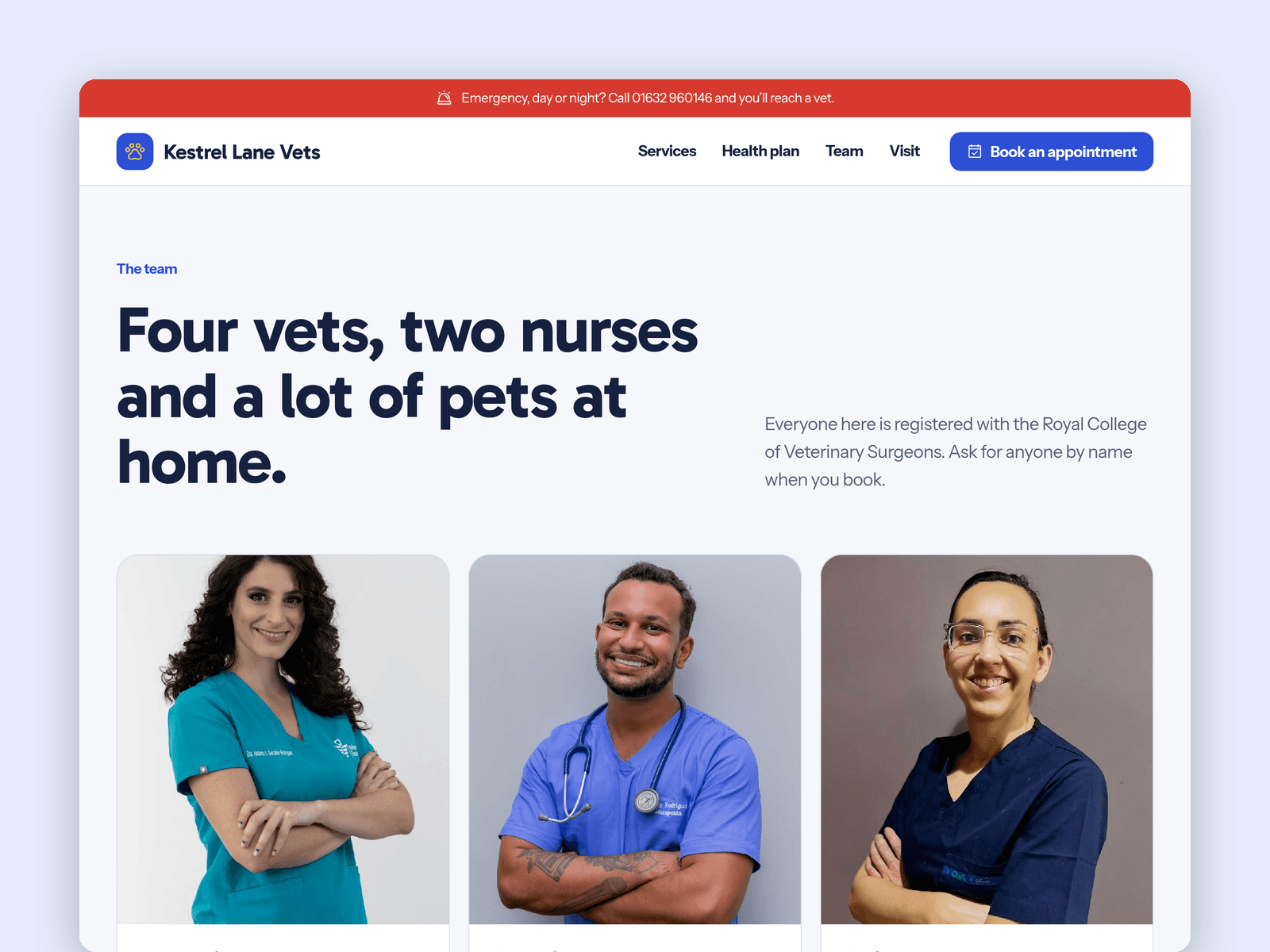
Services and prices run from the CMS. Each service has a category, a "from" price, who it's for and a short description, and the Services page groups them into cards by category. Featured services also show on the home page. A second collection holds your vets and nurses, with a photo, role, RCVS number, a short bio and the pets they go home to.
The Appointments page has a native Framer form for the pet's name, species, breed and age, the reason for the visit, new or existing client and contact details, with loading, success and error states on the button.
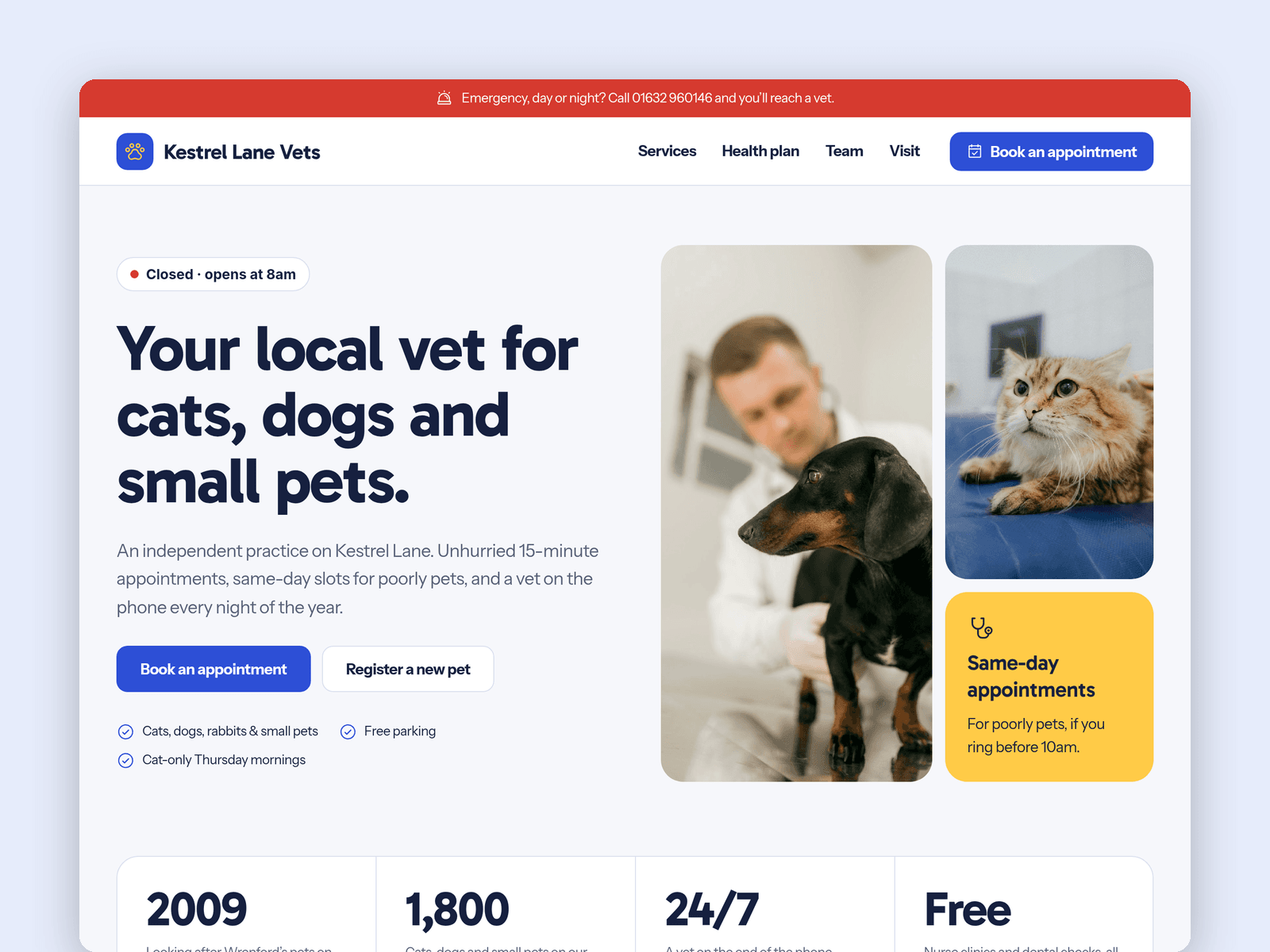
The "Open now" badge reads your opening hours in your practice's time zone and shows "Open now · until 7pm" or the next opening time. It updates every minute.
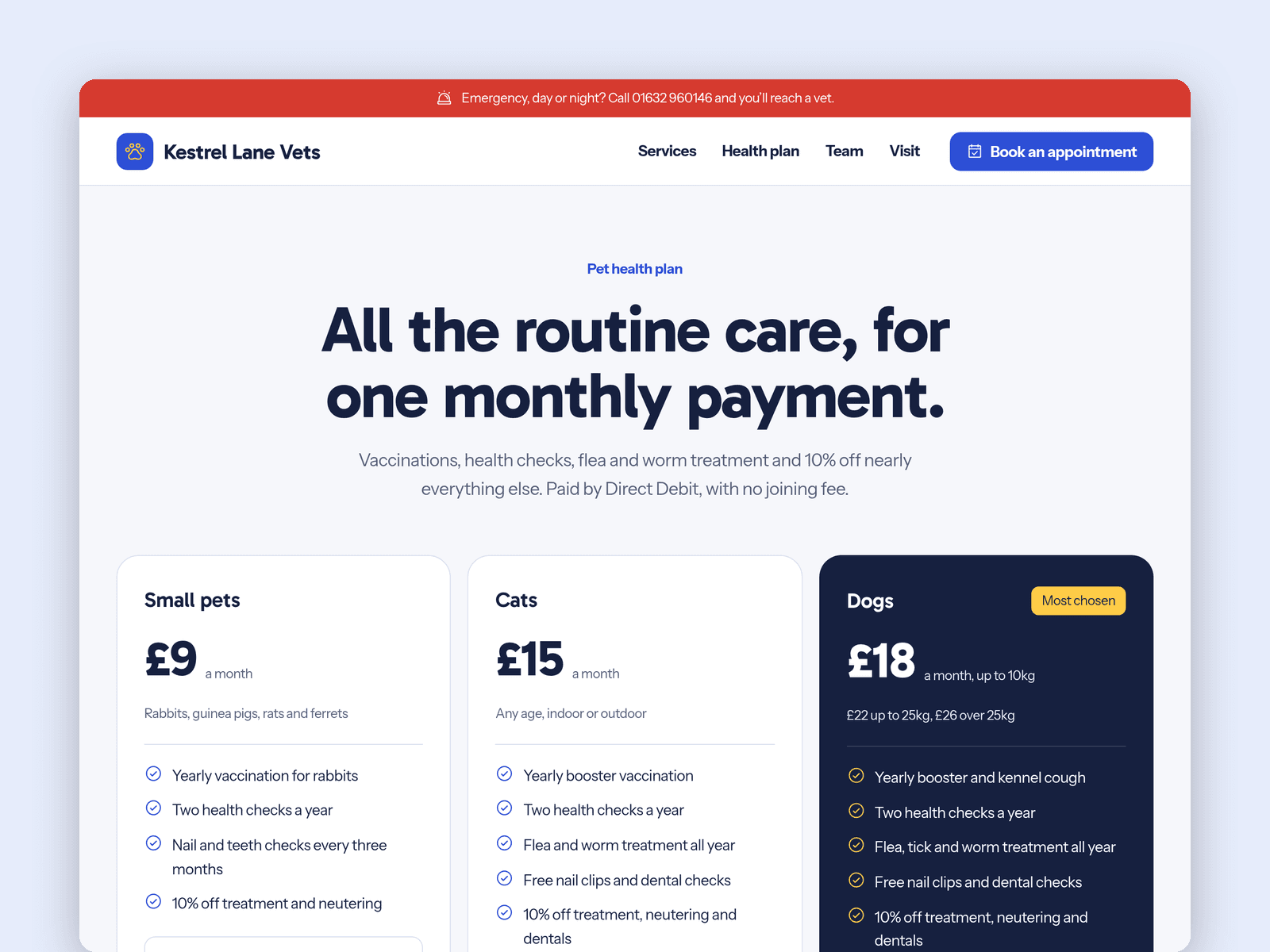
Pages: Home (photo grid, stats band, out-of-hours block and a "registering a new pet" step list), Services and prices, Health plan (three monthly tiers, a cost comparison and an FAQ), Team, Appointments, Visit (hours, emergency signs, map, parking and access), Licenses and 404. A red emergency strip with your phone number sits on every page. Every page has its own search title and description and works on desktop, tablet and phone.
Getting started:
Change the colours in Assets → Colors (all named Paws/...) and the fonts in Assets → Text Styles.
Replace the services and team in CMS → Services and CMS → Team.
Set your opening hours on the "Open now" badge and in the footer.
Open the form on /appointments and choose where requests go.
Edit the health plan prices and the emergency details, then put your address in the map on /visit.
Swap the photos for your own and update the page titles in Page settings.