About Rep Strength
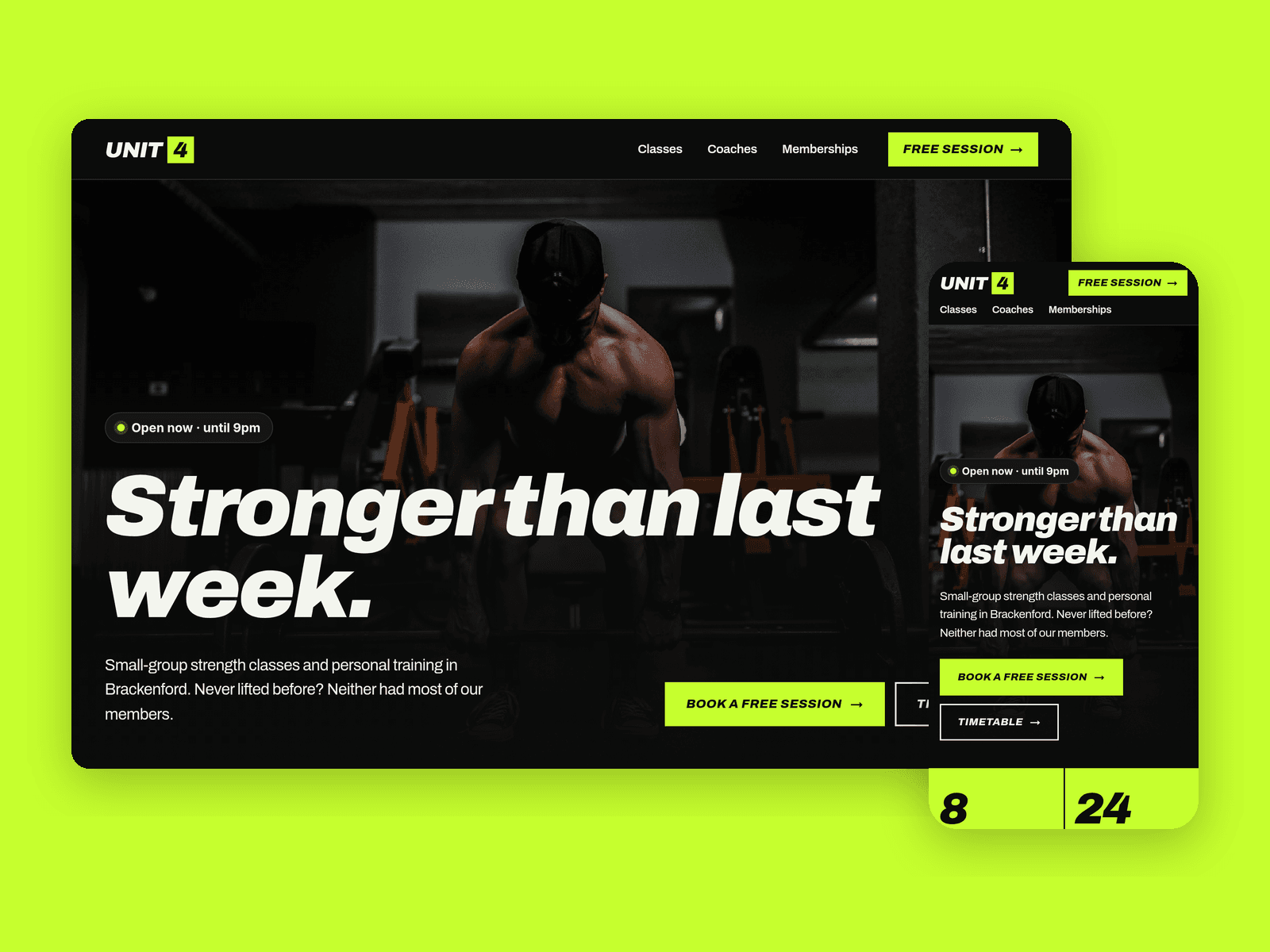
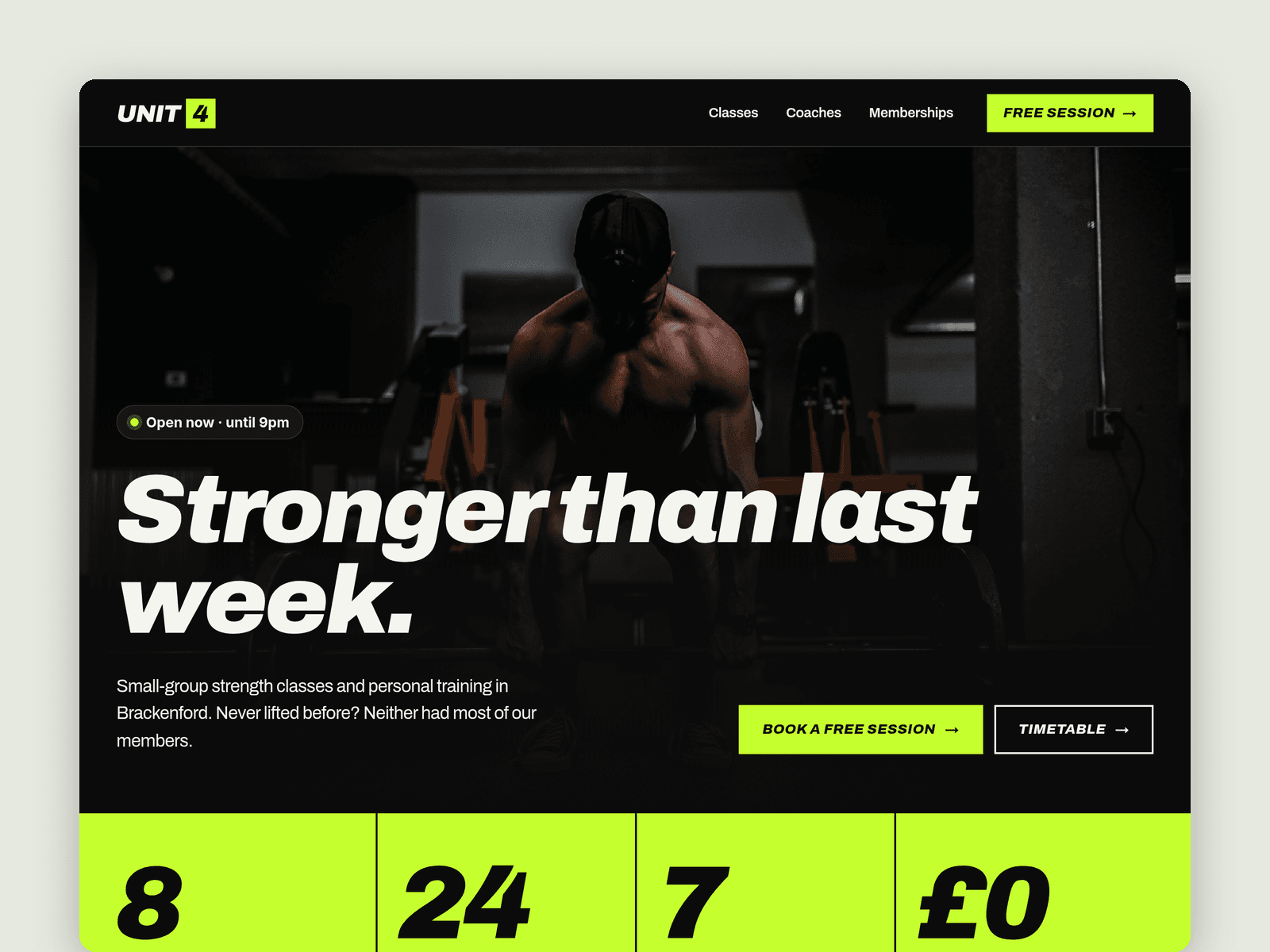
Rep Strength is a dark, high-energy website template for small independent gyms, personal training studios and strength clubs. It's built around what people actually want to know before they join: when the classes are, who runs them, what it costs and how to try it.
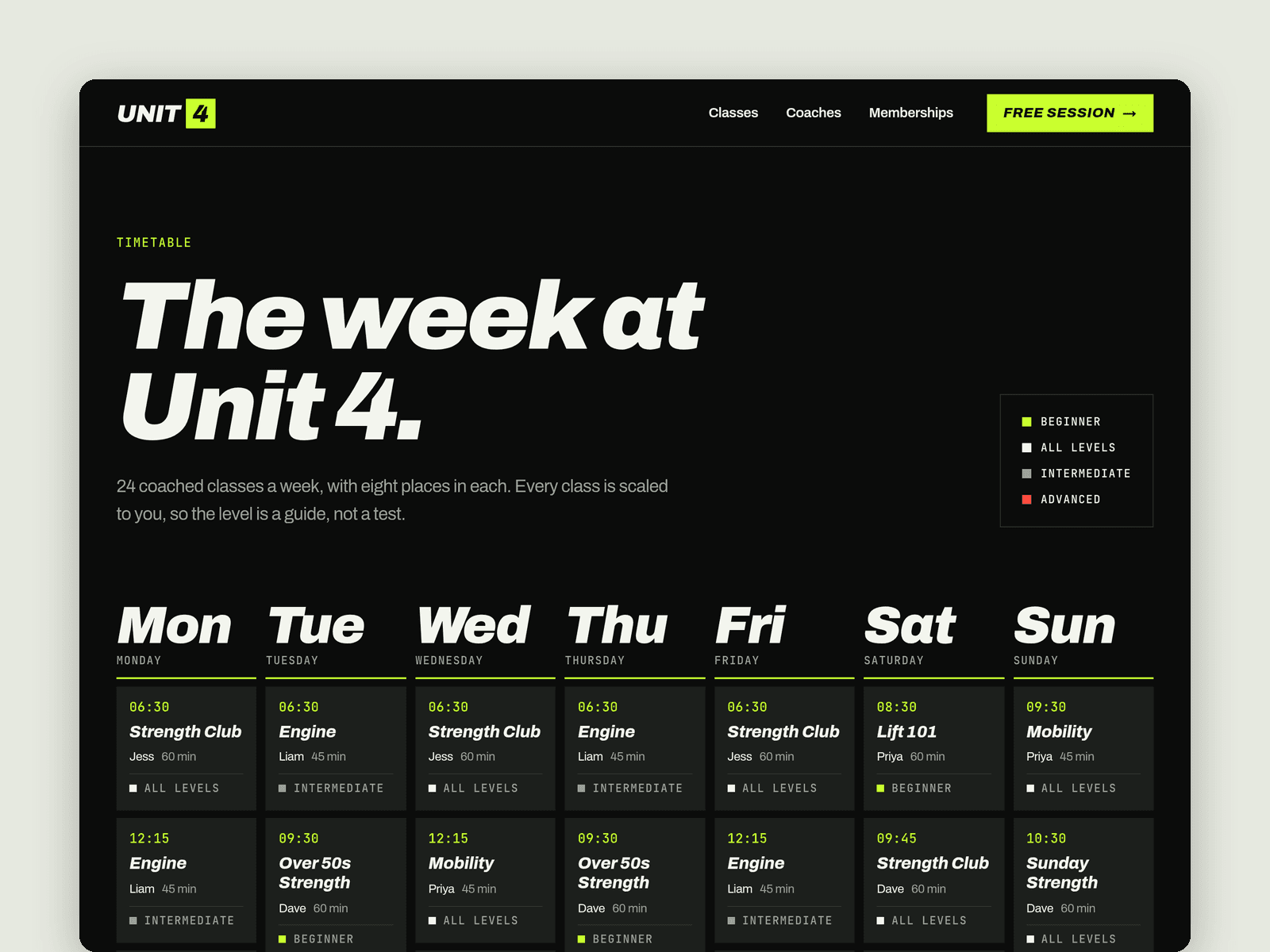
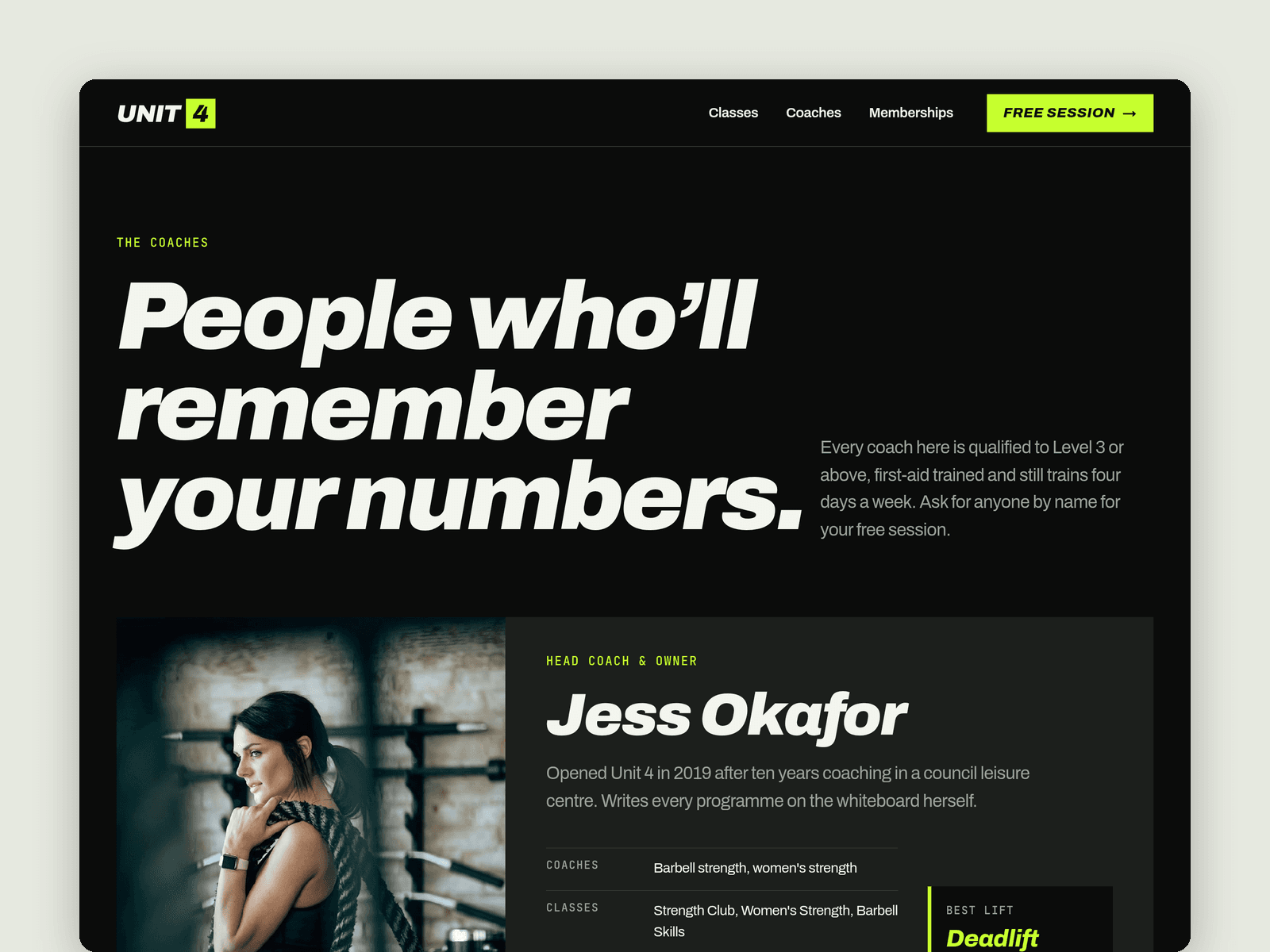
The weekly timetable runs from the CMS. Each class has a day, start time, length, coach and level, and lands in the right column of the week automatically, sorted by time and marked Beginner, All levels, Intermediate or Advanced. A second collection holds the coaches, with a photo, bio, qualifications, the classes they run and their best lift. Beginner classes and the coaches also appear on the home page.
The free session page has a native Framer form: what they'd like to try, their goal, experience, best time, contact details and any injuries. The submit button has loading, success and error states, and submissions go wherever you point the form: email, a webhook or a Google Sheet.
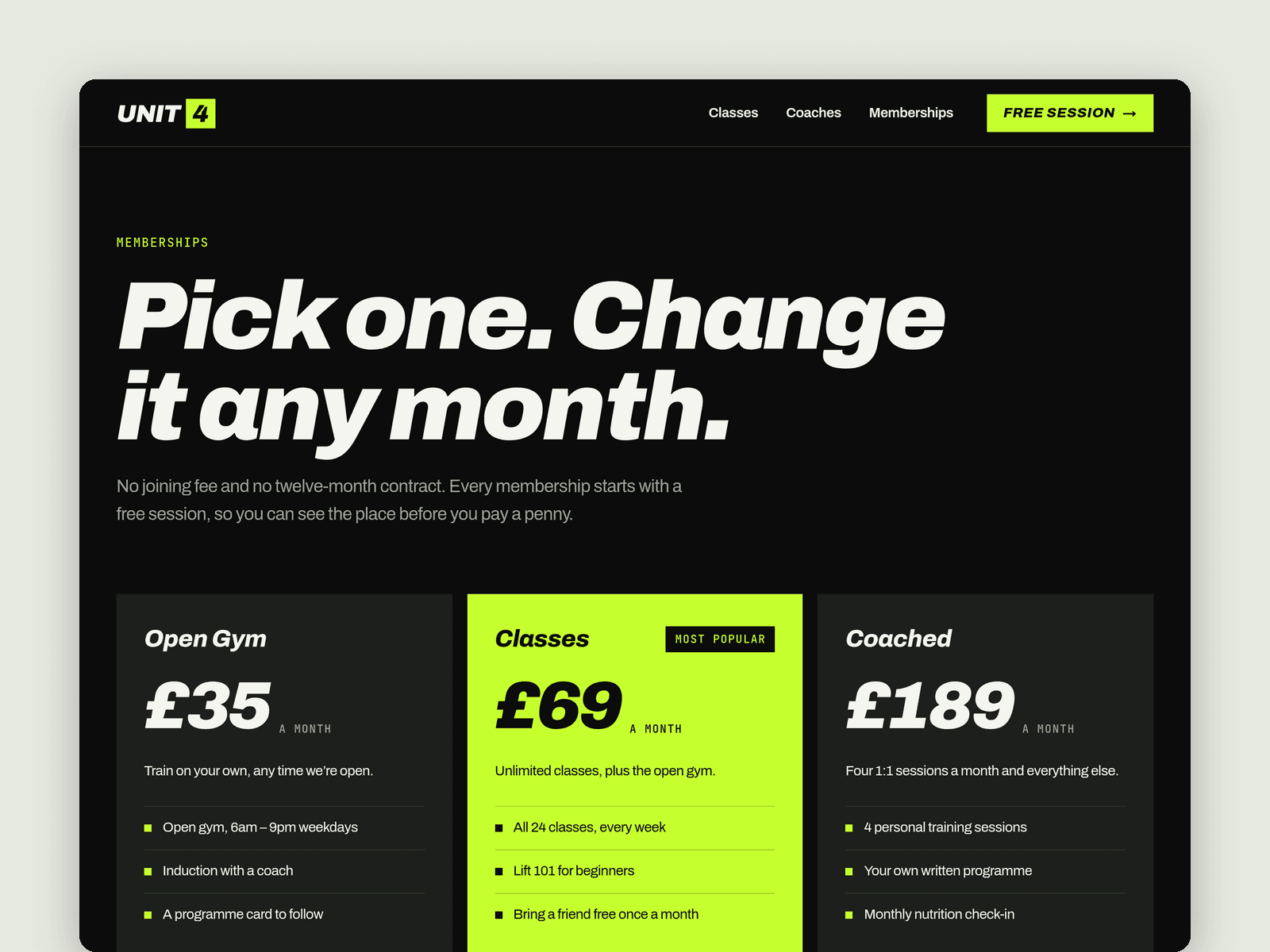
Pages: Home, Classes (weekly timetable, class guide, booking rules), Coaches, Memberships (three tiers, a full comparison table, pay-as-you-go prices and an FAQ) and Free session, plus Licenses and 404. Every page has its own search title and description and is laid out for desktop, tablet and phone.
Getting started:
Change the colours in Assets → Colors (all named Rep/...) and the fonts in Assets → Text Styles.
Replace the classes in CMS → Classes. Set the day, start time, an Order number (minutes after midnight, e.g. 390 for 06:30) and the level, and the timetable sorts itself.
Add your team in CMS → Coaches, with a photo for each.
Set your opening hours on the "Open now" badge in the home hero, the footer and on /free-session.
Open the form on /free-session and choose where submissions go (Form settings → Send to).
Update the prices on /memberships, swap the photos for your own and edit the page titles in Page settings.