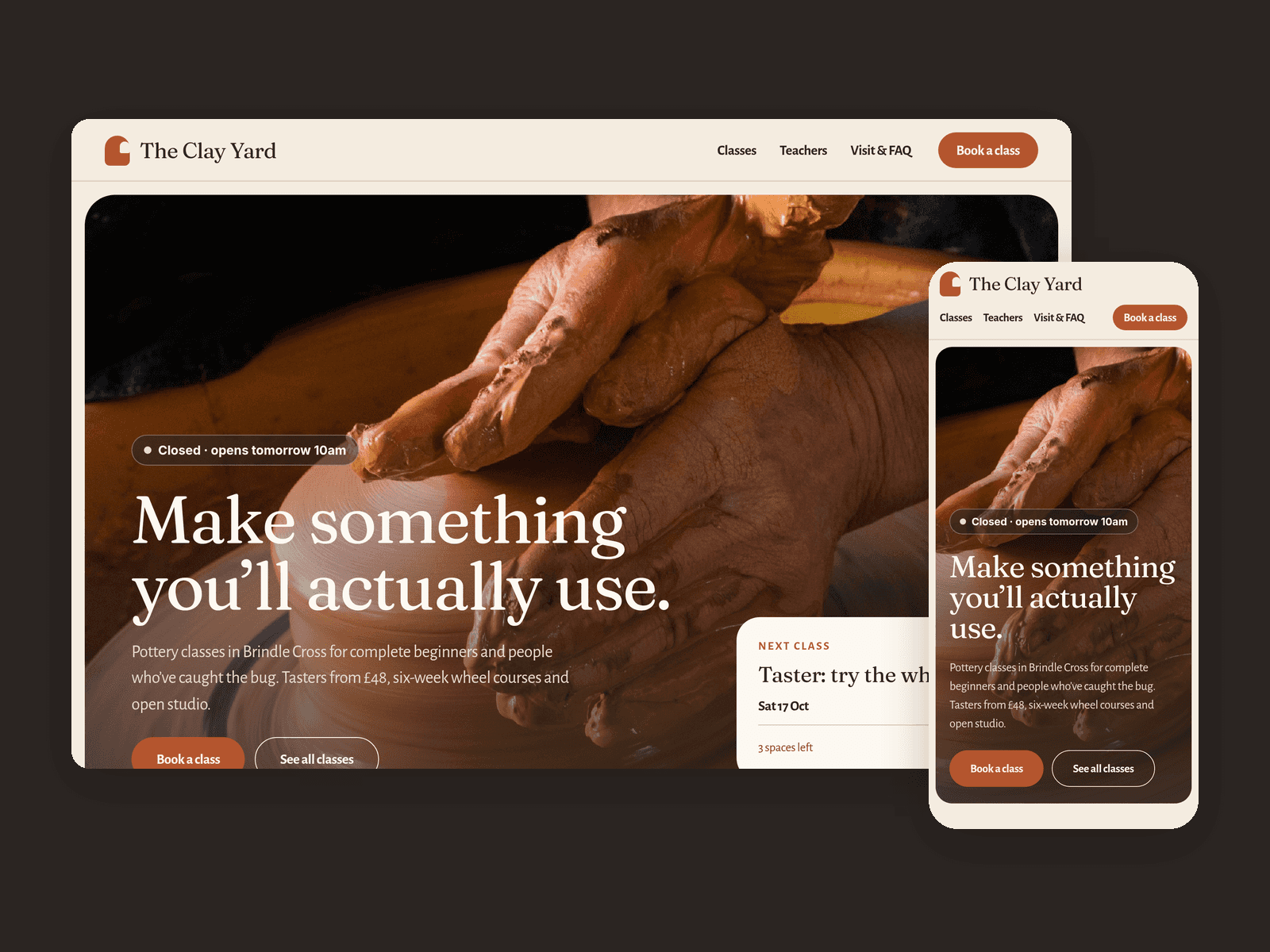


About Trail Guided Walks
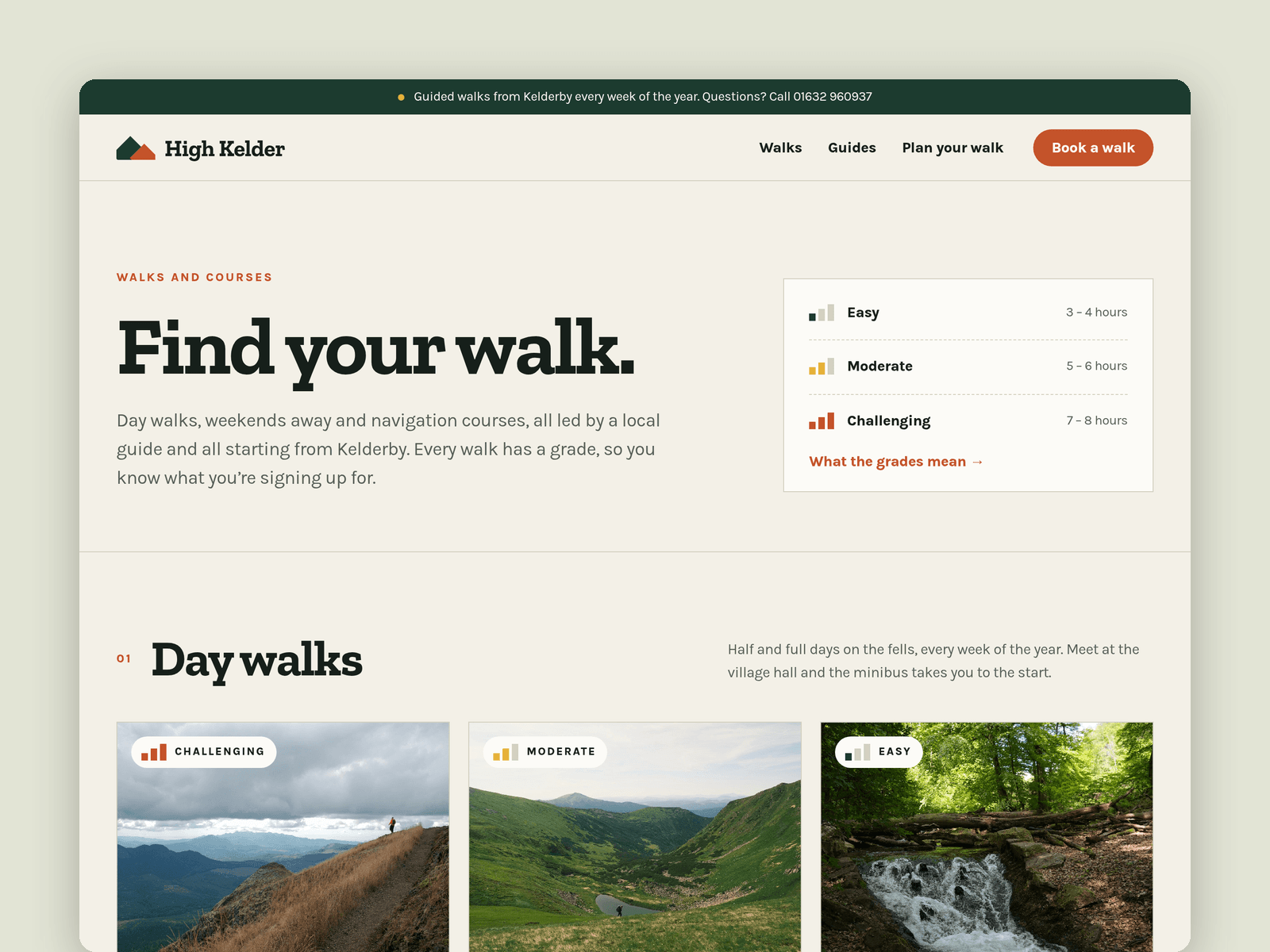
Trail Guided Walks is a website template for guided walking and hiking companies. It's light and outdoorsy, with big landscape photos, slab headings and everything a walker checks before booking: the route, the grade, the price and what to bring.
Walks run from the CMS. Each one has a type, a grade (Easy, Moderate or Challenging), distance, ascent, duration, price, group size, next dates, meeting point, what to bring, a write-up, a main photo and a gallery. The Walks page groups them by type, the home page shows the featured ones, and every walk gets its own page with a facts strip and a booking card.
Guides live in the CMS too, with a portrait, role, qualifications, favourite route and a short bio.
The Book page has a booking-enquiry form: walk, preferred date, number of walkers, fitness level, dietary needs, contact details and a kit-loan checkbox, with loading, success and error states.
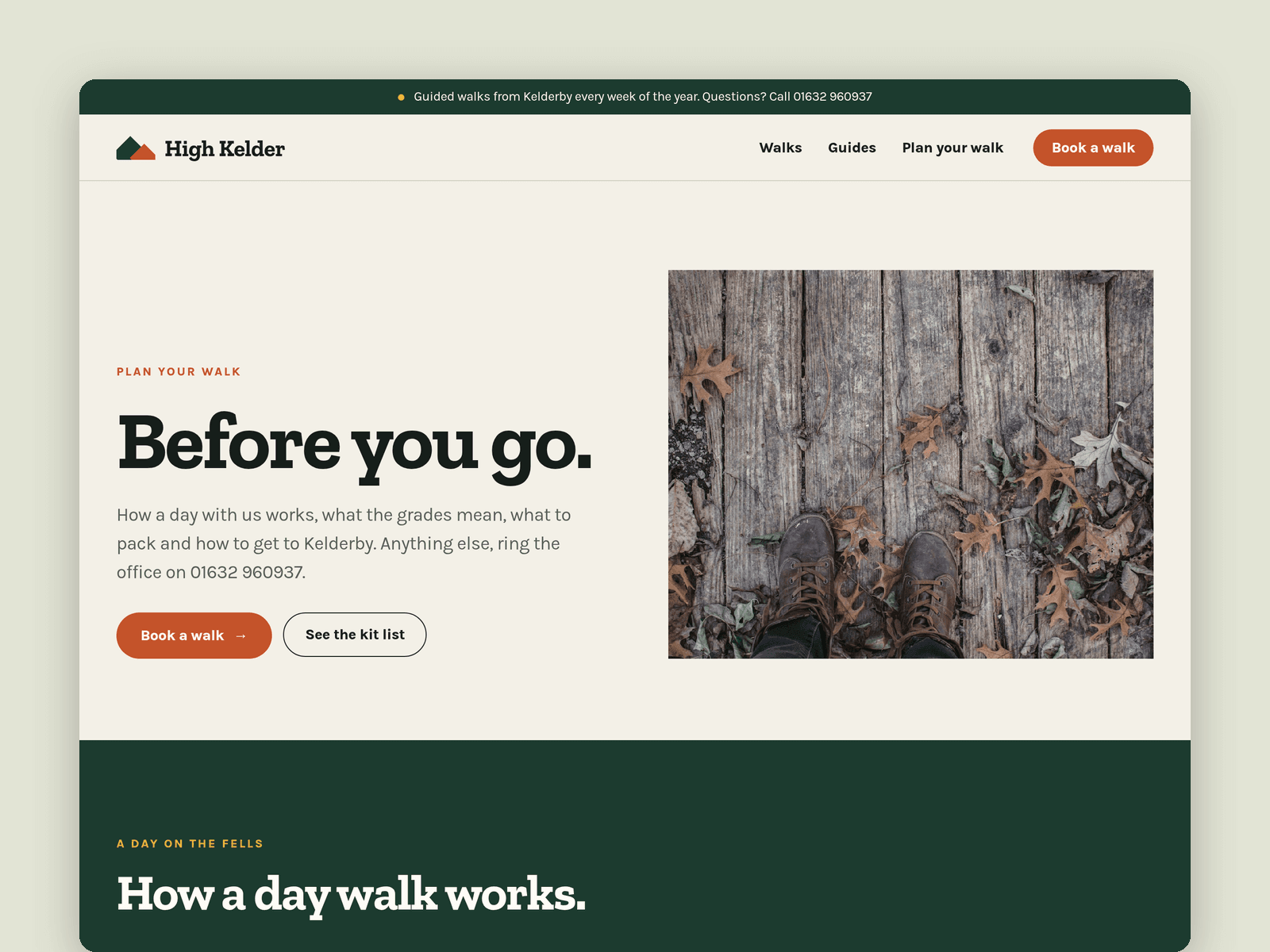
Pages: Home, Walks, Walk detail, Guides, Plan your walk (a day timeline, grade guide, kit list, getting here with a map, FAQ), Book, Licenses and 404. Every page has its own search title and description, and all of them are laid out for desktop, tablet and phone.
Getting started:
Change the colours in Assets → Colors (all named Trail/...) and the fonts in Assets → Text Styles.
Replace the walks and guides in CMS → Walks and CMS → Guides.
Set your grades, prices and what's included on the home page.
Open the form on /book and choose where enquiries go.
On /plan, put your meeting point in the map component and update the kit list.
Swap the photos for your own and update the page titles in Page settings.