About Lumen Portraits
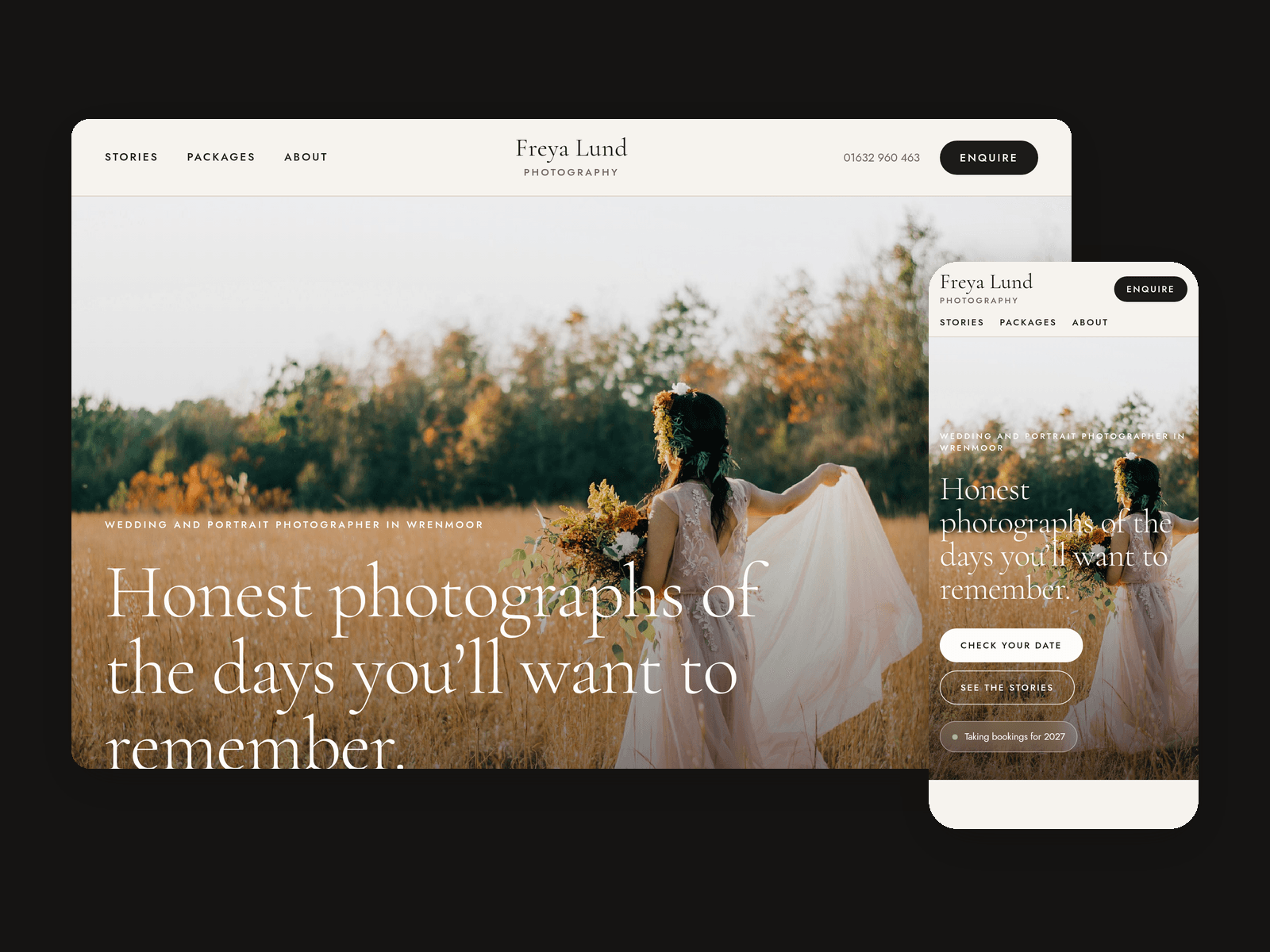
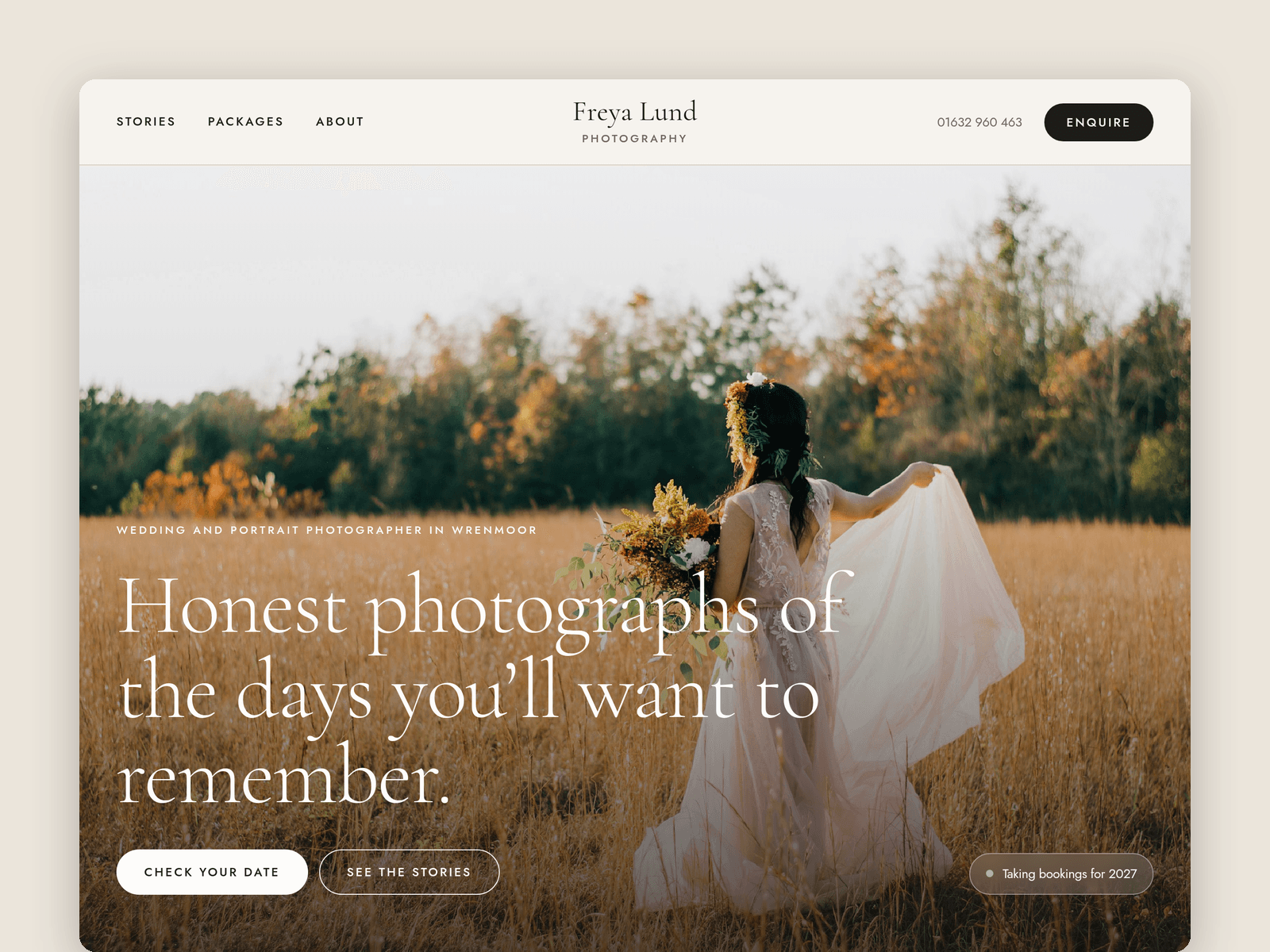
Lumen Portraits is a website template for wedding and portrait photographers who work alone. It's light and quiet, with big photos, lots of space and a clear way to ask if a date is free.
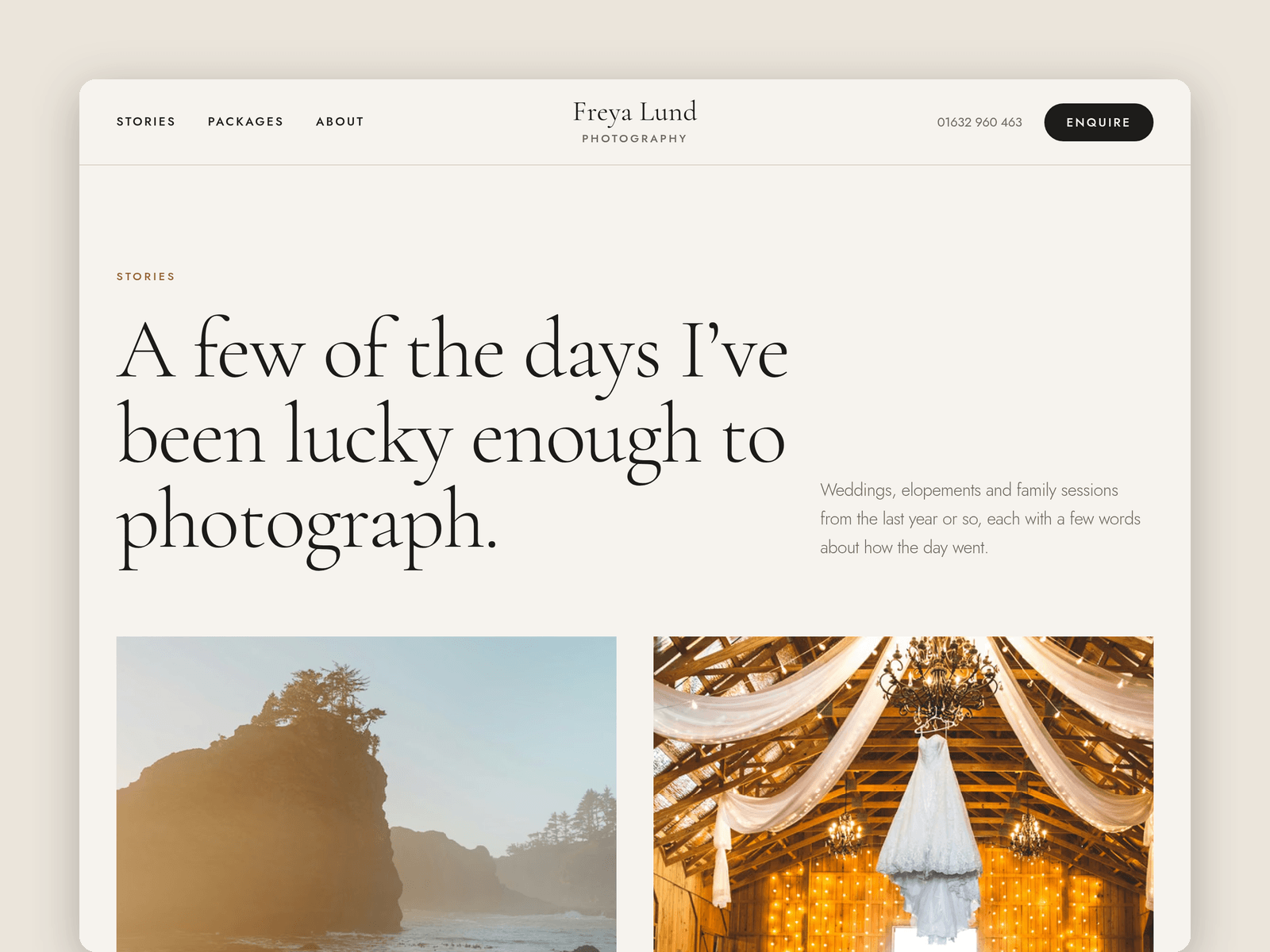
Your work lives in the CMS. Each story has a cover, four gallery photos, the shoot type, venue, season, guests, coverage, a write-up and a quote from the couple. Every story gets its own page with a full-width cover, a gallery and links to the previous and next one. Tick "Featured" to show a story on the home page.
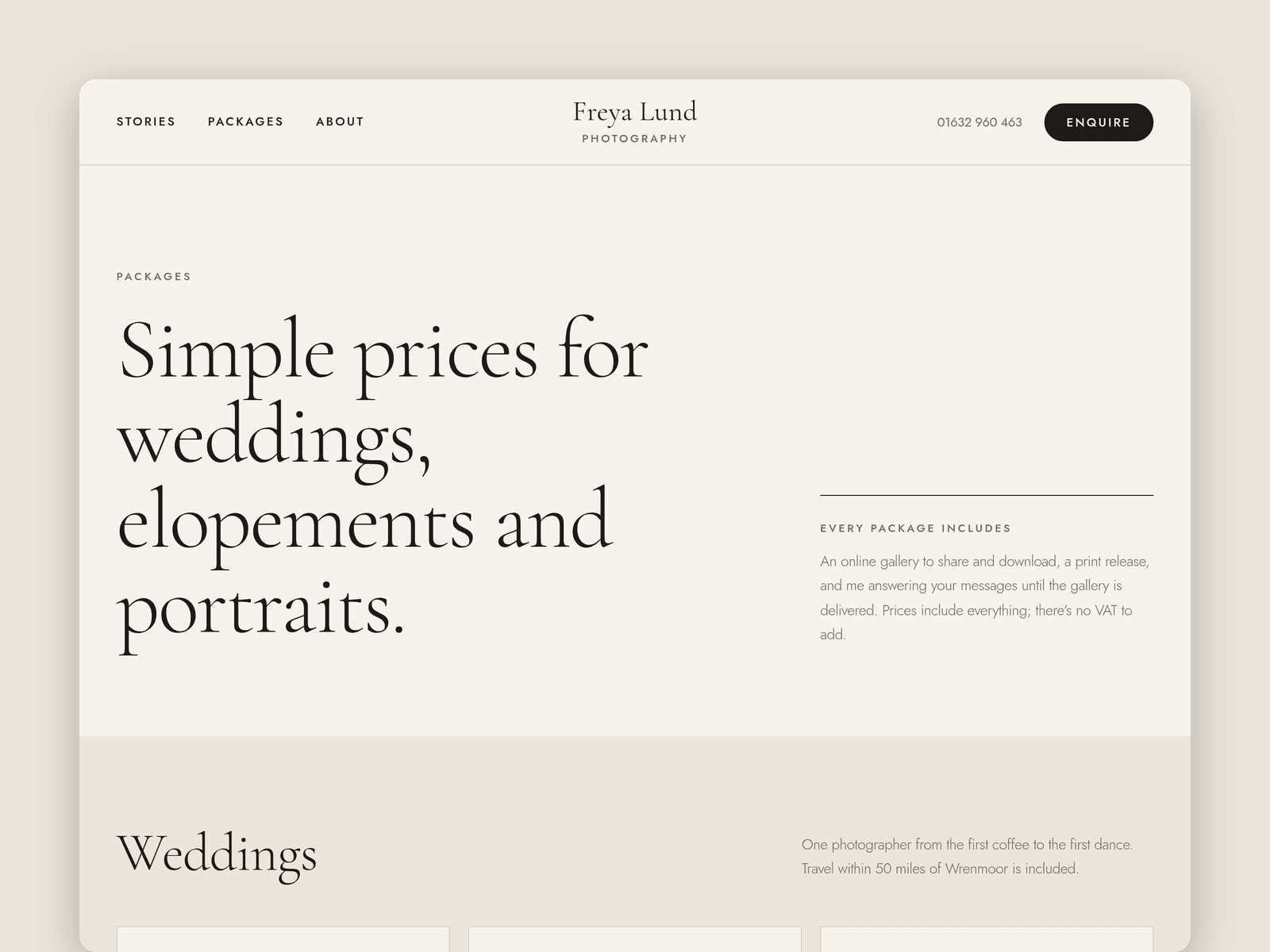
Packages are in the CMS too, with a category, hours, price, a summary and up to four included items. The Packages page groups them into weddings, elopements and portraits, and adds add-ons and an FAQ.
The Enquire page has a native Framer form that asks what photographers need to know: names, email, type of shoot, date, venue or area, guest count, budget and how they found you. The submit button has loading, success and error states.
Instead of opening hours there's an availability band: "Taking bookings for 2027" and the dates still free this year, on the home and enquiry pages.
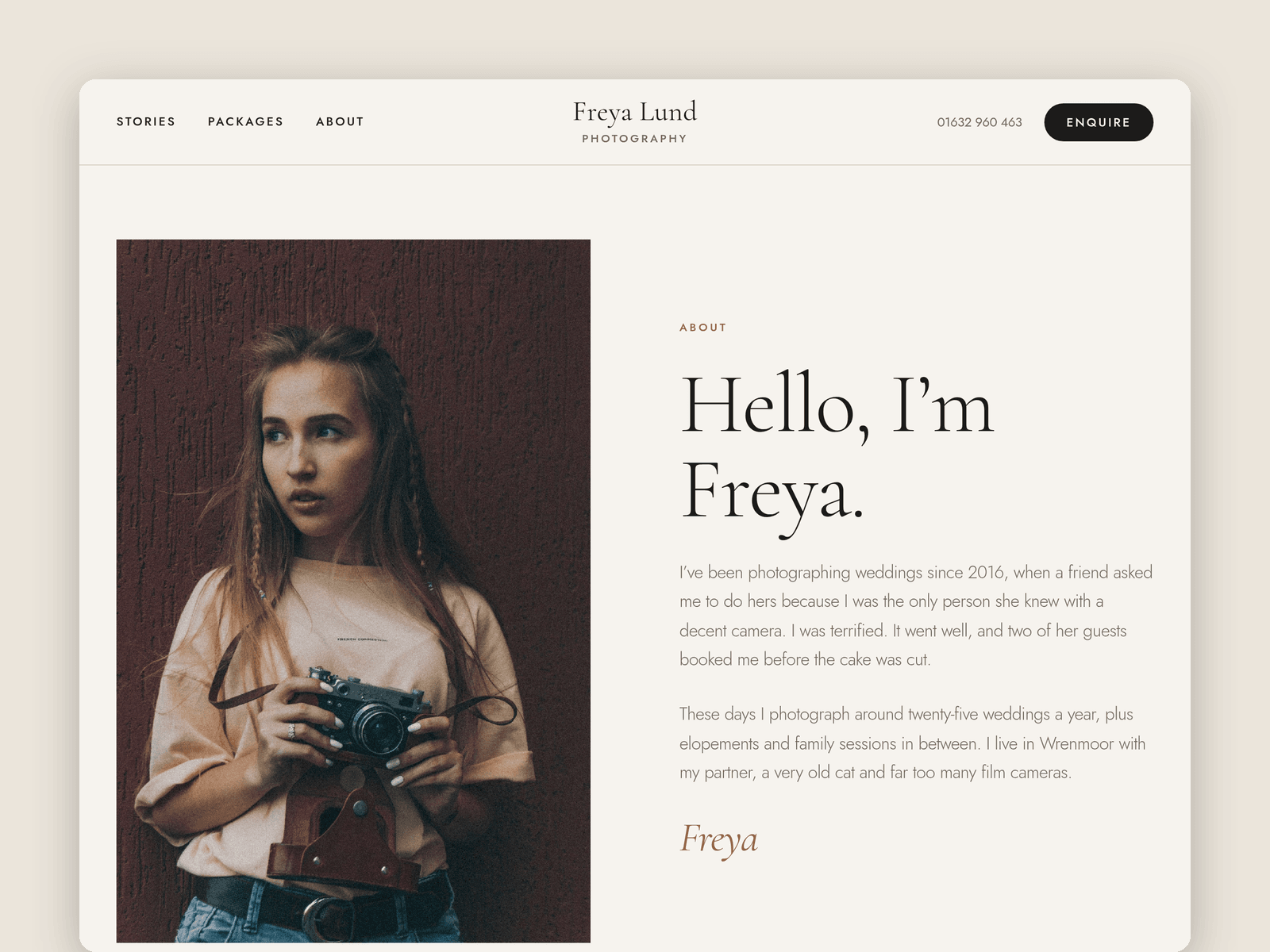
Pages: Home, Stories, a story page, Packages, About, Enquire, Licenses and 404. Every page has its own search title and description, and all of them are laid out for desktop, tablet and phone.
Getting started:
Change the colours in Assets → Colors (all named Lumen/...) and the fonts in Assets → Text Styles.
Put your name, phone number, email and studio address in the Main layout's nav and footer.
Replace the demo stories and their photos in CMS → Stories, and your prices in CMS → Packages.
Update the free dates on the home and enquiry pages, and the availability chip in the home hero.
Open the form on /enquire and choose where enquiries go (Form settings → Send to).
Swap the remaining photos for your own and check the page titles in Page settings.