About Valve Plumbing
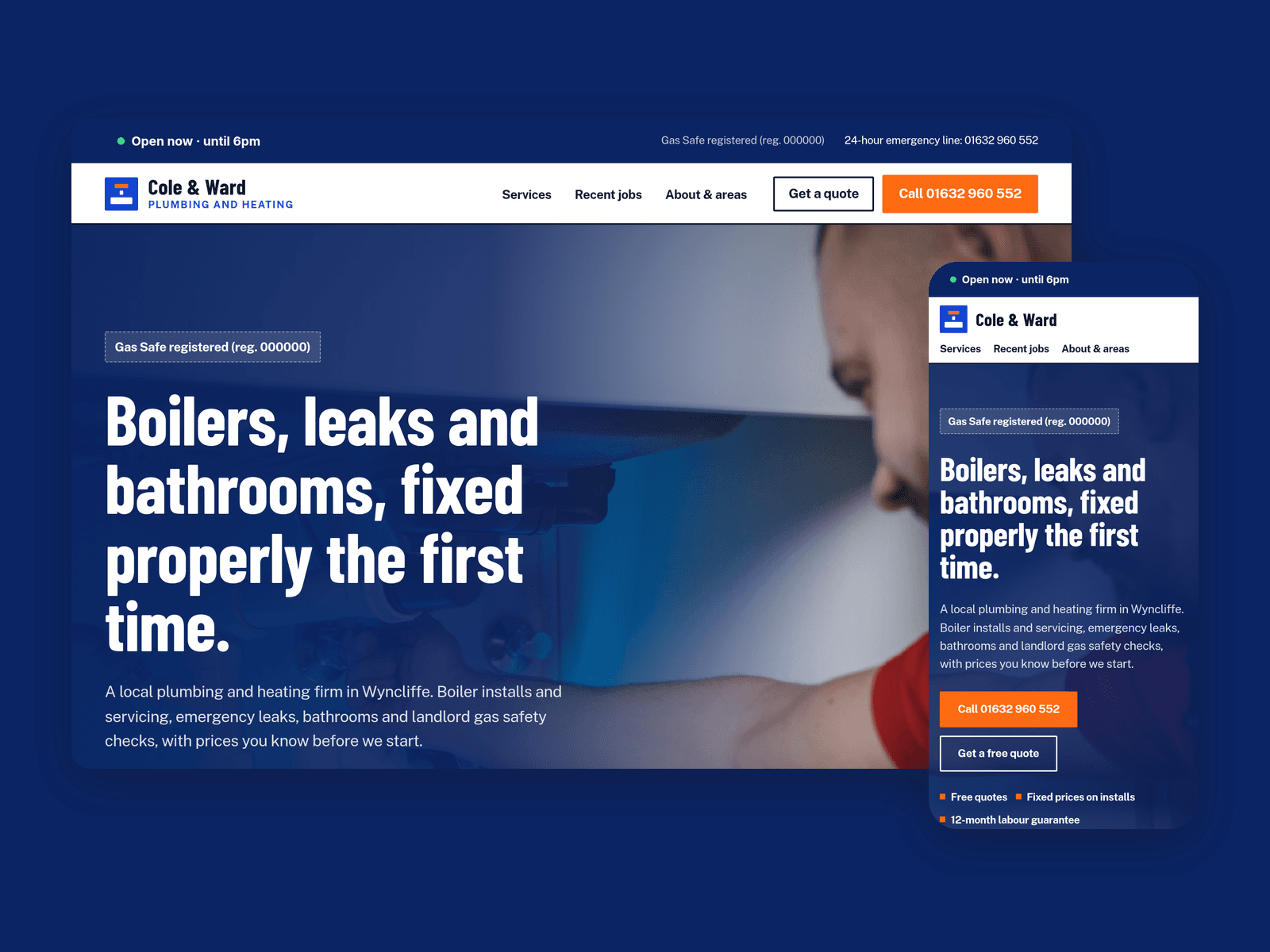
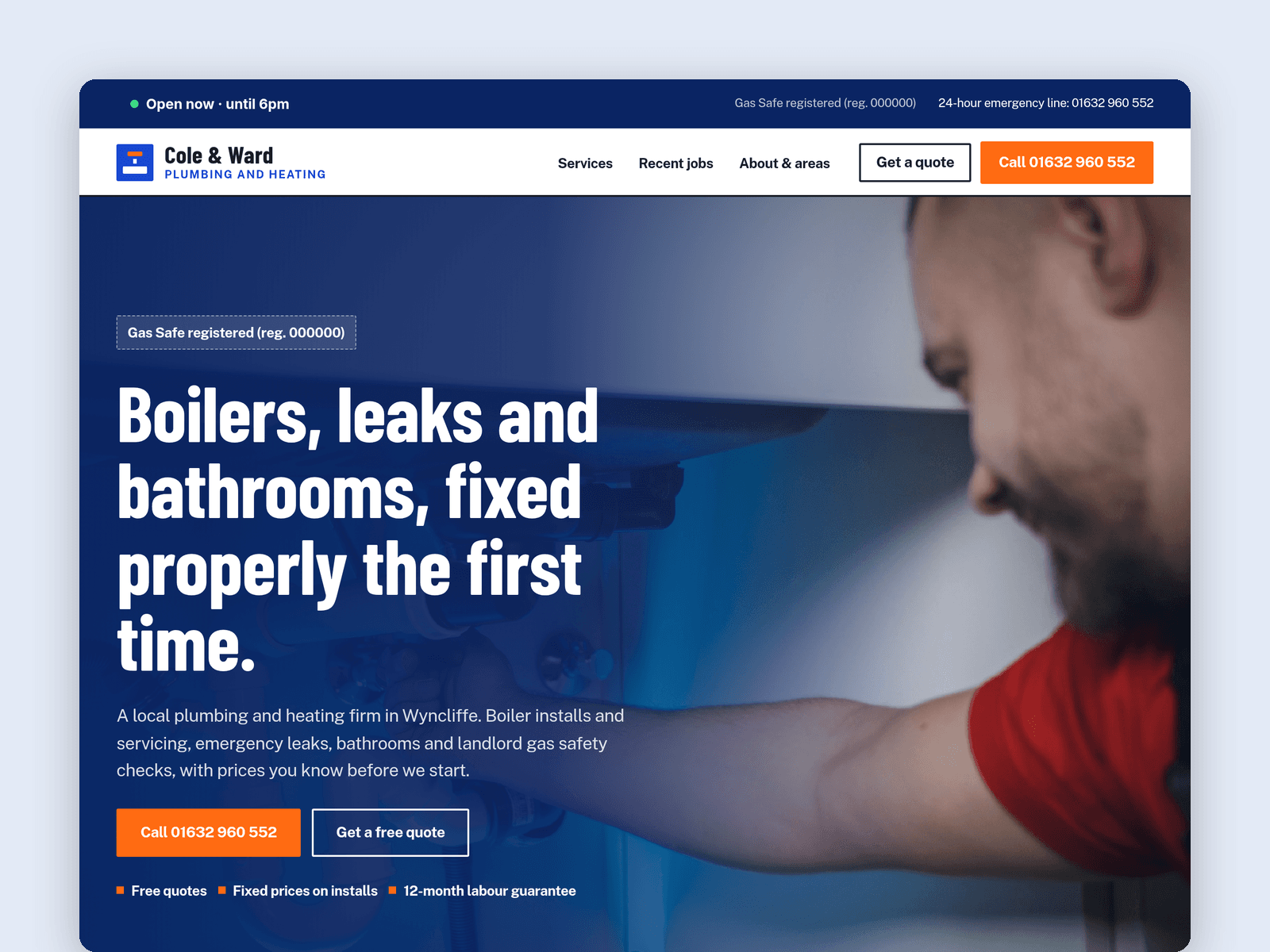
Valve Plumbing is a website template for plumbers, heating engineers and small trade firms. It puts a tap-to-call number, rough prices, past jobs and a quote form up front.
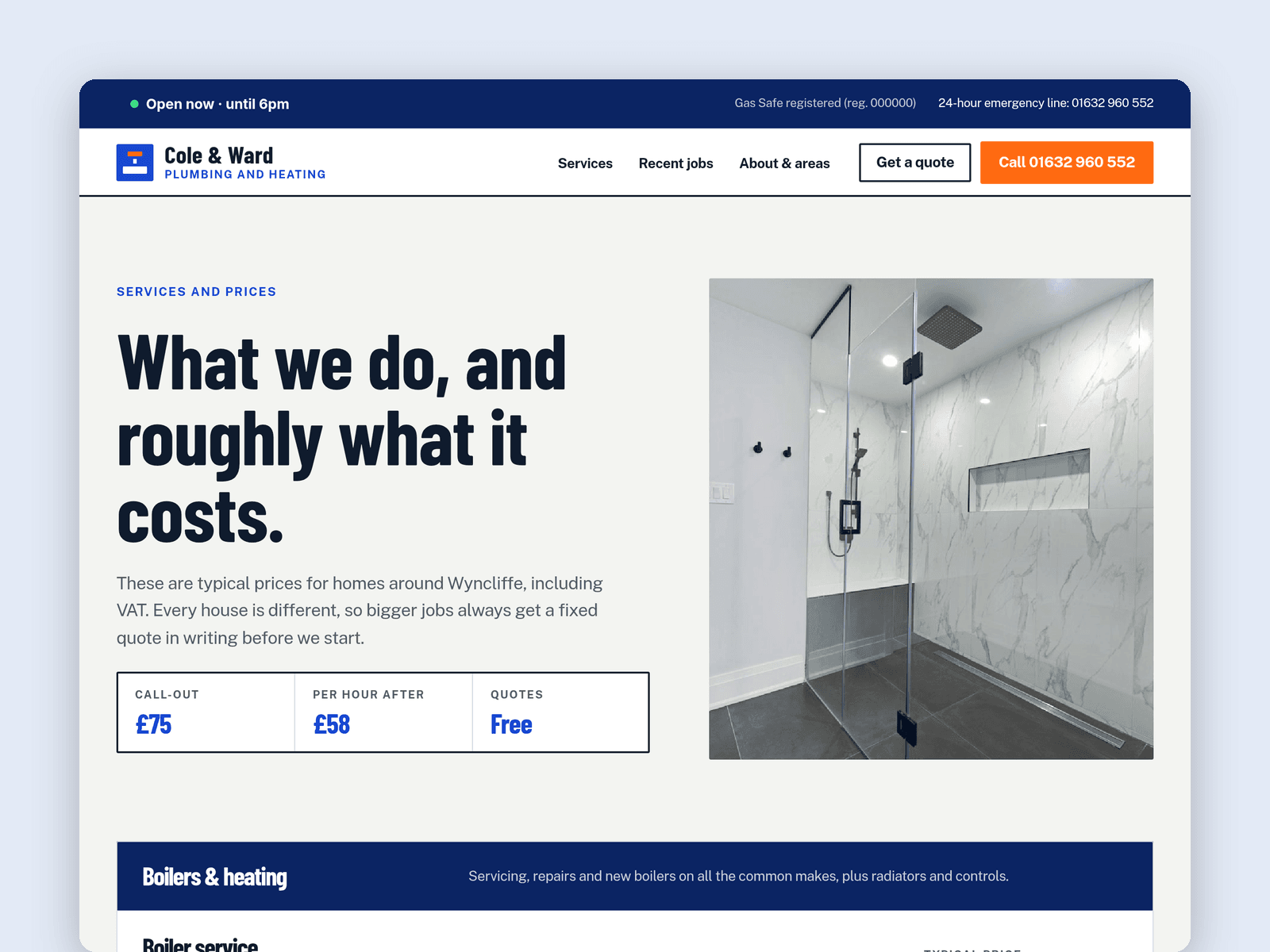
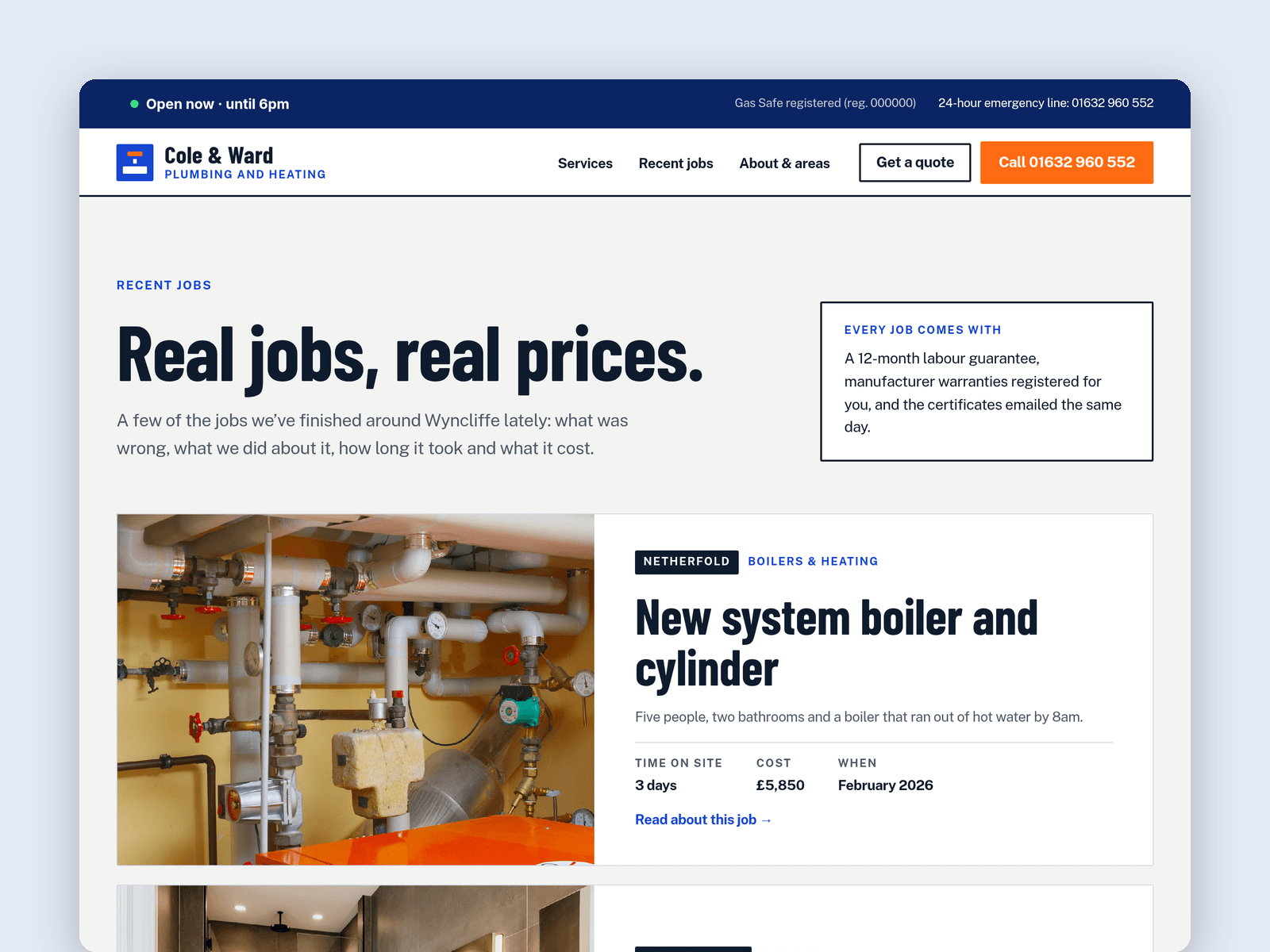
The services and prices come from the CMS. Each service has a category, a typical price range, a typical time on the job and a short description, and the Services page lays them out as one price table per category. Tick "Featured" and a service also shows on the home page. A second collection, Jobs, holds case studies with a photo, area, problem, fix, time on site and cost. Every job gets its own page, with links to the previous and next one.
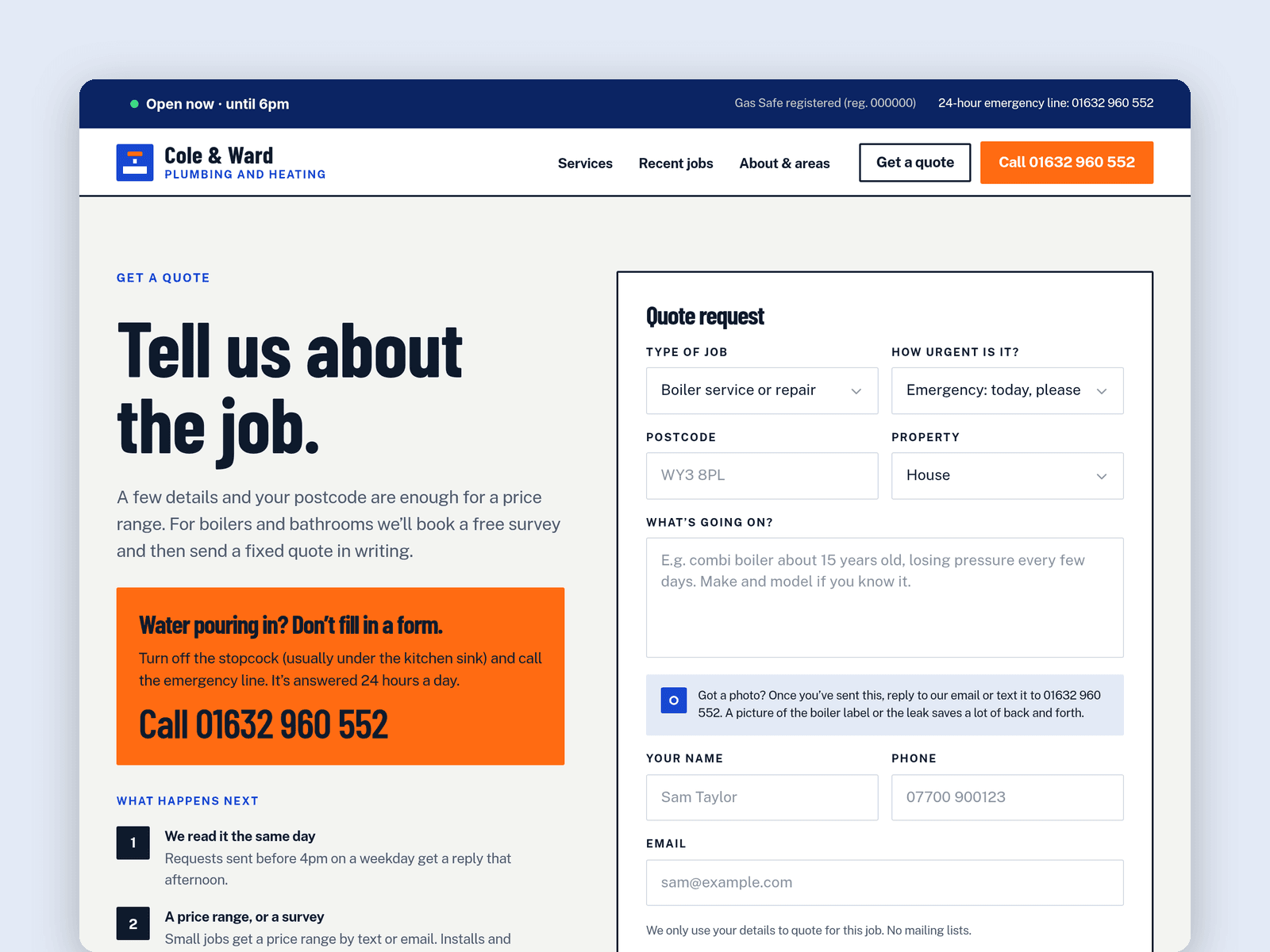
The Get a quote page has a native Framer form with job type, urgency, postcode, property type, a description and contact details. The submit button has loading, success and error states. Submissions go wherever you point the form: email, a webhook or a Google Sheet.
Calls stay one tap away: a Call button in the sticky nav, a 24-hour emergency strip and a floating Call now / Get a quote bar on phones.
Pages: Home, Services, Recent jobs, a job detail page, Get a quote (with an FAQ), About & areas, Licenses and 404. Every page has its own search title and description, and all of them are laid out for desktop, tablet and phone.
Getting started:
Change the colours in Assets → Colors (all named Valve/...) and the fonts in Assets → Text Styles.
Put your business name, phone number and email in the nav, footer and the Call buttons, and replace the placeholder "Gas Safe registered (reg. 000000)" with your real registration.
Edit your services and price ranges in CMS → Services, and add your own jobs with photos in CMS → Jobs.
Set your office hours on the "Open now" badge in the Main layout's top bar and on the About page.
Open the form on /quote and choose where submissions go (Form settings → Send to).
Update the areas you cover on /about, swap the photos for your own, and check the page titles in Page settings.