
open to job! Independent digital studio creating design resources, storefront systems and emotional infrastructure for the web.
My first baby steps into the serious stuff 🥹
The site is still a work in progress - and I’m building it closely together with the client from day one.
Slowly learning to go beyond making things “look good” and turn a person, their experience, and their work into one coherent story.
I don’t know when exactly, but I will release the website with the 3D cube — and it will be my last cinematic website made for sale.
After that, I’m moving my profile in a more conservative direction. The same goes for my components.
I’ll still create cinematic and experimental work for custom projects. But if that’s the reason you’ve been following me, I’m sorry - this profile is heading somewhere new.
Thank you for being here for this chapter.
Apparently, it’s time for me to grow up a little.
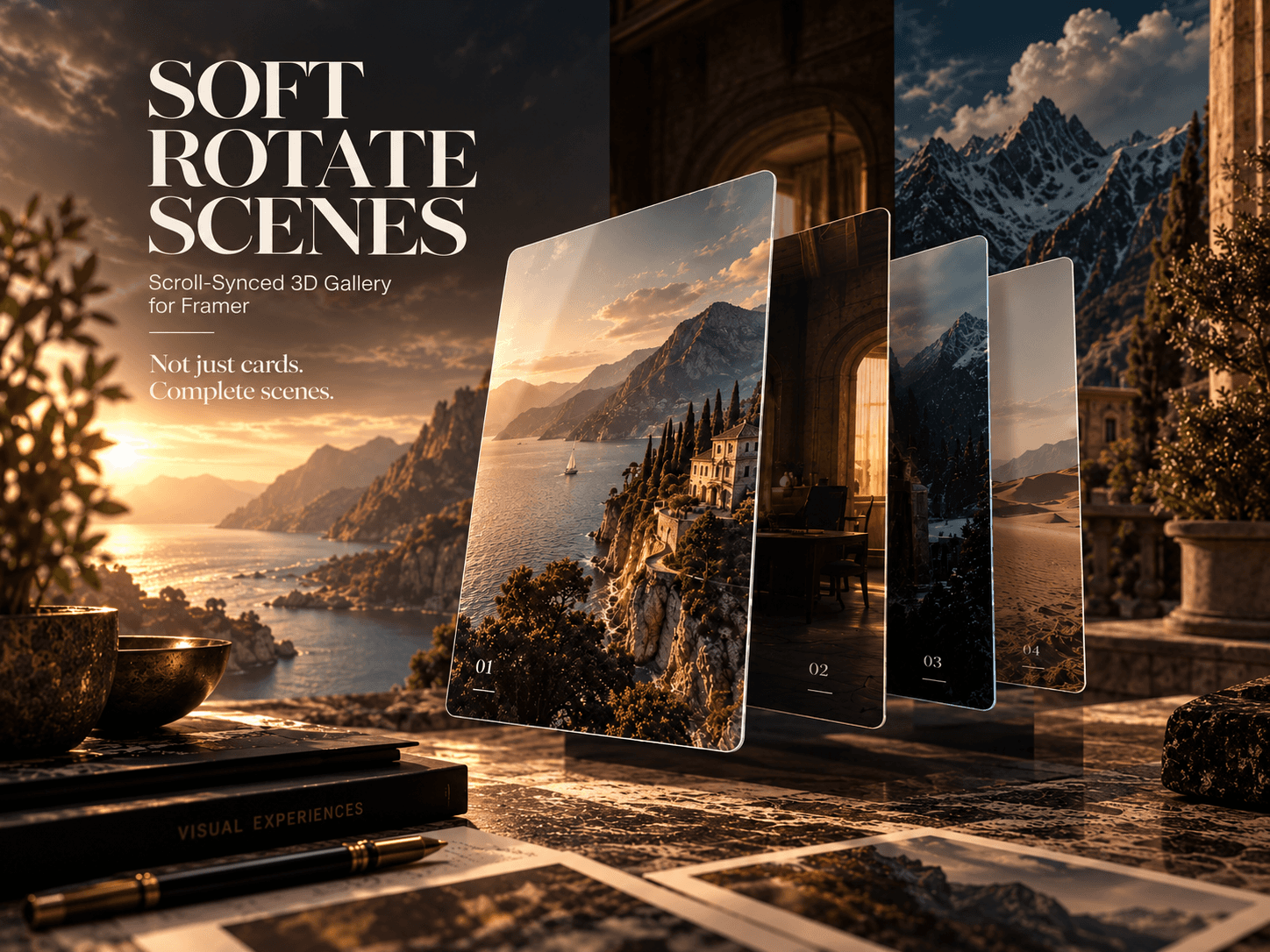
I took Soft Rotate and gave it a full-scene upgrade.
The oversized cards still rotate in 3D as you scroll—but now every image can bring its own full-screen background with it. The card and scene transition together, making the gallery feel less like a stack of images and more like one continuous cinematic sequence.
It supports separate desktop, tablet, and phone scenes, fade or cut transitions, viewport-wide backgrounds, responsive card sizing and positioning, plus controls for depth, spread, perspective, vignette, marquee, shadows, and blend modes.
Built entirely in Framer with React + CSS transforms. No Three.js.
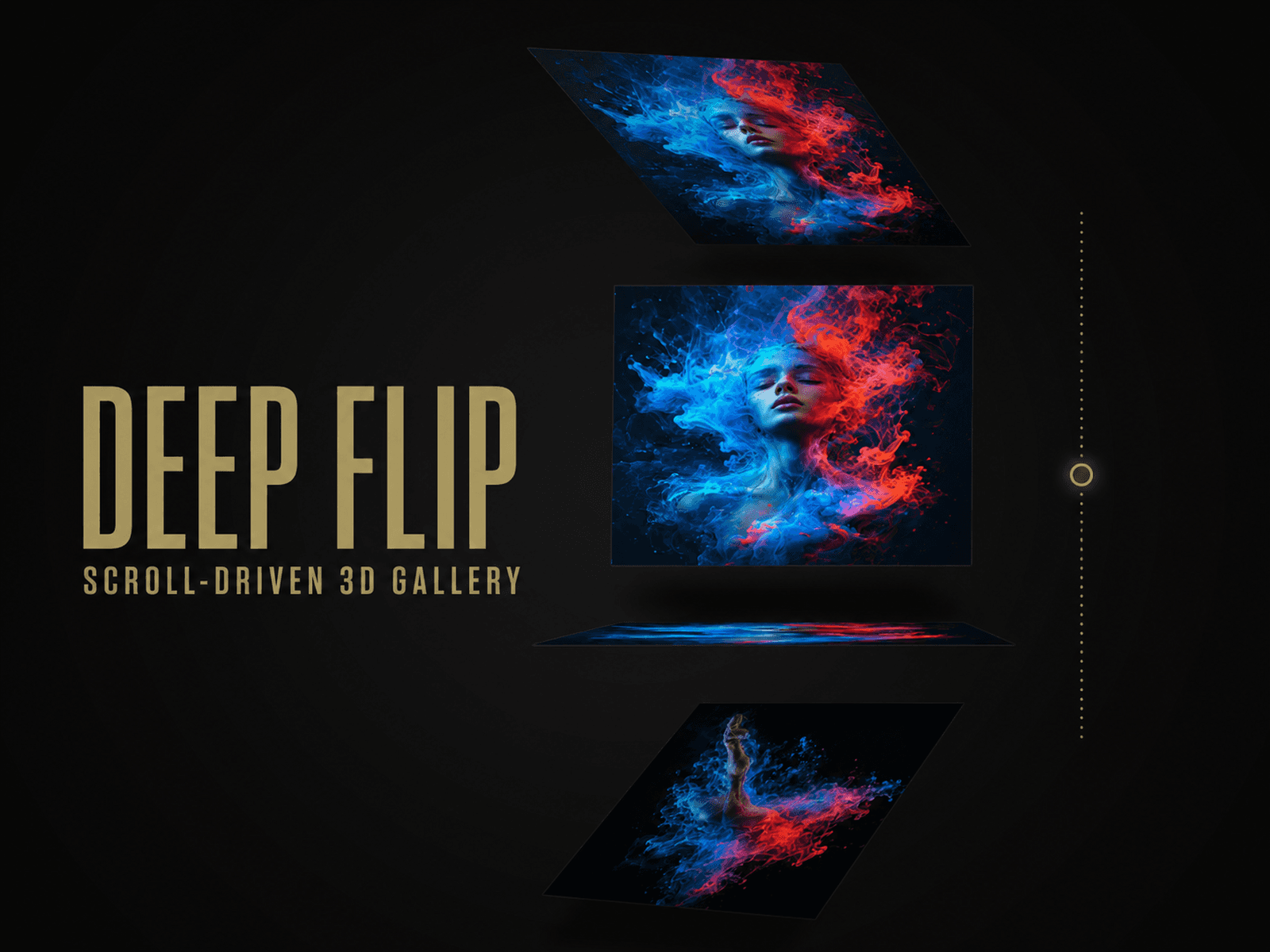
Deep Flip is live ⚡️
A scroll-driven 3D gallery where cards rotate, disappear into depth, pass through an edge-on state, and return toward the viewer.
You can customize the images, links, ratios, spacing, perspective, depth, intensity, mobile behavior, and optional moving marquee.
Built natively for Framer—no Three.js, GSAP, Lenis, or external scripts.
🚨 Urgent design poll: which preview works better for this component?
Take a look and help me choose: https://soft-rotate-scenes.framer.website/
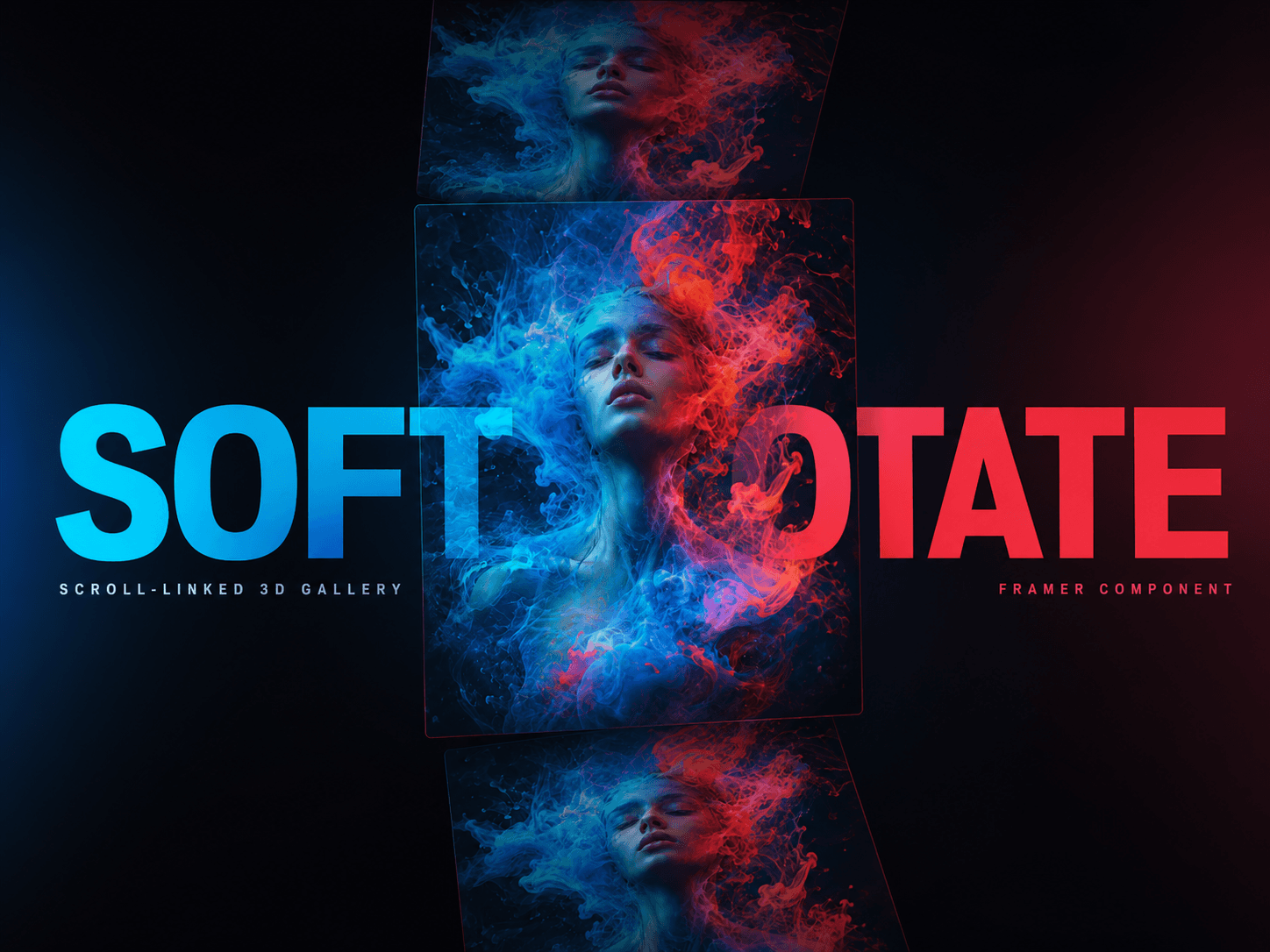
Introducing Soft Rotate — a scroll-linked 3D image gallery for Framer.
Each image enters tilted, aligns near the center of the viewport, and rotates away in the opposite direction. The animation follows the visitor’s scroll, creating physical depth without taking control of navigation.
Add up to 30 images and customize card proportions, spacing, perspective, depth, horizontal spread, marquee typography, links, vignette, and mobile intensity directly from the property panel.
No WebGL. No external runtime libraries. Responsive, viewport-aware, reduced-motion friendly, and safe for Framer’s static renderer.
Perfect for portfolios, editorial pages, campaigns, art galleries, and visual case studies.
Working on a new website built around a scroll-driven 3D cube 👀
Each side reveals a different exhibition as the cube rotates. What do you think of the concept so far?
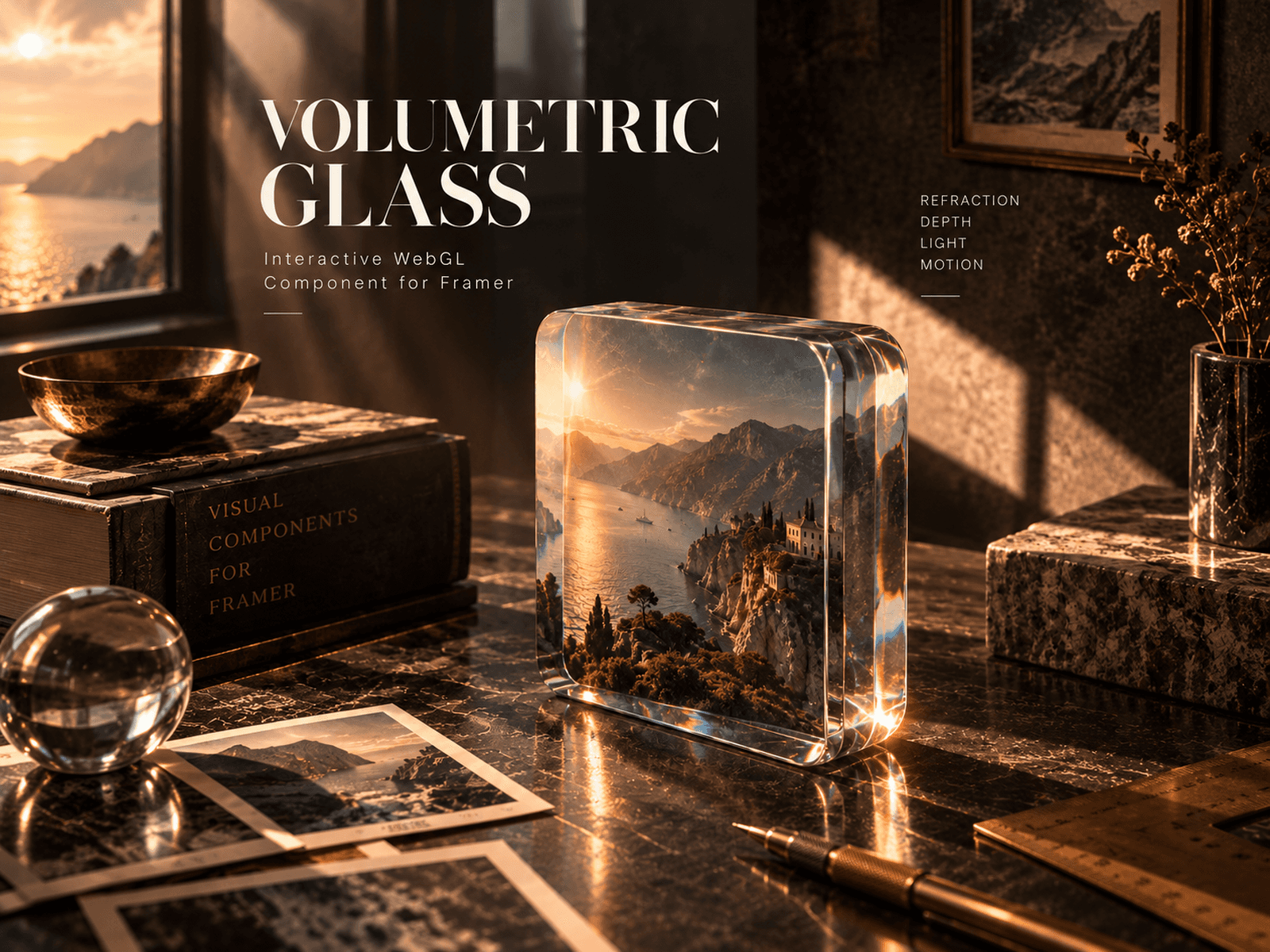
New component: Volumetric Glass Photo.
This is not a glass overlay. Your image sits on a physical plane inside a ray-marched volume, so the camera ray bends before it reaches the photo. The depth remains visible even when the object rotates to its side.
Choose from six shapes and control glass depth, tint, density, IOR, refraction, highlights, image fit, spin or swing motion, float and pointer tilt—all directly in Framer.
Built with native WebGL2. No Three.js. No external dependencies.
Responsive, viewport-aware and reduced-motion friendly.
Your gallery has escaped the grid.
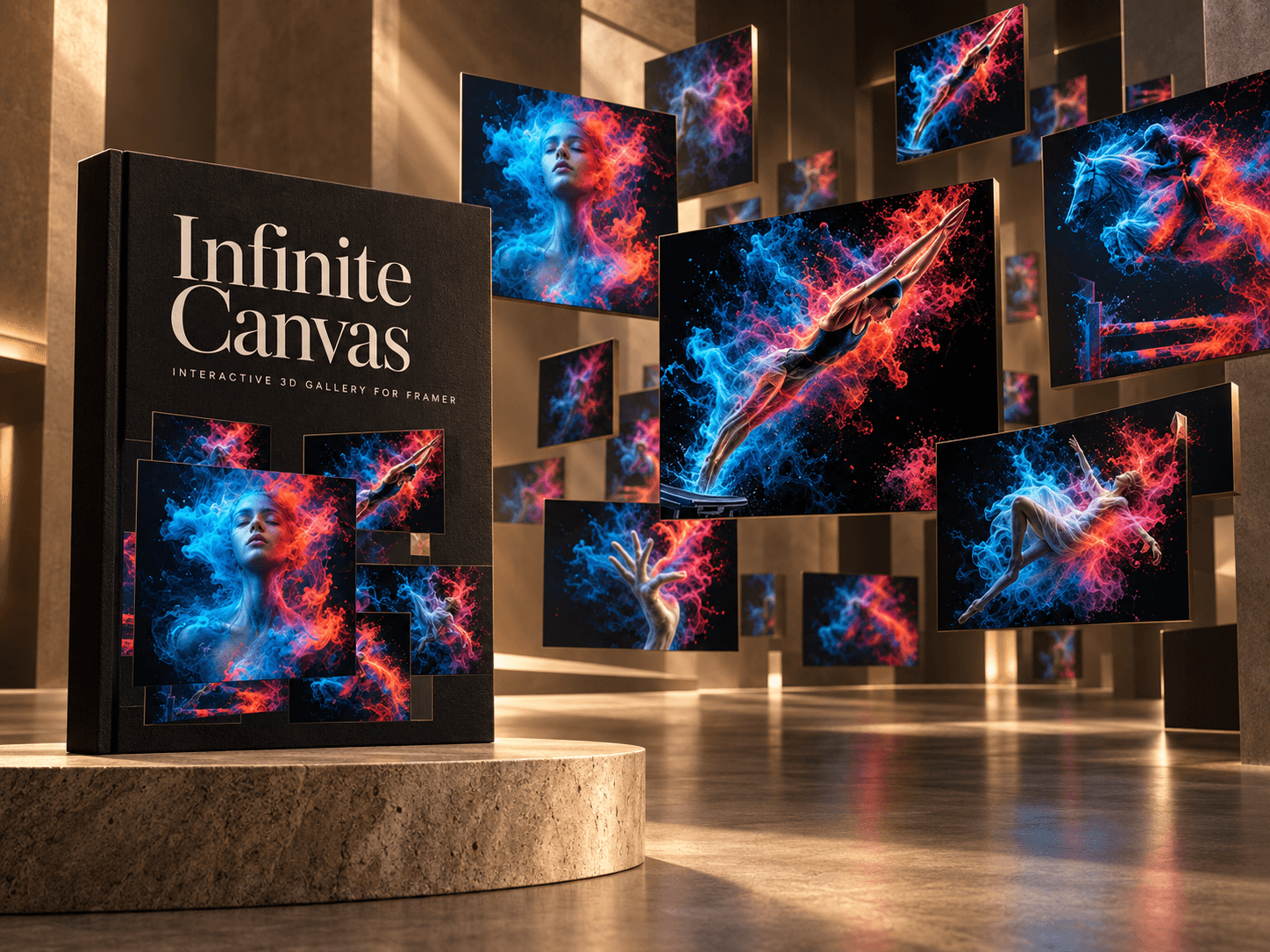
Infinite Canvas turns your images into an interactive 3D space. Drag across X/Y, travel through Z, and customize the density, perspective, inertia, parallax, auto motion, and card layout directly in Framer.
Use your own images, choose what happens on click, and decide whether scrolling controls the gallery or continues to the next section.
Responsive, viewport-aware, and built without external runtime scripts.
New component: Swipe Card Stack.
A gallery that behaves less like a grid and more like something you actually want to touch.
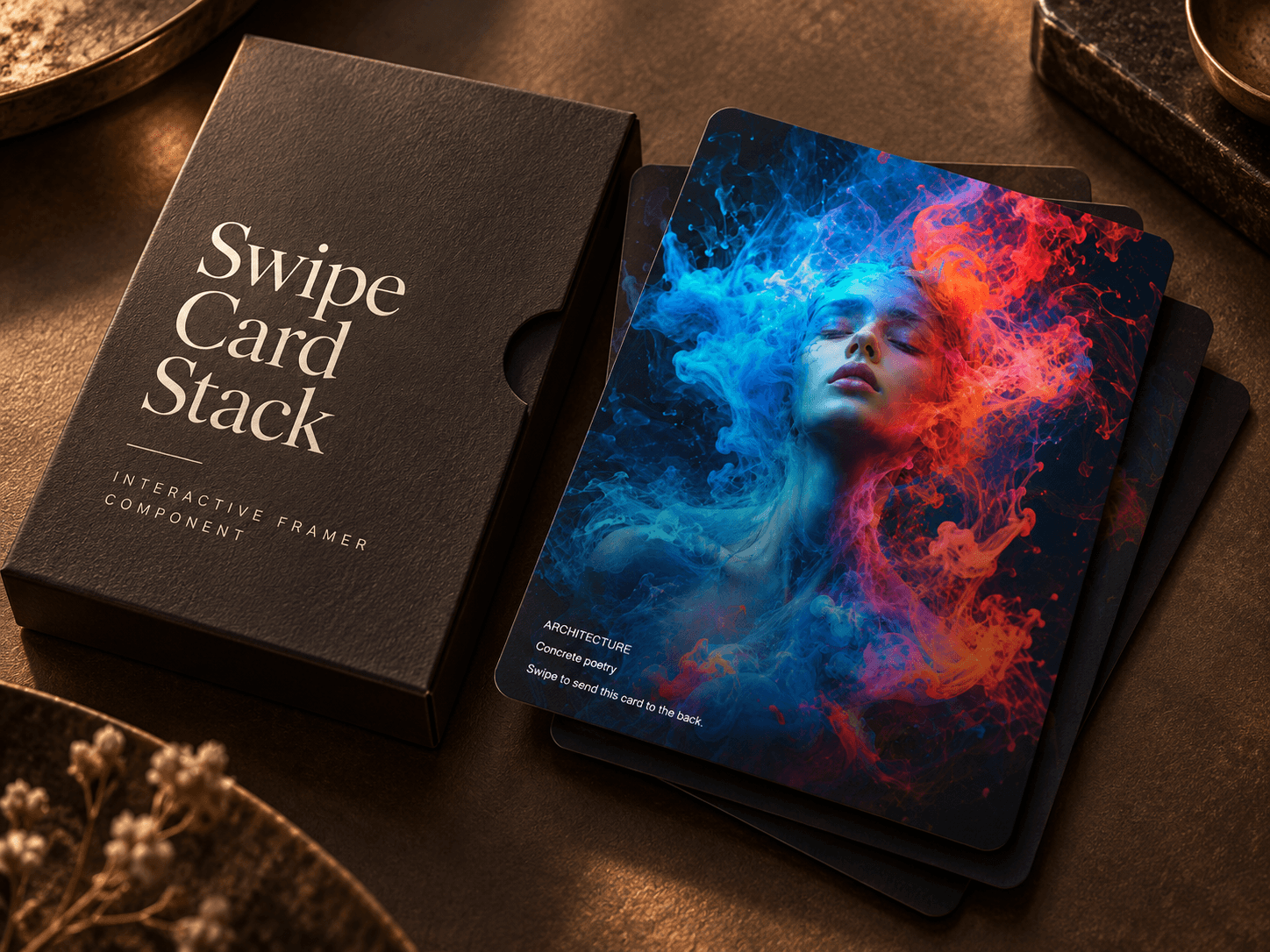
Drag a card left or right, release it, and the next one rises from the stack. The deck loops continuously and can also be controlled with buttons, keyboard arrows, taps, or autoplay.
Everything is editable directly in Framer:
— Images, text, colors, and links — Separate actions for left and right swipes — Shared card aspect ratio — Stack depth, spacing, scale, and rotation — Spring motion and swipe sensitivity — Typography, counter, and navigation buttons — Responsive sizing for every breakpoint
Copy it, replace the demo cards, and make the stack yours.
New component: Interactive Text Surface.
Move the cursor across the type and watch the letters lift away from their shadow.
The text stays fully editable — this isn’t an image pretending to be typography. Customize the font, colors, depth, radius, softness, lighting and responsive behavior directly in Framer.
Also included:
— Touch interaction — Responsive Auto Fit — Reduced-motion support — Static Canvas fallback — No external dependencies
Built for expressive hero sections, portfolios and editorial layouts.
Gravity Well is live—and completely free.
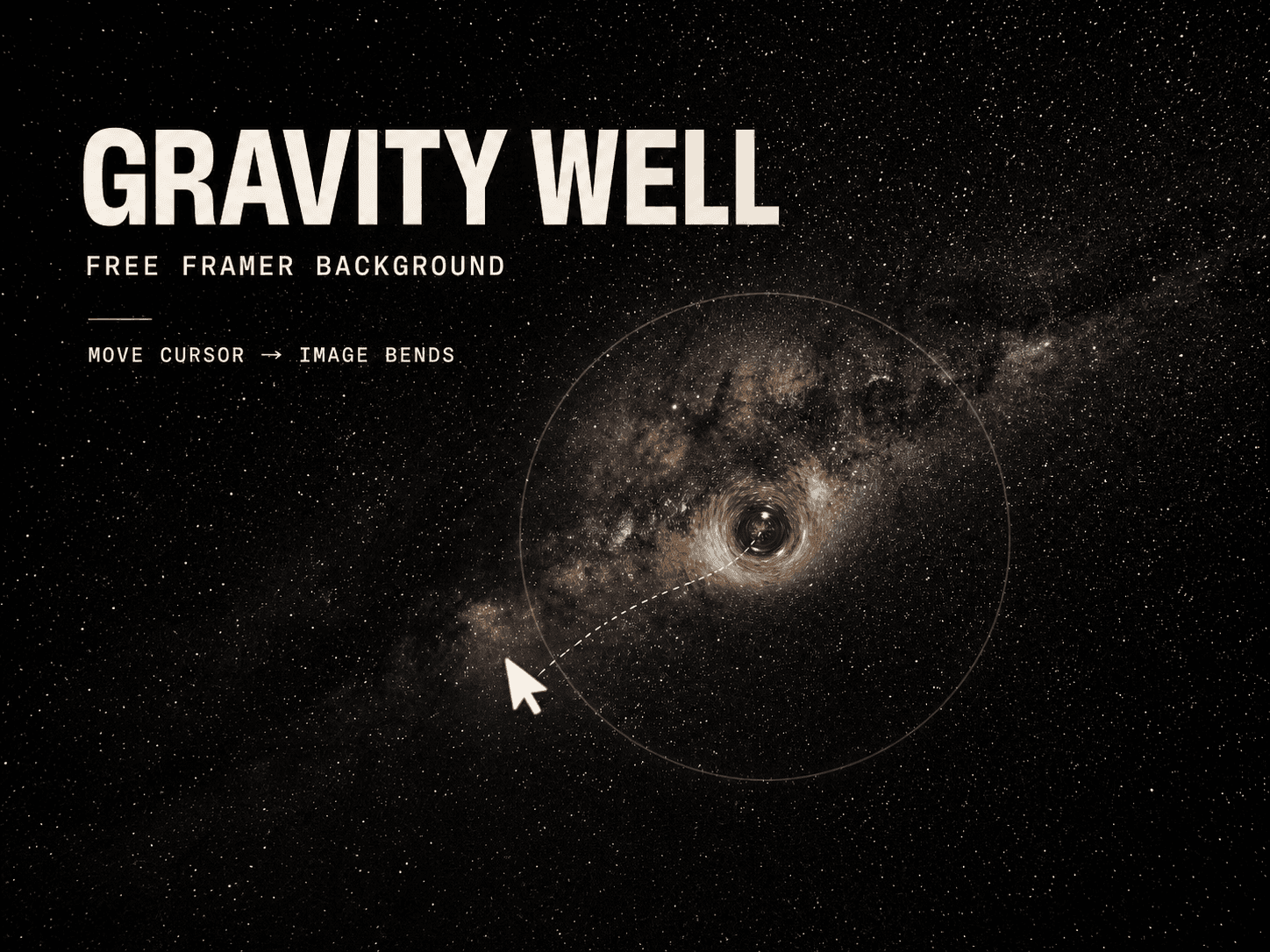
Drop in any image and turn it into a cursor-reactive surface that bends, lifts, and casts its own dynamic shadow.
✦ Adjustable depth and radius ✦ Smooth cursor tracking ✦ Mobile touch support ✦ Responsive image fitting ✦ No external dependencies ✦ Reduced Motion and static rendering
No Three.js. No setup circus. Just add the component, choose an image, and move the cursor.
New component: Animated Text Fill 🌈
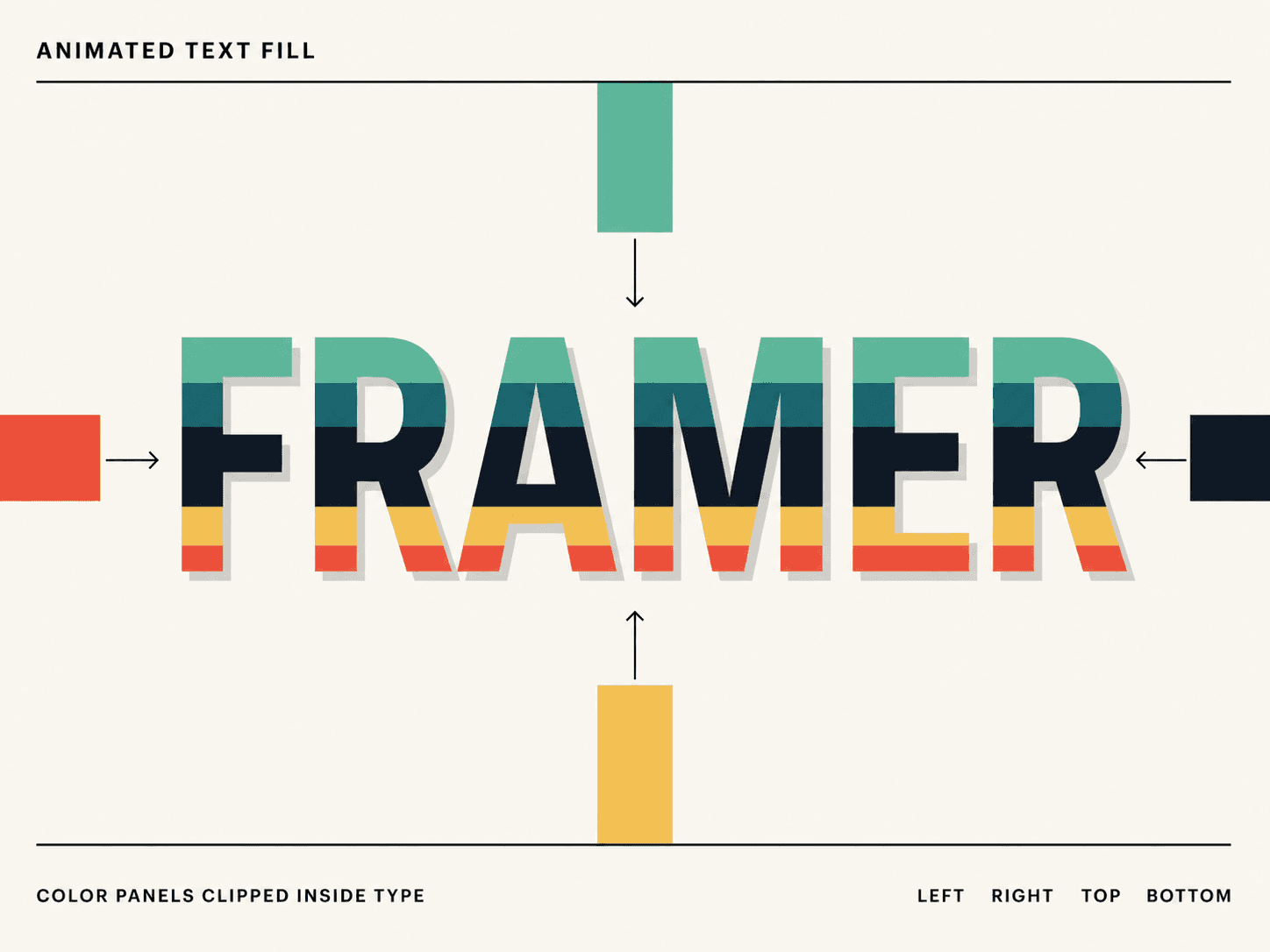
Layer up to eight animated color panels inside fully editable text. Reveal them from the left, right, top, or bottom — then trigger the effect on loop, hover, or whenever the headline enters the viewport.
Custom typography, multiline support, shadows, timing controls, responsive scaling, and no external dependencies. The static renderer is handled too, because apparently we enjoy passing review on the first attempt.
Made for bold heroes, editorial layouts, portfolios, and campaign pages.
Color shouldn’t have to sit still.
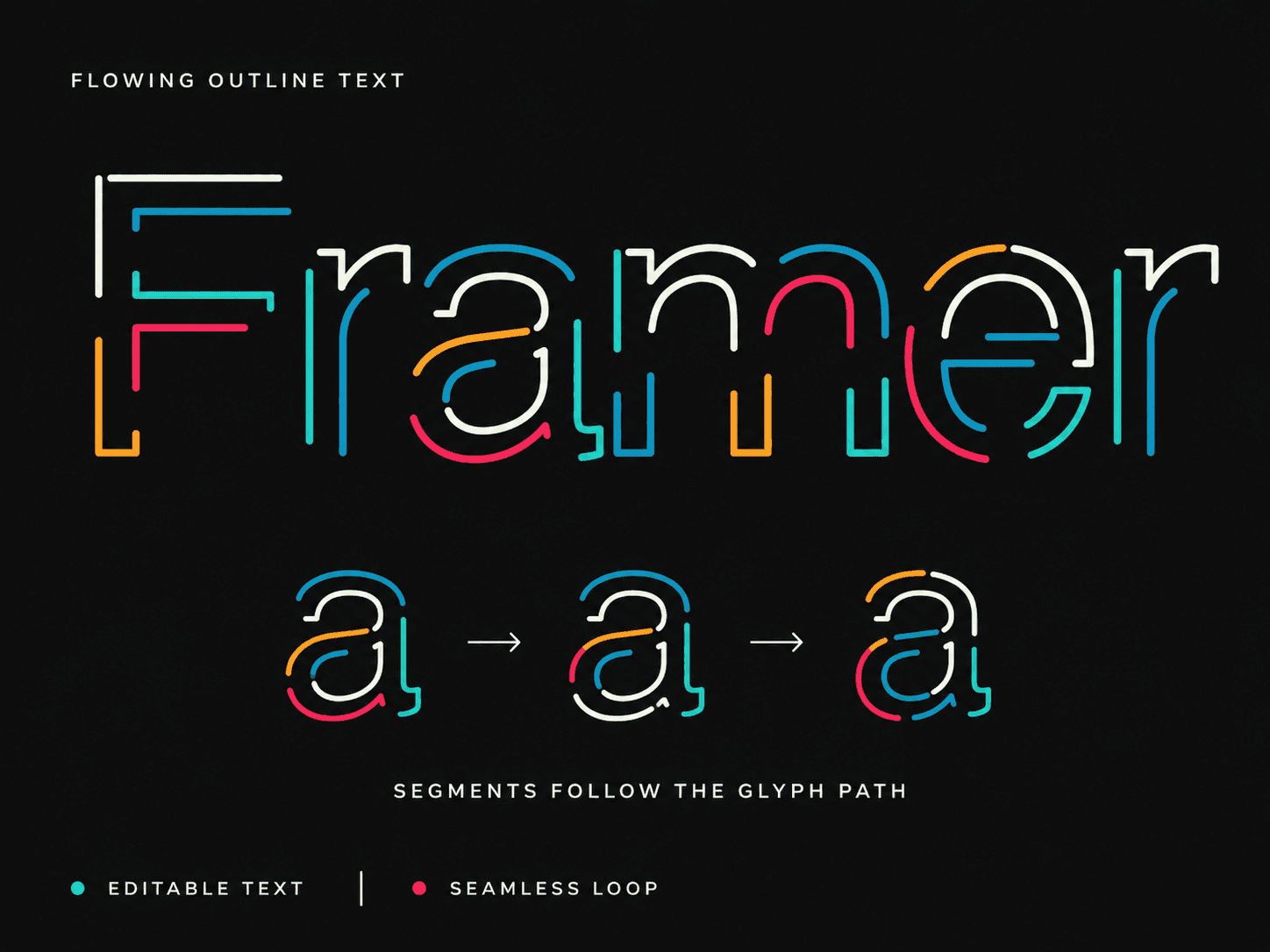
Flowing Outline Text sends customizable color segments around the real outline of every glyph—while the text stays fully editable.
Change the font, palette, stroke, spacing, speed, and direction directly inside Framer. The component is responsive, dependency-free, static-renderer safe, and automatically pauses when it leaves the viewport.
Built for hero sections, launch pages, portfolios, posters, and anywhere ordinary typography feels suspiciously well-behaved.
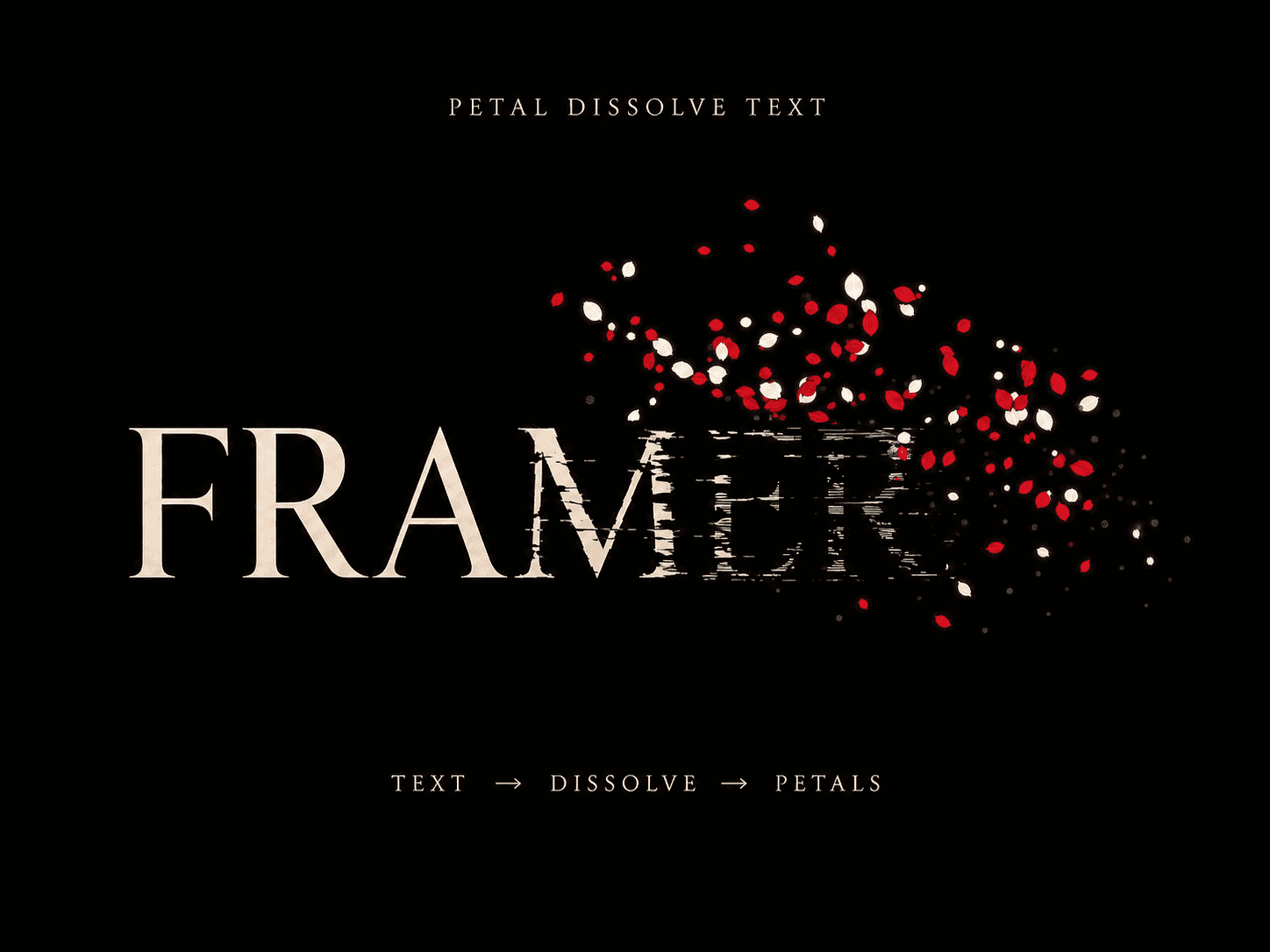
New component drop: Petal Dissolve Text 🌹
The letters don’t simply fade—they fracture into nervous sliced strips before releasing drifting petals and glowing dust.
Customize the text, typography, colors, particle density, dissolve pattern, flow direction, timing, and trigger directly in Framer. Cinematic mode provides the maximum particle density for dramatic hero sections.
Built with Canvas, fully responsive, dependency-free, and automatically paused outside the viewport.
Made for editorial heroes, portfolios, campaigns, fashion pages, and every website that could use a slightly unnecessary amount of drama.
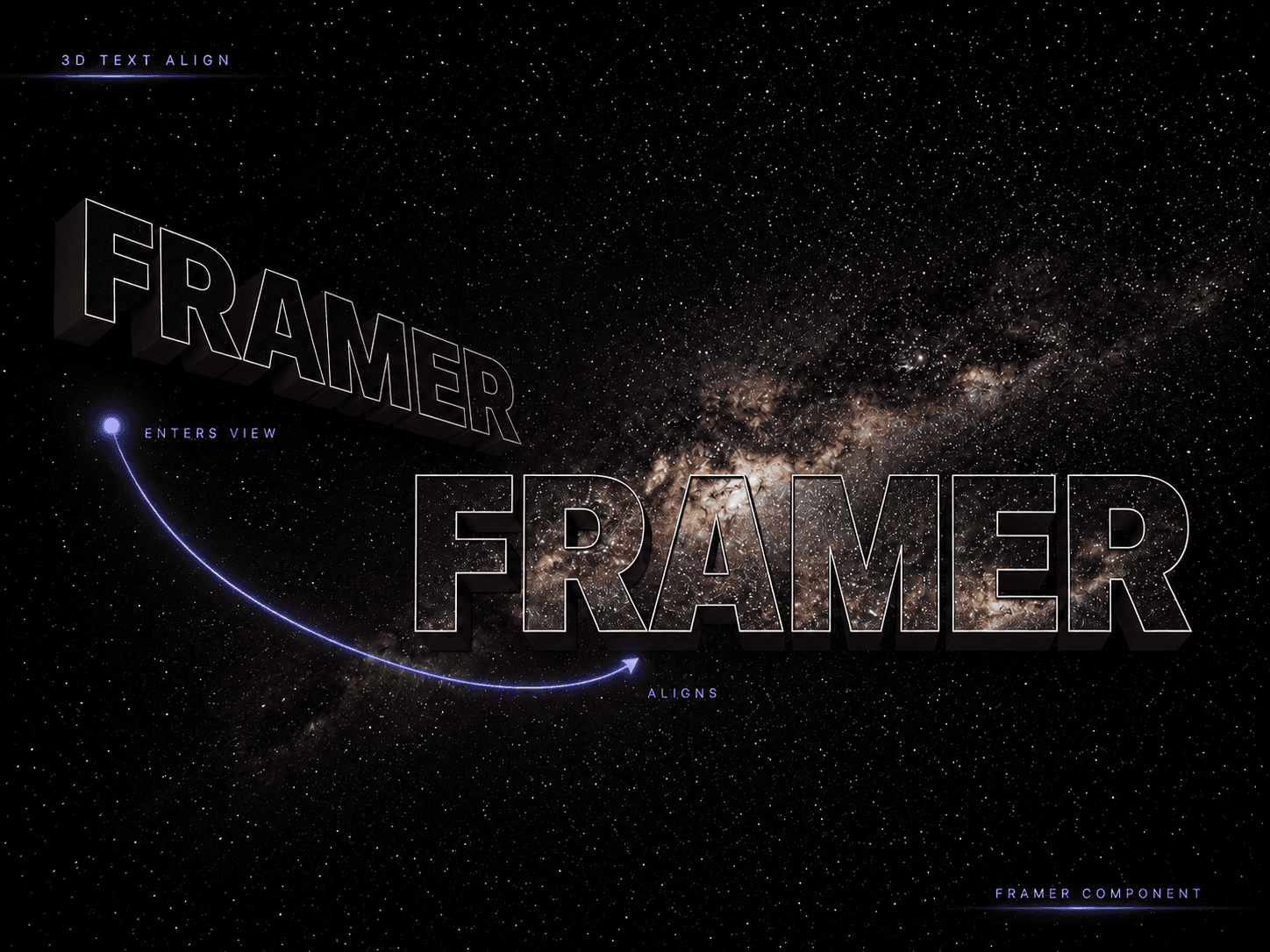
Just dropped Nebula 3D Text Align ✦
A responsive typography component that starts in perspective and smoothly aligns whenever it enters the viewport.
Add your own text, font, image fill, background, stroke, depth, glow, and timing — all through clean Framer controls. Responsive sizing is built in, advanced settings stay out of the way, and animations automatically pause offscreen.
No Three.js. No external scripts. No ritual sacrifice to the performance gods.
Perfect for hero sections, portfolios, creative studios, and experimental landing pages.
New Framer component: Comic Pop Text 💥
Turn ordinary headlines into responsive comic-book typography with animated letters, curved layouts, bold outlines, offset shadows, and customizable halftone backgrounds.
The desktop composition follows one continuous arc. On smaller screens, the headline automatically stacks its words and switches to independent mobile typography settings.
Customize the text, font, colors, sizes, outlines, spacing, shadows, pattern, breakpoint, and animation directly from Framer’s properties panel—no code editing required.
It also includes reduced-motion support and a static version for Framer Canvas, thumbnails, and exports.
Made for playful landing pages, portfolios, launches, events, and hero sections that have no interest in whispering.
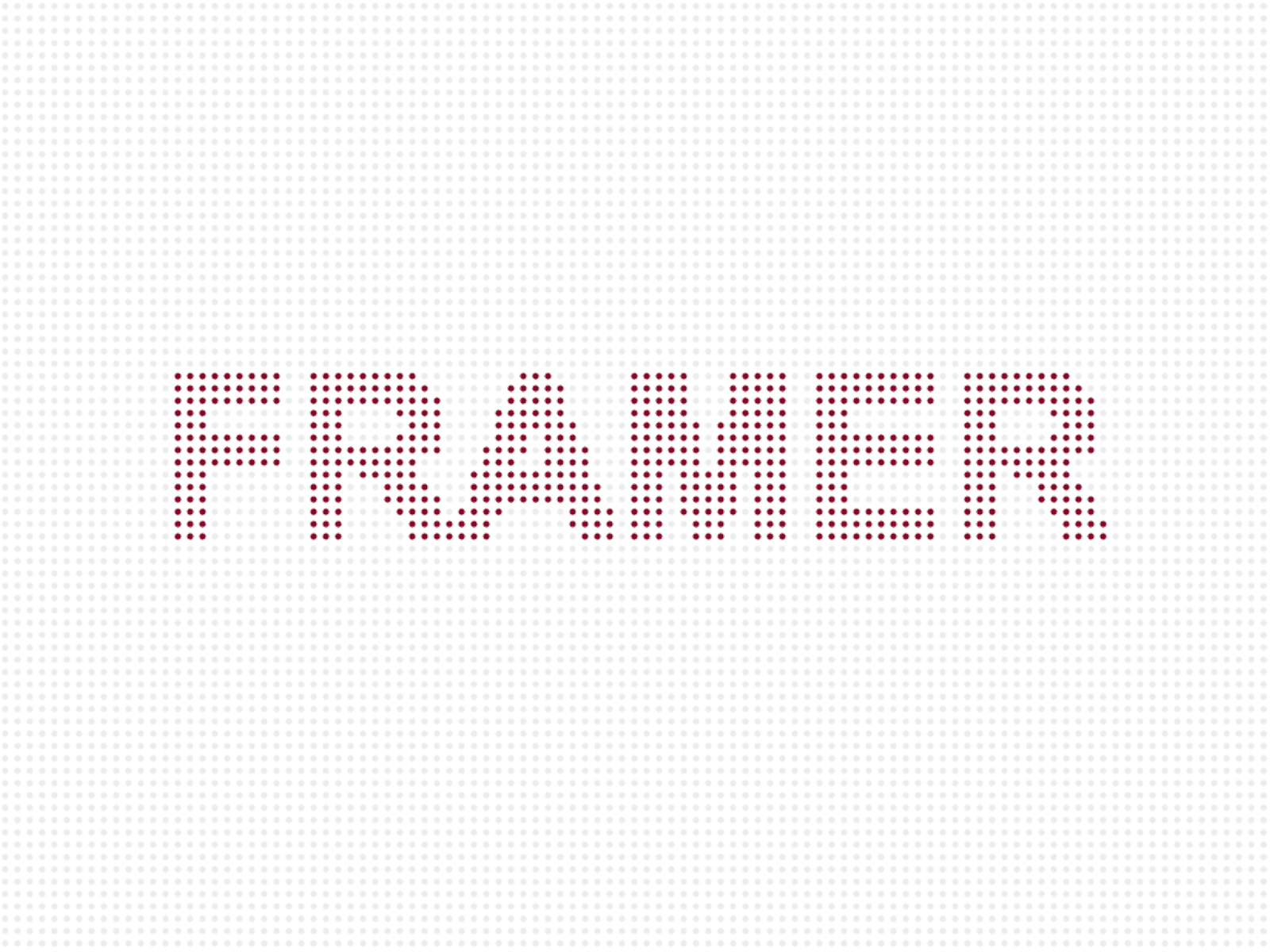
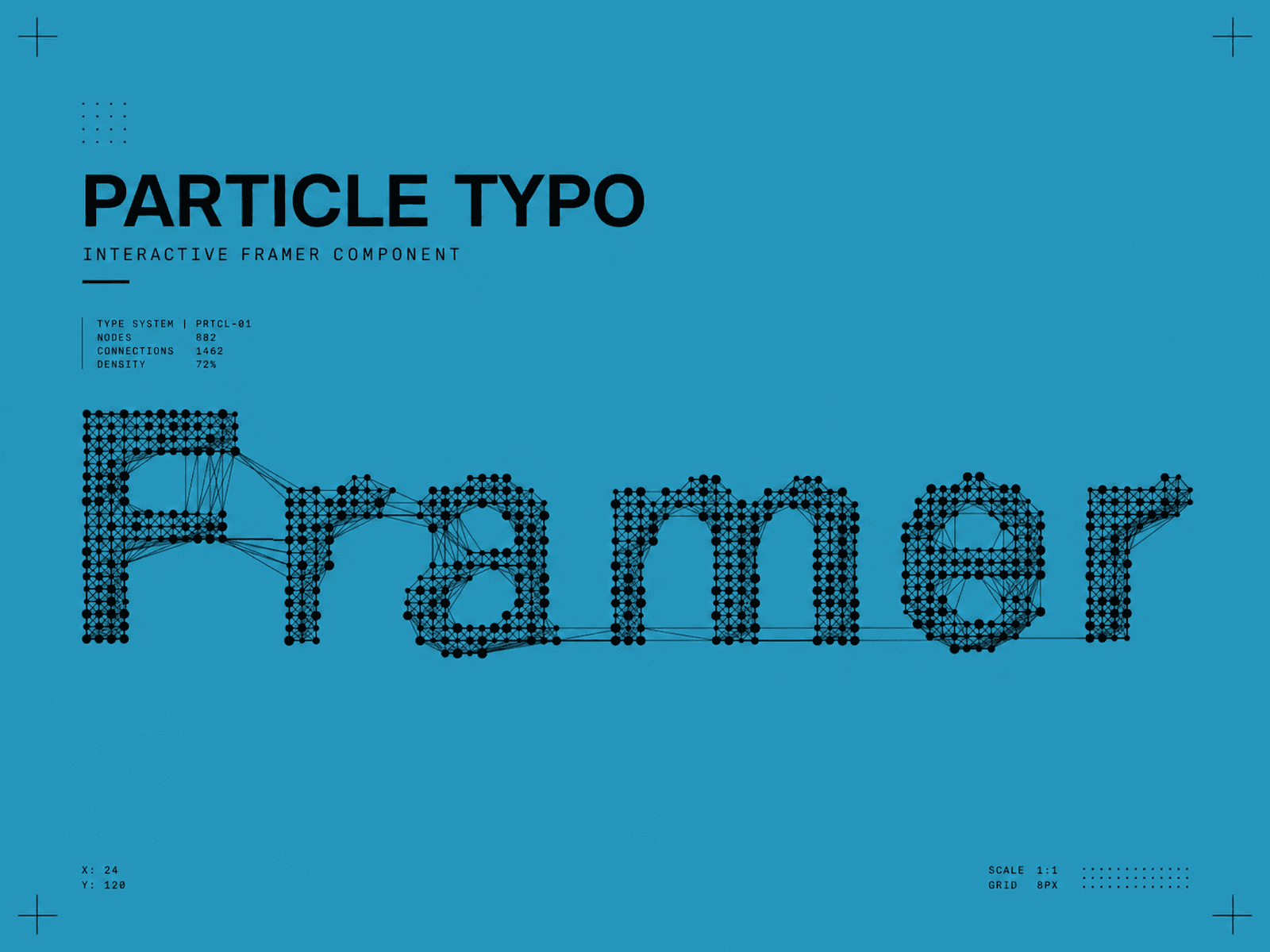
Particle Typo turns any text into animated particles.
Enter your own words, choose the typography, adjust the particle density, and control how the effect appears across desktop and mobile.
Choose between Reveal, Loop, and Static modes. Every visual and animation setting is available directly inside the Framer properties panel — no code editing, external scripts, or CDN dependencies.
Made for expressive hero sections, experimental portfolios, event pages, creative studios, and anywhere ordinary typography feels painfully well-behaved.
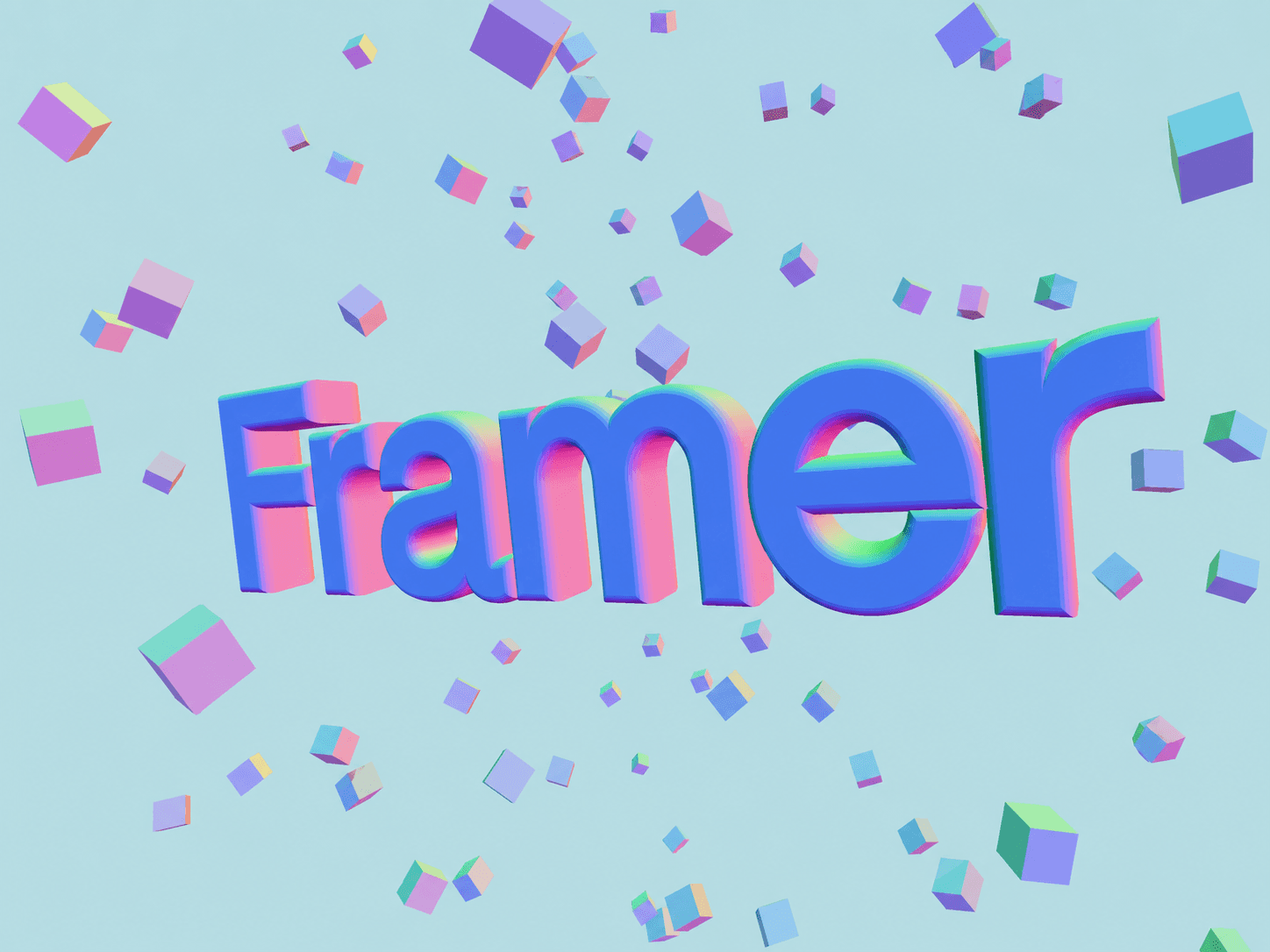
Your headlines have spent enough time lying flat.
Floatype turns editable text into an interactive 3D scene surrounded by floating cubes. Everything is controlled directly inside Framer: text, colors, depth, bevel, cube density, transparency, background, and interaction style.
Choose Float for spatial movement or Zoom for a centered depth effect. It works with mouse and touch, adapts to its container, and includes a static rendering mode for the Framer Canvas.
No code editing. Just add the component, type something worth floating, and let gravity resign.
→ Try Floating 3D Typography in Framer.


