FormsReach
FormsReach

FormsReach

Form submissions to WhatsApp, email & more - no backend required.

FormsReach

Hey everyone 👋

We shipped a guide for connecting FormsReach to Framer.

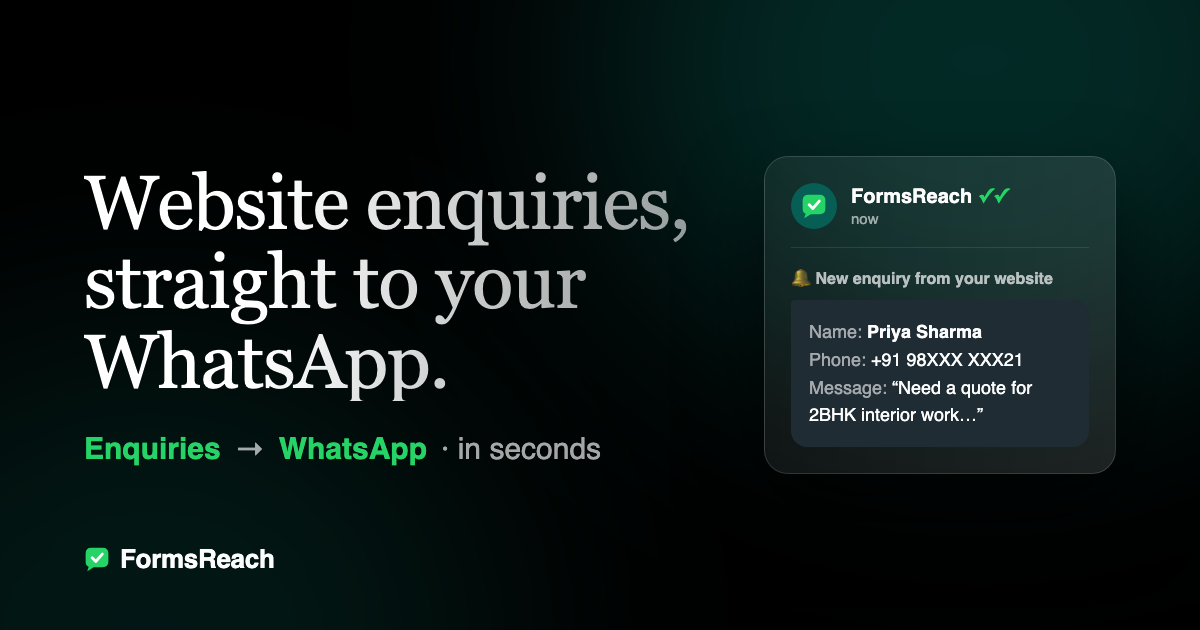
FormsReach - Get your website form submissions directly to Whatsapp, email and more - No backend required.

If you’re shipping contact forms in Framer and don’t want custom backends, serverless glue, or DIY email/WhatsApp pipelines:

1. Design the page in Framer

2. Open the FormsReach plugin

3. Create a form / copy the API key

4. Paste the key in Framer

5. Publish, copy your domain, allow it in FormsReach

After that, route submissions with channels: email, WhatsApp, Telegram, Discord, webhooks, Google Sheets.

Step-by-step (with screenshots):
FormsReach

Hey everyone 👋

We shipped a guide for connecting FormsReach to Framer.

FormsReach - Get your website form submissions directly to Whatsapp, email and more - No backend required.

If you’re shipping contact forms in Framer and don’t want custom backends, serverless glue, or DIY email/WhatsApp pipelines:

1. Design the page in Framer

2. Open the FormsReach plugin

3. Create a form / copy the API key

4. Paste the key in Framer

5. Publish, copy your domain, allow it in FormsReach

After that, route submissions with channels: email, WhatsApp, Telegram, Discord, webhooks, Google Sheets.

Step-by-step (with screenshots):

FormsReach

Hey everyone 👋

We shipped a guide for connecting FormsReach to Framer.

FormsReach - Get your website form submissions directly to Whatsapp, email and more - No backend required.

If you’re shipping contact forms in Framer and don’t want custom backends, serverless glue, or DIY email/WhatsApp pipelines:

1. Design the page in Framer

2. Open the FormsReach plugin

3. Create a form / copy the API key

4. Paste the key in Framer

5. Publish, copy your domain, allow it in FormsReach

After that, route submissions with channels: email, WhatsApp, Telegram, Discord, webhooks, Google Sheets.

Step-by-step (with screenshots):

FormsReach

Hey everyone 👋

We shipped a guide for connecting FormsReach to Framer.

FormsReach - Get your website form submissions directly to Whatsapp, email and more - No backend required.

If you’re shipping contact forms in Framer and don’t want custom backends, serverless glue, or DIY email/WhatsApp pipelines:

1. Design the page in Framer

2. Open the FormsReach plugin

3. Create a form / copy the API key

4. Paste the key in Framer

5. Publish, copy your domain, allow it in FormsReach

After that, route submissions with channels: email, WhatsApp, Telegram, Discord, webhooks, Google Sheets.

Step-by-step (with screenshots):

https://formsreach.com/integrations/framer/

FormsReach

Hey everyone 👋

We shipped a guide for connecting FormsReach to Framer.

FormsReach - Get your website form submissions directly to Whatsapp, email and more - No backend required.

If you’re shipping contact forms in Framer and don’t want custom backends, serverless glue, or DIY email/WhatsApp pipelines:

1. Design the page in Framer

2. Open the FormsReach plugin

3. Create a form / copy the API key

4. Paste the key in Framer

5. Publish, copy your domain, allow it in FormsReach

After that, route submissions with channels: email, WhatsApp, Telegram, Discord, webhooks, Google Sheets.

Step-by-step (with screenshots):

https://formsreach.com/integrations/framer/