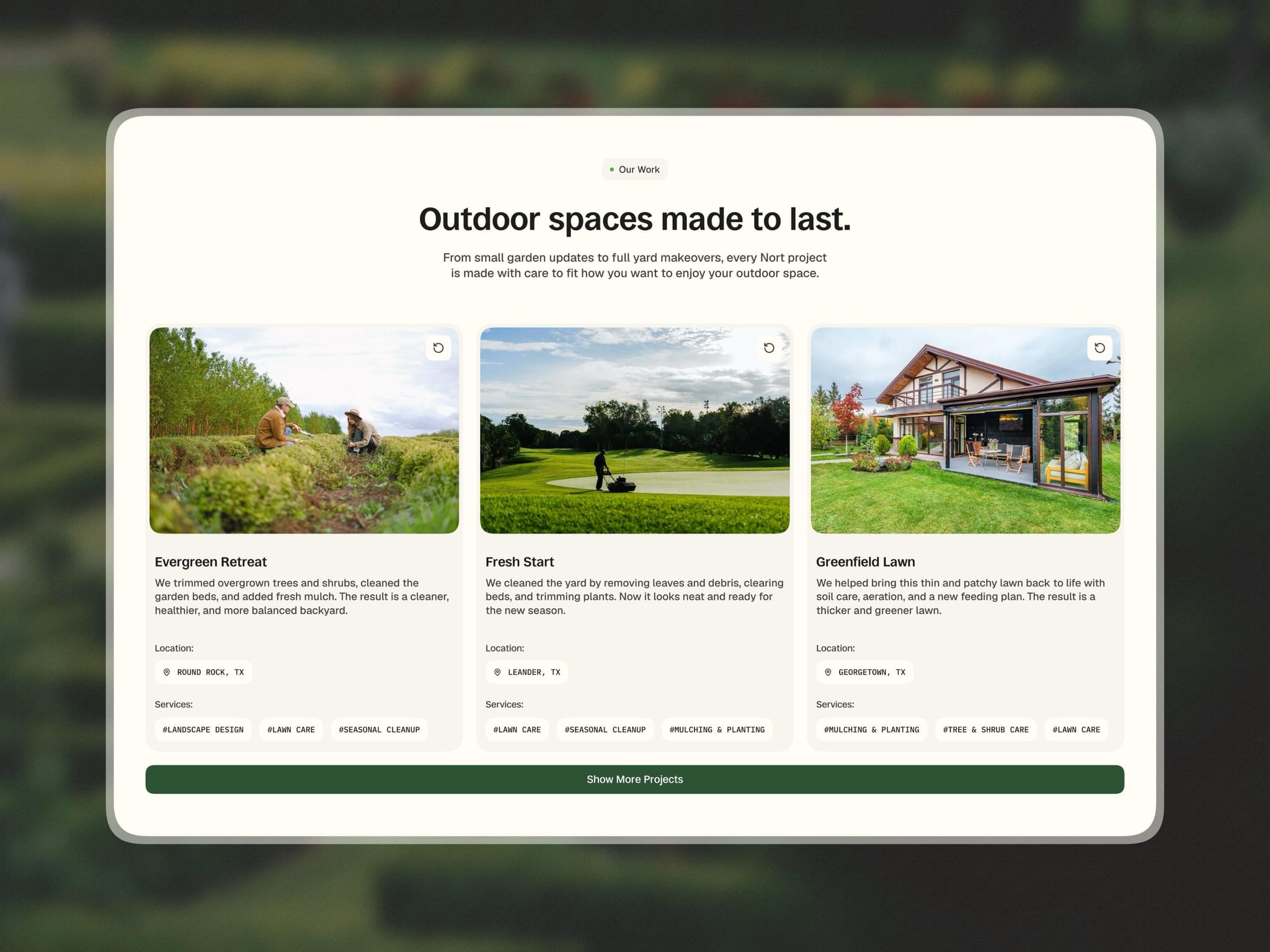
I’m building a Framer template using a native CMS Collection List with the built-in Load More feature.
I have 6 items in my Services collection, but I initially display 3. I want around 64px of spacing between the cards and the “Show All Services” button.
The problem is that the native Load More component is placed inside the Collection List, so I can’t move it outside the CMS Grid.
Currently, I’m using:
Collection Grid → Padding Bottom: 107px
Load More → Position: Absolute
Load More → Bottom: 0
This gives me the desired spacing while the button is visible.
However, once all 6 items are loaded, the Load More button disappears but the 107px bottom padding remains, leaving a large empty space before the next section.
I also tried positioning the Load More button outside the grid with a negative bottom value, but that causes the button to overlap with the following section because the CMS Grid doesn't reserve space for an absolutely positioned element.
Is there a native Framer solution for this?
Ideally, I want the behavior to be:
Before loading all items:
Cards → 64px gap → Load More → Next section
After loading all items:
Cards → Next section
I’d like to keep this dynamic and CMS-driven, since I need the same setup for both my Services and Projects collections.
Any recommended approach or workaround would be appreciated.