IconSearch
IconSearch

IconSearch

Making vector icon workflows seamless for Framer creators, agencies, and design teams.

Creator1 Plugin
IconSearch
IconSearch2mo

IconSearch for AI Agents

AI agents are great at building interfaces—but without guidance, they can choose a different icon style on every screen.

IconSearch now gives coding agents a consistent icon system.

With one simple connection, your agent can:

Search 355,000+ icons by meaning and intent

Reuse icons already approved for your project

Save exact SVGs with licence information

Check your project for inconsistent or missing icons

Keep every screen visually consistent

It works with Codex and other MCP-compatible coding agents.

Try it: https://iconsearch.info/agents Setup guide: https://iconsearch.info/docs/agents

#Framer #AI #DesignSystems #MCP #Codex #IconDesign

IconSearch
IconSearch2mo

IconSearch is now live on Webflow Marketplace! 🎉

Great news for Framer users too: you can now use the same IconSearch workflow across both Framer and Webflow.

Search 355,000+ open-source SVG icons, customize their size and color, and insert them directly into your designs. This makes it easier to maintain consistent icons when moving projects, collaborating with Webflow teams, or working with clients across both platforms.

Webflow app

One icon library. Two powerful design platforms. A faster, more consistent workflow.

#Framer #Webflow #WebDesign #SVGIcons #DesignTools #IconSearch

IconSearch
IconSearch2mo

If you write custom code components in Framer or work closely with frontend developers building your designs in code, this one is for you.

We just launched IconSearch for VS Code!

Now you don't need to open a browser tab every time you need an icon while coding. You can search 355,000+ vector icons directly from your VS Code sidebar and copy SVG code, React TSX components, or Tailwind snippets straight into your files.

Best of all, you can sign in with your same IconSearch account across Framer, Figma, and VS Code.

Key features in VS Code:

Search 18+ open-source libraries and 200+ icon sets directly inside your editor

One-click copy for React TSX, Vue, SVG paths, and Tailwind HTML

Legal-Safe filter to exclude trademarked logos during commercial development

Get the plugin here: VS Code Marketplace Link

Or explore all our plugins and tools at iconsearch.info.

We’d love to hear what other code editor tools or integrations would make your build workflow easier!

IconSearch
IconSearch2mo

If you design your initial UI in Figma before building in Framer, keeping your icons consistent between both tools can be tricky.

We just launched IconSearch for Figma!

Now you can access the exact same catalog of 355,000+ vector icons across both tools. Search across Lucide, Heroicons, Tabler, Phosphor, Radix, and 200+ icon sets directly inside Figma—so your icons stay perfectly matched when you move designs over to Framer.

Best of all, you can sign in with your same IconSearch account across both Framer and Figma to sync your saved preferences and access.

Key features in Figma:

Drag-and-drop clean vector paths directly onto your frames

Customize size, stroke weight, and hex color upfront

Legal-Safe filter to screen out trademarked logos for commercial work

Try the Figma plugin here: Figma Community Link

Or explore all our plugins and tools at IconSearch

10:47 AM

IconSearch
IconSearch3mo

Switching tabs between Framer and external icon sites slows down your design process.

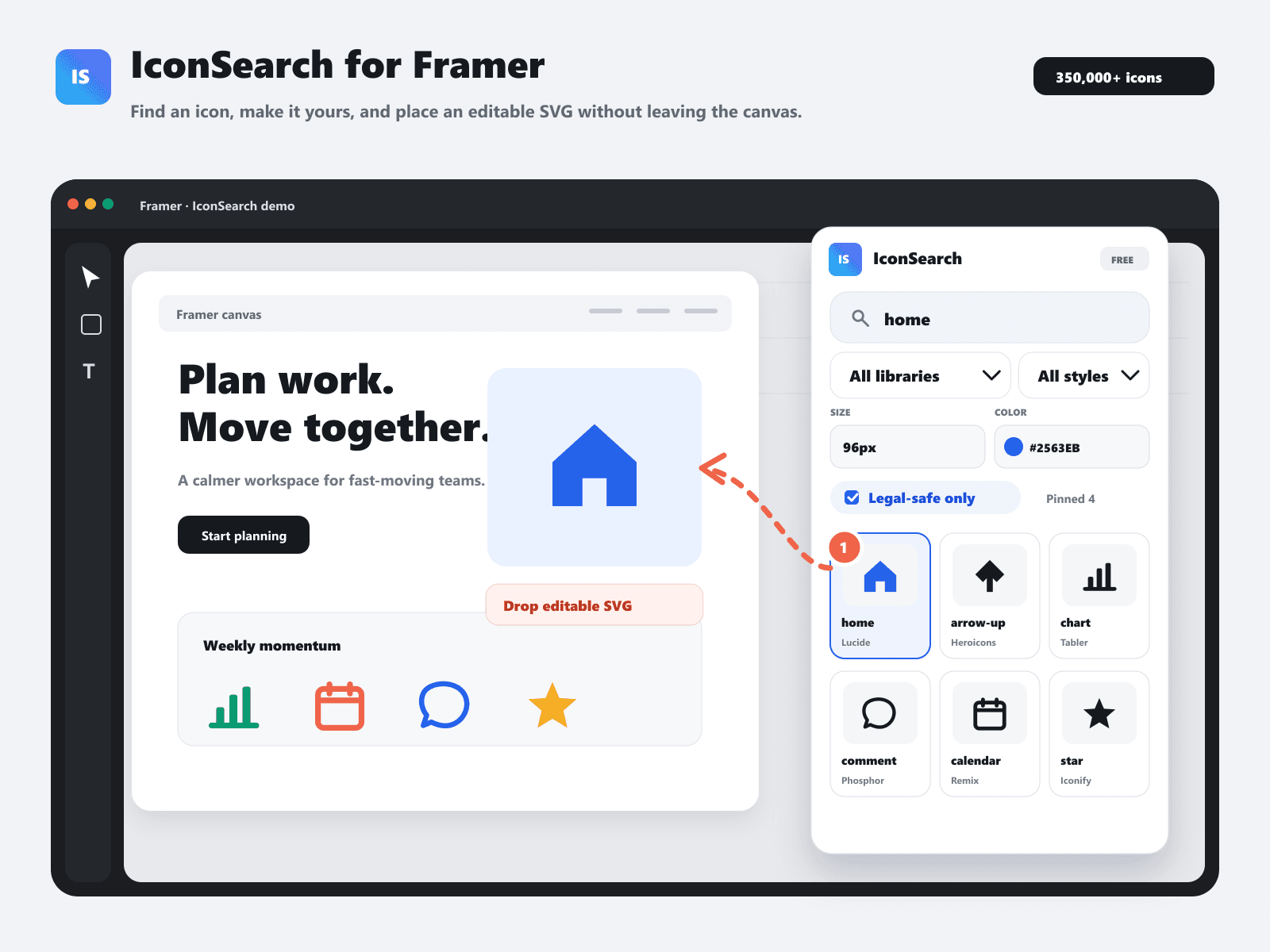
The IconSearch Framer Plugin brings 355,000+ vector icons straight into your Framer canvas. Search across Lucide, Heroicons, Tabler, Phosphor, Radix, and 200+ icon sets from a single panel.

Key features:

Direct drag-and-drop vector insertion

Set size, stroke, and hex color before dropping into your canvas

Legal-Safe filter to hide restricted brand logos for commercial client work

Install it directly on the Framer Marketplace or check out iconsearch.info.

IconSearch
IconSearch3mo

If you build sites in Framer, you probably know the annoyance of icon hunting. You leave your canvas, open a browser tab, search across two or three different icon sites, copy an SVG, paste it into Framer, and then spend time cleaning up messy vector paths or fixing colors. It breaks your focus every single time.

That is why we built IconSearch for Framer.

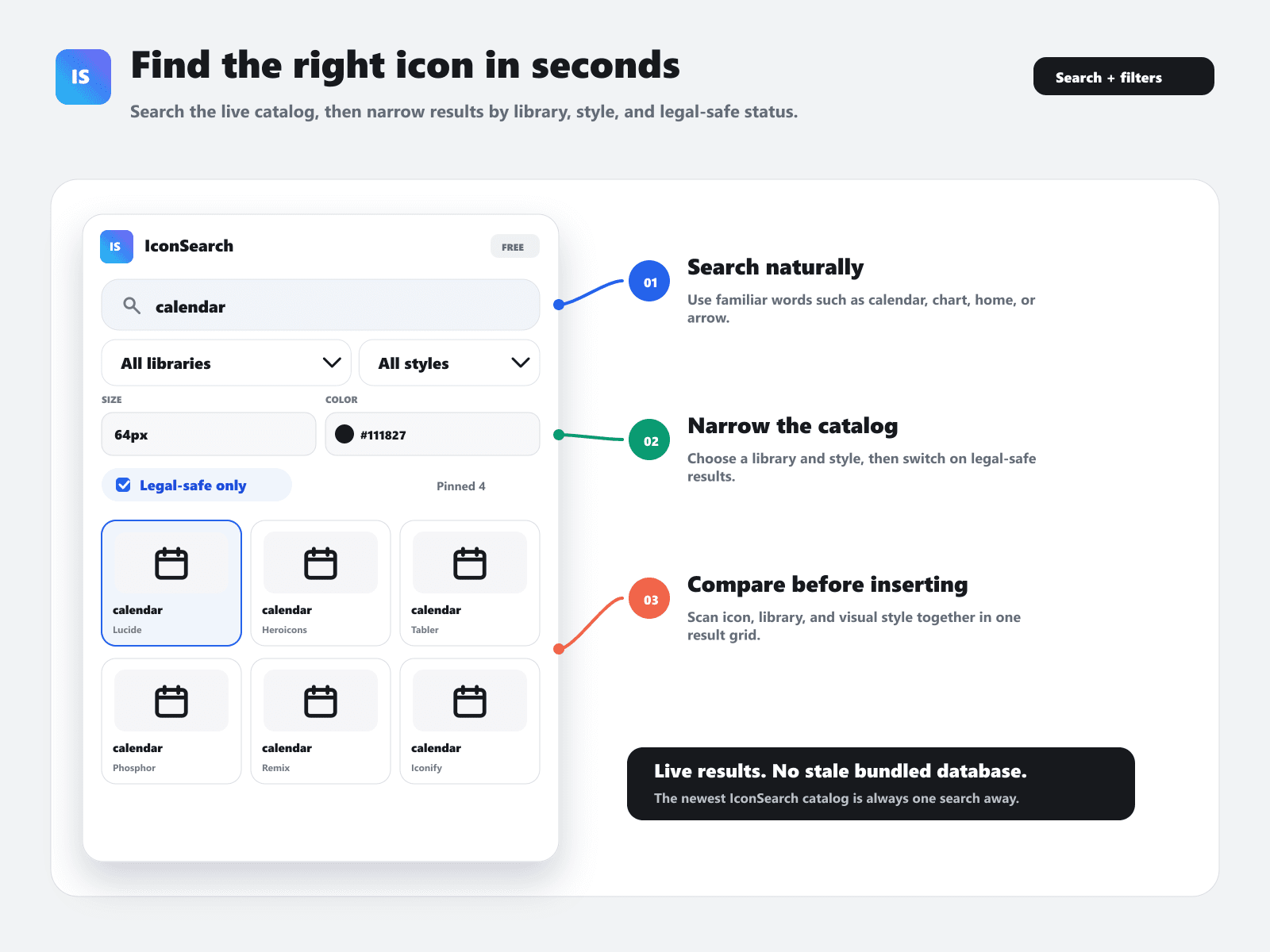
It puts a live catalog of 355,702 searchable SVG icons right inside your Framer workspace. You can search across 18 named open-source libraries—like Lucide Icons, Heroicons, Tabler Icons, Phosphor Icons, Remix Icon, Feather Icons, Radix Icons, Iconoir, Octicons, Ant Design Icons, Devicons, and Teenyicons—plus 227 Iconify collections, all without ever switching tabs.

Here is how it actually helps your daily workflow:

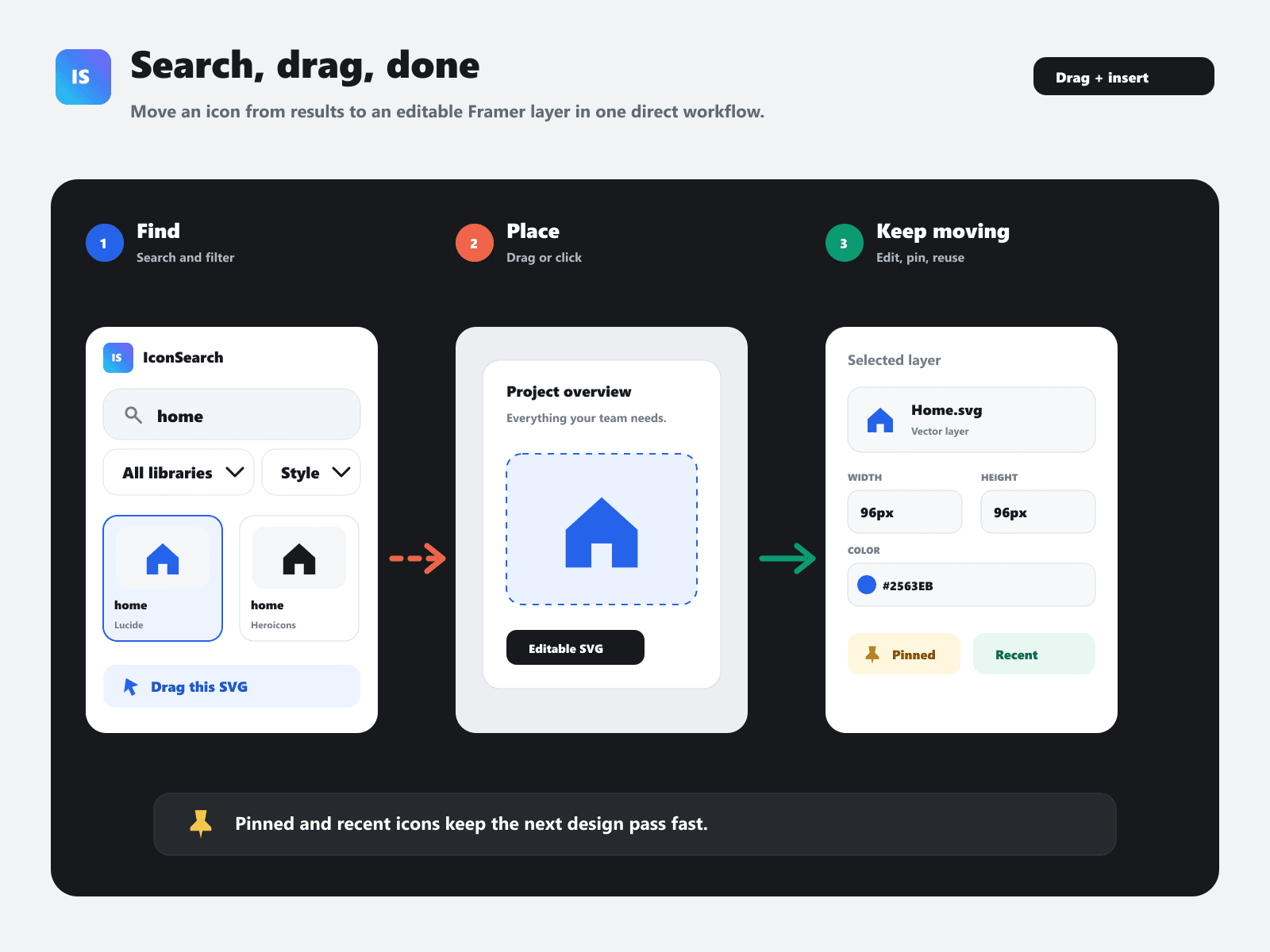
Drag and drop onto canvas: Drag any icon directly out of the plugin panel right onto your layout, or click to insert instantly.

Clean, editable vector paths: No extra wrappers, weird masks, or junk layers. You get proper, clean SVG paths inside Framer so you can adjust strokes and fills easily.

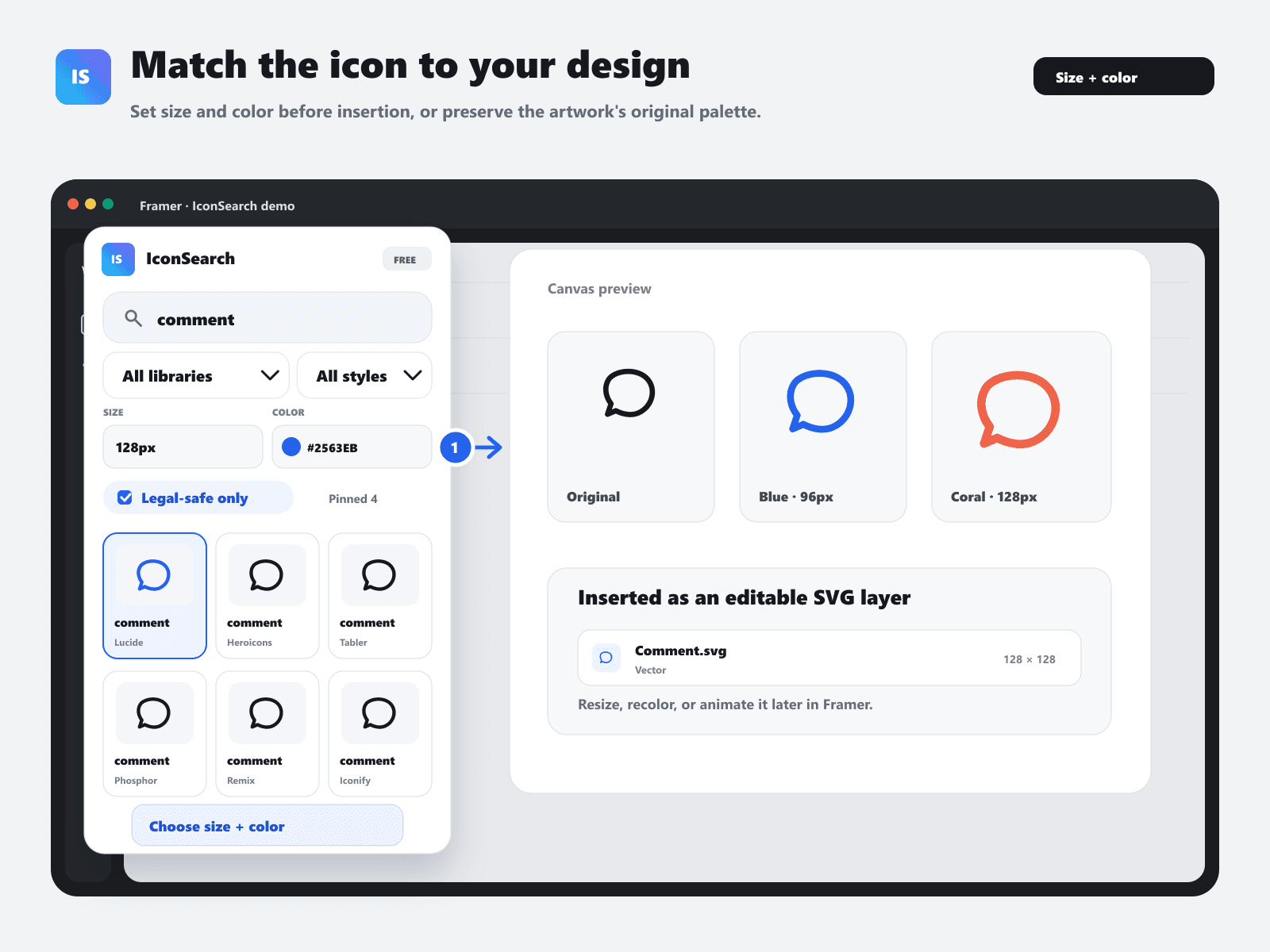
Custom size and color upfront: Set your pixel dimensions (48px to 256px) and hex color before dropping the icon into your canvas, or keep the original multi-color styling.

Filter by style: Easily filter by outline, solid, duotone, two-tone, or sharp styles so your UI looks cohesive.

Commercial / Legal-safe mode: Toggle legal-safe filtering when working on client projects to automatically exclude trademarked logos and brand icons.

Pin your go-to icons: Keep your project's primary icon set pinned at the top along with your recent history so you don't have to keep searching for the same home or arrow icon across different pages.

It's live now on the Framer Marketplace.

If you design or build in Framer, please download it, test it out in your next project, and let us know what you think. We'd love to hear your feedback and suggestions for what features or libraries to add next!

Link: framer.com/@iconsearch

7:05 PM