Set Up in 3 Steps
1. Copy the component and paste it into your Framer project.
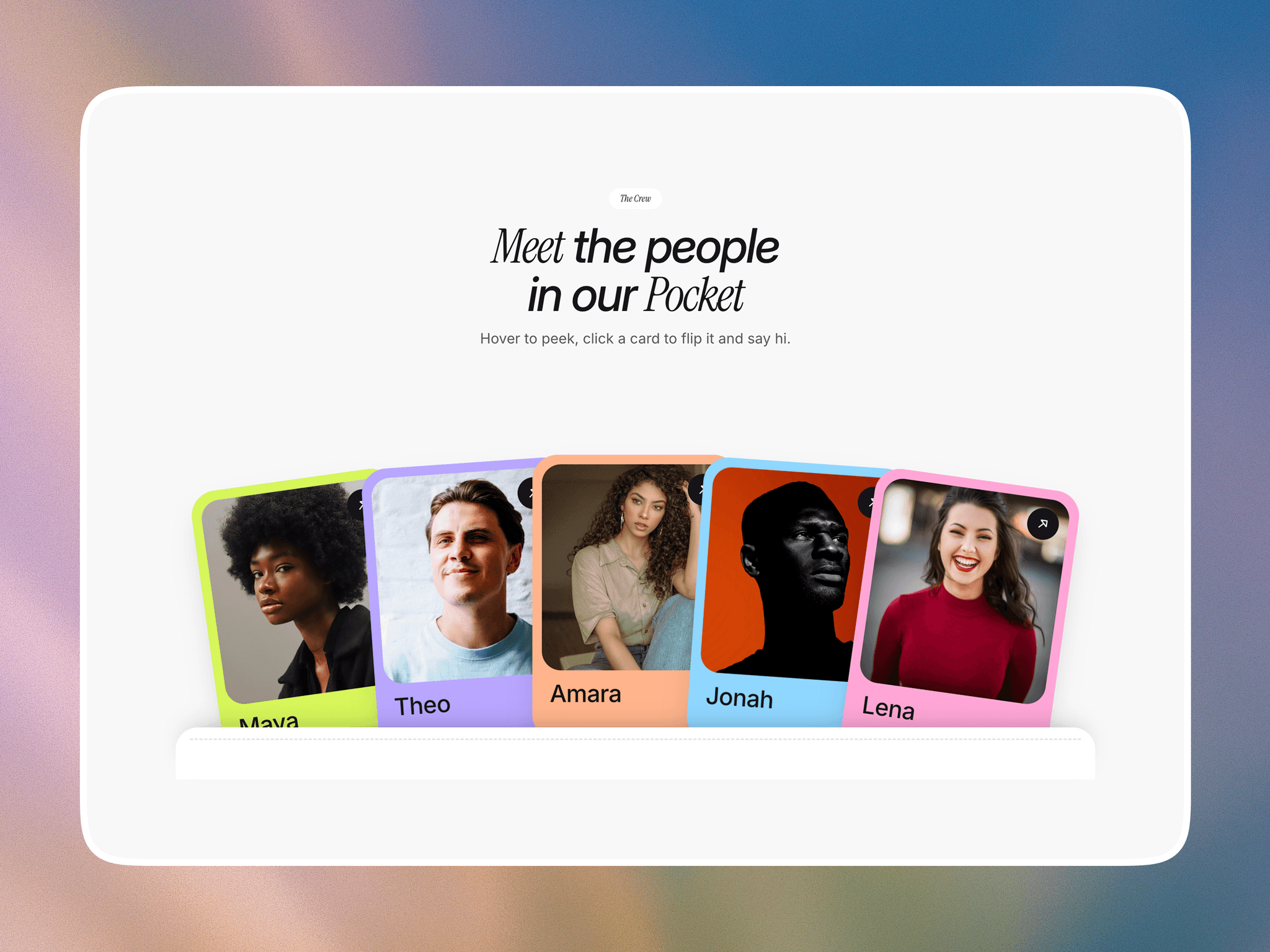
2. Open the members CMS collection and replace the sample members with your own name, photo, card colour, role, bio and link.
3. Need more people? Ask Framer’s agent, for example: “Add two more cards to Pocket Team Cards, connected to the next CMS items.” Then publish.
Link in comment.
@framer