Lucidshade
Lucidshade

Lucidshade

Framer templates for AI, SaaS and app launches: Runlance, Loopline, T2 and Launchpad. Editable UI built as code components.

Creator5 Templates
Lucidshade
Lucidshade3d

Before you buy a Framer template, open the live preview and check five things:

1. CMS. Are the blog, changelog or case studies real CMS collections, or static pages you will copy by hand?

2. Breakpoints. Resize the window. Are there real tablet and phone layouts, or a squeezed desktop?

3. Styles. Are colors and fonts set as styles, so a rebrand is one change instead of fifty?

4. Contrast. Can you read the light text on photos and gradients? If not, you will fix it later.

5. Support and license. Is there a contact, a refund rule and clear terms for client work?

What else do you check before you buy?
Lucidshade
Lucidshade4d

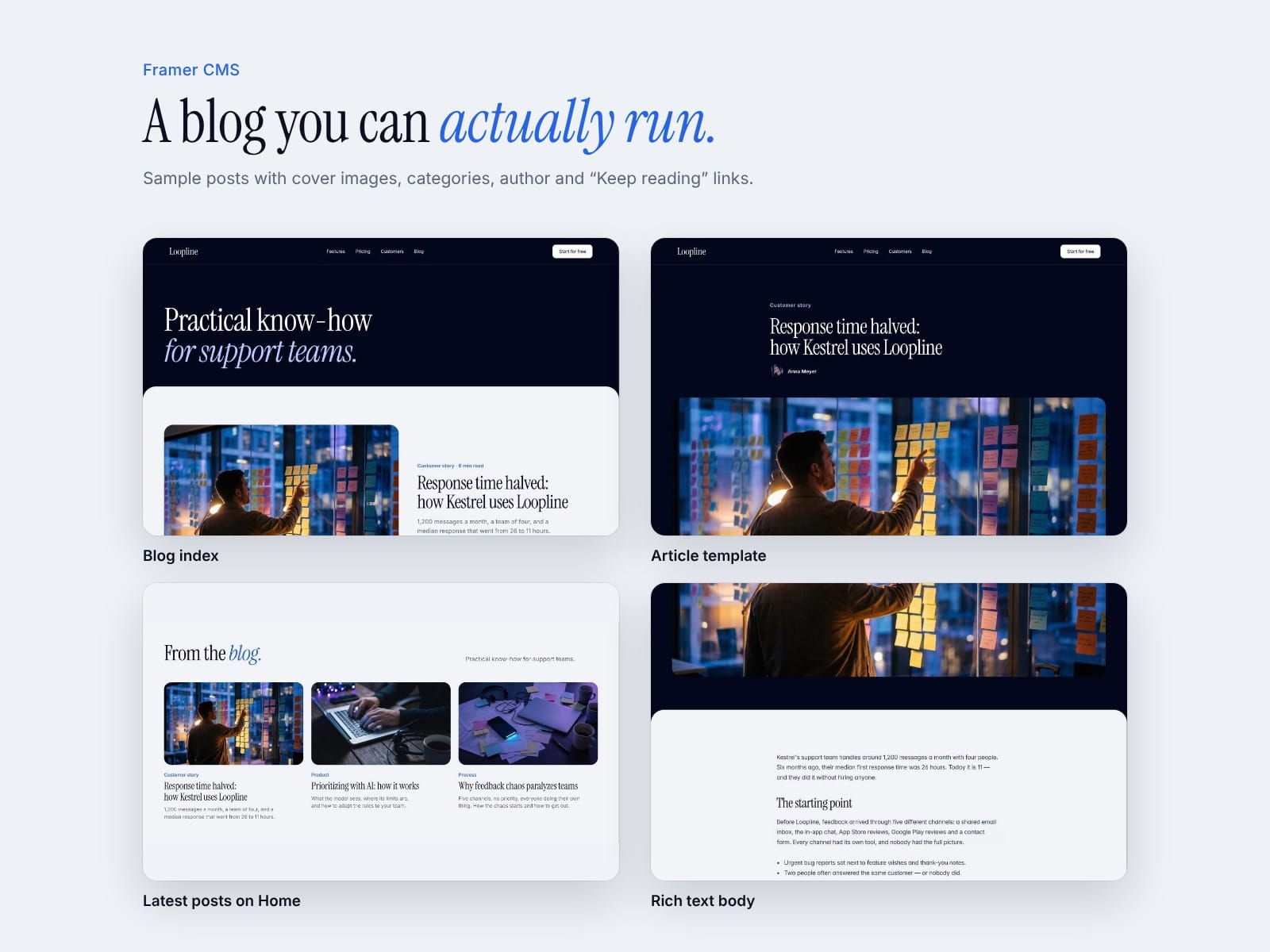
Write a blog post once, and it shows up in three places.

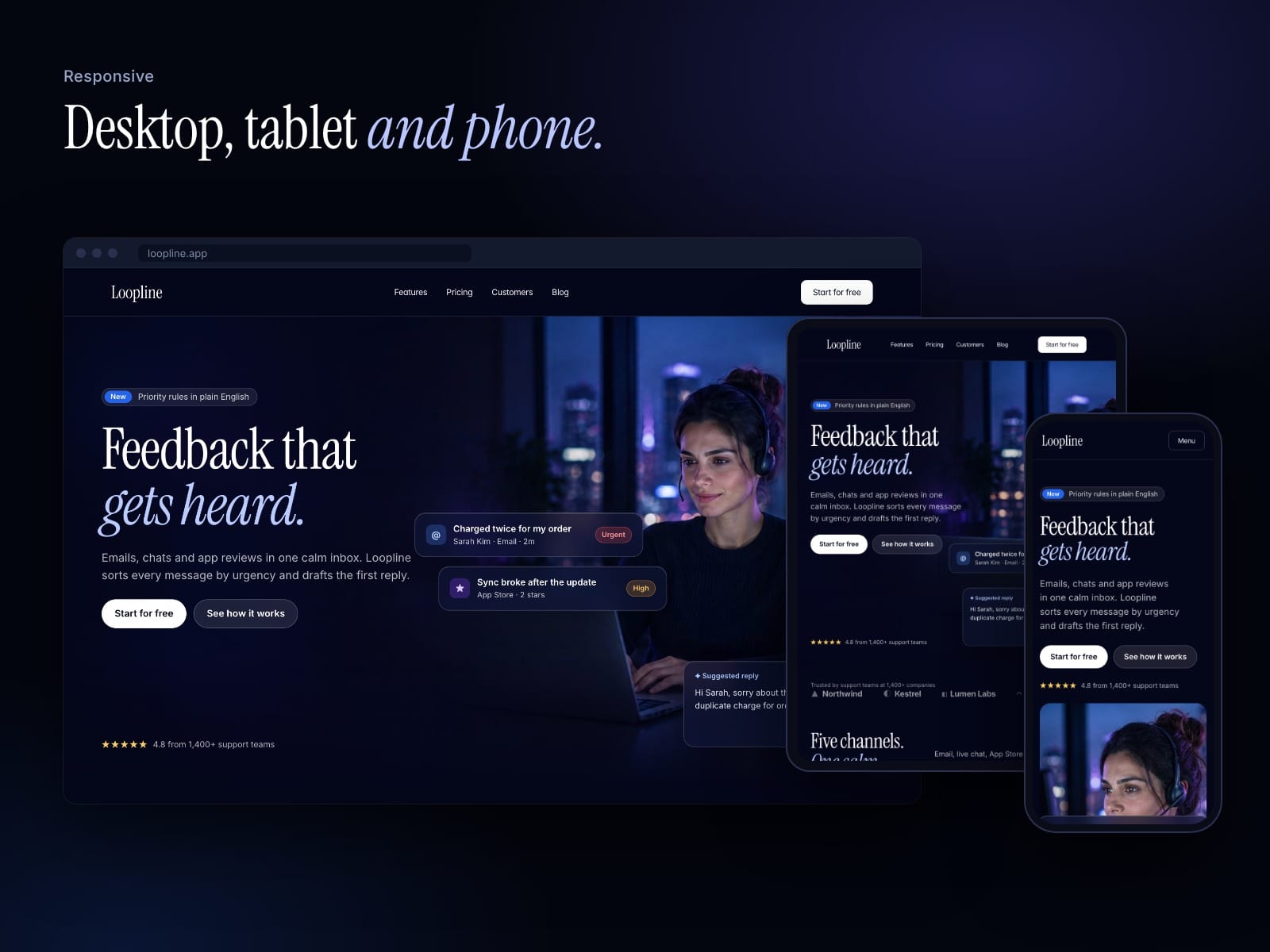
In Loopline the blog index, the article page and the latest posts on Home all read from one Framer CMS collection. Nothing is copied between pages, so nothing goes out of sync when you add or edit a post. Three sample articles with cover images are included.

How do you handle the latest posts block on your Home page: a CMS list with a limit, or something else?

Template: https://www.framer.com/marketplace/templates/loopline/

Lucidshade
Lucidshade5d

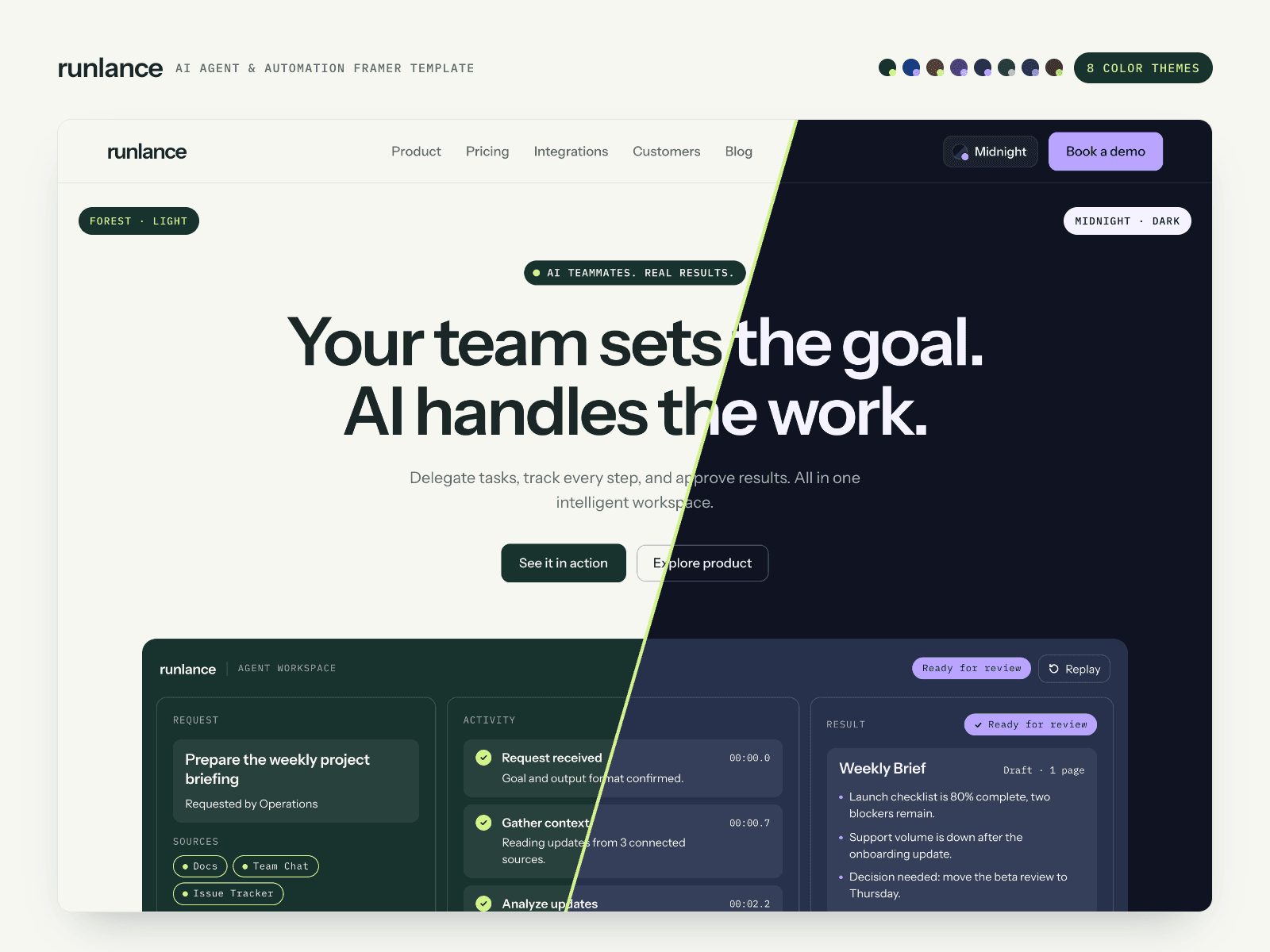
How we built 8 color themes into one Framer template without duplicating a single page.

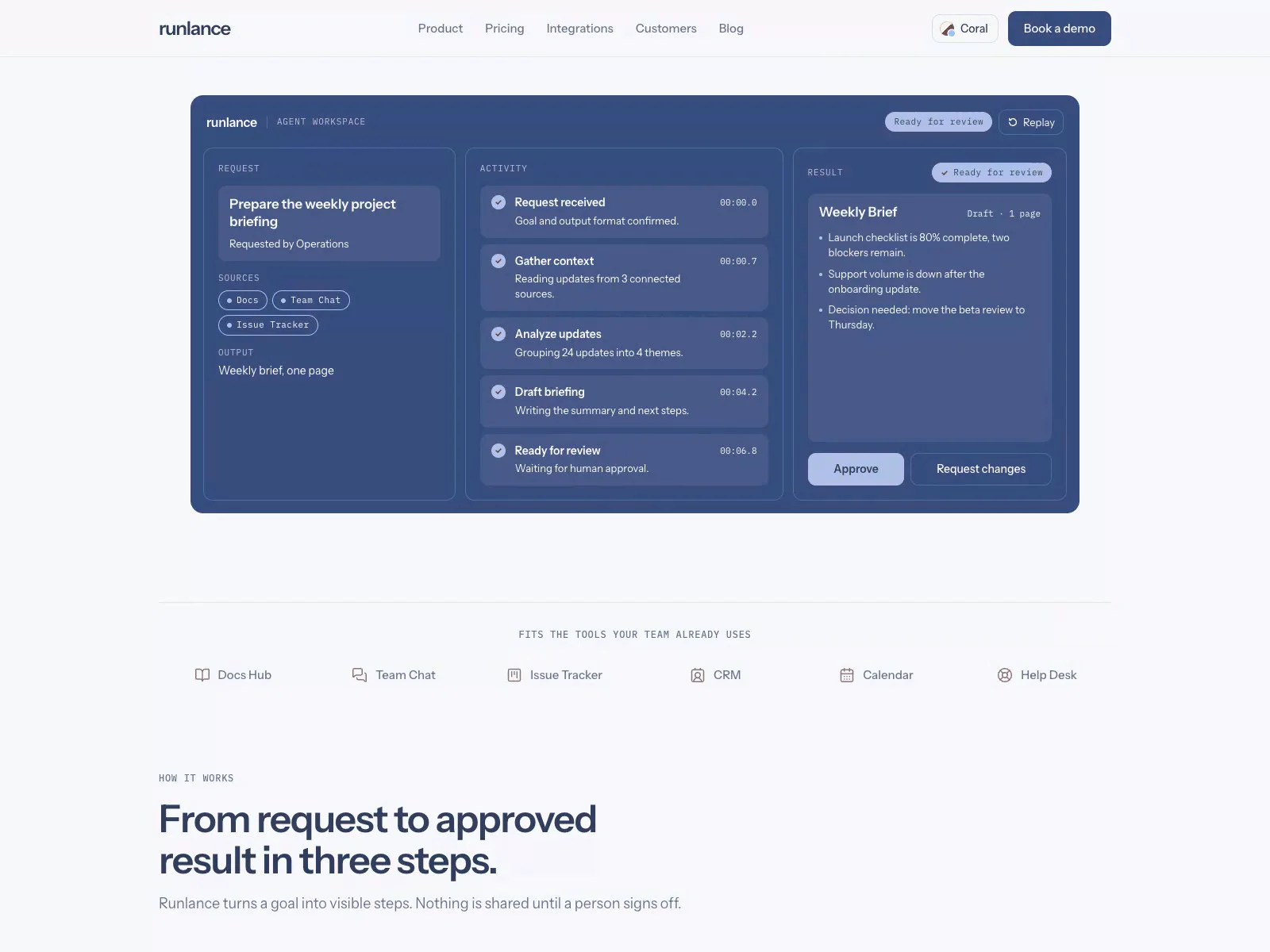
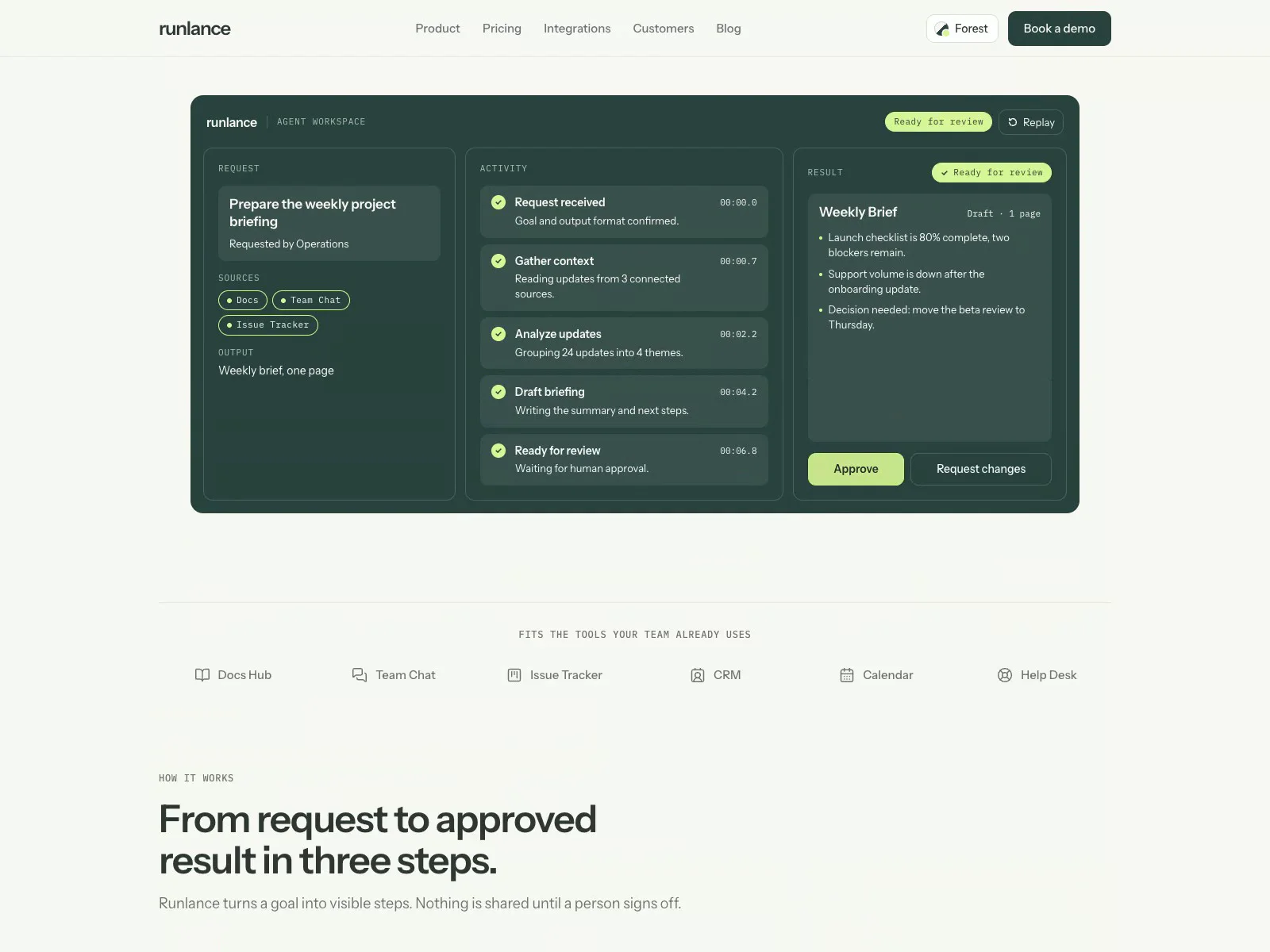
Every color in Runlance is a Framer color style named Theme/*. The theme switcher only swaps those styles, so pages, CMS pages and the four product demos all follow along. Nothing is hard-coded inside a component.

Two things took longer than expected:

- Contrast. Each theme needed its own accent shade so buttons and links pass contrast on both the light and the dark surfaces. Some accents that look great on white fail on navy.

- The first paint. A small script loads the saved theme before the page renders, otherwise visitors see the default theme flash for a moment.

You pick the default theme in the Framer UI, no code.

Curious how others handle theming in Framer: color styles, variables, or separate pages?

Template: https://www.framer.com/marketplace/templates/runlance-agent-os/

Lucidshade
Lucidshadein Marketplace·1w

Hi everyone,

I just published Runlance, a Framer template for AI agent, automation and AI SaaS startups.

Two things I wanted to get right:

8 complete color themes (4 light, 4 dark). Visitors can switch them live, and you pick the default in the Framer UI without code.

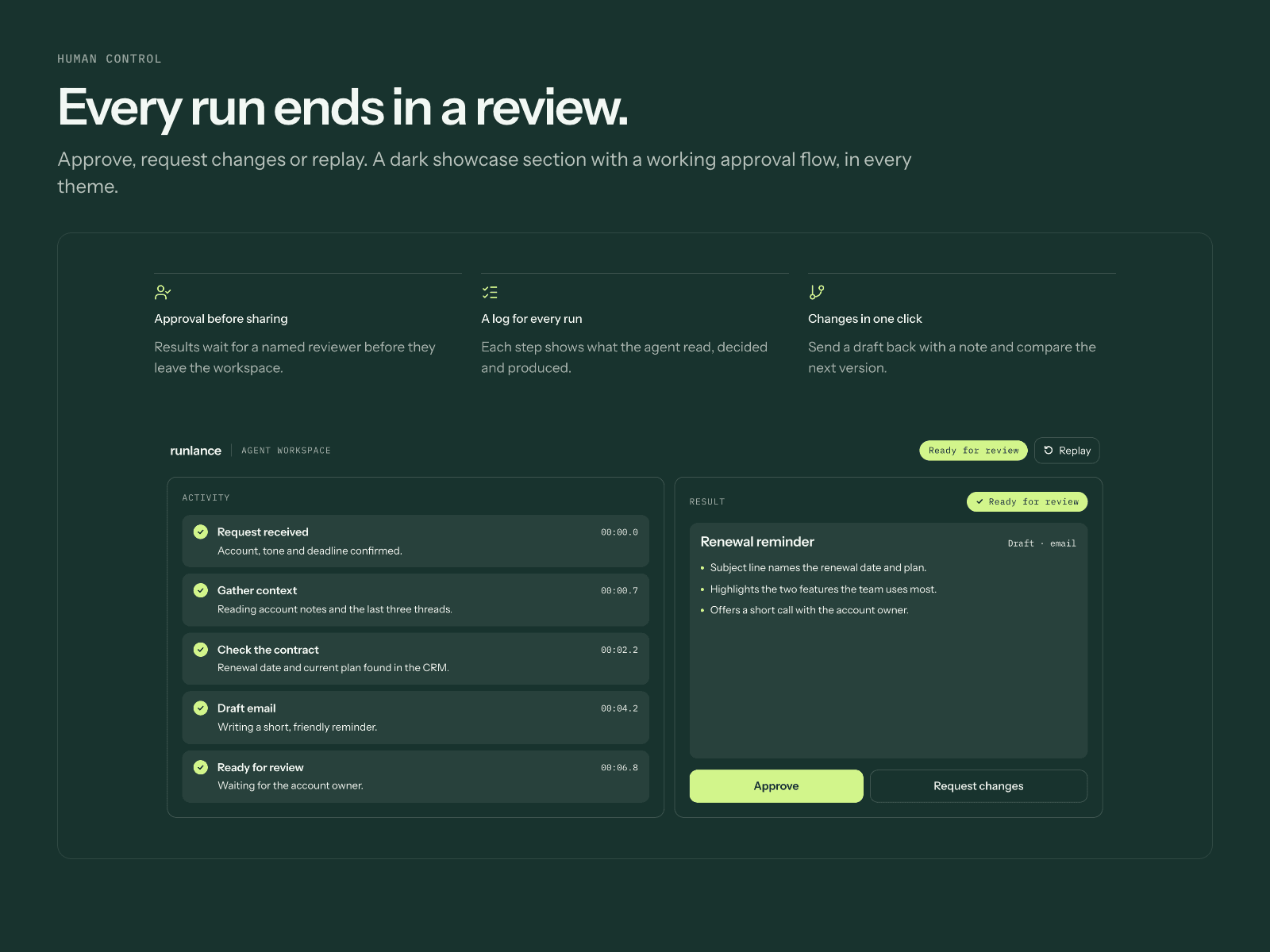
The product is shown working, not as a screenshot. Four code components (AgentRun, LiveChat, ModelSelector, WorkflowPipeline) run a request from start to human approval. You edit tasks, steps and labels in the right panel.

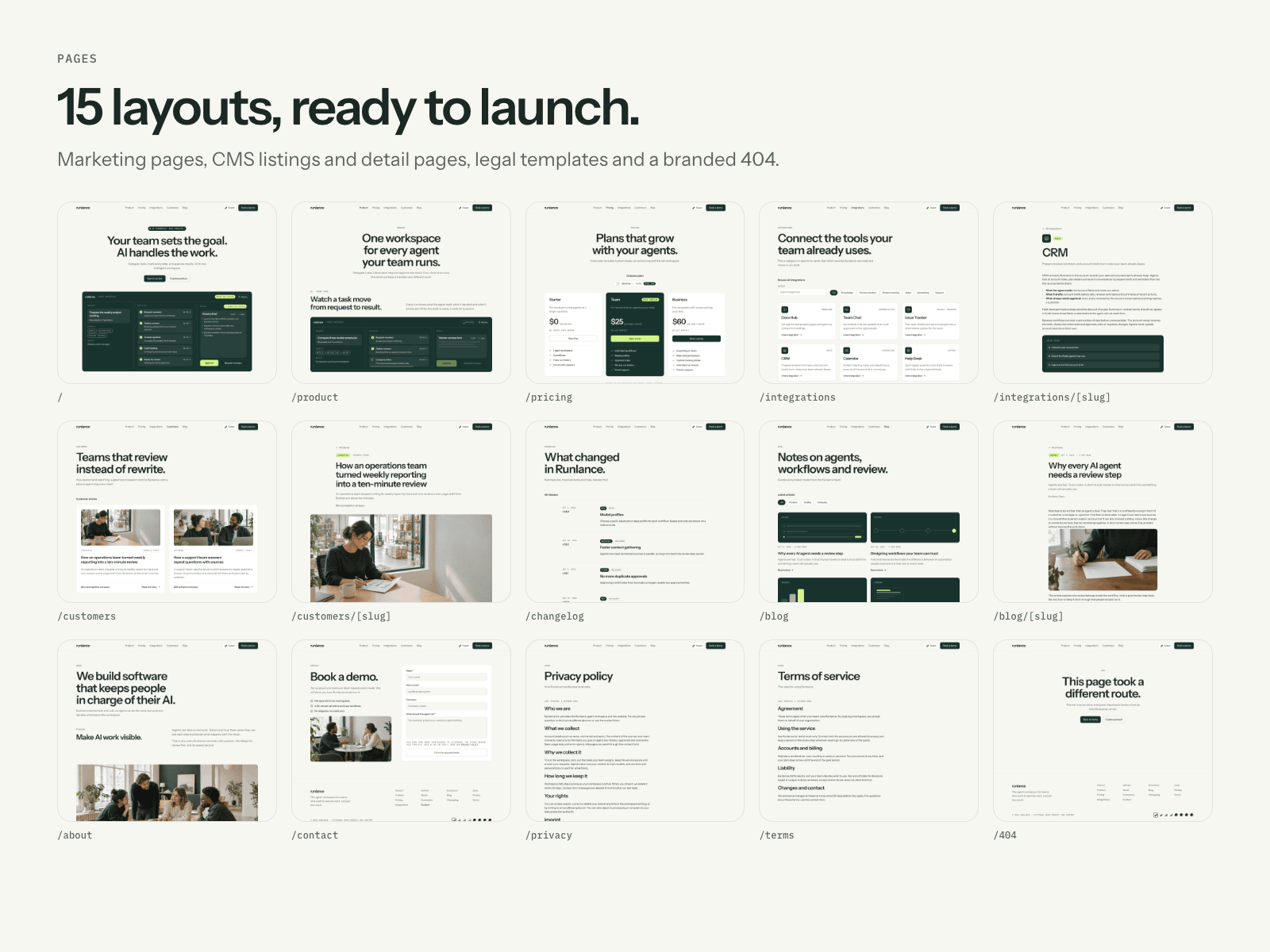
It has 15 layouts with CMS (blog with full articles, case studies, integrations with search and filters, changelog), a pricing toggle, a working contact form and a Start Here page inside the project.

Live demo: https://runlance.framer.website

Feedback is very welcome, especially on the theme switcher and the demos.

Lucidshade
Lucidshadein Marketplace·1w

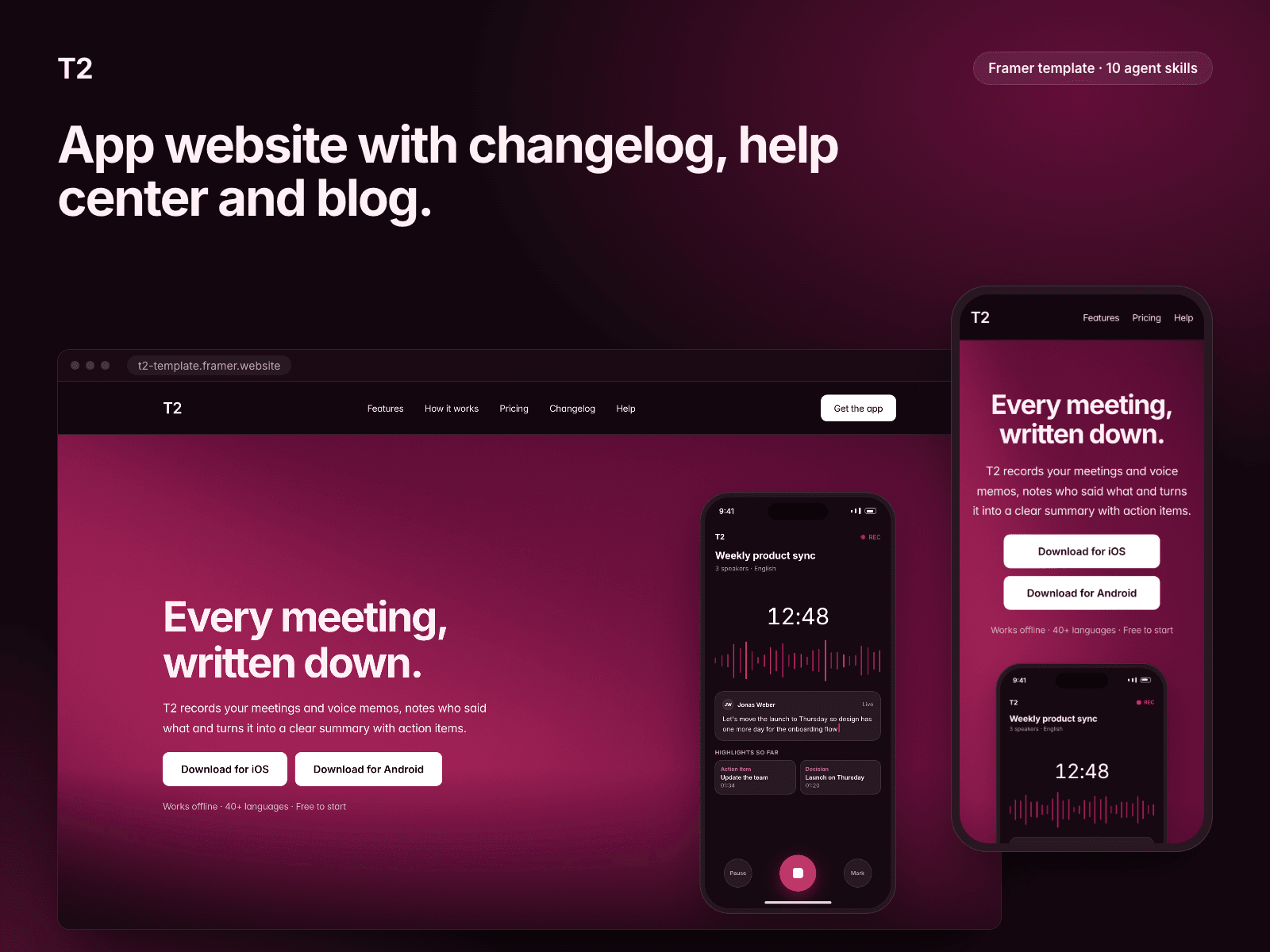
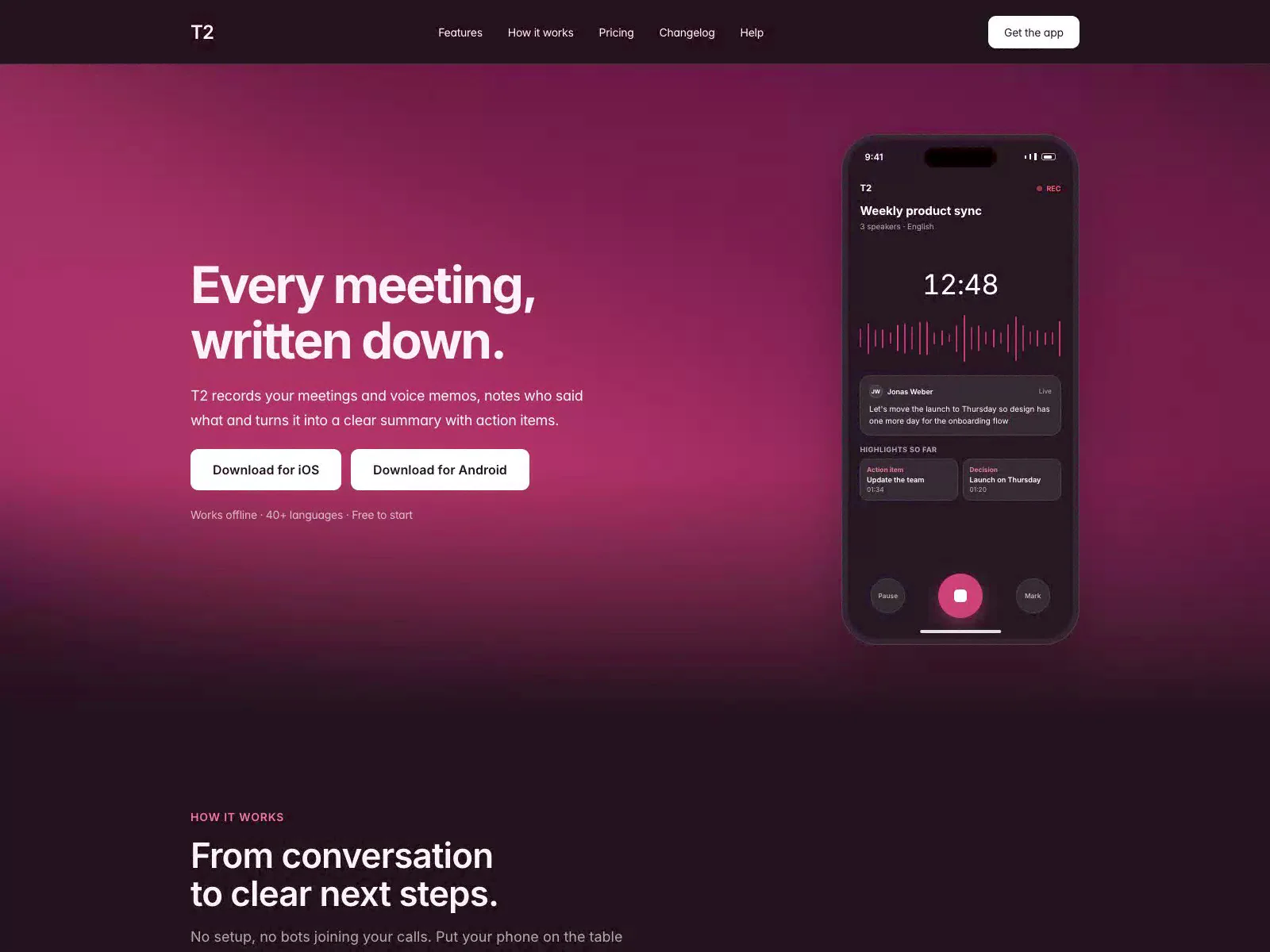
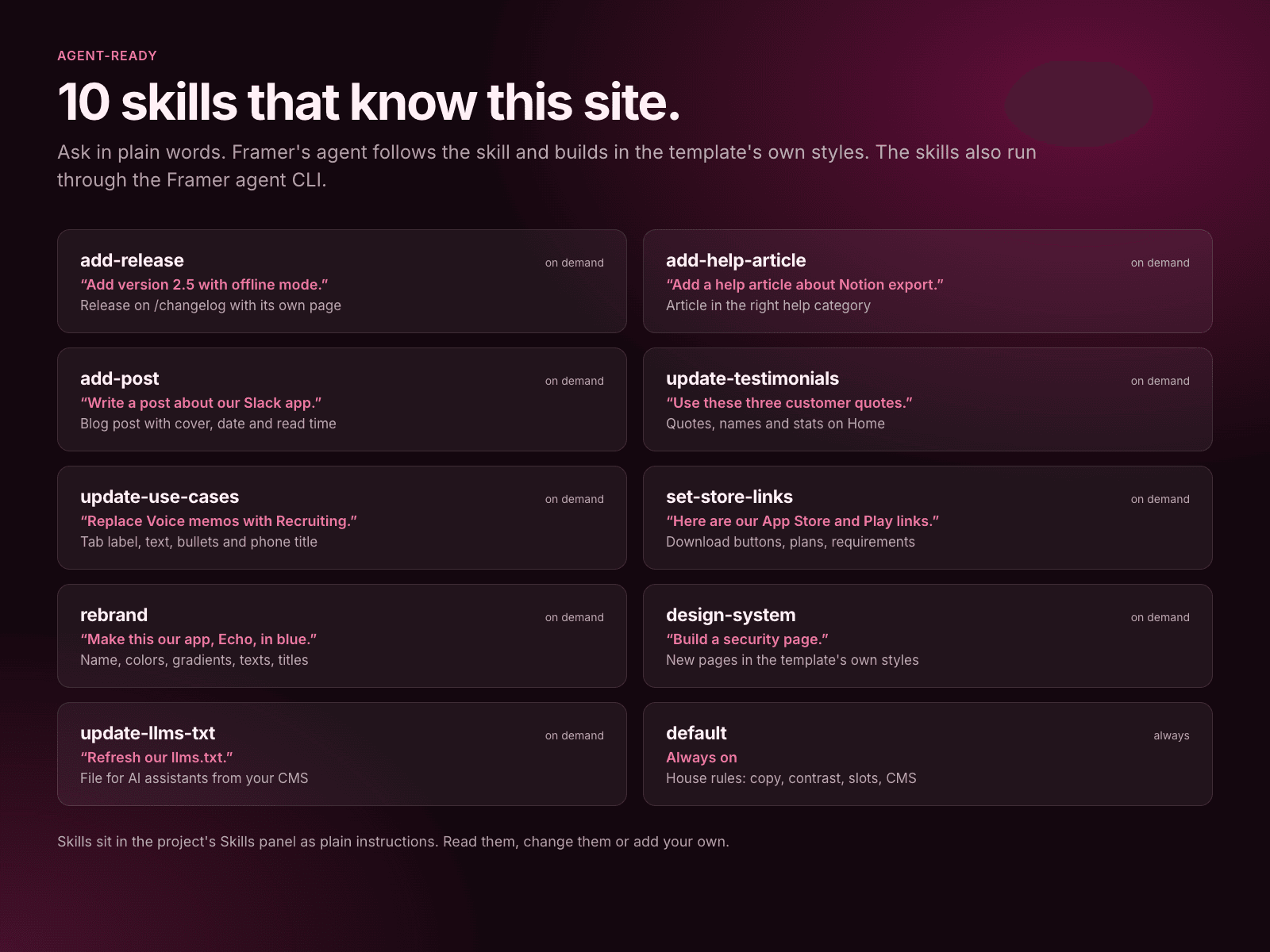
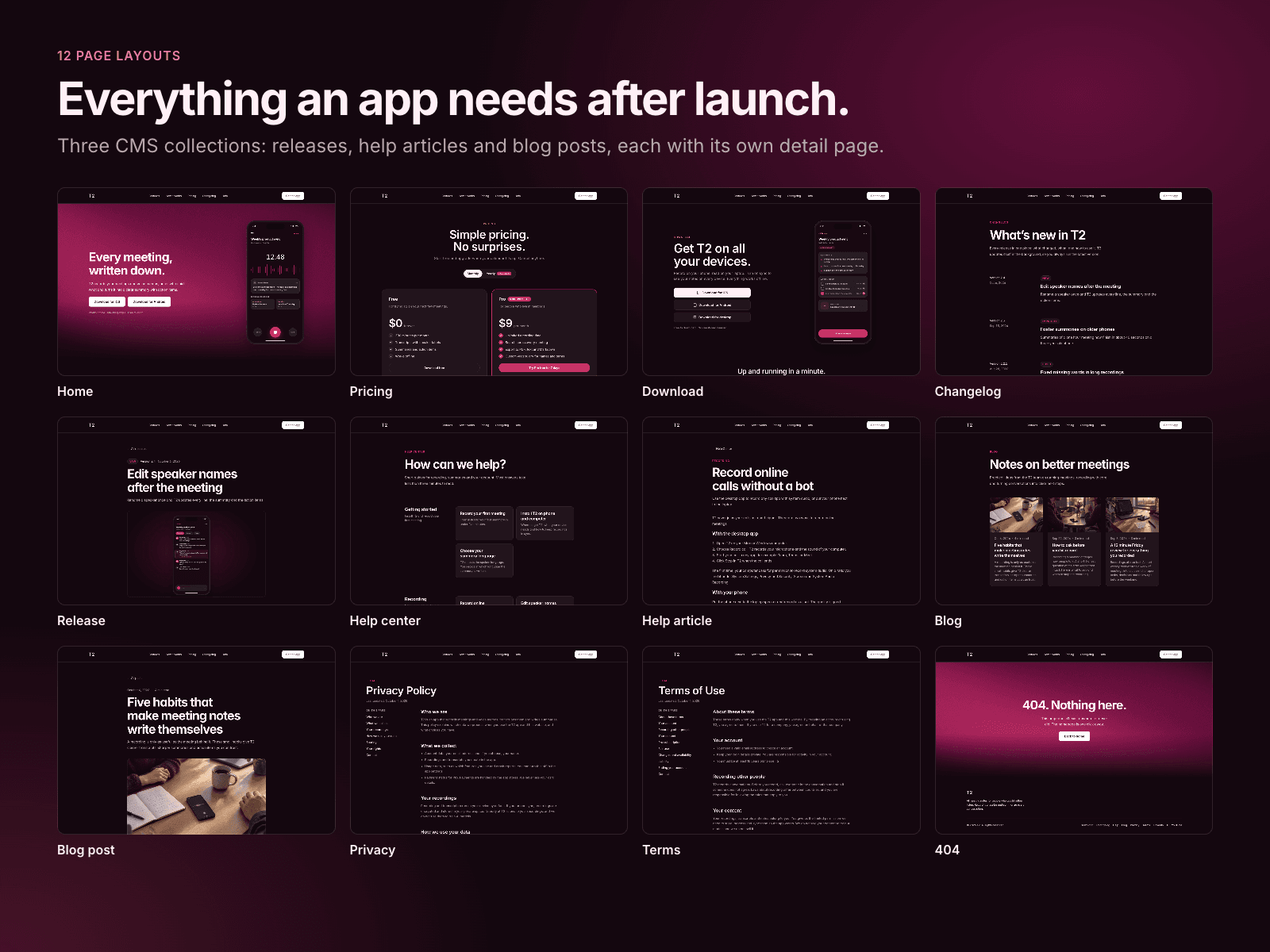
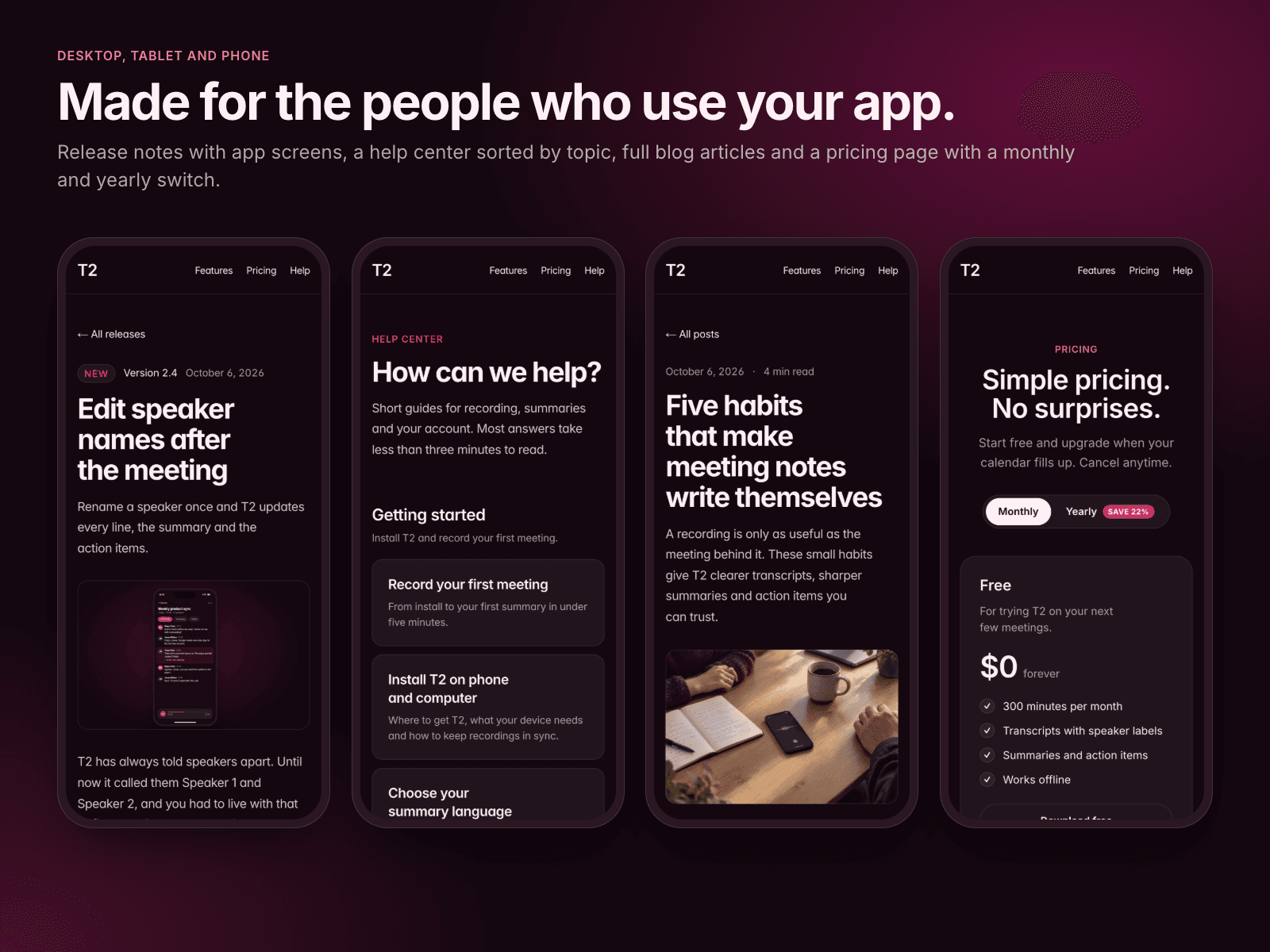
T2 is a new app landing page template: the phone mockup is built in code, so you switch screens and change texts and colors in the properties panel. No screenshots to export. Live WebGL hero, sticky "how it works" scroll, pricing with a monthly/yearly toggle, download and privacy pages, three breakpoints.

Lucidshade
Lucidshadein Marketplace·3w

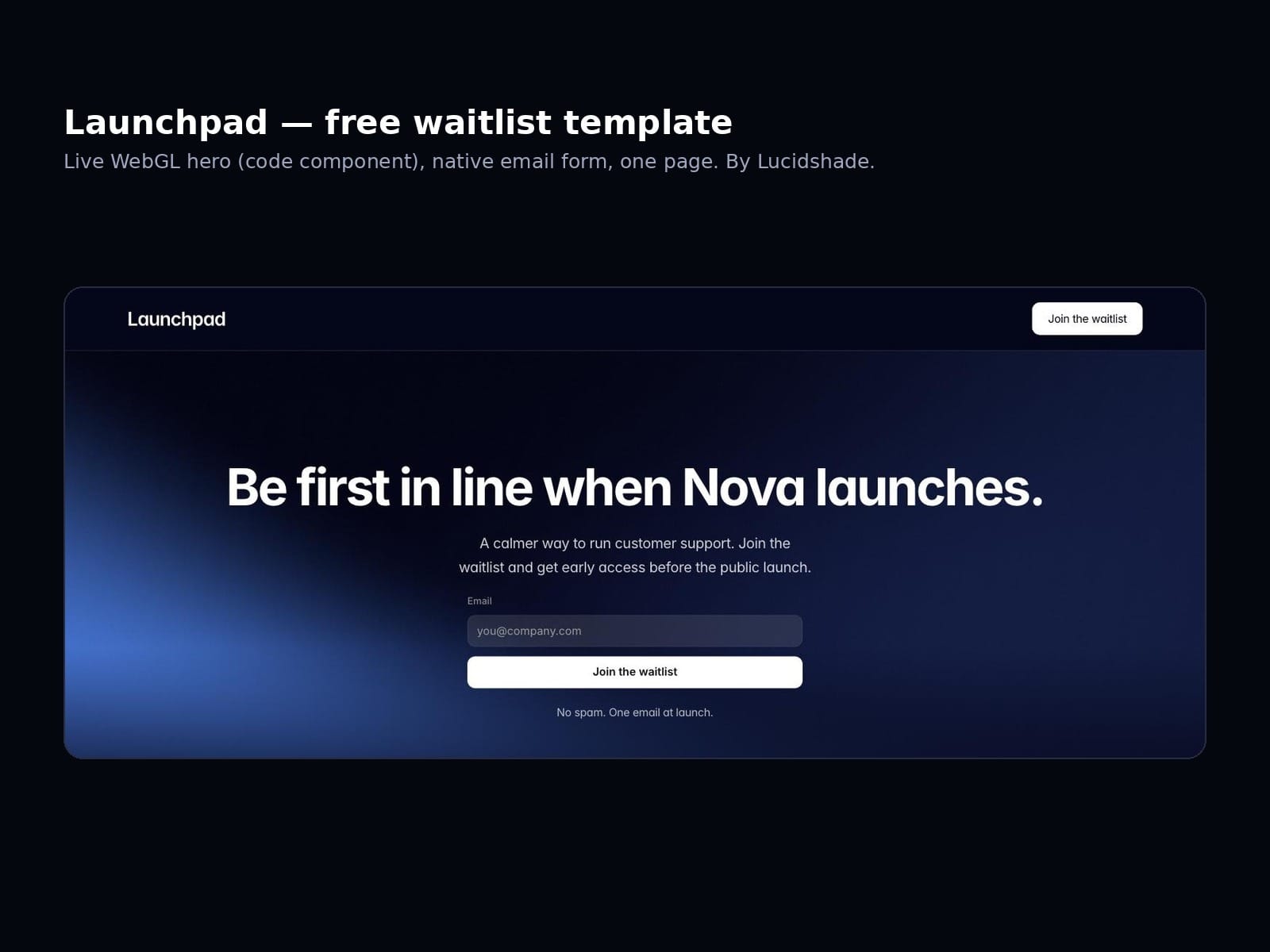
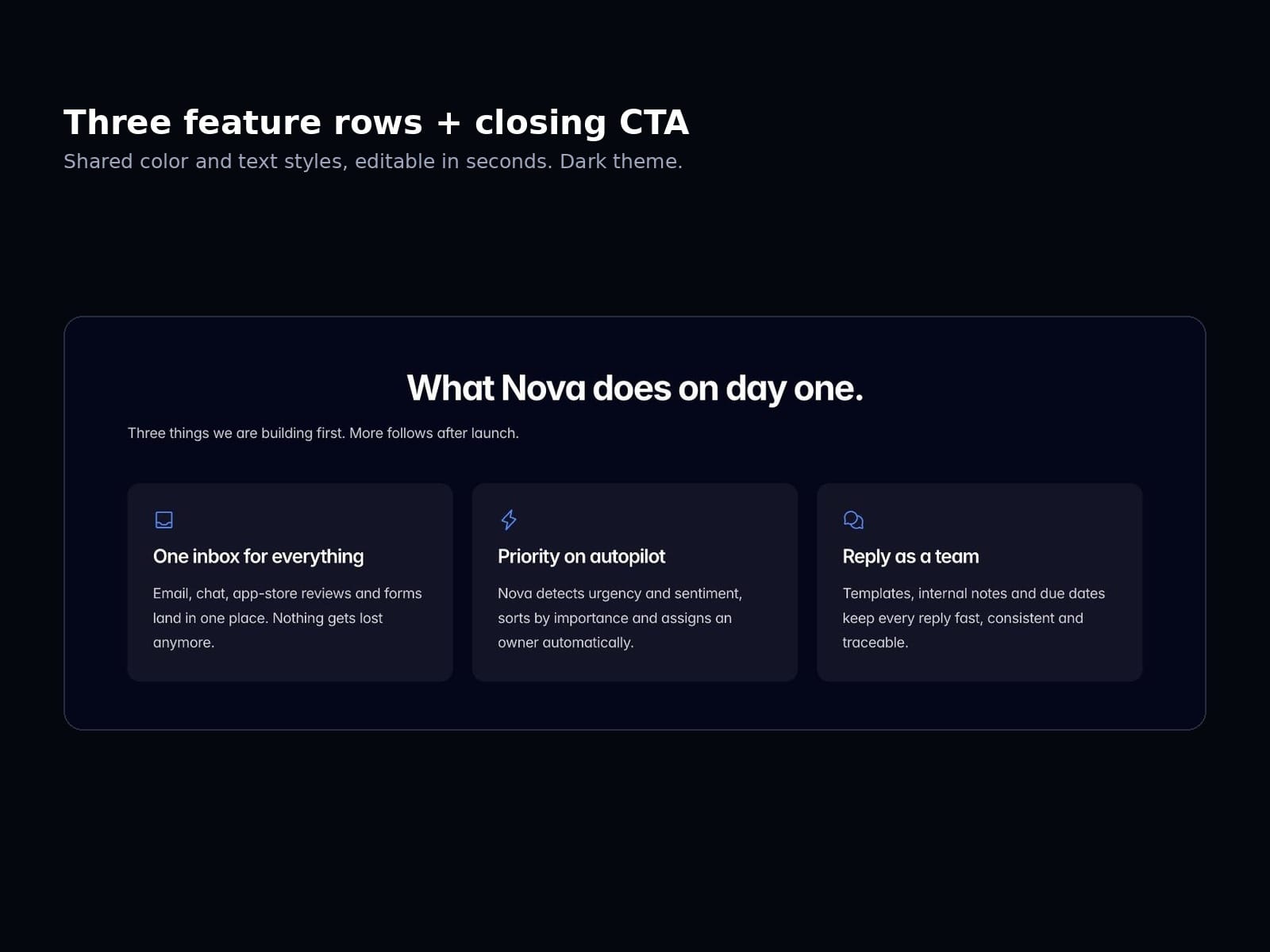
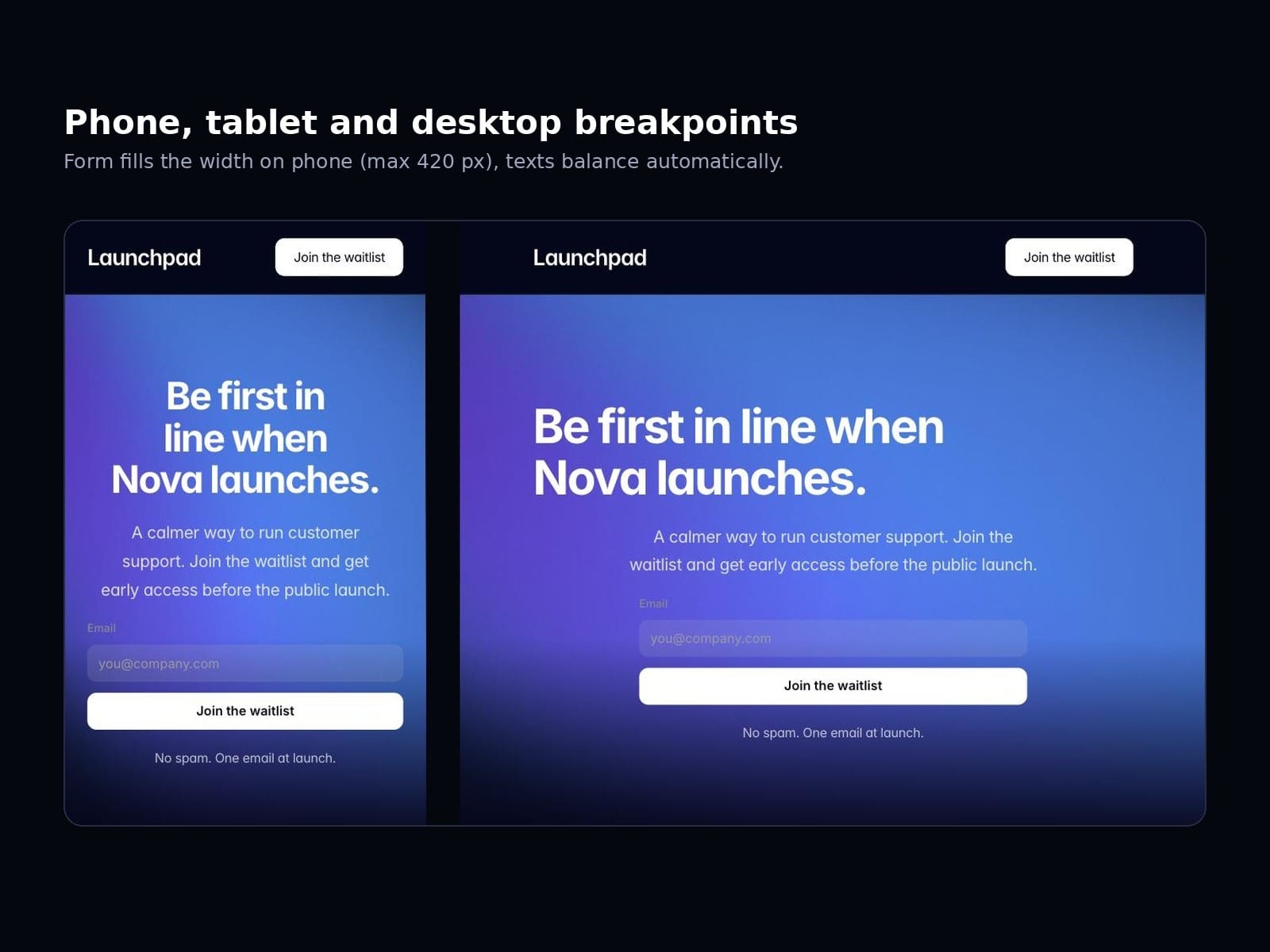
Launchpad is a free one-page waitlist template: a live WebGL shader as the hero (four colors in the properties panel), a native Framer email form with success state, three feature cards and a 404. Remix it, swap the texts, connect the form, publish.

Lucidshade
Lucidshadein Marketplace·3w

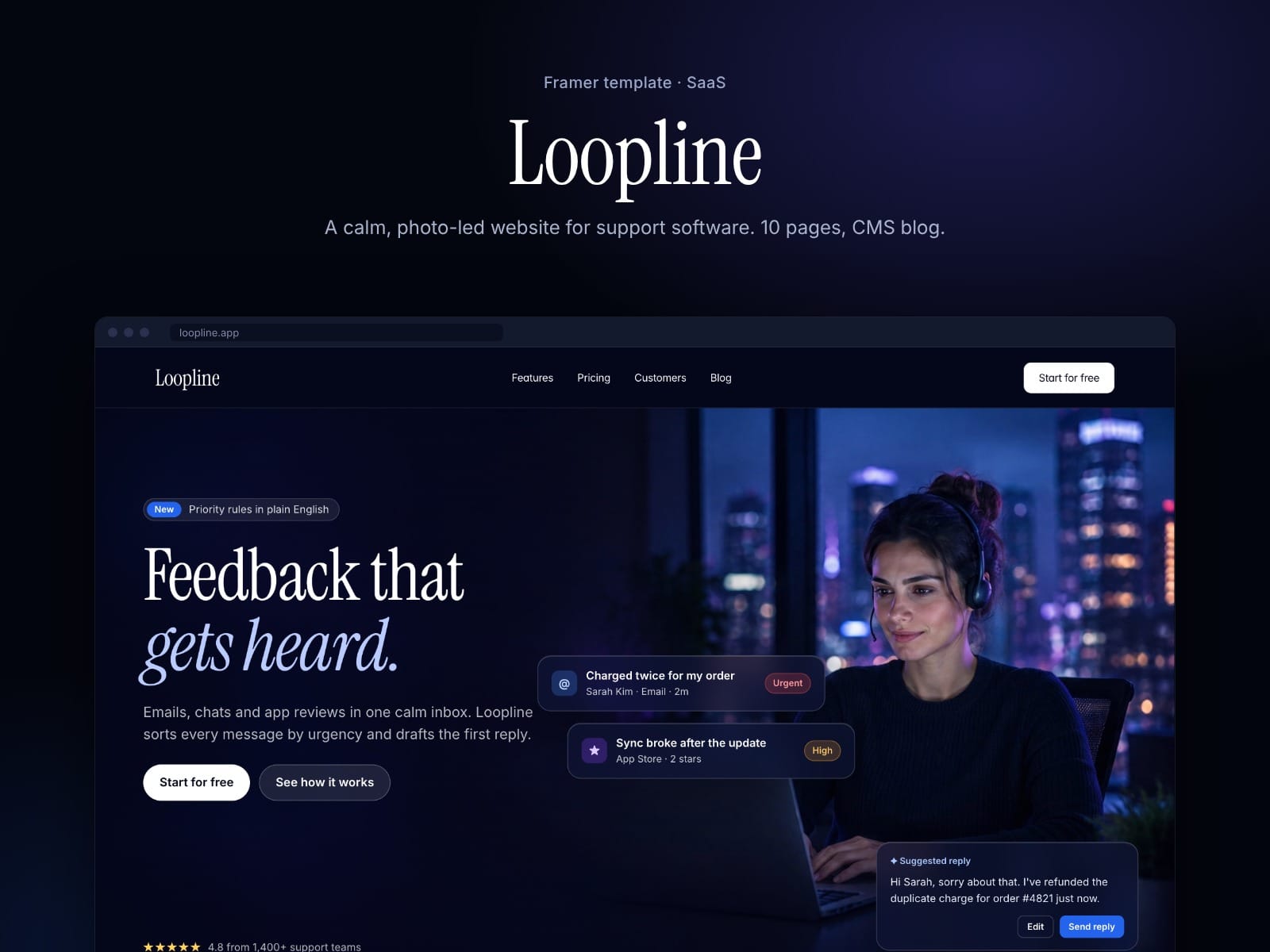
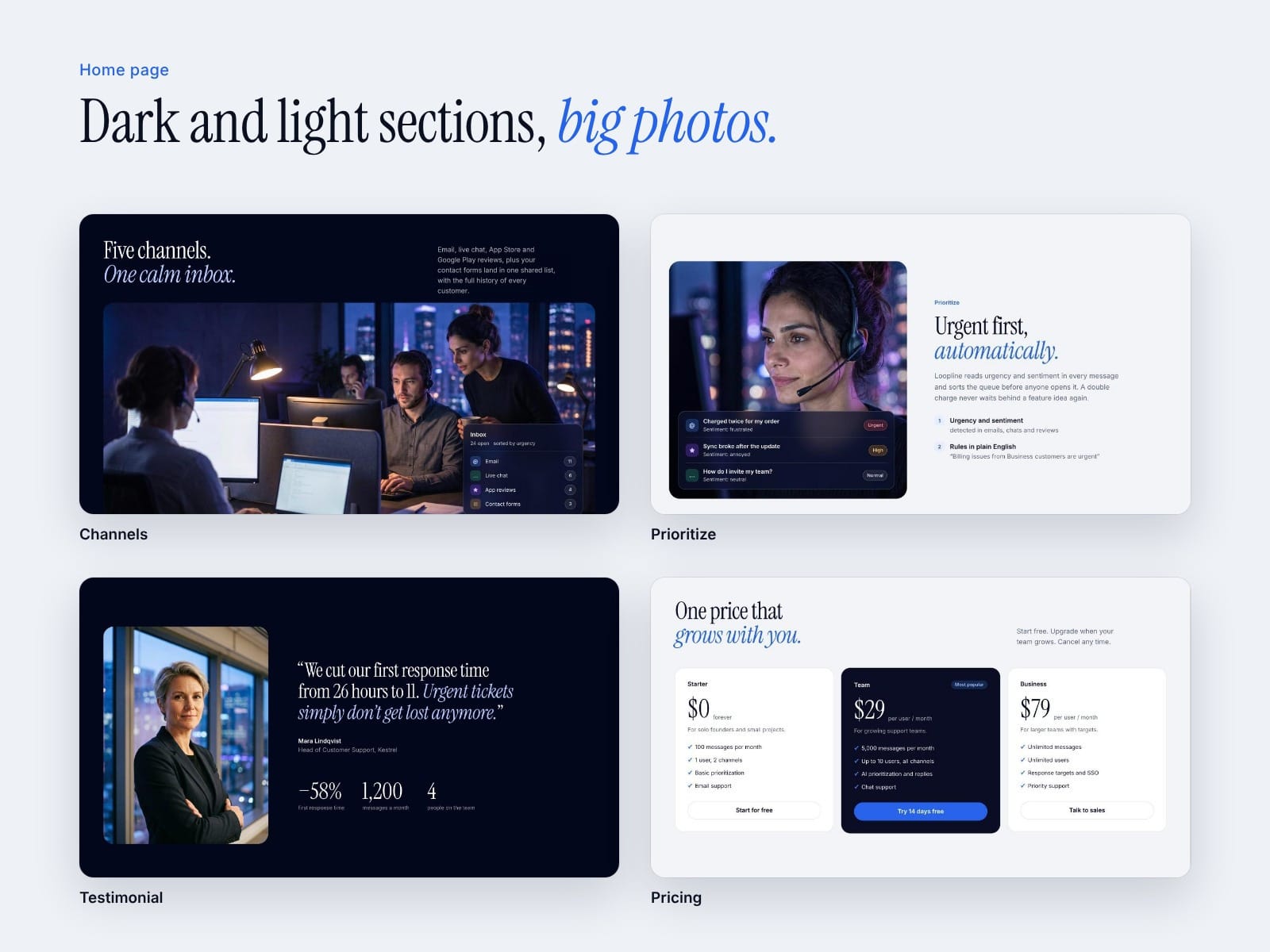
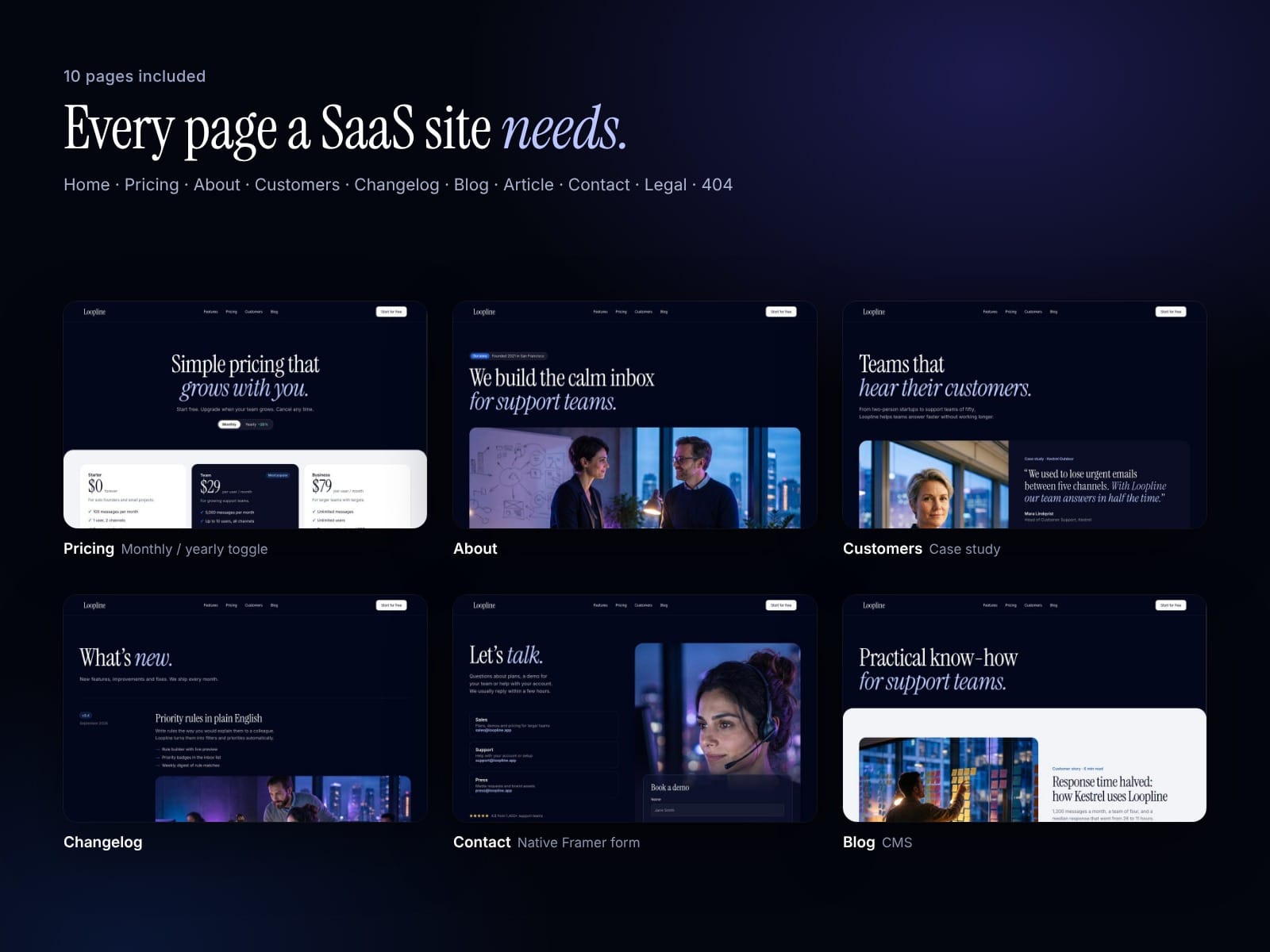
Loopline is a calm, photo-led SaaS website template for Framer. 10 pages, a working monthly/yearly pricing toggle, a CMS blog with cover images and glass UI cards built as a code component. Images are AI-generated.