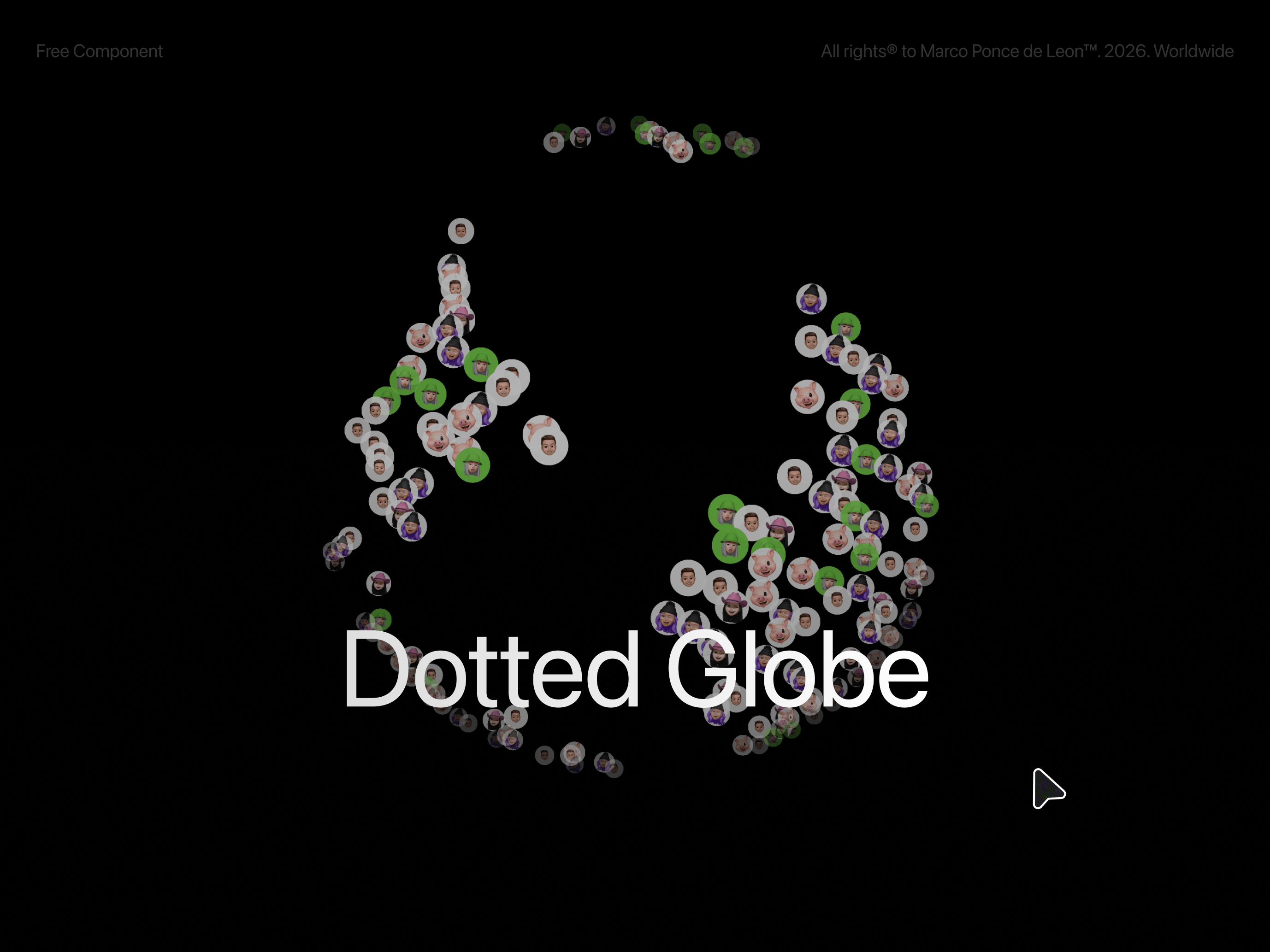
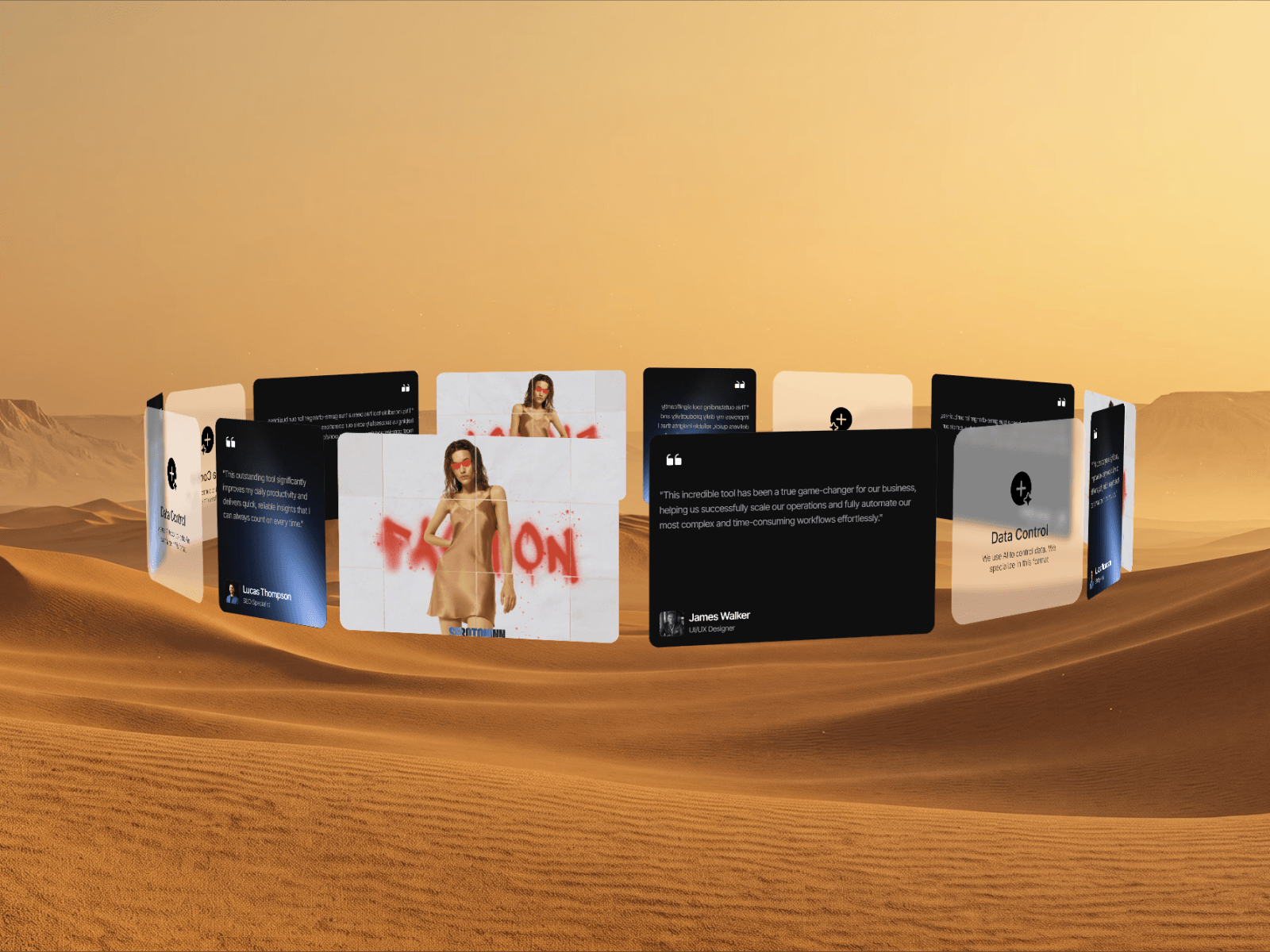
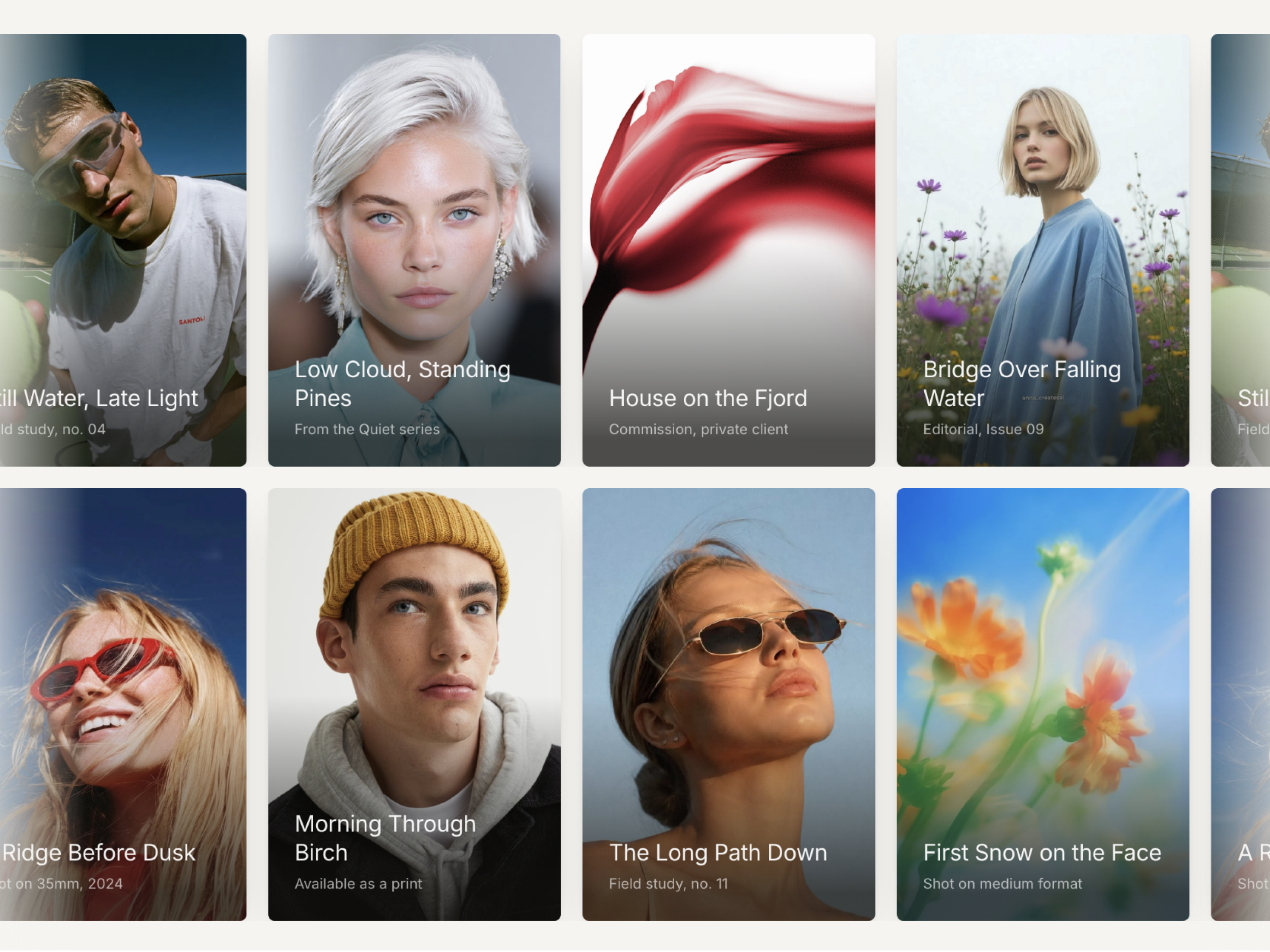
- Drag to spin with velocity and inertia, flick it and let it ride
- Drag warp: the scene shrinks with speed and eases back on release
- Orbit tilt: vertical drag changes the camera angle
- Morphing depth: front items scale up, back items fade and blur
- Images and video mixed in the same wheel
- Nav dots, lines or arrows plus keyboard navigation
- Auto rotate with speed and direction control
- Hero sections that need a centerpiece, not another slider
- Portfolio and case study showcases
- Product and lookbook displays
- Music, event, or editorial cover walls
360 Spin (radius, perspective, tilt, auto rotate), Drag Warp (zoom out, speed shrink, ease), Card (size, radius, reflection, glow, border), Morphing (scale, fade, blur), Nav (style, spacing, prev and next), and background color are all exposed in the property panel. Every image takes its own alt text.
1. Drop the component onto any frame and resize it.
2. Replace the sample media with your own images or videos.
3. Pick a nav style and tune radius, tilt, and card size.
4. Adjust the Drag Warp controls for a softer or wilder feel.