About Deep Zoom
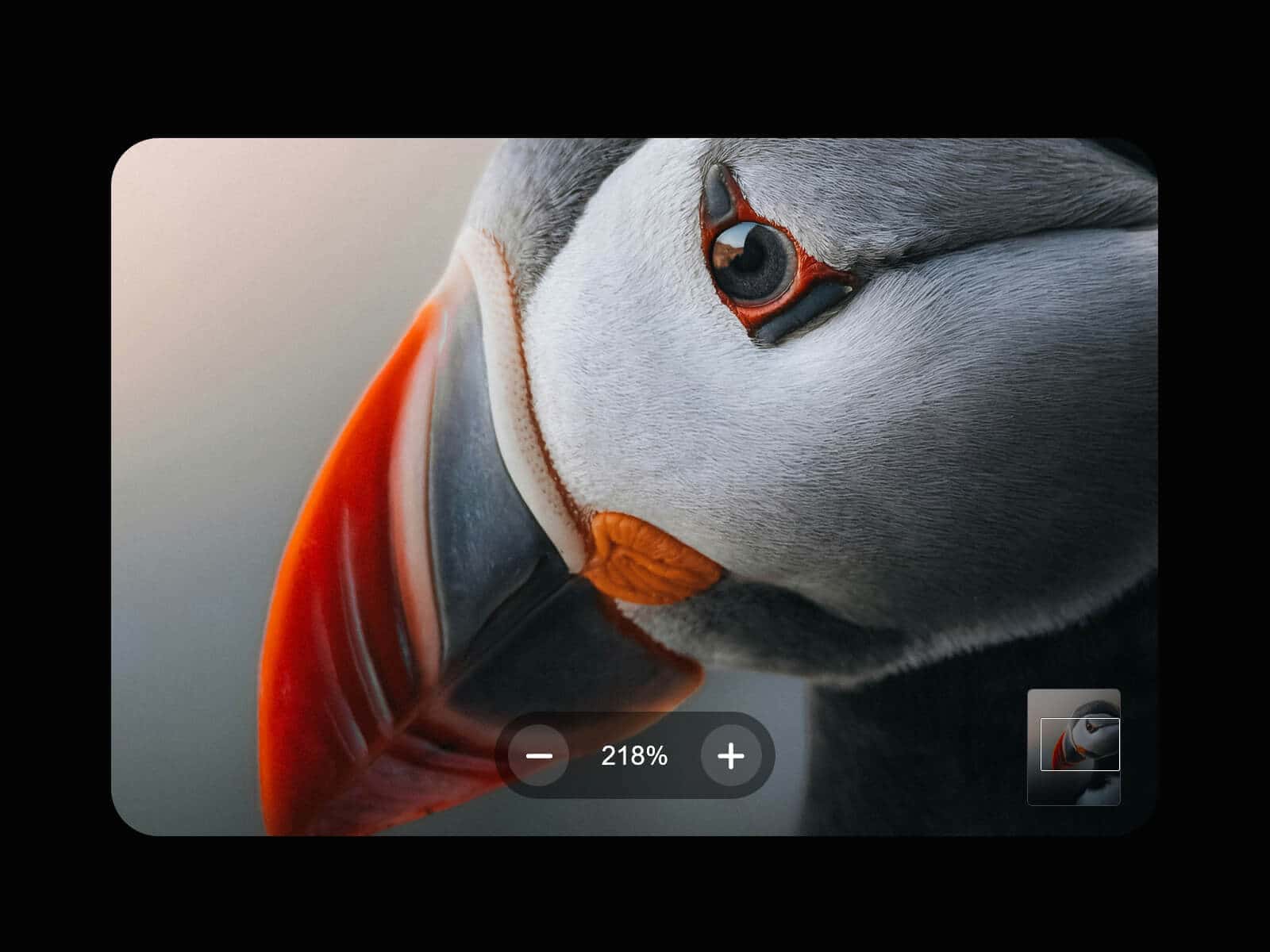
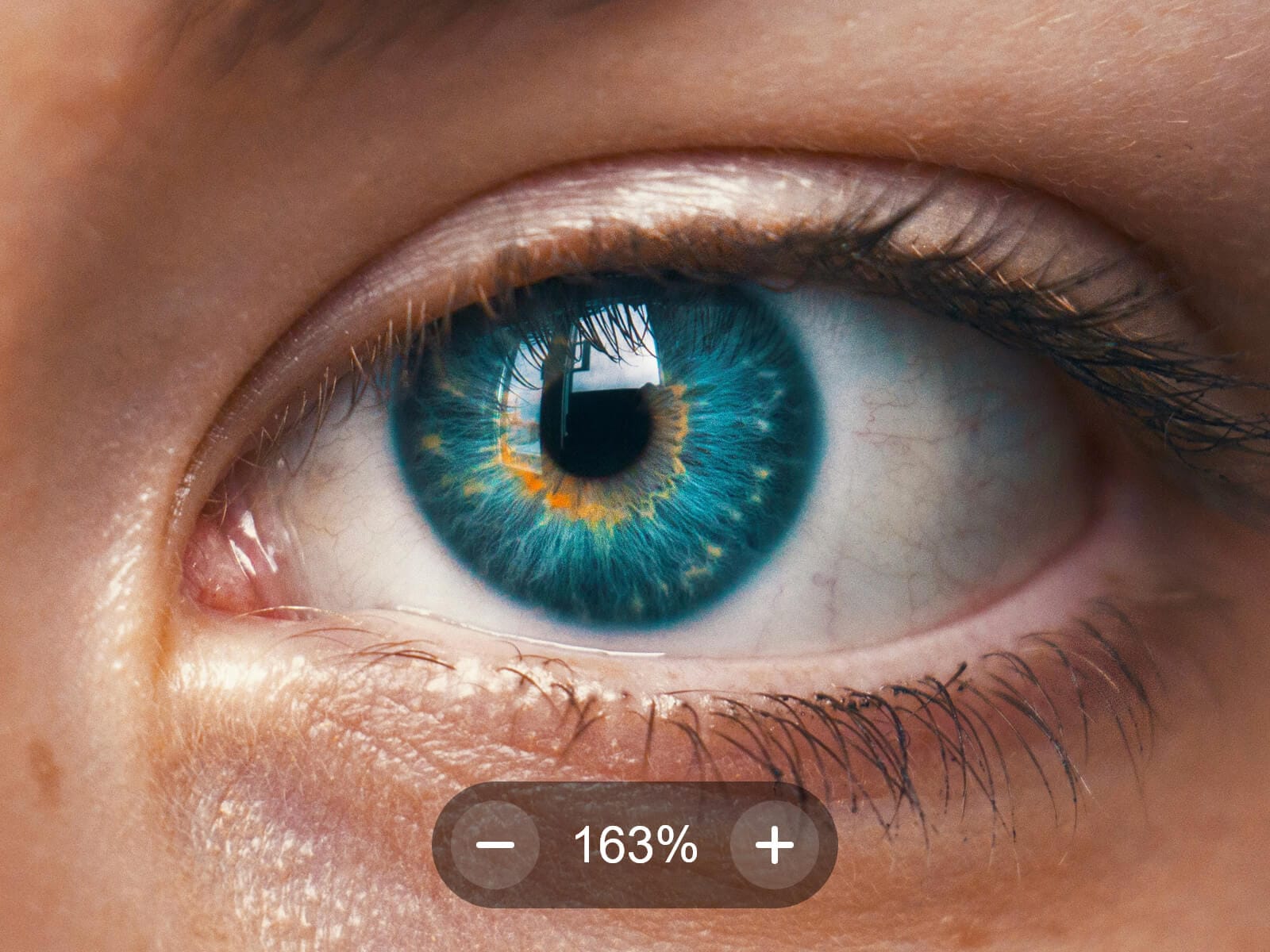
Deep Zoom turns any photo into a clickable lightbox you can zoom deep into — scroll or drag to explore every detail, the way a native photo viewer works, built for the web.
Fine-tune the zoom itself — max zoom level, scroll intensity, zoom step, and easing — and choose between a fullscreen lightbox or one that hugs the photo's own ratio.
Want the zoom right in your layout, no lightbox? Check out Deep Zoom Inline, its sibling component.
Usage Note
Great for photographers showcasing work in print-quality detail. The full resolution image only loads once opened, but it's still a full file — mind its weight, since large files affect load time and your Framer plan's bandwidth.
Key Features
Image
Separate Image (canvas) and Full Resolution (lightbox) fields — the heavy file only loads once opened
Upload or URL
Optional hover effect scales the image slightly before opening
Lightbox
Fit to Image hugs the box to the photo's ratio, no bars — or set a fixed Width/Height
Native Radius, framed tightly around the photo
Spring-like pop animation on open and close
Zoom
Scroll to zoom exactly under your cursor, drag to pan
Pinch-to-zoom and one-finger pan on mobile
−/+ buttons, keyboard shortcuts, live zoom percentage
Max Zoom, Scroll Intensity, Step Zoom, and Zoom Smoothing, all adjustable
Navigation
Draggable minimap shows your position inside a zoomed photo
Escape, close button, or click outside — all close the lightbox
Optional download button for the full-resolution file, right in the lightbox
Overlay
Customizable Color and Blur, or fully transparent while keeping click-outside-to-close
Accessibility
Full keyboard support (Tab trapped inside, Escape, +/− zoom) and focus returns to the trigger on close.
How to Set Up
1. Drag Deep Zoom onto your canvas
2. Upload an Image and Full Resolution image
3. Publish
Refund Policy
All sales of digital products are final and non-refundable. Questions? Contact hellonostromostudio@gmail.com before purchasing. Enjoy!