About Gif Meme Trigger
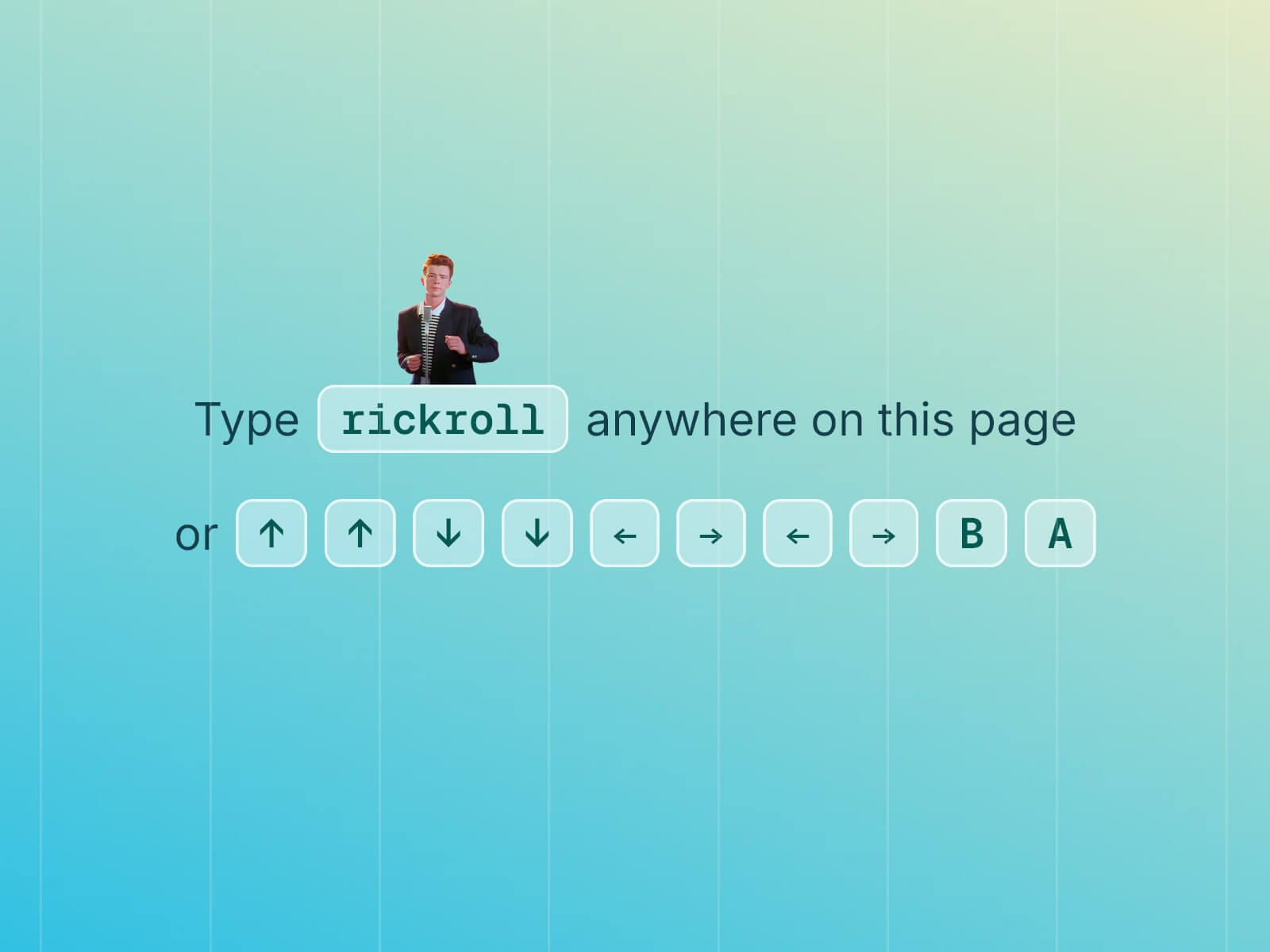
Gif Meme Trigger hides a meme behind a secret trigger. Type a word, tap a custom key combo — like the classic Konami Code (↑↑↓↓←→←→BA), or any sequence of keys you choose — or click any existing element on your page, and a GIF, image, or video opens in a lightbox over your entire site
Everything autoplays, with optional audio synced to silent GIFs, and full control over how the meme appears: its size, entrance animation, and style.
You decide how it disappears too. Set a timer so it closes on its own after a few seconds, or leave it open until a visitor dismisses it — clicking anywhere on the dimmed overlay behind it, or on an optional close button in the corner, closes the lightbox instantly.
Key Features
Trigger by typing a word, a custom key sequence (e.g. the Konami Code), or connecting any existing element via the Trigger slot
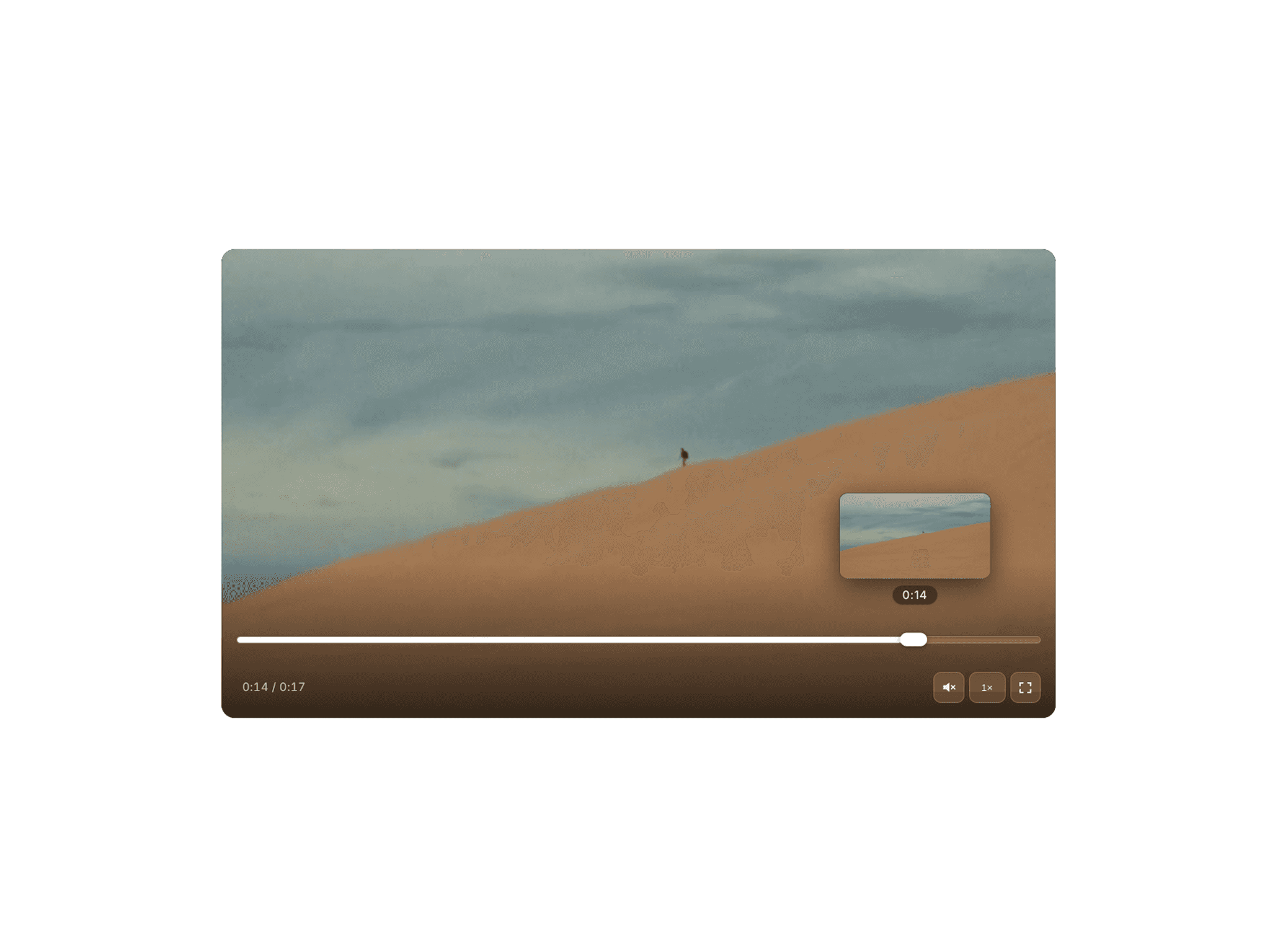
Video or GIF, uploaded or via URL — GIF supports an optional synced audio track, with Mute and native controls for video
Media Size: Cover, fixed width in px or %, original or custom aspect ratio — with native Radius and Shadow
Appear Effect: fade, scale, rotate, or slide in from any direction
Optional dimmed Overlay with adjustable color and blur, plus a fully customizable Close button
Playback: close after one play, loop, or auto-close on a Timer
Usage Notes
Using it without a connected Trigger (keyboard-only mode)? Set its Position to Absolute, then set Pointer Events to None in the Style panel. Framer wraps Absolute-positioned layers in their own element, which doesn't inherit its built-in click-through — without this step, it can still block clicks on whatever sits underneath it.
How to Set Up
Drag Gif Meme Trigger onto your canvas
Choose Type (Video or GIF) then add your media
Set a Trigger Code, or connect a button via the Trigger slot
Publish
Refund Policy
All sales of digital products are final and non-refundable. Questions? Contact hellonostromostudio@gmail.com before purchasing. Enjoy!