About Sticker Board
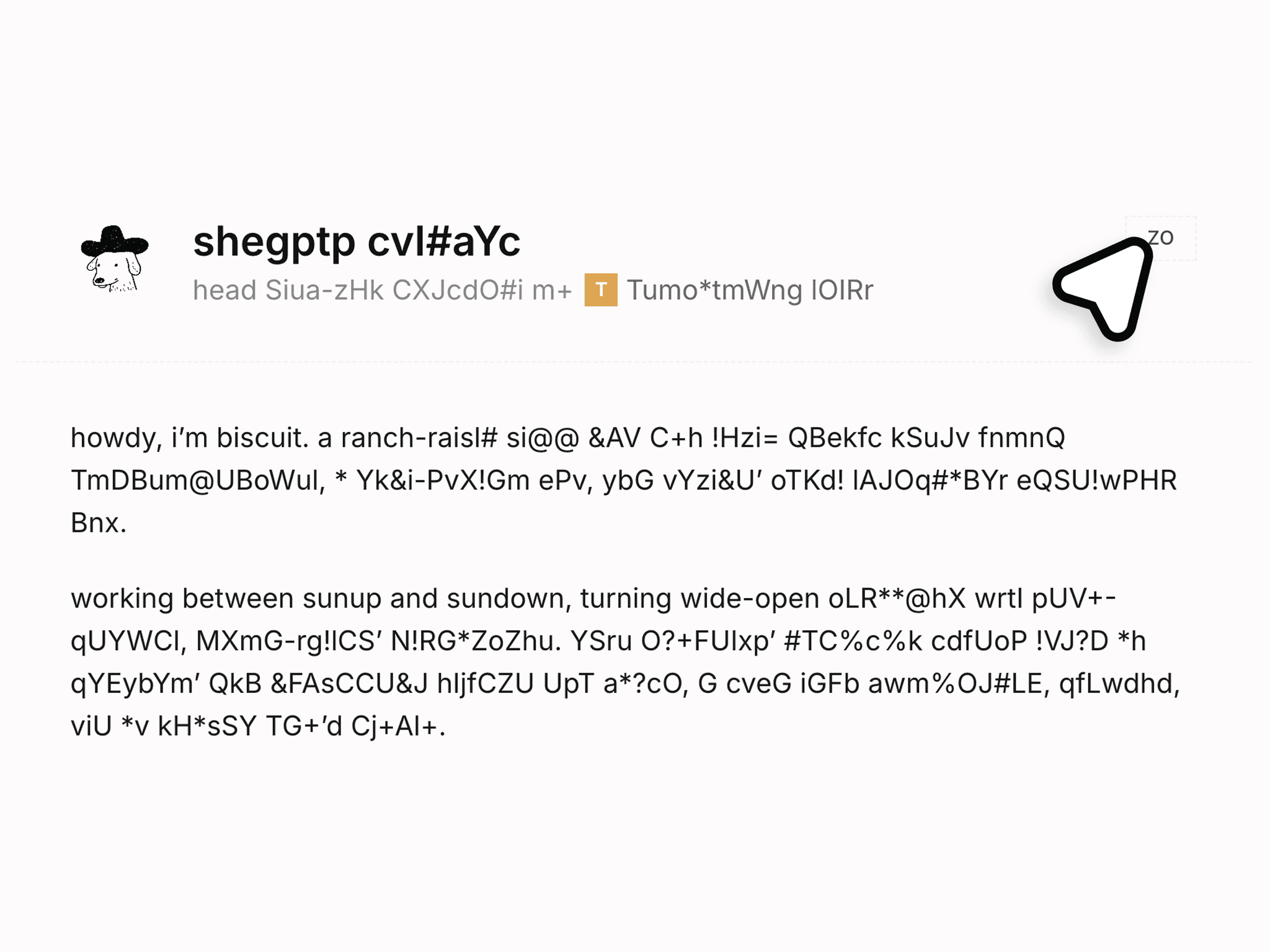
Sticker Board is a responsive Framer component that turns your images into draggable stickers: each one peels off the page when grabbed, with an outline and shadow cut from the image's real edges, a bend that rolls across it as it lifts, and a glossy sweep.
Use Cases:
Works well for:
portfolio heroes
about pages
moodboards
photo walls
agency sites
product pages
link-in-bio pages
404 pages
Perfect when you want visitors to rearrange the page instead of just scrolling past it.
--------------------------------------------------------------
Customization
Fully customizable via the properties panel:
up to 24 stickers
each with image, width, position, rotation and alt text
background and overflow
outline color and width
sticker scale
lift scale
shadow offset
color and blur
peel direction, angle and wave strength
drag lean
shimmer
spin
pickup and landing springs
drag toggle
reduced motion
padding and container constraint.
The stickers are your images. The component handles the physics.
--------------------------------------------------------------
Responsive Behavior
Desktop: grab anywhere on a sticker; it follows the cursor with no lag and stays where you drop it.
Tablet and mobile: touch drag works the same, and dragging never scrolls the page.
Keyboard: a focused sticker moves with the arrow keys.
Positions are percentage based, so the arrangement survives resizing, and it fills its container.
--------------------------------------------------------------
Preview: https://sticker-board.framer.website/
Included: the component and a live preview with setup steps. Support on X at @KullenJahnke.
Good to know: transparent PNG, WebP or SVG works best; a fully opaque rectangle gets a rectangular outline and shadow. The peel bend shows only during pickup and release, which keeps a held sticker sharp. Moved stickers reset on reload.