About RazorpayKit
RazorpayKit - Razorpay Payment Gateway for Framer
Add the Razorpay Payment Gateway to your Framer site in minutes. No backend, no code, no developer needed. RazorpayKit handles the full Framer Razorpay integration and turns your Payment Links into checkout buttons you can drop right onto the canvas.
Razorpay Payment Gateway, built for Framer
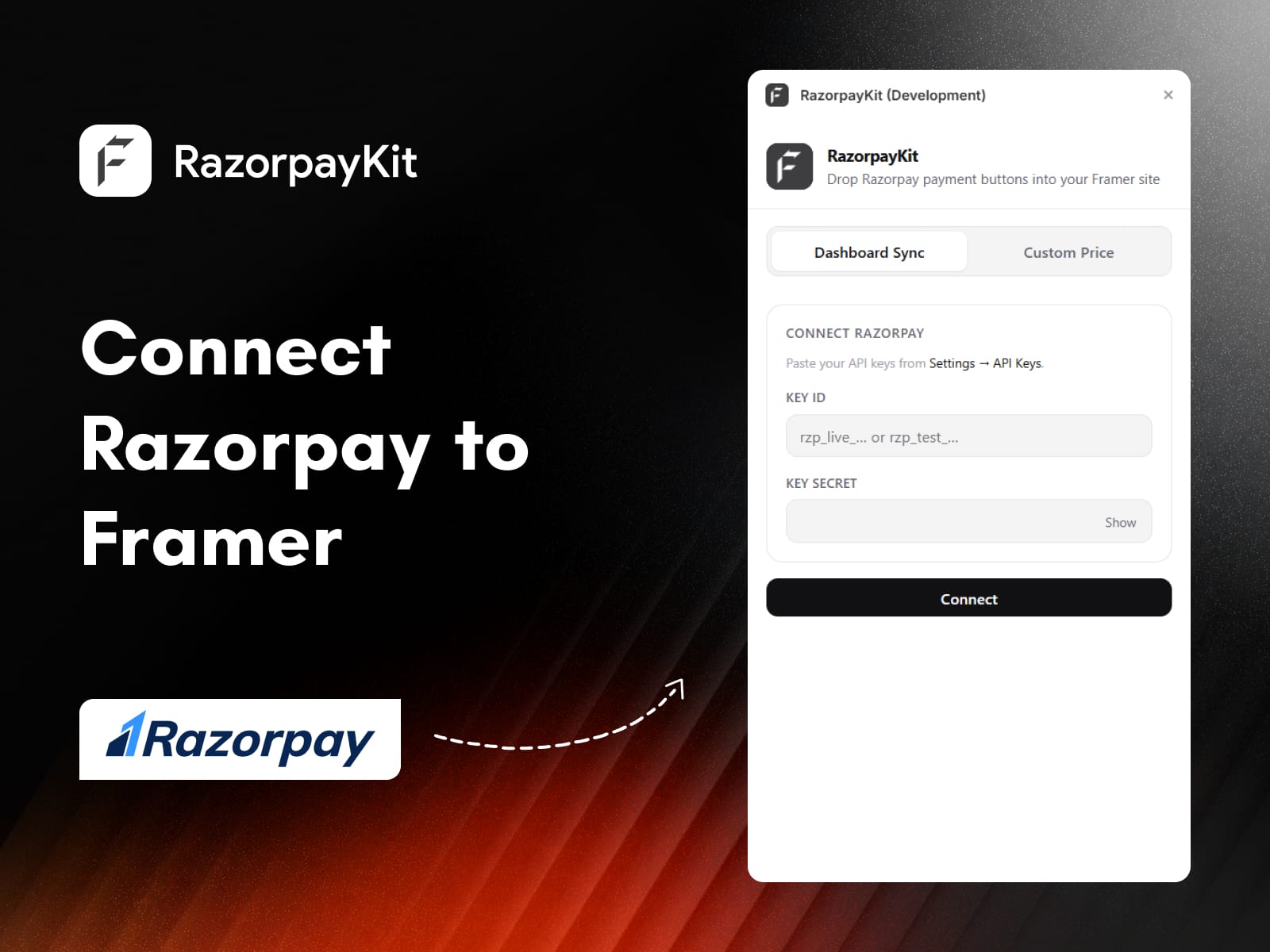
Most people setting up Razorpay end up stuck between three tabs: the Razorpay dashboard, their site builder, and a notes file full of pasted links. RazorpayKit cuts that out. You connect your account once with your Key ID and Key Secret, and your live Payment Links sync straight into Framer as real, editable components. No OAuth, no server to babysit. If you can drag and drop, you can take payments.
Why do people pick RazorpayKit?
No backend. Connect with your API keys and start selling.
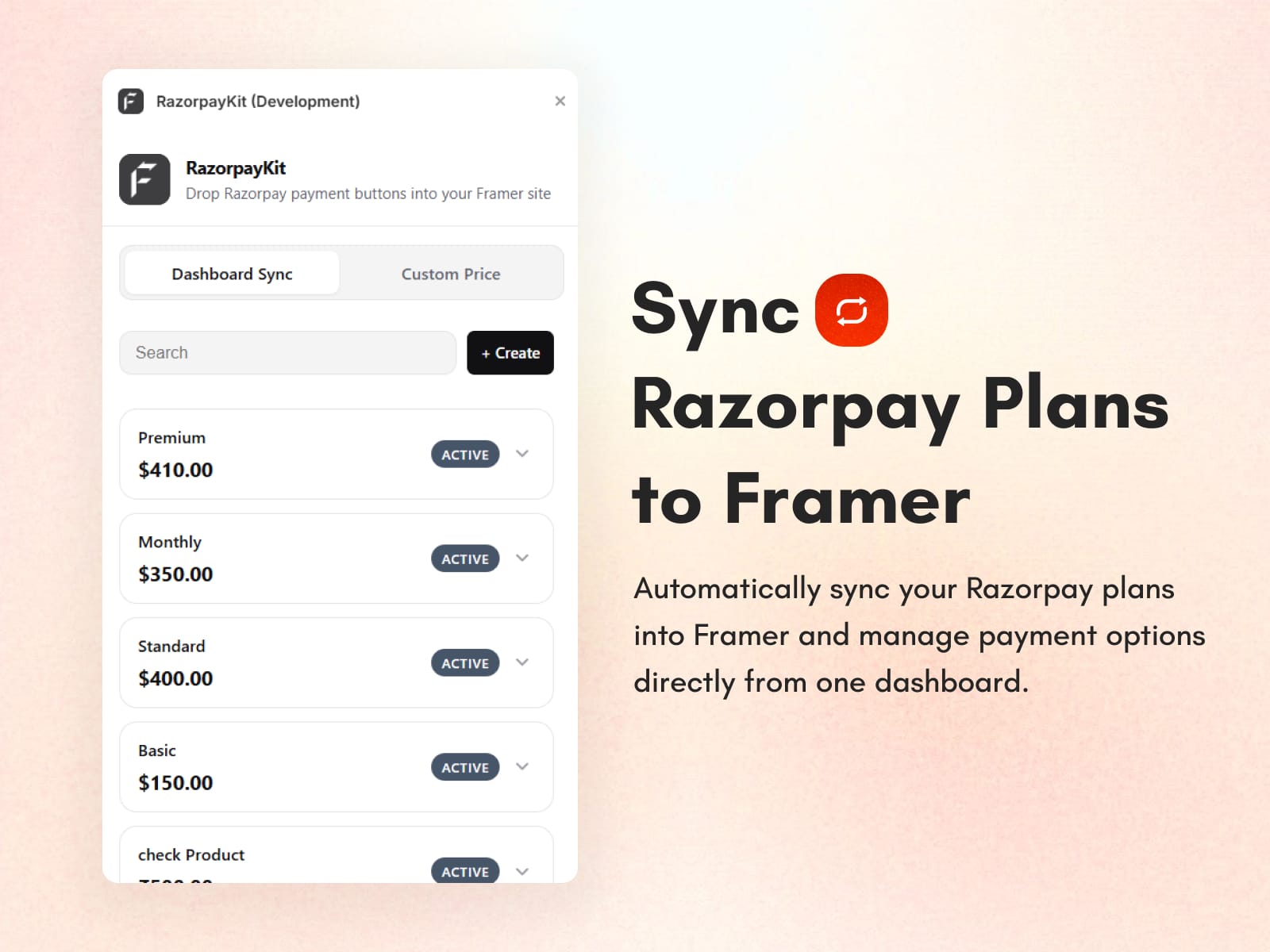
Live Payment Link sync so your dashboard and canvas stay matched.
Real Framer components, not static images or iframes.
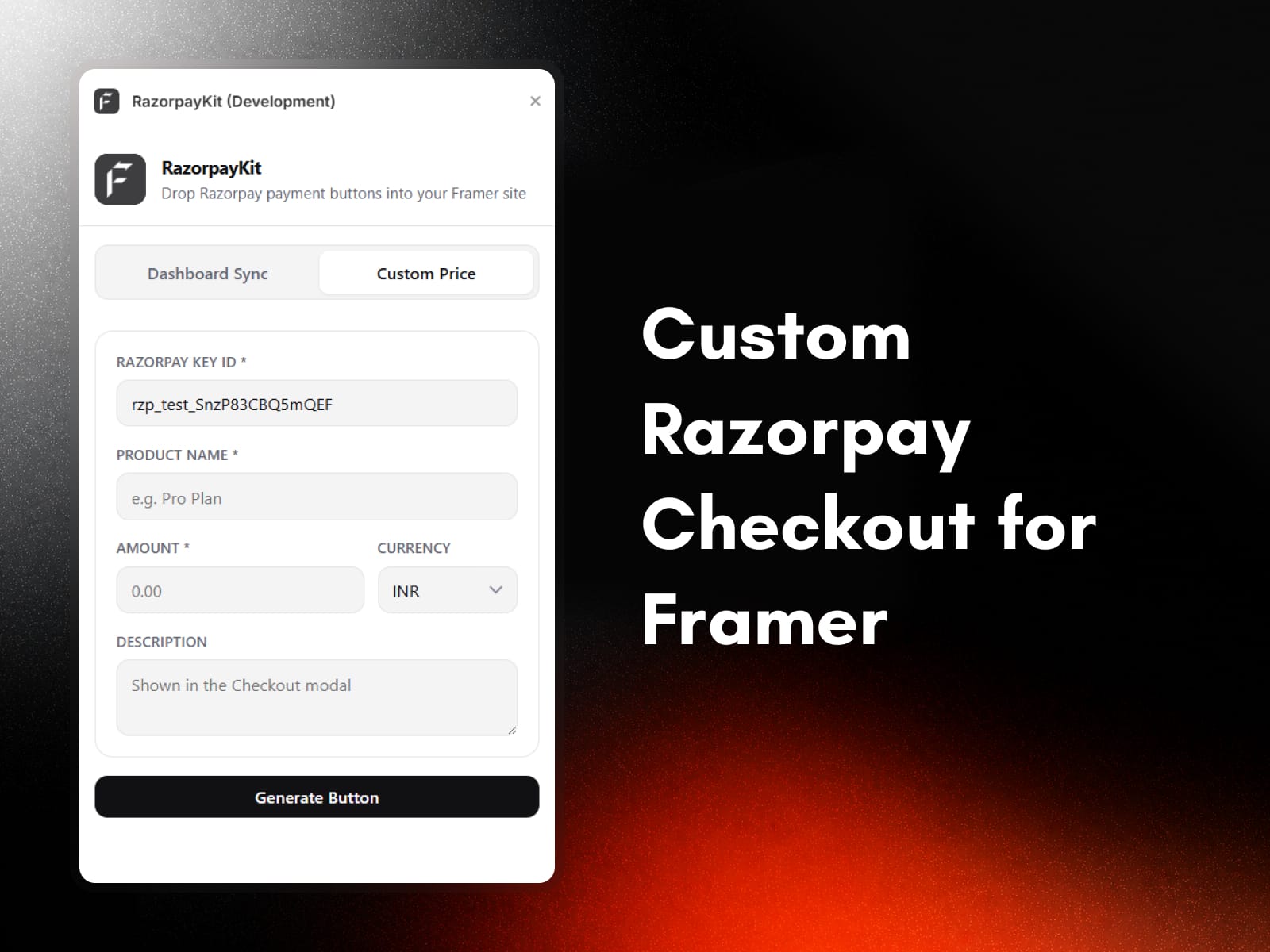
Two checkout styles: hosted Payment Links or the Razorpay Standard Checkout modal.
Create new links inside Framer without switching tabs.
Accept payments in INR, USD, EUR, GBP, AED, SGD, AUD, and CAD.
What's inside
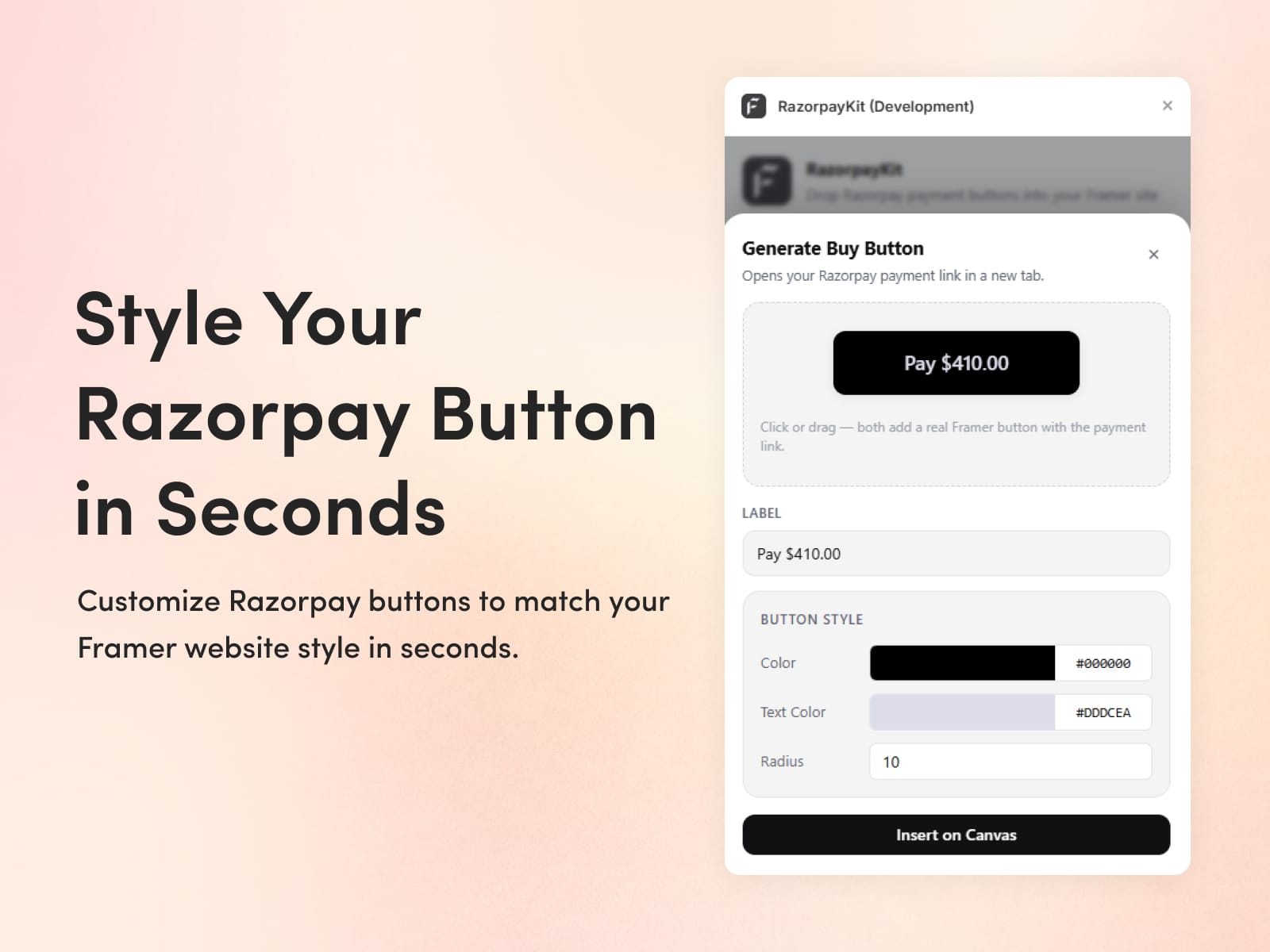
The Sync tab pulls every active Payment Link with price, currency, and status and quietly filters out expired and cancelled ones. The Create tab spins up a new link in a few clicks. The Custom Price tab builds Standard Checkout buttons that open the Razorpay modal on click, with a live preview while you style them. Every button stays fully editable once it's on your page.
Who is it for
Creators selling courses or templates, SaaS founders with paid plans, agencies shipping client sites, coaches taking deposits, and small businesses moving past a plain landing page.
Support: connect@fecommerce.co